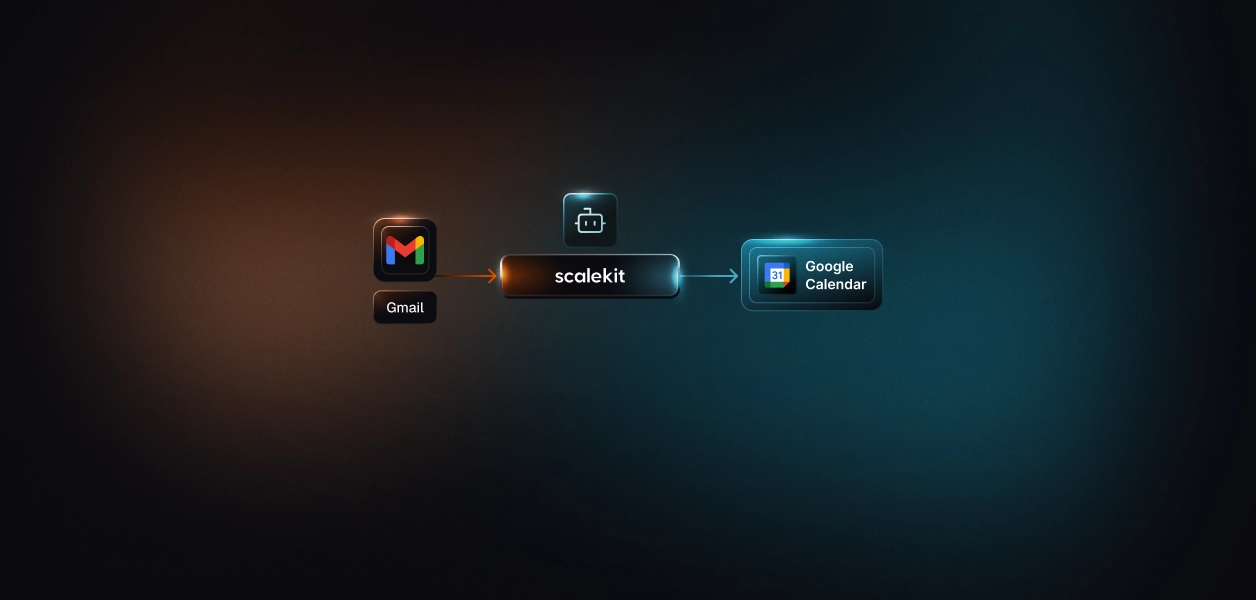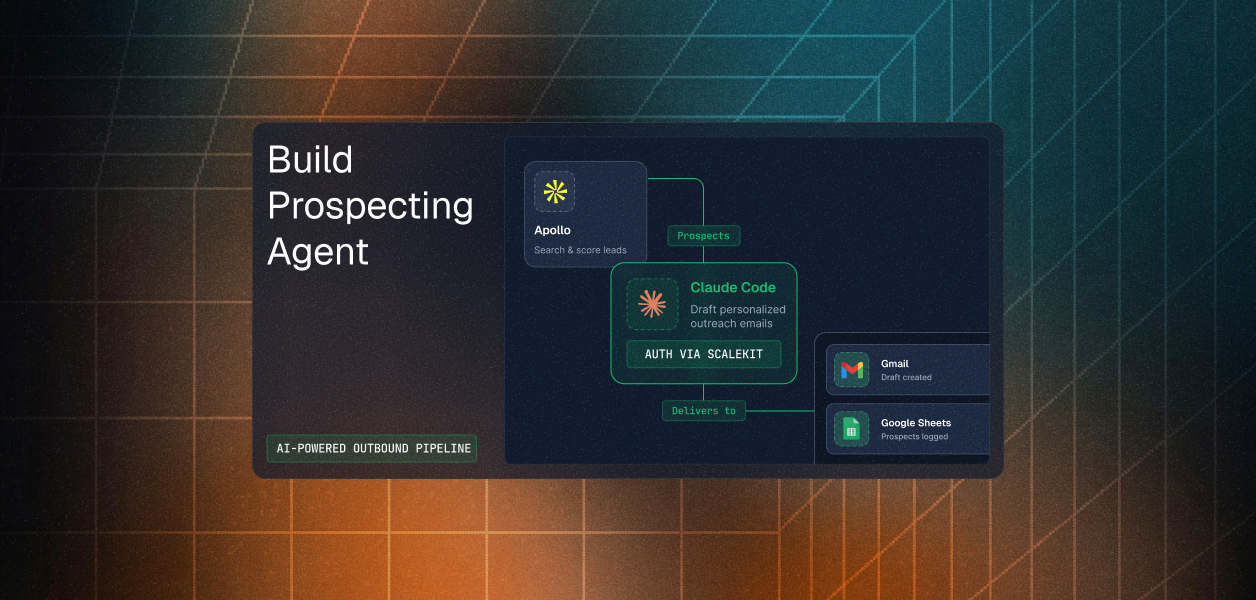


The scheduling thread is the most reliably wasteful object in professional life.
"Does Thursday afternoon work for a quick sync?" Then a reply: "Thursday's tight, Friday after 2 is better." Then a third message agreeing, and a fourth that is just an invite going out. Four messages and roughly a day and a half of elapsed time to place a thirty-minute block that both people wanted from the first sentence. Nobody's job description includes this. Everybody does it several times a week.
The agent that closes the loop is not large. It reads the mail, understands the request, checks the calendar, and books. Maybe four hundred lines.
What makes it interesting is not the pipeline. It is that this agent writes to two surfaces where mistakes are not quietly reversible: a mailbox that other people read, and a calendar that emails invitations to external counterparties the instant an event is created. Most of the real engineering here is about what the agent declines to do on its own.
The Gmail connector exposes 56 tools. Two of them are relevant to the last step of this pipeline. gmail_send_message composes a MIME message and delivers it immediately. gmail_create_draft composes the same message and saves it to Drafts.
The agent uses the second one.
That is a deliberate choice, and it is the right one. An email sent under your name to a customer, a candidate, or an investor cannot be recalled. A draft sitting in Drafts costs the user one click and buys back the entire class of failures where the model misread a date, hallucinated an attendee, or replied to a thread that was not actually a scheduling request. The comparison between Gmail's MCP server and its REST API makes the same point from the other direction: Google's own MCP server ships no send tool at all, only draft creation, because it was designed for a review-before-send workflow. The REST connector gives you both. This agent picks the narrower one.
Now the part that does not hold up.
The calendar event is created with no human in the loop, and the intent is to notify every attendee. So an LLM misreading "let's talk about Thursday's launch" as a request to meet on Thursday produces an invitation that lands in other people's calendars and inboxes, from you, automatically.
Line up the two decisions and the asymmetry is stark. The action that is trivially reversible is gated behind a human. The action that is visible to third parties and awkward to undo is not. If you ship one change from this post, make it that one: put the approval step in front of googlecalendar_create_event, or at minimum create the event without notifying attendees and let the confirmation draft carry the invitation once a human has sent it. Choosing which tools an agent may call unattended is least privilege applied at the action level, not the scope level.
Gmail ships 56 tools and Google Calendar ships 30, both OAuth 2.0. Setting them up looks like two tasks. It is closer to one and a half, because they share a Google Cloud project and therefore share a consent screen.
Scalekit creates the Gmail connection using its own credentials by default, which is why the repo's README can say Gmail needs no OAuth app. That is true for testing and not true for production. Before you ship, you click Use your own credentials, copy the redirect URI, and register an OAuth client of type Web application in the Google Cloud Console with that URI under Authorized redirect URIs.
Then there is the step that is easy to miss because it lives somewhere else entirely: in APIs and Services, then Library, search for the Gmail API and enable it. Google Calendar needs the same treatment for the Calendar API. Creating the OAuth client does not enable the APIs, and an agent whose credentials are perfect will still fail on every call until you do.
This is the constraint most likely to surface late, and Scalekit's docs lay it out in a table worth reading before you write any code.
Internal is the tidier consent screen and it is usually the wrong choice, because a user on @gmail.com or at a customer's domain cannot complete OAuth against an Internal app at all. External is what a multi-tenant agent needs, and until Google finishes verifying your app, everyone authorizing sees a scalekit.dev domain on the consent screen rather than your brand.
Two follow-on facts save time. Switching to an organization-managed OAuth client does not bypass verification; the same rules apply, which is one of several reasons OAuth beats API keys for agents but costs more up front. And Scalekit's custom domain feature controls your environment URL for MCP auth branding, which is a different thing entirely and does not substitute for Google's app verification.
During development, add test users under the OAuth consent screen while publishing status is Testing, and expect to click through Advanced, then Go to app (unsafe) on an unverified app. In a Workspace org, an admin may also need to allowlist your OAuth client.
One more Gmail-specific behavior worth planning around: Google revokes OAuth refresh tokens carrying mail scopes whenever the user changes their password. In enterprises with mandatory rotation this is routine rather than exceptional, and it surfaces as a connected account that is no longer active rather than as an error your code can retry. The outbound prospecting agent post covers Gmail's sensitive-scope tiers in more depth if you are widening beyond gmail.compose.
Recommended Reading: Gmail MCP vs the Gmail API and Google Calendar MCP vs the Calendar API if you are weighing the MCP variants.
Gmail's connector docs carry an explicit warning, and it is the single most useful sentence on the page: response fields from Gmail tools come back in camelCase, like threadId and messageId and internalDate, while tool input parameters use the snake_case names in the tool list, like thread_id and message_id. Read values one way, write them the other.
Google Calendar's tools are snake_case on input throughout. googlecalendar_list_events documents calendar_id, time_min, time_max, single_events, order_by, and max_results. Here is what the agent sends:
Every key is camelCase. Not one of them matches the documented schema.
The event creation call goes further and sends both spellings of the same field, which reads like a hedge written under uncertainty rather than against the tool list:
Check that against the documented schema for googlecalendar_create_event and four things stand out. start_datetime and summary are the only required parameters, and they are correct here. But end_datetime is not a parameter this tool accepts at all; duration is expressed through event_duration_hour and event_duration_minutes. Attendees go in attendees_emails as an array of email strings, not in attendees as an array of objects. The timezone field is timezone, not time_zone or timeZone. And send_updates is a boolean, not the string "all".
The failure mode here is the bad kind. Unrecognized keys tend to be ignored rather than rejected, so the call succeeds, an event appears, and the fields you thought you set are simply absent. Nobody gets an invite and nothing in the logs says so.
Sending both spellings feels defensive and is worse than choosing. It guarantees that at least one key on every call is wrong, and it hides which one was doing the work. The fix is to open the tool list and match it exactly:
There is a habit worth taking from this. When a connector call behaves oddly, read the tool list before you read your own code. The connector reference is generated from the same schemas the executor validates against.
The agent determines availability by listing every event in a window and reducing them to busy intervals by hand:
That is careful code. It handles all-day events, missing timezones, and unparseable dates. It is also solving a problem Google already solved.
googlecalendar_query_freebusy takes calendar_ids as an array plus time_min and time_max, and returns busy ranges directly. Three differences matter for this agent. It returns intervals rather than events, so recurring-event expansion and all-day normalization stop being your problem. It pulls no event content, which matters because listing events means retrieving the titles and descriptions of every meeting on someone's calendar in order to learn that they are busy, and an agent should not hold data it does not need. And it accepts multiple calendars in one call.
That last one is the real gap. The template page describes this agent as resolving "the times everyone actually has free." It does not. It checks one calendar, the organizer's, and books a slot that is free for them. Every attendee finds out whether the time works when the invite arrives. Switching to free/busy with the attendee list is what would make that description true, and it is roughly a twenty-line change.
If you have not configured a connection before, start with the AgentKit quickstart.
Create a workspace and copy SCALEKIT_ENV_URL, SCALEKIT_CLIENT_ID, and SCALEKIT_CLIENT_SECRET into .env. Set SCALEKIT_IDENTIFIER to the email address whose mailbox and calendar the agent will act on.
Create both under AgentKit, then Connections. For a first run you can accept Scalekit's managed credentials and skip straight to authorizing. Before production, switch each to your own Google Cloud OAuth client and enable the matching API in the Library. Tool references live at Gmail and Google Calendar.
Google Calendar's docs are explicit about this and it applies to both connectors: copy the connection name shown on the connection and use that exact value in code. It may be something like meeting-prep-agent-googlecalendar rather than googlecalendar.
This repo hardcodes "gmail" and "googlecalendar", and its tool executor does not pass connection_name at all, resolving by connected account identifier alone. That works while each identifier maps to exactly one connection per service. The first time someone connects a second Gmail account under the same identifier, resolution becomes ambiguous. Threading a connection name through execute_tool now costs one parameter and removes the whole failure mode.
Then prompt Claude Code:
The startup check is the whole auth surface of this agent:
Every tool call in the agent then goes through one function, and the identifier argument is the entire per-user story:
There is no token anywhere in this codebase. Refresh, expiry, and rotation are handled server-side, which matters more than usual here because Gmail is one of the providers most likely to revoke a refresh token out from under you. OAuth for AI agents covers why that lifecycle belongs in infrastructure rather than in the agent.
Recommended Reading: Secure token management for AI agents and how to handle token refresh.
The first filter is not the model. It is a Gmail search query, and it is doing more work than it looks like:
Running the LLM over every unread email would work and would cost real money at inbox volume. Narrowing with Gmail's own search syntax first means Claude only sees candidates. The filename:ics clause catches calendar invitations that carry no scheduling language in the body at all.
The tradeoff is recall. A request phrased as "are you around Tuesday?" matches none of these patterns and is invisible to the agent. Widening the query costs LLM calls; narrowing it costs meetings. That dial is GMAIL_QUERY, and it is the first thing to tune against your own mail.
Each candidate goes to Claude Haiku with a prompt that has one job: decide whether this is a scheduling request, and if so return structured fields.
Three details in the prompt construction carry the reliability. Today's date and the user's timezone are injected, because "Thursday at 2" is meaningless without both. The body is truncated to 1500 characters, which is plenty for a scheduling request and keeps quoted reply chains from dominating the context. And header contacts extracted from To, Cc, and From are passed in, so the model has real addresses to work with rather than guessing at names.
The output contract is a single JSON object with is_scheduling as the gate. When it comes back false, or when the API call fails, the parser returns an empty result and the pipeline treats the email as not a scheduling request. That is the correct default: an agent that books a meeting because the model was uncertain is worse than one that skips a real request.
Attendees then get merged from two sources and deduplicated case-insensitively, so a model that misses a participant still produces a correct invite list as long as that person was on the thread.
If the email named a time, the agent checks it. If it did not, or if the requested time is taken, it searches:
The buffer is the part worth stealing. A slot is rejected if the meeting plus BUFFER_MIN on either side clashes with anything, which stops the agent from wedging a call into the ten minutes between two existing meetings. Default is ten minutes; raise it if your calendar has travel in it.
Two assumptions are baked in and both are configurable only by editing code. Weekends are skipped unconditionally. Slots step in thirty-minute increments from the start of the working day, so a twenty-minute meeting can only ever start on the hour or the half hour. Neither is wrong; both should be settings if you run this for more than one person.
The ordering of the final three operations is the idempotency design, and it is worth walking through in the order it executes.
The event is created first. If creation returns a conflict, the agent logs it, records the message as processed in memory, and stops without drafting. Then the confirmation draft is written, addressed to whatever Reply-To or From yields. Then the message is marked read:
Removing the UNREAD label is what keeps the next poll from finding the same email, because is:unread leads the search query. There is no state file here; the mailbox is the state.
That is elegant and it has one exposed seam. If the event is created and mark_read then fails, the email stays unread and the next cycle books the meeting again. The in-memory processed set covers the process lifetime but does not survive a restart. Failing to mark read is exactly the kind of transient error that happens during a token blip, so this is not theoretical.
The draft creation deserves one more look, because it tries three payload shapes in sequence:
The documented schema for gmail_create_draft settles it. body, subject, and to are all required, to is a string holding one address or a comma-separated list, and content_type defaults to text/plain. So the first attempt is correct, the second is redundant, and the third passes to as an array against a string parameter and cannot succeed. The whole ladder collapses to one call.
The same schema also has thread_id, which this agent does not use. Passing the original message's thread ID would attach the confirmation to the conversation it answers instead of starting a new one. For a scheduling reply, that is the difference between a tidy thread and a stray email.
Defaults are set for a workday of 10:00 to 18:00 in Asia/Kolkata with thirty-minute meetings and a ten-minute buffer, all configurable through .env. Change USER_DEFAULT_TZ before your first run or the agent will book at times that make sense to nobody.
The agent polls every sixty seconds. Gmail offers a genuine alternative: gmail_watch_mailbox registers a Cloud Pub/Sub topic and Gmail publishes a notification whenever mailbox history changes, which you then read with gmail_list_history.
Polling wins here for the same reason it usually does at this size. Push requires a Pub/Sub topic, a subscription, and an endpoint to receive on. The watch is replaced on every call and expires after seven days, so you also need a renewal job whose failure is silent: notifications simply stop. Polling one mailbox at sixty seconds is well inside Gmail's quotas and needs none of that. Flip to push when you are watching many mailboxes and the poll cost stops being trivial, and budget for the renewal job when you do.
Gate the calendar write. Covered above and worth repeating, because it is the one change that separates a useful assistant from a thing that emails your customers on its own initiative.
Fix the parameter names. Match the tool list exactly for googlecalendar_list_events and googlecalendar_create_event, and drop the duplicate spellings. Until then you cannot be sure which fields are actually landing.
Persist the processed set. The in-memory set is lost on restart, and the mailbox-as-state design only holds if mark_read succeeded. Writing message IDs to disk, or marking read before booking rather than after, closes the double-booking window depending on which direction you prefer to fail.
Delete the dead files. service.py imports a get_connector function that does not exist in sk_connectors.py, so it raises on import, and main.py imports service.py. Flask is not in requirements.txt. settings.py is a copy of the Slack triage agent's configuration module, docstring included, and nothing in the running pipeline reads it. None of this affects runner.py, but it will cost the next reader an hour.
Decide what happens to unparseable mail. An email that clears the Gmail query but returns no scheduling intent is marked read and skipped. That is reasonable for automation and destructive for a human who wanted to see it. Applying a label instead of removing UNREAD keeps the agent's decisions visible and reversible.
Wire the audit question. For "which identity called which tool against which connector, and when," tool call logs carry it, and the launch checklist is the short version of what to confirm before this runs on someone else's mailbox.
Recommended Reading: Audit trails for agent auth in B2B SaaS, and why admin accounts are the wrong pattern for AI agents.
Check everyone's availability. Replace the list-and-derive path with googlecalendar_query_freebusy, passing the attendee list as calendar_ids. You will only get busy ranges for calendars the authorizing user can actually see, which is the correct boundary and a good demonstration of why delegated identity matters here.
Add a Meet link. googlecalendar_create_event takes create_meeting_room as a boolean. One field.
Thread the reply. Pass the original threadId as thread_id on gmail_create_draft, remembering the camelCase-out, snake_case-in rule.
Reply instead of drafting, carefully. gmail_reply_to_thread sends within an existing thread and takes in_reply_to_message_id for correct threading headers. Only reach for it behind the same approval gate the calendar write should have.
Run it for a team. Replace the single SCALEKIT_IDENTIFIER with each user's real identifier and loop. Each person's tokens are managed independently, so there is no credential sharing and no cascade when one account expires. Access control for multi-tenant AI agents covers the isolation model once several mailboxes are in play.
The full code is on GitHub. Clone the repo, configure two connections, and have it running in under 20 minutes. Browse the catalog at Scalekit connectors, or start from another pattern in the agent template library.
If you get stuck, the Scalekit community Slack is the fastest place to get an answer.
Because a sent email cannot be recalled and a draft costs one click. The model is deciding whether an email was a scheduling request and what time it named, and both are things it can get wrong. gmail_send_message is available on the same connector if you want autonomous sending; put an approval step in front of it first.
No. It checks the authorizing user's own calendar only and books a slot free for them. Attendees learn whether the time works when the invite arrives. Switching to googlecalendar_query_freebusy with the attendee list as calendar_ids is the change that fixes this, bounded by which calendars the authorizing user can see.
Not to test. Scalekit creates the connection with its own credentials by default. For production you register a Web application OAuth client in Google Cloud Console, add Scalekit's redirect URI, enable the Gmail and Calendar APIs in the Library, and paste the client ID and secret back. Plan for Google's consent screen verification if users outside your Workspace will authorize.
It should not, because the agent removes the UNREAD label and the search query starts with is:unread. The gap is that marking read happens after booking, so a failure in between leaves the email unread and the meeting booked. An in-memory set covers the current process only. Persist it, or mark read first, depending on whether you would rather occasionally miss a request or occasionally double-book.
Yes, on every call, and there is no token in the agent's code. What it cannot fix is revocation, and Gmail revokes refresh tokens holding mail scopes whenever the user changes their password. That surfaces as a connected account that is no longer active, which is why ensure_connected runs at startup and prints an authorization link rather than failing mid-run.