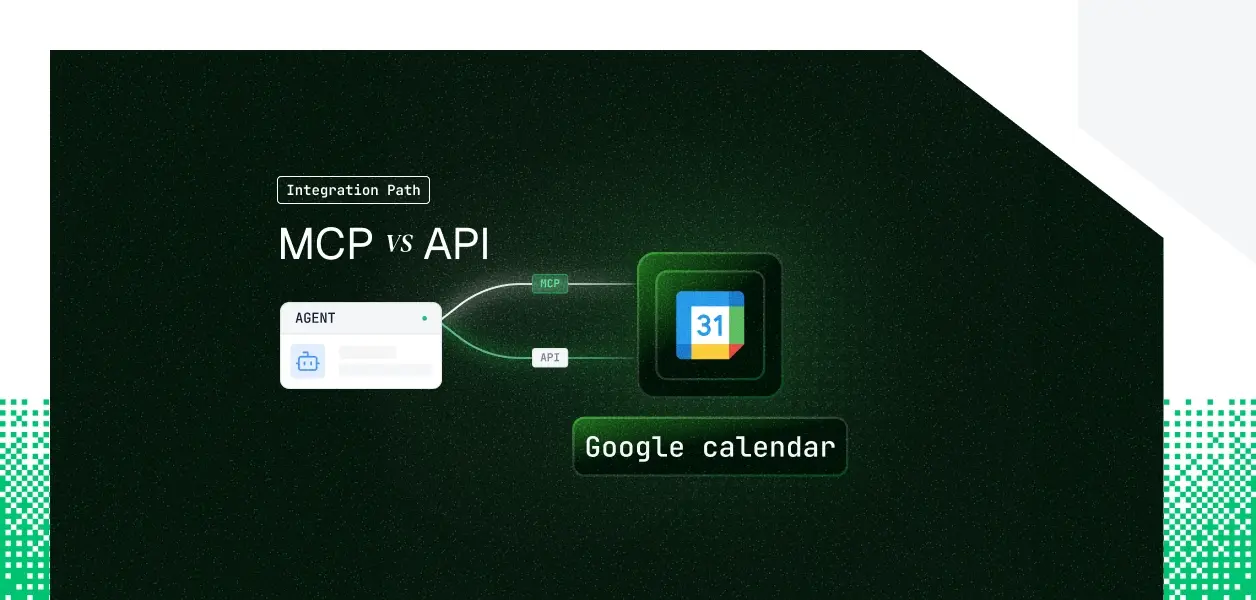


Your agent needs to read and write Google Calendar: check availability before a meeting, create events on a rep's calendar, reschedule when a deal slips. Google now ships two ways in. There is a remote, Google-hosted MCP server at calendarmcp.googleapis.com, and there is the Calendar REST API your services have called for years. They cover overlapping but not identical territory, they put you on different auth paths, and one of them is still a preview. Here is how to pick.
Google Calendar offers a remote, Google-maintained MCP server that lets AI clients act on calendar data. It is published through the Google Workspace Developer Preview Program, so treat it as preview software, not a GA dependency. The global endpoint is https://calendarmcp.googleapis.com/mcp/v1 over HTTP transport.
Auth is OAuth 2.0, with no alternative. You enable the calendarmcp.googleapis.com service in a Google Cloud project, configure an OAuth consent screen, create a Web-application OAuth client, then point a client such as Google Antigravity or Claude at the endpoint. Connecting from Claude requires a Claude Enterprise, Pro, Max, or Team plan.
Official docs: Configure the Calendar MCP server and the MCP reference.
The Calendar REST API (v3) is the mature surface: events, calendars, calendar lists, ACLs, settings, colors, free/busy, and push notification channels. You have built against it before.
Auth accepts a bearer token from three sources. OAuth 2.0 Authorization Code handles per-user delegation. An API key reaches public, read-only calendars. A service account with domain-wide delegation impersonates users across a Workspace domain using a signed JWT assertion, with no interactive flow. Per-user delegation and headless service-account patterns both work.
Official docs: Calendar API overview and authentication and scopes.
The MCP server covers the conversational scheduling surface: read the calendar, find a slot, create and edit events, RSVP. Everything structural, sharing, configuration, secondary calendars, and change events, stays on the API.
The MCP server is built for a user-facing assistant managing one person's schedule. The moment an agent needs to configure sharing, spin up a team calendar, or react to a change it did not make, it is outside the MCP tool set. That is not a missing tool shipping next month; ACLs, settings, and change events are structural parts of the REST API, not the preview's design target.
On the MCP path
Google manages hosting, tool schemas, and permission enforcement. You still own per-user token storage, refresh, revocation, and tenant isolation. You also depend on a preview contract: tool schemas can change when Google updates the hosted server, with no version you pin. For admin visibility, the OAuth log events show up in Google's security investigation tool, which is governed by the Workspace admin, not your application.
On the REST API path
You own the full surface: endpoint selection, request construction, pagination, error handling, retries, and the token lifecycle. Quotas are a real constraint. Calendar API limits are enforced per minute on a sliding window, per project and per user, and a new standardized quota model applies to Google Cloud projects created on or after May 1, 2026, with overage billing planned later in 2026. Catch the rate-limit error and back off with truncated exponential backoff rather than assuming a fixed daily ceiling.
Push notifications exist only on the API. A watch channel does not deliver the changed event; it POSTs a bare "something changed" ping, and your service runs an incremental events.list with a stored syncToken to find what moved.
Channels expire within days and must be renewed by calling watch again, the callback must be HTTPS with a valid certificate, and miss the renewal and notifications stop silently. None of that exists on the MCP path.
Use Google Calendar MCP when
Use the Google Calendar API when
Whether the token comes from the MCP OAuth flow or the API's OAuth flow, a multi-tenant calendar agent ends up with one credential per user. Fifty customers means fifty tokens to store encrypted, isolate per tenant, refresh before expiry, and revoke when someone leaves. The token type differs by path; the lifecycle work is identical. Google enforces who the user is. It does not store, rotate, or revoke that credential for you.
A shared Google service account looks correct in a demo. In production, every event the agent creates or edits appears from the wrong identity, lands on the wrong calendar, and shows a service account in the audit trail with no link to the user who triggered it. For a multi-user B2B agent, per-user credential isolation is the requirement, not an optimization.
Scalekit's Google Calendar connector resolves the per-user OAuth token on every tool call, so events land on the right calendar from the right identity.
The token lives in an AES-256 token vault, namespaced per tenant, resolved server-side at request time, and never placed in the LLM context or your logs.
Refresh is automatic; revocation is a single dashboard action that fails closed on the next call for that user and leaves every other user untouched.
The same plumbing works whether you choose the MCP path or the API path. For domain-wide, headless Workspace access, Scalekit also offers a Google Workspace domain-wide delegation connector.
The connector ships six prebuilt, LLM-ready tools, each with a tested schema rather than API docs repurposed for agents:
Full schemas and parameters live in the connector docs.
Before the agent runs, listScopedTools returns only the tools the current user's connected account is authorized to call, not the whole catalog. That keeps the tool surface small, which is both an accuracy lever and a cost lever: a smaller decision space produces more reliable tool selection and fewer tokens spent before the agent does any work. What the user cannot do, the agent cannot do.
Here is the discovery, scope, then execution pattern with the Scalekit Node SDK and Claude. The connection_name and identifier must match the values configured in your Scalekit dashboard; the connection name is often something like meeting-prep-agent-googlecalendar, not googlecalendar.
The same connector works through LangChain, OpenAI, Google ADK, and Claude managed agents.
A Scalekit Virtual MCP Server gives each agent a scoped, per-user MCP endpoint with no server to deploy, host, or maintain. You declare which connections and tools the agent can see once per agent role; before each run, a short-lived session token is minted scoped to that user's connected accounts.
The agent sees only the tools you allow, not everything the connector exposes. The endpoint is static and looks like https://your-company.scalekit.com/mcp/v3/servers/<server-id>; the identity is per user.
Setup is in the vMCP quickstart and configure guide.
Every Google Calendar tool call is logged with who triggered it, which tool ran, and what came back, tied to the user who authorized it, with 90 days of SIEM-ready history. For a multi-tool, multi-tenant agent, that is the difference between answering an auditor's "which user, under what scope, touched this calendar?" and opening a three-week investigation with nothing useful in the logs. Agent tool observability at this level is what separates production systems from prototypes.
Most production calendar agents will use both: MCP or scoped tools for the interactive assistant, the API for background and event-driven work. The credential management problem is the same on either path, and that is what needs production-grade infrastructure.
Browse the Scalekit Google Calendar connector.
Need a connector we do not have yet? Request it in the Scalekit Slack community or talk to us.