.webp)


Your agent needs to read and write Gmail. Google now ships two distinct paths: an official remote MCP server at gmailmcp.googleapis.com/mcp/v1, and the Gmail REST API your code has probably been calling for years. They cover overlapping but not identical territory. They put you on different auth paths. They make different operational demands in production. One of those differences is a hard ceiling for any agent that needs to send mail on its own. Here is the decision framework.
Google's Gmail MCP server is a remote, Google-managed endpoint at https://gmailmcp.googleapis.com/mcp/v1, built so AI clients like Claude and Antigravity can act in Gmail. It is currently in the Google Workspace Developer Preview Program, not general availability. Transport is HTTP. Auth is OAuth 2.0, configured through a Google Cloud project where you enable the Gmail API and the Gmail MCP API, then set up an OAuth consent screen with the gmail.readonly and gmail.compose scopes.
Official docs: the Gmail MCP server configuration guide and the Gmail MCP tool reference.
The Gmail REST API is a versioned interface at gmail.googleapis.com/gmail/v1. It exposes the full mailbox surface: messages, drafts, threads, labels, history, attachments, and settings such as filters, forwarding, send-as aliases, vacation responders, and delegates. It also exposes users.watch for push notifications via Cloud Pub/Sub.
Auth runs on a scope-based model and supports several patterns: OAuth Authorization Code for user delegation, service account with domain-wide delegation for Workspace organizations, and JWT Bearer for server-to-server execution. There are no LLM-specific affordances; schemas, pagination, errors, retries, and rate limits are yours to manage.
Official docs: the Gmail API guides and REST reference.
The MCP server covers reading and drafting well. The API owns everything operational and everything that writes the mailbox without a human in the loop.
The MCP server is built for a user-present, review-before-send workflow. Its 10 tools are create_draft, list_drafts, get_thread, search_threads, label_thread, unlabel_thread, list_labels, label_message, unlabel_message, and create_label. Anything that mutates the mailbox without human review, sends mail, syncs incrementally, or reacts to inbound events lives only in the REST API. These are architectural properties of the API, not MCP tools that will ship next month.
This is the single most consequential limit. The MCP server can compose a draft, but there is no send tool. Google's own walkthrough confirms the pattern: the client creates a draft in your drafts folder so you can review and send it from Gmail. An agent that must send a follow-up, a notification, or an autonomous reply cannot do it through the MCP server today. That work requires users.messages.send on the REST API.
The Gmail MCP server uses OAuth 2.0 with a browser consent flow. Each user who connects authorizes the gmail.readonly and gmail.compose scopes, and the agent inherits exactly what that user can see and do. There is no bot identity and no service account option on this path.
Because consent requires a browser, a background agent with no user present cannot complete the MCP flow. A nightly triage job, a scheduled digest, or an event-driven pipeline has no way to authenticate against the MCP server autonomously. This is a hard constraint, not a configuration choice.
The REST API gives you three patterns. OAuth Authorization Code is per-user delegation, the same identity model as MCP. Service account with domain-wide delegation lets a Workspace org authorize one client to impersonate its users without per-user prompts; this works for Workspace domains only, not consumer @gmail.com accounts. JWT Bearer gives clean server-to-server auth for headless execution. For background agents, that headless path is the deciding factor.
Both paths request restricted Gmail scopes such as gmail.readonly. Google requires restricted-scope OAuth app verification for production, and if you store restricted-scope data on your servers, a security assessment (CASA Tier 2 in practice). Choosing MCP does not exempt you from this; the scope, and therefore the review, is the same.
This is the part most comparisons skip. Naming what is structurally absent on each side is what tells you whether a path can carry your use case.
The MCP server has no send tool, no trash or delete, no attachment retrieval, no users.history.list for incremental sync, no users.watch for push notifications, and no settings management. It is also Developer Preview, so its tool schemas can change as Google iterates. If your agent sends mail, reacts to inbound events, or manages mailbox configuration, the MCP server is not the path.
The API gives you no LLM-ready tool schemas, no normalized tool descriptions, and no managed connection. You construct requests, parse responses, handle pagination, and map errors yourself. The MCP server returns tool definitions an MCP client can consume directly, which is genuinely faster for an interactive, read-and-draft assistant.
MCP tool calls consume the same Gmail API quota as direct calls. As of the May 1, 2026 update, new projects get 1,200,000 quota units per minute per project and 6,000 per minute per user per project, with a per-user moving-average limit near 250 units per second. Sends are expensive relative to reads, and consumer accounts cap at 500 sent emails per day. Quota planning is your responsibility on either path.
Google manages hosting, scaling, and tool schemas. You own per-user token storage, refresh, and revocation; tenant isolation; and the operational reality that a preview server's schemas can shift. Indirect prompt injection is a first-class risk: Google warns that an MCP client with Gmail access can read and modify mailbox data, so untrusted email content can carry hidden instructions.
You own the full stack: endpoint selection, request construction, error handling, retries, pagination, token lifecycle, and version migration. You also own push infrastructure. A users.watch registration expires after 7 days and must be renewed, typically daily, and notifications flow through Cloud Pub/Sub at roughly one event per second per user. The tradeoff is control: the API is v1 and versioned, so a deterministic pipeline is not exposed to surprise schema changes.
Whether the token comes from the MCP OAuth flow or a direct API OAuth grant, it has to live somewhere: encrypted at rest, isolated per tenant, and revocable when a user disconnects. Gmail access tokens expire after one hour, and refresh tokens can be revoked by a password change, a scope change, or Google's security systems, after which only human re-authorization restores access.
In a multi-tenant B2B agent, every user has their own Gmail credential. Fifty customers means fifty OAuth tokens, fifty refresh lifecycles, and fifty revocation paths. Offboarding makes this concrete: an Okta account is disabled, but a Gmail refresh token granted months ago keeps working until something explicitly revokes it. The agent does not decide to keep using it. It just does.
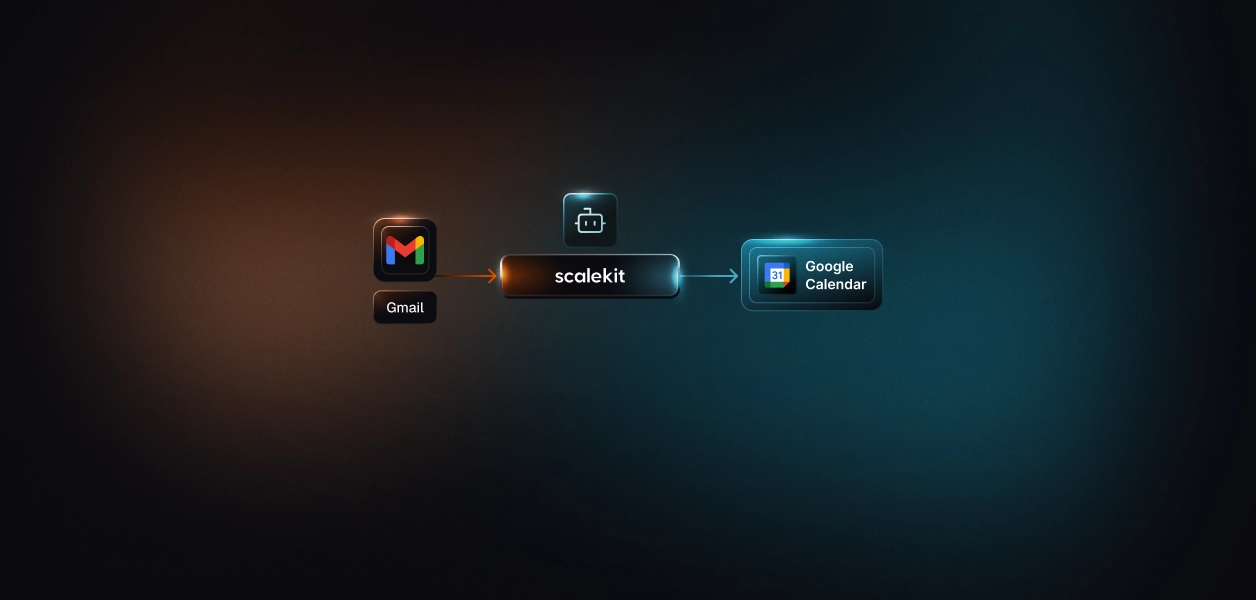
Scalekit's Gmail connector resolves the per-user credential on every tool call and keeps tokens out of the agent runtime and the model context. The same token vault and refresh logic work whether you front the REST API through Scalekit tools or expose a scoped MCP endpoint. The path decision does not change what you need at the credential layer.
A production Gmail agent fails on the same three things every time: per-user tokens, correct scope, and an audit trail that ties each action to the user who authorized it. Scalekit's connector handles the OAuth flow, stores tokens in a token vault, refreshes them proactively, and exposes Gmail as scoped tools. Your agent calls a tool, gets a result, and never sees a token. Browse the Scalekit Gmail connector and the connector docs.
Create the connection in the dashboard first, then copy the exact Connection name; the string must match the dashboard value, which is the most common integration error.
list_scoped_tools returns only the tools the current user's connected account is authorized to call, not the full catalog. Discovery comes first, then scope, then execution.
actions.langchain.get_tools() returns native StructuredTool objects, so there is no schema reshaping.
Scalekit ships native adapters for LangChain, Anthropic, OpenAI, Google ADK, Vercel AI, and Mastra, and any MCP-compatible host can connect to a Scalekit-generated MCP URL. If you are running a different stack, for example a Hermes-model agent or another framework without a first-class adapter, the MCP route covers it, and you can request a dedicated adapter or capability through the channels below.
A shared credential gives every user the same tool surface and the same access, which is both a security failure and an accuracy failure once a second user exists. Scoping tools per user keeps the surface small, which also improves tool selection: a model choosing from 5 to 10 relevant tools picks more reliably than one choosing from a full catalog. What the user cannot do, the agent cannot do.
Standard logs capture a user ID and a timestamp. An agent action touches several principals: the triggering user, the agent process, and the credential owner. Scalekit's auth logs tie each Gmail tool call to the connected account that authorized it, which is what a SOC 2 or GDPR reviewer needs when they ask who authorized a given send or read.
If a Gmail capability or a framework adapter you need is missing, ask for it directly. Join the Scalekit Slack community, use the Talk to us page, or talk to Scalekit's engineers.
If your agent is interactive and its job is to search, read, summarize, and draft for human review, the Gmail MCP server is the faster route, with the caveat that it is preview software and cannot send. If your agent must send mail, run headless, sync incrementally, react to inbound events, or manage settings, build against the REST API directly, using service-account delegation for Workspace orgs and JWT Bearer for background execution. Most production Gmail agents will use both: MCP or scoped tools for the interactive surface, the API for everything autonomous. The credential management problem is the same either way, and that is what needs production-grade infrastructure.
Browse the Scalekit Gmail connector: scalekit.com/agent-connector/gmail