

Your agent needs to operate Render. It reads a failing deploy's logs, checks memory on the API service, and rolls back the release that broke checkout. Render ships an official MCP server and a REST API that covers almost everything in the Dashboard. They are not interchangeable. The MCP server is built for a developer prompting from an AI coding tool; the API is built for software acting on its own. Here's where the two diverge for a production agent, and how to pick.
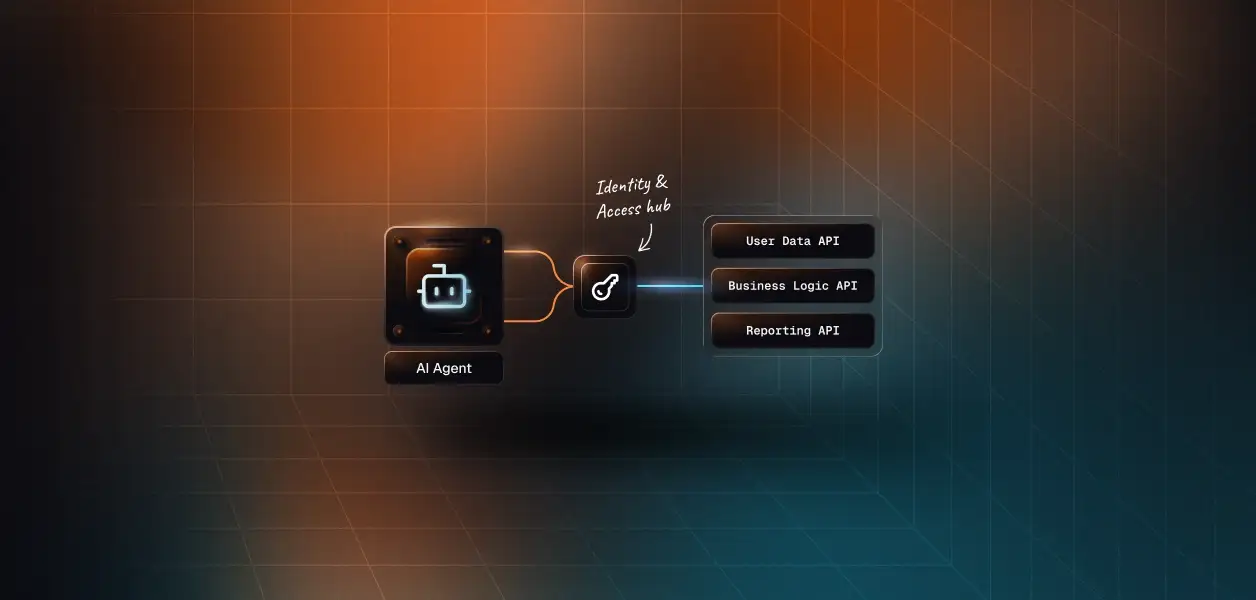
Both paths end at the same place: the Render REST API, called as a specific Render user.
Render maintains the official MCP server, hosts it, and publishes the implementation as open source. It went GA on August 21, 2025. Render recommends the hosted server over running it locally, because the hosted version updates automatically. It supports Streamable HTTP and stdio.
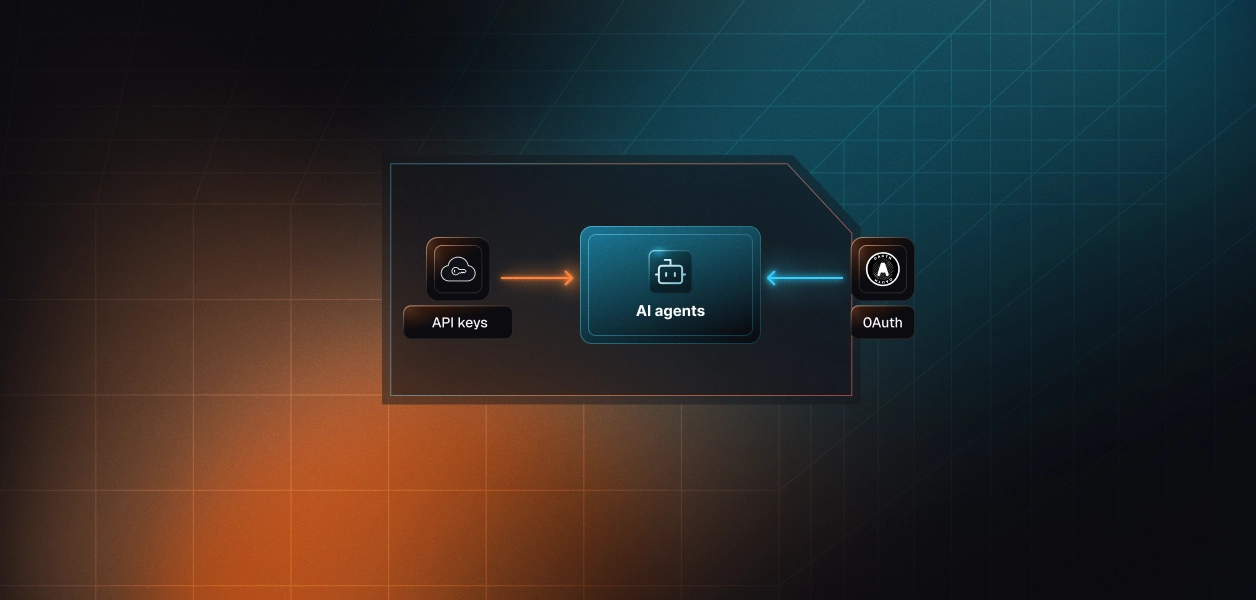
Authentication has two modes. OAuth for Claude Code, Codex, and Cursor shipped on July 22, 2026, and Render's docs also cover OAuth through the Claude Desktop connector. Those flows run through Render's official plugins and connectors; the Codex setup passes a fixed codex OAuth client ID. Other applications and non-interactive environments such as CI/CD send a Render API key as a Bearer token. Resource tools accept an explicit workspaceId.
The REST API lives under /v1 and is described by an OpenAPI 3.0 spec. Render says it supports almost all of the functionality in the Dashboard: every service type, Postgres and Key Value, deploys, rollbacks, scaling, environment groups, Blueprints, projects, custom domains, disks, webhooks, workflows, logs, metrics, and audit logs.
Every request requires an API key in the Authorization: Bearer header. Keys are created from Account Settings and shown once. Render documents no other authentication method for the REST API.
Four dimensions change your architecture: capability coverage, the auth path, what you own in production, and which workloads fit each path.
The MCP server's 26 tools cover discovery, creation, deploys, logs, metrics, and datastores. Three of them, update_web_service, update_static_site, and update_cron_job, return a Dashboard link instead of changing anything. Scalekit's Render connector wraps the REST API as 205 tools.
The MCP server stops right before the actions an incident responder reaches for. An agent working through MCP can find the failing deploy, read the error logs, and spot an out-of-memory event in the service's event history. It cannot roll back, restart, or scale. Its only levers on an existing service are a fresh deploy and an environment variable update. Render's own docs state the boundary: other modifications and deletions go through the Dashboard or the REST API.
query_render_postgres runs read-only SQL against a Render Postgres database, and the REST API has no equivalent. There is a catch for production data. The tool connects over the database's external URL, so the database's IP allowlist applies, and the hosted server has no IP addresses you can allowlist yet. For an IP-restricted database, Render's guidance is to run the MCP server locally.
For a custom agent, both paths converge on one credential. Render documents MCP OAuth only for its four supported AI tools. An agent you host, whether a LangChain service, a Claude SDK worker, or a scheduled job, connects to the hosted MCP server with a Render API key in the Authorization header. That is the same key it would send to the REST API. The token type doesn't change between paths. Only the tool surface does.
Recommended reading: OAuth vs API keys for AI agents
That credential is broad. Render's API docs describe no scopes and no read-only mode for keys, and a key provides access to every workspace its owner belongs to. Render still enforces the user's role: in a protected environment, only admins can perform destructive actions. What the user can't do, the agent can't do. The inverse holds too. Everything the user can do, across every workspace they belong to, the agent can do.
Both paths require per-user credential isolation in a multi-tenant B2B agent. Each user connects their own Render API key, so you hold one long-lived key per user. Neither path stores, rotates, or revokes it for you. The workspace breadth adds a second obligation: a consultant who belongs to three client workspaces hands your agent all three. Every call must pin the right owner_id or workspaceId, sourced from your tenant record, never inferred by the model.
Render owns hosting, tool schemas, and server updates. You own the key for each user and explicit workspace selection on every call. The older session-level workspace selection is deprecated and scheduled for removal, which is also a live example of the maintenance trajectory: the hosted server changes on Render's schedule, and tool contracts move with it. An agent pinned to today's tool signatures needs a regression check when the server ships.
You own everything above the HTTP call: request construction, cursor pagination, 429 handling, and an LLM-ready schema for every endpoint you expose. Render recommends exponential backoff with random jitter for 429s. The API itself maintains backward compatibility, but Render notes that endpoint names and tags in the OpenAPI spec can change. That matters if you generate tool definitions from the spec. Writing the schema is the hard part, not the API call.
Render rate limits the REST API per user: 400 GET requests a minute, 30 other writes a minute, 30 log requests a minute, and 20 service creations an hour. Deploys, suspends, and resumes are capped at 10 a minute per service. The hosted MCP server calls the Render API with the credential you give it, so an MCP session and a REST pipeline for the same user drain one budget. Log search is the tight constraint: a triage agent paging through logs hits the 30-per-minute ceiling long before the GET limit.
Recommended reading: Rate limiting for Virtual MCP servers
Pick the MCP server when the agent is an assistant for the person holding the account:
Pick the REST API when the agent acts on its own or for many customers:
Neither path turns a Render key into production-grade credential infrastructure.
Render gives every request an identity. The key acts as the user, and Render enforces that user's workspace role on every call, including admin-only destructive actions in protected environments. That is the correct security primitive for an agent acting on behalf of a person. It is not a credential lifecycle.
Take a B2B platform-engineering agent serving 60 engineers across 12 customer companies. That is 60 Render API keys, each long-lived, each able to reach every workspace its owner belongs to. You store them encrypted and isolated per tenant, keep them out of logs and LLM context, pin each call to the right workspace, and delete them when an engineer leaves or a customer churns. The MCP path removes none of this; for a custom agent, it uses the same key.
Scalekit's Render connector handles key collection, vaulted storage, and per-user tool execution, and serves the same connected account through direct tool calls or a Virtual MCP server. The MCP vs API decision doesn't change your credential infrastructure.
Four properties matter for a Render agent in production: where keys live, which tools the model sees, how multi-tool agents stay scoped, and what you can audit afterward.
Each user connects their Render API key once through a Scalekit-hosted page. For API-key connectors, that page shows a credential form instead of an OAuth consent screen. Scalekit encrypts the key with AES-256 at rest, isolates it per tenant, supports your own GCP or AWS KMS, and sends it with every call. Your agent passes an identifier. Credentials never touch the agent runtime or the LLM context.
Tool bloat is an accuracy problem and a cost problem. At roughly 200 tokens per tool, loading all 205 Render tools costs about 41,000 tokens before the agent does any work. list_scoped_tools returns only the tools the current user's connected account is authorized to call, narrowed further by tool name. A triage agent needs eight read-only tools. It should never see render_service_delete or render_postgres_connection_info_get, which returns the database password. Because the Render key can't be scoped, the tool surface is where least privilege lives. The fix is not better prompting. It is surface reduction.
A Virtual MCP server declares exactly which connections and tools an agent role can see: for example, eight read-only Render tools, two GitHub tools, and one Slack tool for an incident agent. Render's MCP docs describe no way to restrict its toolset per client; a Virtual MCP server exposes only the allowlist. You create the server once per agent role and mint a short-lived session token for each user before each run. One server definition serves all users. The endpoint is static; the identity is per-user. There is no MCP server to deploy, host, or maintain.
Recommended reading: What is a Virtual MCP server? and When to use a Virtual MCP server
Scalekit tracks every tool call with its outcome: success, failure, and why. Each call is captured as a structured event you can stream to Datadog, Splunk, or any SIEM. Every execute_tool response carries an execution_id, and each connected account records last_used_at. Auth logs cover token and session events across users and agents, filterable by user, organization, and status. When a customer asks which agent touched their API service at 02:14, the answer comes from a log, not a reconstruction.
Recommended reading: Audit trails for agent auth in B2B SaaS
The walkthrough builds a Render incident-triage agent in Python: the Claude SDK for the direct tool-calling path, and LangChain for the MCP path. The Node.js SDK supports connected accounts and executeTool, but as of version 2.17.0 it doesn't mint Virtual MCP session tokens, so Python keeps both paths in one language.
Create the Render connection once per environment in AgentKit > Connections > Create Connection; the Render connector docs walk through the dashboard steps. The connection name in your code must match the dashboard exactly. This is the single most common integration error. The examples use render. Copy SCALEKIT_ENVIRONMENT_URL, SCALEKIT_CLIENT_ID, and SCALEKIT_CLIENT_SECRET from Developers > API Credentials, and set ANTHROPIC_API_KEY and RENDER_WORKSPACE_ID.
get_or_create_connected_account creates the per-user record. If it isn't ACTIVE, get_authorization_link returns a hosted page where the user enters their Render API key. The identifier must be your server-side user ID, never a value the browser supplies.
The agent doesn't load a flat catalog of 205 tools. list_scoped_tools returns the tools this user's connected account is authorized to call, and the tool_names filter narrows that to a read-only triage surface. No deploy, rollback, scale, delete, or credential tool reaches the model.
Each tool_use block becomes an execute_tool call against the user's connected account. Scalekit injects the vaulted Render key and returns structured output. Errors, including Render 429s, go back to the model as is_error tool results instead of crashing the loop.
For MCP clients and multi-tool agents, define the server once per agent role, not once per user. This one pairs the Render triage tools with two GitHub tools and one Slack tool. Every connection_name must already exist in AgentKit > Connections and match the dashboard exactly.
LangChain reaches the Virtual MCP server through langchain-mcp-adapters over Streamable HTTP, with the session token as a Bearer header. The loop below is the full tool-calling cycle; the model only sees the eleven allowlisted tools.
The same pattern powers Scalekit's incident response agent, DevOps assistant agent, engineering standup agent, and auto release notes agent templates. Framework-specific versions live in the LangChain and Anthropic examples, and the full Virtual MCP lifecycle is in Set up and connect a Virtual MCP server.
Recommended reading: Vercel MCP vs Vercel API, GitHub MCP vs GitHub API, and PagerDuty MCP vs PagerDuty API
If your agent is a developer's assistant inside Claude Code or Cursor, diagnosing that developer's own services, Render's hosted MCP server with OAuth is the fastest path, and its read-only SQL is a real advantage. If your agent remediates, runs headless, or serves many customers, build on the REST API: rollback, scaling, and suspension exist nowhere else. Either way, a custom agent holds a per-user Render API key that reaches every workspace its owner belongs to. That credential, and the tool surface you let it drive, is what needs production-grade infrastructure.
Shipping a Render agent for many users and want a second set of eyes on the credential model or the tool scoping? Talk to us and a Scalekit engineer will help you get it to production.
Start with the Scalekit Render connector docs, browse all Scalekit connectors and the full connector catalog in the docs, or compare plans on the pricing page.