

A virtual MCP server turns a set of tools into something a language model can drive at full speed. That is the point of it, and it is also the problem. A request pattern that looked like a careful human a year ago now looks like a burst of automated calls, because a single agent conversation commonly chains many tool calls in seconds rather than minutes.
The numbers make the shift concrete, and they are worth keeping in mind as design constraints:
Rate limiting in this setting is no longer a latency nicety. It is a cost, security, and reliability control at the same time.
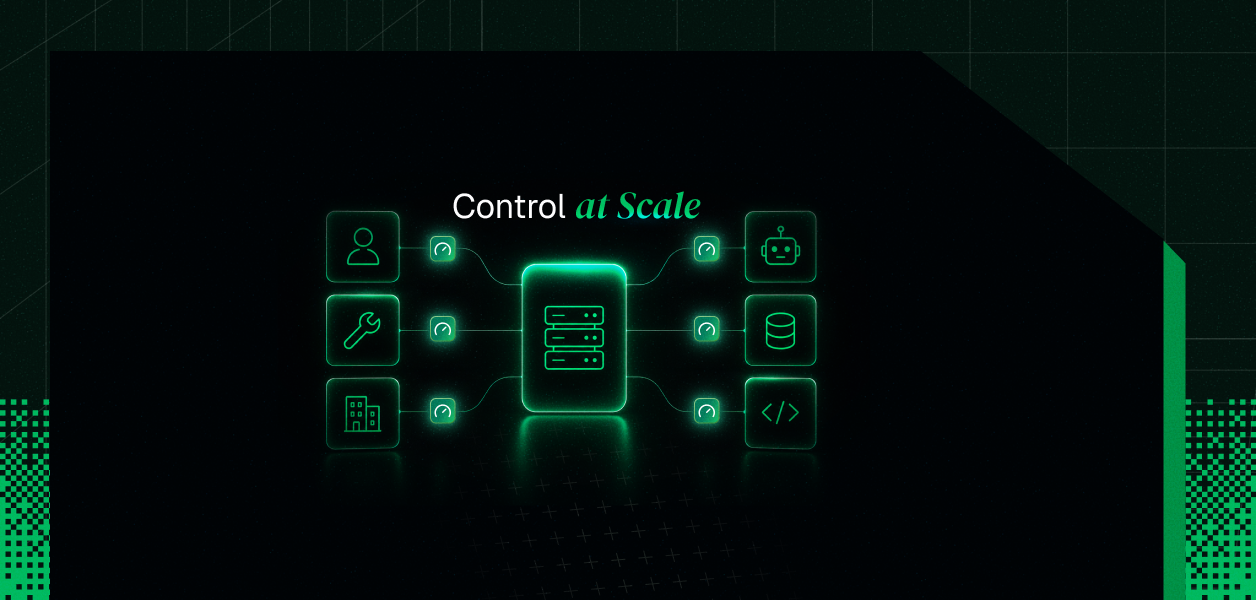
The three controls (Per-User, Per-Tool, and Per-Tenant) are not arbitrary. Each answers a distinct failure mode, and each keys on a different identity dimension:
Most teams instrument one of these and get surprised by the other two. A per-user limit does nothing to stop a single expensive tool from dominating, and neither one prevents one tenant from exhausting a shared upstream quota.
Defense in depth here means layering limits, which is exactly what OWASP's AI agent guidance recommends across gateway, application, and tool levels.
Whatever you key on, a rate limit is built from the same pieces:
Two algorithms cover most cases, and the choice is a tradeoff.
For the bursty shape of agent traffic, token bucket with a burst allowance is usually the better starting point.
Two refinements separate a naive limiter from a useful one.
First, weight calls by cost: a trivial read should not draw the same budget as a database query or an inference call, so expensive tools spend more tokens.
Second, count in sessions, not raw requests. Every MCP operation is a single HTTP POST, so one tool call is really a short sequence of posts; a limit of five requests per second is closer to one tool-call session per second once discovery and handshake are included.
Per-user limiting addresses the runaway agent. When one user's agent gets stuck in a retry cycle or fans out across many parallel conversations, a per-user budget contains the damage to that user rather than the whole server.
On a remote virtual MCP server over Streamable HTTP, the caller is identified from the request, then used as the bucket key:
Not all tools are equal, and per-tool limiting reflects that. A cheap echo and an expensive long-running query should never share one ceiling, because the expensive one is where cost and downstream load concentrate.
Per-tool limiting reads the tool name out of the call and gives each tool its own counter. Gateway implementations do this by inspecting the JSON-RPC body:
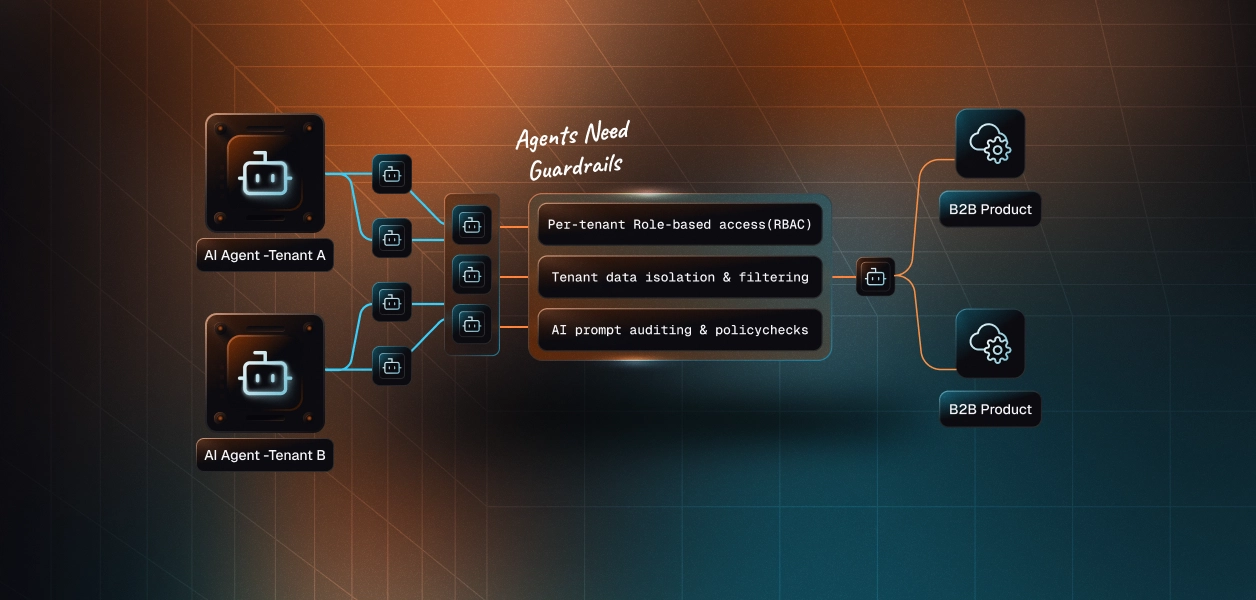
Per-tenant limiting is the cure for the noisy neighbor. In a multi-tenant product, one aggressive tenant can degrade or break service for everyone sharing the same resource, and per-tenant isolation is the only durable fix.
The sharpest version of this problem comes from shared credentials.
When one OAuth credential is shared across many customers, the first agent to get throttled can trigger a cascade: the upstream returns a 429, and every other session behind that same credential inherits it. Reports describe the first call being throttled within twenty seconds and dozens of sessions failing behind it. Per-tenant buckets contain the rate, but the credential model underneath is what decides the blast radius.
There is a second set of limits you do not control, and they fire whether or not you have your own. A single agent prompt can run into three independent ceilings:
Those downstream numbers are unforgiving at agent speed. Public figures include rates such as a few requests per second on some platforms and fixed hourly ceilings on others, none of which the model knows about. Your edge limit should be set with the tightest relevant downstream ceiling in mind, so your server slows traffic gracefully instead of relaying a wall of upstream 429s.
Why silent or signal-free limits fail?
A rate limit is only as good as the message it returns. The common failure is a 429 with no machine-readable guidance, which leaves the client to do something arbitrary: retry immediately, give up, or surface a confusing error. Without an explicit signal, the client never learns to slow down and simply repeats the pattern moments later.
A useful rejection tells the caller how to behave, and a robust client reads it:
Rate limiting is not a Scalekit feature (not yet), and Scalekit does not sit in the request path enforcing token buckets for you. The enforcement layer described above lives in your MCP server or in a gateway in front of it. If you build it into the server itself, the FastMCP rate-limiting middleware ships both token bucket and sliding window implementations to start from.
What every one of these controls needs first is a reliable identity to key on, and that is the part Scalekit supplies:
The worst noisy-neighbor case above came from a shared credential, where one tenant's throttling cascaded to everyone behind it. Scalekit resolves a separate per-user credential for each call rather than a shared bot token, so each user's calls hit their own upstream quota instead of a common one. That does not throttle anyone by itself, but it changes where an upstream 429 lands, which is half the per-tenant problem. You can see the per-user credential model in any connector page, and the auth setup in the MCP authorization quickstart.
Rate limiting for virtual MCP servers comes down to two disciplines. Key your limits on the right identity, and layer them so the three failure modes are each covered:
Decide what each limit keys on before you tune any numbers, because the keys are the architecture and the numbers are just configuration. Get a clean per-user, per-tool, and per-tenant identity in place first, set conservative buckets with burst room, and make every rejection return a signal an agent can actually act on.
For the auth and identity groundwork underneath, the SSO-backed MCP authentication guide and the secure MCP server writeup go deeper than this overview can.