.png)


Your agent needs to talk to GitHub. The official MCP server went GA in September 2025 with OAuth 2.1 + PKCE. The REST API has 600+ endpoints, three distinct auth models, and no license dependency. They're not interchangeable; the gap isn't capability. It's auth architecture. Here's how to pick.
The GitHub MCP Server is GitHub's official, open source MCP implementation, written in Go. It's available as a hosted remote server (https://api.githubcopilot.com/mcp/) or a local Docker image (ghcr.io/github/github-mcp-server). The remote version went GA on September 4, 2025, with OAuth 2.1 + PKCE.
The server organizes capabilities into 19 toolsets: context, repos, issues, pull_requests, users, actions, code_security, secret_protection, dependabot, notifications, discussions, projects, gists, git, labels, orgs, copilot, stargazers, and security_advisories. Only 5 are enabled by default.
One hard prerequisite: the hosted remote server requires a GitHub Copilot license to authenticate via OAuth. PAT forwarding works without it, but OAuth, the recommended path, does not.
Official docs: github.com/github/github-mcp-server
The GitHub REST API exposes 600+ versioned endpoints, authenticated via Authorization: Bearer header. Three auth models are available: Personal Access Tokens (PATs), OAuth app tokens, and GitHub App installation access tokens. A GraphQL API is also available for complex nested queries.
No license dependency. No toolset configuration. Endpoint coverage is complete: every capability the MCP server exposes is available via REST, plus a substantial surface the MCP server doesn't touch.
Official docs: docs.github.com/en/rest
The non-default toolsets aren't obscure edge cases. Actions, code_security, and projects are central to DevOps and developer assistant agent patterns. An agent configured against MCP defaults will fail these silently.
Non-default toolsets require explicit configuration: either via --toolsets flag, GITHUB_TOOLSETS environment variable, or the X-MCP-Tools header on the remote server. In a multi-user deployment, every agent instance must be configured correctly. There's no per-user toolset negotiation.
GitHub has also been actively consolidating tools. PR tools were restructured in October 2025; Projects toolset was overhauled in January 2026 (reducing context by ~23,000 tokens). Tool schemas change when GitHub ships server updates, without a versioning contract. Agents built against specific tool signatures may need updates after upstream changes.
The remote GitHub MCP Server supports two auth methods: OAuth 2.1 (browser-based, requires Copilot license) and PAT forwarded in the Authorization header. That's the full list.
GitHub App installation access tokens, short-lived, per-org, non-interactive, and scalable, are not a supported auth method for the MCP server. This is not a documentation gap or an upcoming feature. It's an architectural constraint of the current server.
The REST API supports all three:
For a multi-tenant B2B product: each customer org installs your GitHub App once. You exchange the installation ID for a short-lived installation access token per org. Rate limits scale per installation. Revoking access for one customer doesn't touch any other.
The standard pattern for a B2B agent acting across N customer orgs is: GitHub App installation per org, installation token per request, token refreshed automatically, revocation scoped to the org. The MCP server cannot participate in this model. A PAT is user-scoped, not org-scoped. A PAT expiring or being revoked affects everything using it, across all orgs.
For background agents acting across multiple customer GitHub orgs, automated PR summarizers, release note generators, standup agents pulling from multiple repos, the REST API with GitHub Apps is the only production-viable path.
With the remote server, GitHub handles infrastructure, updates, and tool schema maintenance. The operational benefit is real. You don't manage a Docker container; you don't apply server patches.
What you still own: token storage per user, toolset configuration per deployment, handling MCP spec changes when GitHub migrates to new protocol versions, and toolset drift when GitHub consolidates or renames tools in updates.
Two governance modes worth knowing for enterprise deployments: read-only mode restricts the server to non-mutating tools only. Lockdown mode filters content from untrusted contributors in public repositories and guards against prompt injection. Both are available on the local server; lockdown mode is also on the remote server.
With the REST API, you own endpoint selection, request construction, error handling, retry logic, pagination, and the full token lifecycle. The maintenance surface is larger. The operational model is also more stable: REST API endpoints are versioned (X-GitHub-Api-Version), and breaking changes follow a deprecation process.
For deterministic, scheduled, or high-volume agent pipelines, this stability matters. A nightly release-notes agent calling the same five endpoints shouldn't be affected by GitHub shipping an MCP server update that restructures tool schemas.
Use GitHub MCP when:
Use the GitHub REST API directly when:
The auth model divergence between the two paths is real: OAuth/PAT for MCP vs. GitHub App installation tokens for REST. But it obscures the problem that exists underneath both choices.
Both paths produce a credential per user or per org. The MCP OAuth flow gives you a token per user. The REST API with GitHub Apps gives you an installation token per org. In neither case does the path itself handle what happens to that token after it's issued.
Storage: tokens need to live somewhere outside agent runtime, encrypted at rest, isolated per tenant. Rotation: GitHub App installation tokens expire after 1 hour and need to be refreshed proactively. PAT expiry is silent unless you're monitoring it. Revocation: when an employee leaves or a customer churns, you need a way to surface and invalidate every active credential tied to that identity; a process neither the MCP server nor the REST API manages for you.
In a multi-tenant B2B product, that's N credentials, one per user or org, each with its own lifecycle. The path you chose changes the token type. The credential management infrastructure required is the same.
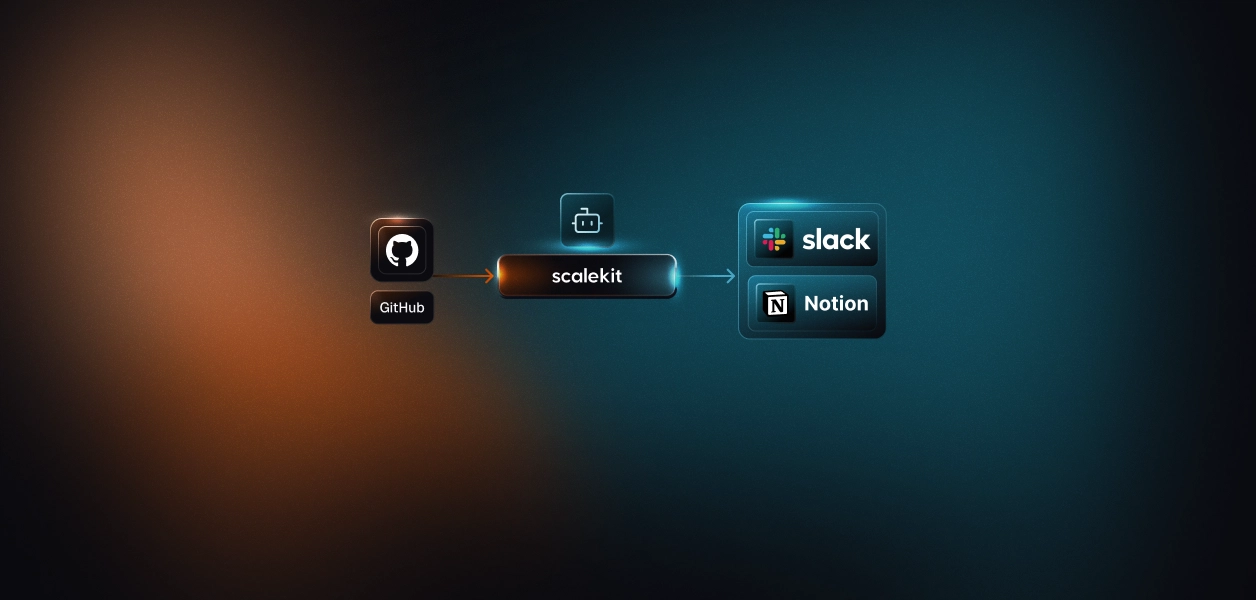
Scalekit's GitHub connector handles the OAuth flow, token storage, and refresh for both paths, so the MCP vs. API decision doesn't change your auth infrastructure.
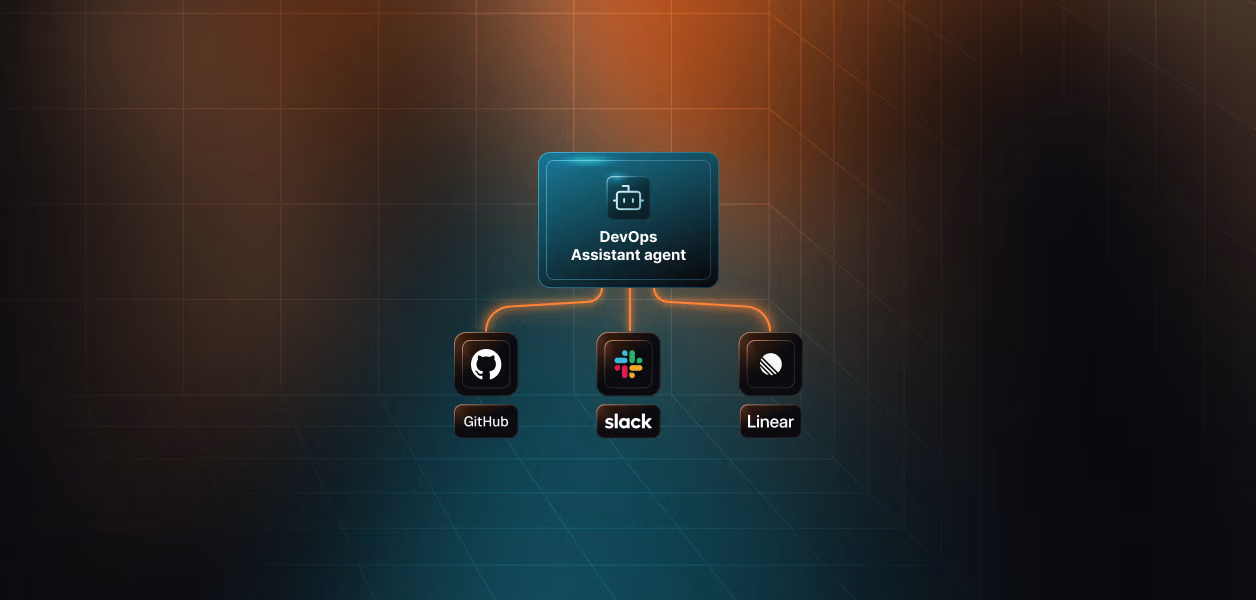
If your agent is developer-facing and interactive, a coding assistant, a devops tool, a repo analysis agent used by individual engineers, the MCP path is legitimate. GitHub maintains the server, OAuth handles auth, and the default toolsets cover the core use case. Configure non-default toolsets explicitly and account for the Copilot license requirement.
If your agent is background, multi-tenant, or org-level, acting across multiple customer GitHub installations, running on a schedule, or needing per-org rate limits and revocation, the REST API with GitHub Apps is the only production-viable path. The absence of GitHub App installation token support on the MCP server is not a workaround problem. It's an architectural mismatch.
The single question that decides it: does your agent need to act on behalf of multiple customer orgs, each with independent rate limits and revocation? If yes, REST API. If no, MCP is on the table.
Browse the Scalekit GitHub connector: scalekit.com/agent-connector/github


.webp)




