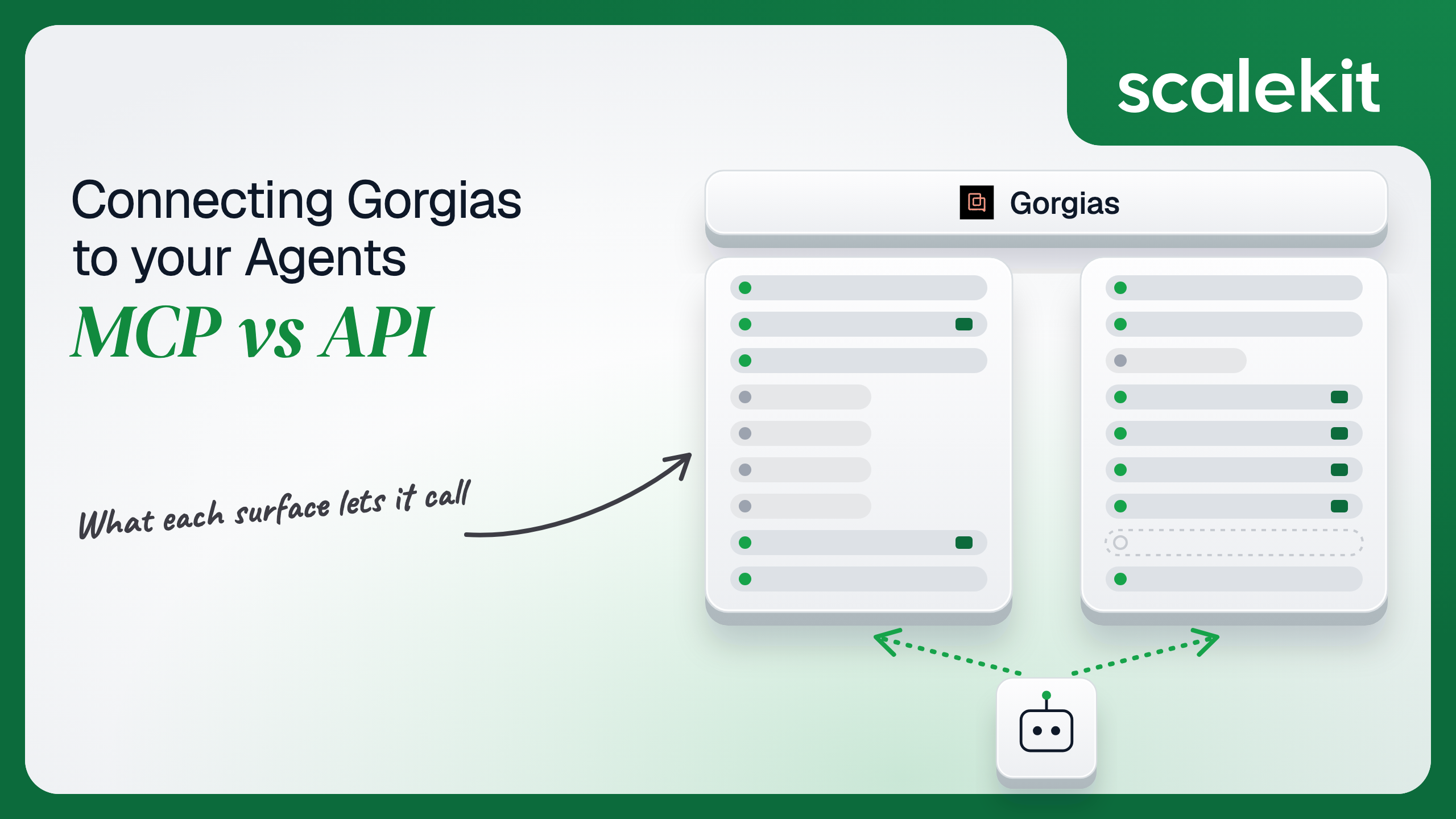


Gorgias hosts a first-party MCP server in open beta that acts as the signed-in user and enforces their helpdesk role, and keeps the REST API that its App Store apps are built on. The two share tickets, customers, macros and rules, then split Gorgias in half: AI Agent and Help Center configuration live only on MCP, while customer merges, survey records and event integrations live only on the API. This guide compares both for a support agent and shows how to run either across many merchants.
Your agent sits inside an ecommerce support team. It needs to find every open ticket about a delayed shipment, read the customer's history before anyone replies, post an internal note with the order context, bump priority on a VIP whose last survey scored a 1, or explain why the AI Agent handed 40 return requests to humans yesterday. Gorgias now ships a first-party MCP server that does most of that from Claude, ChatGPT, or Cursor, and it has a long-standing REST API that apps in the Gorgias App Store are built on. They share tickets, customers, macros, and rules. They diverge on who authenticates, whose role every call runs under, how rate limits are shared, and which half of Gorgias each one can reach at all. Here's how to pick.
The Gorgias MCP server is a remote Model Context Protocol (MCP) server that Gorgias hosts at https://mcp.gorgias.com/mcp (setup guide). Gorgias announced it as "a first-party server" in open beta on May 27, 2026, available on any Helpdesk plan, with AI Agent not required. Claude lists it in the connector directory and ChatGPT as a plugin; Claude Code, Codex, Cursor, and VS Code Copilot add it as an HTTP MCP server.
Authorization happens in the browser: the user enters their Gorgias subdomain, selects Allow Access, signs in, reviews the data access, and selects Authorize. Each connection covers one Gorgias account. A merchant running separate Gorgias accounts per brand connects once per brand, and Claude users can pin a brand with https://mcp.gorgias.com/mcp?gorgias_subdomain=YOUR_GORGIAS_SUBDOMAIN.
Gorgias groups what the server does into tickets (search, read, reply, internal notes, status, priority, assignee, tags), macros and rules, AI Agent configuration, Help Center and AI Agent knowledge, customers and team, and insights (voice-of-customer trends, response times, ticket volume, CSAT). Gorgias does not publish a tool count in the announcement. Scalekit's proxy of the same server lists 82 tools.
Two details are specific to this server. It ships its own operating manual as a tool, get_gaia_instructions, plus a get_instruction tool that loads a named skill workflow, so the server tells the model how Gorgias wants it to work. And it reaches analytics two ways: get_reporting_stats for live operational metrics by scope, and query for read-only SQL against Gorgias's analytics warehouse, which the tool description calls a last resort.
The Gorgias REST API lives on each account's own subdomain at https://{domain}.gorgias.com/api. Its reference covers Account, Customers, Custom Fields, Events, Files, Integrations, HTTP integrations, Jobs, Macros, Rules, Satisfaction Surveys, Search, Statistics and Reporting Statistics, Tags, Teams, Tickets, Ticket Messages, Users, Views, Voice Calls and recordings, and Widgets. List endpoints use cursor pagination with cursor, limit (default 30), and order_by, and return meta.next_cursor.
Auth takes two forms:
The table splits Gorgias in half. The REST API is the older helpdesk surface: tickets, customers, views, surveys, integrations. The MCP server is where Gorgias put the newer product: AI Agent configuration, guidance and skill drafts, tone previews, and Help Center publishing, none of which appear in the REST API reference. An agent that audits why the AI Agent handed over a ticket cannot do it through the REST API at all.
The MCP gaps run the other way. There is no customer merge, no view management, no survey record per ticket, no events log, and no way to register the HTTP integration that would tell a headless agent a ticket arrived. Shopify-side work follows the same split. Gorgias lets a Basic agent or above trigger third-party integration actions such as Shopify refunds and cancellations from the helpdesk, but the MCP tool list has no tool for them, and the AI Agent tools address stores by shop_name rather than by order.
"Why did CSAT drop last week, and which macros are making it worse?" on the raw API means pulling satisfaction surveys page by page (there is no score filter), joining them to tickets, reading the messages, listing macros, and matching macro text against low-scoring replies, all inside a 40-call burst that every other integration on the account shares.
On MCP, the model calls get_reporting_stats for the CSAT trend, search_tickets with a view-DSL filter for the low-scoring tickets, get_ticket with messages embedded, and list_macros ordered by usage. When the right answer is a SQL aggregate, get_tables, get_table_metadata, and query give it one without your code shipping a warehouse schema to the model. Writing the schema is the hard part. Not the API call.
The tradeoff is that Gorgias owns the surface, and it is still a beta. Gorgias says gated writes "roll out over the coming months," so a tool such as update_macro can appear in the tool list and still be refused on your customer's account. An agent tuned against today's behavior can change without a release on your side.
On the MCP path, the user authorizes in the browser and the server acts as that user. Gorgias is explicit that "the assistant acts as the connected user and can only do what that user's role allows," and requests beyond the role fail with "Insufficient role." Gorgias's role model is what makes that matter: an Observer can read tickets and leave internal notes but cannot reply; a Lite agent can reply, merge, assign, and tag; a Basic agent can also trigger Shopify refunds and cancellations; a Lead can delete tickets and manage macros and rules; an Admin adds account settings and billing. What the user can't do, the agent can't do. In Claude Team and Enterprise, an Owner or Primary Owner must enable the connector before anyone can connect.
On the direct API path, you choose between a key and an OAuth app. An API key has no scopes. It is the user who created it, with that user's role, and Gorgias's docs give no expiry for it; revocation means deleting it in settings. An OAuth app is the stronger option and the slower one. It must be registered on the Developer Portal and reviewed before merchants can install it from the App Store. The authorize and token endpoints are https://{subdomain}.gorgias.com/oauth/authorize and /oauth/token, so your app learns the merchant's subdomain before it can start the flow. Scopes run per resource: tickets:read, tickets:write, customers:write, macros:write, rules:write, satisfaction_survey:read, statistics:read, events:read, integrations:write, plus offline for a refresh token. The old write:all scope is deprecated. Access tokens last 24 hours; Gorgias says refresh tokens have no expiration, and if a merchant deactivates the app in the helpdesk, the full authorization flow must run again.
In a multi-tenant B2B agent, MCP's OAuth flow gives you a token per user and the direct API gives you a key or OAuth grant per user. In neither case does the path itself solve storage, rotation, or revocation; those are infrastructure problems regardless of which path you choose.
Gorgias adds two specific twists. The first is roles: a support lead's credential can rewrite every automation rule on the account, while a Lite agent's can only reply. Wire one Admin key into an assistant used by the whole team and every agent's request runs with Admin reach, including billing and user management. The second is accounts: one Gorgias login can belong to several brand accounts, and each MCP connection covers exactly one. Your vault keys credentials by user and by Gorgias account, not by user alone.
Recommended reading: OAuth vs API keys for AI agents
On the MCP path, Gorgias hosts the server, maps tools to its internal APIs, and checks the user's role on each call. You own each user's grant if your product is the MCP client, and you own the brand mapping when one person supports three storefronts. You own the beta risk too: Gorgias publishes no rate limits for the MCP server, no GA date, and no changelog of tool changes. Budget as if REST limits apply.
You also own the blast radius of customer-facing tools. create_message sends by default (send defaults to true), reply_and_close sends and closes, and apply_macro can send a reply. Gorgias's safeguards help where they exist: Help Center articles and guidance save as drafts until published, and new rules and support actions start disabled. Nothing similar holds back a reply to a customer.
On the API path, you own retries, pagination, and the shared bucket. Gorgias's rate limits are a leaky bucket per account: 2 calls per second, with a burst of 40 that takes 20 seconds to drain. A 429 carries Retry-After in seconds, and every response carries X-Gorgias-Account-Api-Call-Limit as used/limit. Per account is the operative phrase. Your agent, the merchant's Shopify sync, their review app, and their returns app all draw from the same 40, so an agent that pages through a year of tickets can starve the integrations the merchant pays for.
For events, Gorgias HTTP integrations call your URL on Ticket created, Ticket updated, Ticket message created, Ticket self unsnoozed, Ticket message failed, Ticket assignment updated, or Ticket status updated, with templated bodies such as {{ticket.id}}. There is no signature: you authenticate them with a static header or an OAuth2 client credential that Gorgias fetches. The timeout is 5 seconds; retries happen up to 3 times at 10, 20, and 40 seconds, only for unreachable endpoints (and timeouts on OAuth2 integrations), never for 429 or 500. After 500 consecutive failures the integration disables itself. Hookdeck's analysis of Gorgias webhooks adds that deliveries carry no trigger name, delivery ID, or timestamp, so one integration per trigger is the safe setup. An HTTP integration is how a headless agent learns a ticket arrived, on either path; the MCP server has no subscription.
Use Gorgias MCP when:
Use the Gorgias API when:
Both paths hand you a Gorgias credential per user. Neither hands you a vault. A support copilot serving 80 merchants with 15 agents each holds 1,200 MCP grants, more for merchants with separate brand accounts, each tied to one user's role on one account. On the API's OAuth path it holds grants whose access tokens expire every 24 hours and whose refresh tokens never do, which means a leaked refresh token stays useful until someone deactivates the app. On the API-key path it holds keys that are their owners, with no scopes, no documented expiry, and Admin reach whenever an Admin created them. Every one must be stored encrypted, kept out of logs and LLM context, mapped to exactly one user at one Gorgias account, and revoked when that agent leaves the support team. Support teams turn over seasonally. Peak season hires are the ones whose grants outlive their jobs.
The tempting shortcut is one Admin key per merchant. Fewer secrets, larger blast radius per secret: that key reads every customer's history, edits every rule, and every agent's request runs with the Admin's role.
Scalekit's gorgiasmcp connector handles the Gorgias OAuth flow, stores each user's tokens in the token vault, and refreshes them, so the MCP vs API decision doesn't change your auth infrastructure. Your agent passes an identifier; credentials never touch the agent runtime or the LLM context.
Recommended reading: why a token vault matters for AI agent workflows
Scalekit's gorgiasmcp connector proxies Gorgias's own MCP server. It exposes 82 tools: 42 read-only, 37 write, and 3 destructive (gorgiasmcp_archive_macro, gorgiasmcp_discard_draft_guidance, gorgiasmcp_discard_help_center_article_draft). The core set for a ticket triage assistant:
Most tools also take an optional user_intent string. The connector docs describe it as analytics only: it never changes the result.
The connector authenticates with OAuth 2.1, and Scalekit-managed OAuth credentials are available, so you do not register your own OAuth app with Gorgias or go through App Store review.
In the Scalekit dashboard, go to AgentKit > Connections and create a Gorgias MCP connection. The name you give it is the connection_name your code passes, and the string must match the dashboard exactly. This is the most common integration error. Copy SCALEKIT_ENVIRONMENT_URL, SCALEKIT_CLIENT_ID, and SCALEKIT_CLIENT_SECRET from Developers > API Credentials into .env. See the connector docs.
get_or_create_connected_account returns the user's connected account. If it is not ACTIVE, get_authorization_link returns the Gorgias authorization link the user opens once; Gorgias asks for the subdomain on that page. Because one connection covers one Gorgias account, the identifier below combines your user ID with the brand. Then gorgiasmcp_get_current_user confirms which Gorgias user, and so which role, this grant belongs to, so an Observer who signed in where you expected a Lead is caught before the agent tries to edit a rule.
This is not a catalog load. The agent asks for the tools this user's connected account is authorized to call, then narrows them to the seven a triage assistant needs. gorgiasmcp_create_message, gorgiasmcp_reply_and_close, and gorgiasmcp_apply_macro never reach the model, so it cannot send a customer a half-right refund answer while it is supposed to be summarizing a ticket. The only write it keeps is gorgiasmcp_add_internal_note, which customers never see.
The loop runs until the model stops requesting tools. Every call executes with this user's Gorgias grant and role, on the one Gorgias account the grant belongs to.
For pipelines, skip the model. execute_tool runs one tool with a fixed input and returns data plus an execution_id you can log. This handler receives a Gorgias HTTP integration configured on the Ticket created trigger, with a JSON body of {"ticket_id": "{{ticket.id}}", "account": "acme-store"} and a static X-Triage-Secret header. Gorgias signs nothing, so the header is the only authentication, and the handler compares it in constant time.
An HTTP integration is account-level; the delivery says nothing about which human should act. The handler maps the Gorgias account to the identifier of the triage user who connected it, so every write is attributed to that user's role, and the note is visible to the team as theirs.
The handler uses gorgiasmcp_add_tags rather than the tags field on gorgiasmcp_update_ticket, because the update field replaces every existing tag on the ticket and would wipe whatever the merchant's own rules applied. Gorgias gives you 5 seconds and does not retry header-authenticated timeouts, so in production, acknowledge the delivery and run the tool calls from a queue. Deliveries carry no ID, so make the work idempotent on ticket_id: check for the urgent-triage tag before you write.
The parts of Gorgias the MCP server does not expose, such as satisfaction survey records and the events log, belong in your own code. Scalekit custom connectors cover OAuth and API-key services if you want those REST calls to run through per-user connected accounts too. For a nightly job on a private app that finds 1- and 2-star surveys and flags them for the account team:
Every one of those calls runs as the key's owner, with that user's role, and lands in the same 40-call bucket as the merchant's Shopify sync. The 75 percent backoff is a courtesy the API does not enforce. If this job becomes a public app for many merchants, it moves to OAuth2 with satisfaction_survey:read and tickets:write, through Gorgias's app review.
A support agent rarely stops at Gorgias. It finds an unhappy VIP, then tells the account owner in Slack. Load all 82 gorgiasmcp tools and the model holds gorgiasmcp_reply_and_close, gorgiasmcp_enable_ai_agent_on_channel, gorgiasmcp_convert_to_advanced_view (which cannot be undone), and every rule editor while answering "who is unhappy this week." At roughly 200 tokens each, 82 tools is about 16,400 tokens before the agent does any work. The fix is not better prompting. It is surface reduction. A Scalekit virtual MCP server declares exactly which tools an agent role can see across connections, and session tokens keep each run bound to one user's connected accounts. Docs: set up a virtual MCP server.
One server definition serves every support agent at every merchant. Before each run, check that the user's accounts are active and mint a short-lived session token scoped to them. Any MCP client that speaks Streamable HTTP can connect; this example uses langchain-mcp-adapters (pip install langchain-mcp-adapters) and passes the token as a Bearer header.
The agent sees six tools instead of 82 plus everything Slack exposes. The endpoint is static; the identity is per-user. Gorgias's own role checks still apply underneath: if this user is an Observer, gorgiasmcp_add_internal_note works and nothing in the role lets the agent reply to a customer, even if a later change to the server definition added a reply tool.
Every execute_tool call returns an execution_id, and every execution is attributed to a connected account, which maps to one user at one Gorgias account. When a merchant asks which agent run bumped 200 tickets to high priority at 03:00, or who posted the note that told a customer's account manager about a chargeback, the answer is a lookup, not an investigation. On the Gorgias side, the server runs every call as the connected user, so Gorgias attributes the action to the same person your log does.
The API path is weaker by construction when keys are shared. A Gorgias API key carries its owner's identity, so every change made with one Admin's key is recorded as that Admin, whether a human or a pipeline made it. HTTP integration deliveries carry no ID and no timestamp, so your logs are the only place that records which delivery triggered which write. Shared credentials work for a single user. They do not survive a second user.
Recommended reading: audit trails for agent auth
If your agent is a support lead's or CX manager's assistant in Claude, ChatGPT, or Cursor, investigating CSAT, cleaning up macros and rules, or tuning the AI Agent, use Gorgias's hosted MCP server: it is the only path to AI Agent and Help Center configuration, and Gorgias's role checks keep each user inside their lane. Plan around the beta, because some writes are still gated. If you are building that assistant into your own product for many merchants, Scalekit's gorgiasmcp connector gives each support agent a per-user, per-account grant without an App Store review or your code ever holding the token. If your agent reacts to ticket events, exports survey records, merges customers, or has to pace itself against a merchant's shared rate limit, build against the Gorgias REST API. Either way, you hold a Gorgias credential per support agent that can read every customer conversation their role allows, and that's what needs production-grade infrastructure.
Yes. Gorgias hosts a first-party MCP server that has been in open beta since May 27, 2026, on any Helpdesk plan at no extra cost. It covers tickets, macros, rules, customers, teams, reporting, AI Agent configuration and Help Center articles, and Gorgias says some writes such as macro edits are gated during the beta.
The server acts as the connected user and can only do what that user's role allows. An Observer can read and leave internal notes, a Lite agent can reply, a Basic agent can also trigger Shopify refunds, and only a Lead or Admin can manage macros and rules. Each connection covers one Gorgias account.
Private apps use an API key sent with the account email as HTTP Basic auth, and the key carries its creator's role with no scopes and no documented expiry. Public apps in the Gorgias App Store must use OAuth with per-resource scopes and pass Gorgias review. OAuth access tokens last 24 hours and refresh tokens do not expire.
Only MCP reaches AI Agent guidance, skills, tone of voice, handover topics, reply previews and Help Center publishing. Only the REST API creates, merges and deletes customers, manages views, reads satisfaction survey records and the events log, and sets up HTTP integrations, which is how a headless agent learns that a ticket arrived.
Every REST call shares one leaky bucket per Gorgias account: a burst of 40 calls draining at 2 per second, with a retry header on 429 responses. The bucket is shared with the merchant's Shopify sync, review app and returns app, so an agent paging through old tickets can starve integrations the merchant pays for.
Scalekit's Gorgias MCP connector proxies Gorgias's own MCP server with 82 tools over OAuth 2.1, using Scalekit-managed OAuth credentials, so you skip App Store review. Each support agent's tokens live in a vault keyed by user and Gorgias account, and you narrow the tools per agent role through a virtual MCP server.
Browse the Scalekit Gorgias MCP connector and the Gorgias MCP connector docs with the full tool list. See Scalekit pricing, or talk to us.