










A user counts as active (MAU) if they log in or sign up to your app at least once in a billing month. You are billed only for active users.
An organization counts as active (MAO) if it has at least 2 users and at least 1 of them logs in during a billing month. You are billed only for active orgs.
100+ pre-built connectors covering productivity (Gmail, Google Calendar, Outlook), project management (Jira, Linear, Asana, Notion), CRM (Salesforce, HubSpot), data (Snowflake, BigQuery), code (GitHub, GitLab), and many more. Each connector comes with a ready-to-use tool library.
An SSO connection is a SAML or OIDC integration configured for one organization. You are billed only for connections that are enabled. Disabled connections are not charged.
A SCIM connection automates user provisioning and deprovisioning for one organization through an external directory (Azure AD, Okta) or HR system. You are billed only for connections that are enabled. Disabled connections are not charged.
Your first connection of each type is free. Pricing then applies per connection per month, with volume discounts that auto-apply as you add more:
Connections — Price / connection — Discount
1 — Free
2–15 — $60
16–30 — $45 (25% off)
31–50 — $35 (40% off)
51–100 — $30 (50% off)
100+ — Let's talk (Custom)
Example: enable 3 SSO connections and you pay for 2 (the first is free), so $120/month. SSO and SCIM are priced separately, each with its own free connection.
The Free plan is a hard cap with no overages. When you hit 25,000 MAUs, 25 orgs, or need more than 1 SSO connection, you upgrade to Growth. On Growth, usage past the included limits is billed at the published per-unit rates, so there are no sudden plan jumps.
No. Development (Dev, QA, UAT, Staging) environments are free. Charges apply only to production usage.
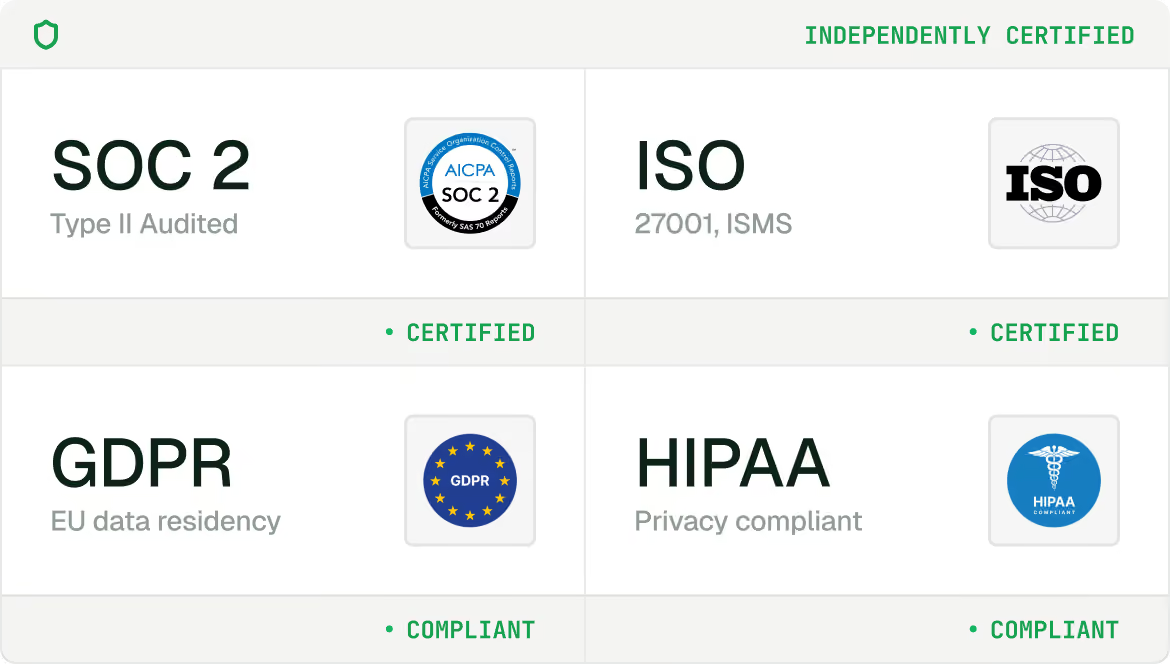
Enterprise covers 1M+ MAUs and 100+ orgs, negotiated SSO/SCIM connections, SIEM, private cloud or on-prem, 99.99% uptime SLA, HIPAA BAA, and EU + US data residency. To set one up, talk to us.
Scalekit maintains 99.99%+ uptime. View system status and history on this page.
Our standard DPA is available to every customer. A HIPAA BAA and any modifications to DPA terms are available on our Enterprise plan. Please reach out to security@scalekit.com to discuss.