A message received, a thread updated, an invite accepted, a meeting ending.
~ Mail & calendar
Deals and records
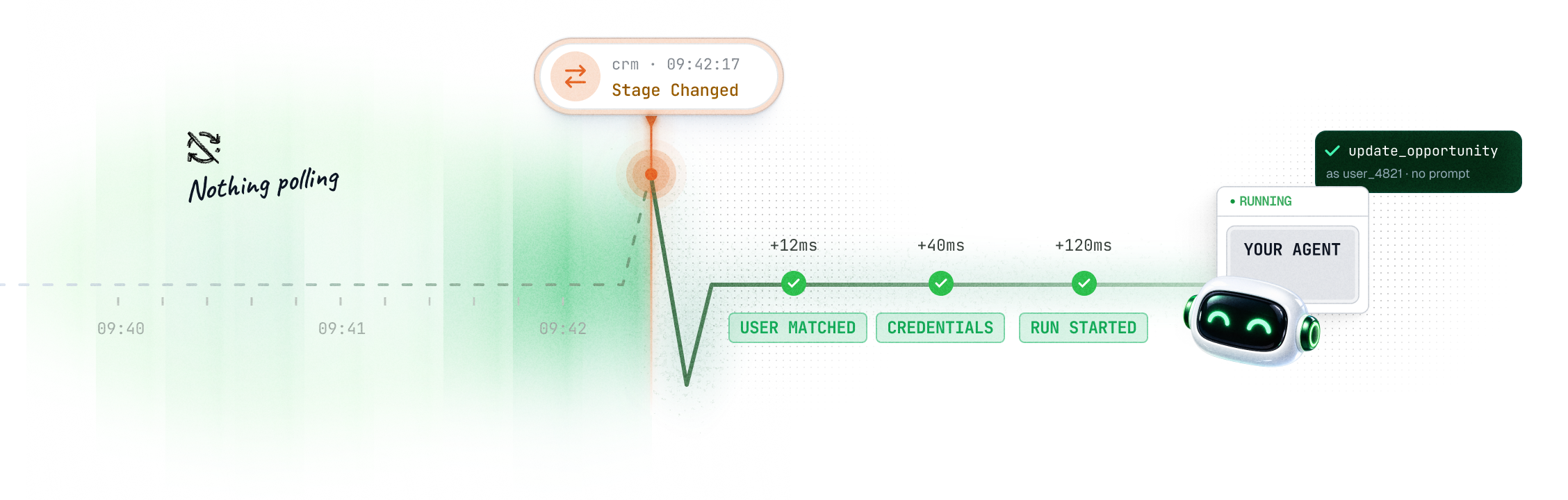
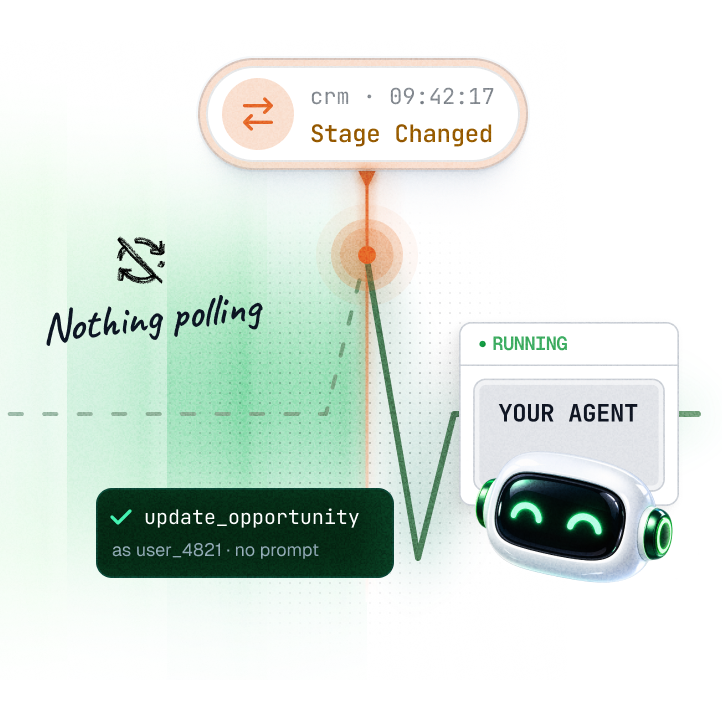
A stage change, a new contact, an owner reassignment, a closed-won.
~ CRM
Money moving
A charge clearing, a subscription lapsing, a dispute opening, a refund issued.
~ Payments
Work items
An issue created, a priority raised, an SLA approaching, a ticket going quiet.
~ Tickets
Files changing
A document shared, a folder updated, a contract uploaded for review.
~ Docs & storage
Repos and incidents
A pull request opened, a build failing, an alert firing, a deploy landing.
~ Code
Anything else
Any system that can POST. Bring your own payload and map it to a run.
~ Webhooks
On a timer
Nightly, hourly, or on a cron expression — across every user at once.
~ Schedules
What teams actually build with it.
A few of the ways teams put event-driven agents to work. Each one starts with a change in a user’s app, not a prompt, and runs with that user’s access from the first call.
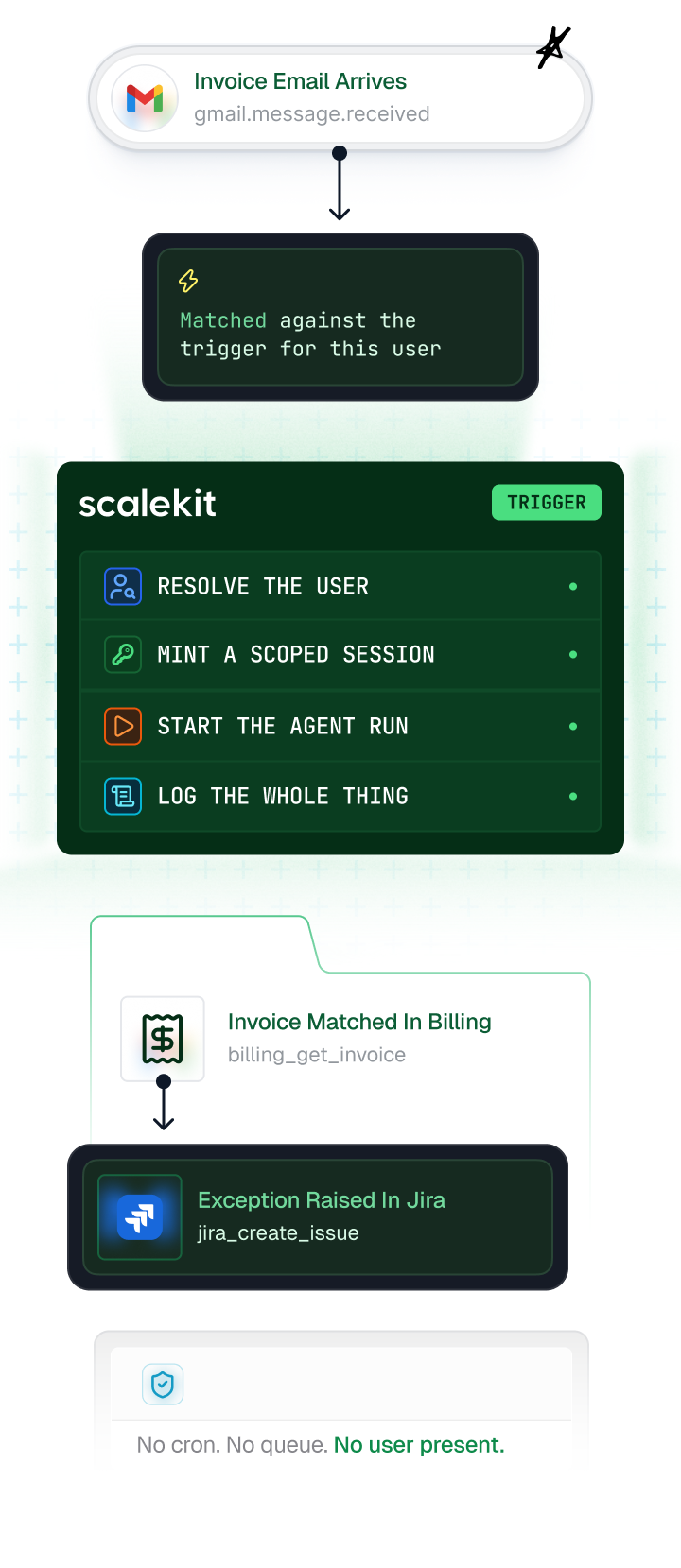
Mail that files itself
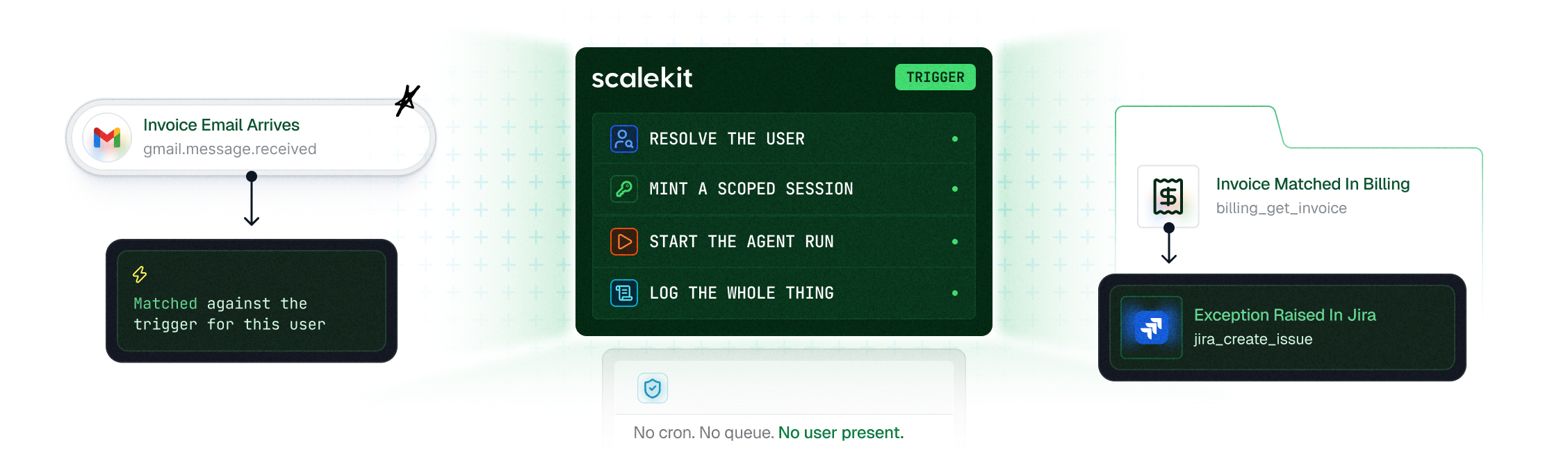
An invoice arrives and the agent checks it against billing.
A CRM that stays true
A call ends and the agent updates the opportunity.
Failed payments worked
A charge fails and the agent retries, nudges or escalates.
Alerts with context
An alert fires and the agent routes it with recent deploys attached.
Give your agents a reason to start. Without being asked.
Free to start, no credit card. Register a trigger, point it at an agent role, andlet the user's world do the rest.