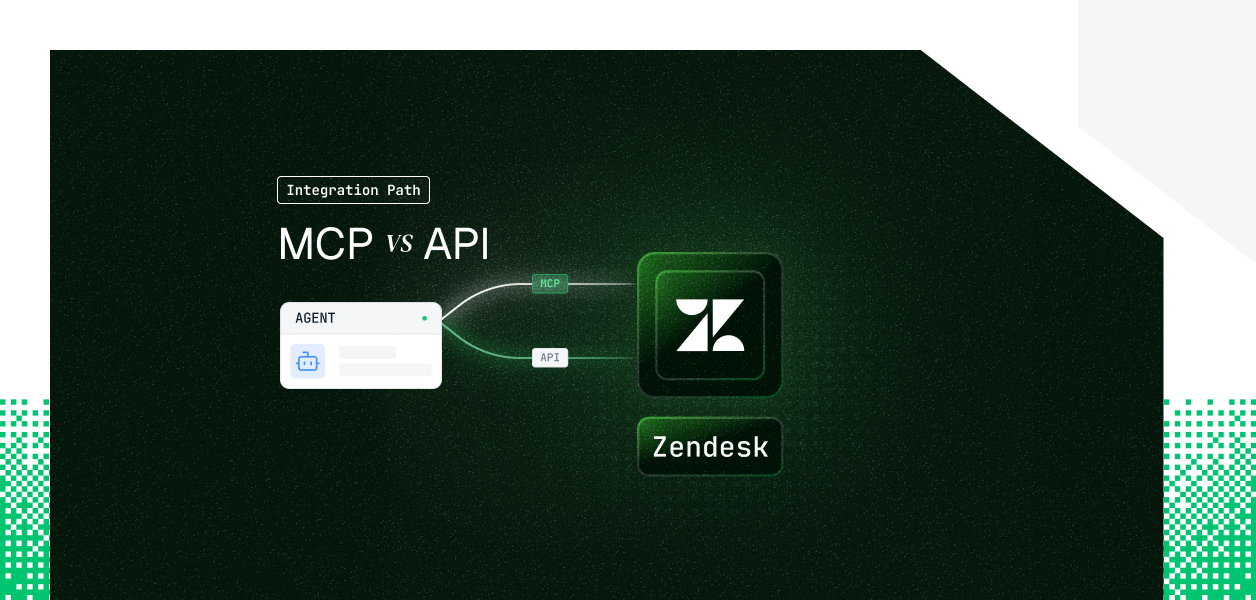


Your agent needs to read and act on Zendesk: triage tickets, reply to customers, search the Help Center, route to the right group. You go looking for the Zendesk MCP server and hit a problem. There isn't an official one. What you find instead are community servers, a marketplace app or two, and a confusingly named Zendesk MCP Client that points the other way. Meanwhile the REST API you have called for years is changing underneath you: the API token most Zendesk integrations authenticate with is being retired. Here is how to choose, and what neither path solves for you.
Zendesk does not publish an official MCP server. The servers that exist are community and partner projects, each with its own tool coverage, hosting model, and maintenance cadence. Some focus on tickets and comments, some on the Help Center knowledge base, some split ticket management and knowledge base into separate servers. None of them is maintained by Zendesk.
That single fact reshapes the comparison. For Notion or GitHub, choosing MCP means leaning on a vendor-run, versioned server. For Zendesk, choosing MCP means you own the server: where it runs, how it authenticates, and what breaks when the Zendesk API changes.
Zendesk has announced a Zendesk MCP Client for its Copilot and AI Agents. It lets Zendesk's own AI consume external MCP servers, for example a CRM server, so a Zendesk agent can fetch outside data. It does not expose your Zendesk instance to your agent. If your agent lives outside Zendesk and needs to act on Zendesk, the MCP Client is not the thing you connect to. See the official overview.
The Zendesk REST API is the first-party, versioned surface your agent can build against. It covers the full platform: tickets, comments, users, organizations, groups, views, macros, triggers, automations, SLA policies, satisfaction ratings, side conversations, and the Help Center. It also ships a Webhooks API for events and an Incremental Export API for bulk sync. Authentication runs on API tokens today and OAuth going forward.
Official docs and the auth reference.
The MCP column below reflects typical community and third-party server coverage; it varies by server, because there is no canonical Zendesk MCP tool set. The REST API column is the first-party surface. Read the MCP column as "best case across the better community servers," not a guarantee.
The gap is not a missing feature that ships next month. Webhooks, Incremental Export, and admin objects are architectural features of the REST API, and community MCP servers are built for read and reply on tickets and articles. If your agent reacts to ticket events, syncs millions of records into a warehouse, or manages triggers and macros, those operations live only in the REST API. An MCP server can only wrap what the REST API already exposes, and most wrap a thin slice of it.
This is the section to read before you commit, because "MCP vs API" hides an asymmetry in what you can even cite.
The REST API is documented and versioned. Tickets, users, organizations, groups, views, macros, triggers, automations, SLA policies, satisfaction ratings, and side conversations are all first-party endpoints. Real-time events come from the Webhooks API. Bulk sync comes from Incremental Export, which returns up to 1000 items per page and uses end_of_stream rather than count to signal the last page. Every capability has a documented contract you can pin to.
Because Zendesk publishes no server, there is no first-party tool manifest to enumerate. Any list you find belongs to a specific community project and applies only to that project's version. That is the honest answer to "what tools does Zendesk MCP expose": it depends entirely on which server you picked, and that server can change its tools without a versioning contract. You cannot build a deterministic agent against a surface you cannot pin.
If you want a stable, documented MCP-style tool surface for Zendesk without adopting a community server, Scalekit maintains one. The Scalekit Zendesk connector ships 40+ pre-built tools spanning tickets, comments, replies, search, users, organizations, groups, views, SLA policies, CSAT ratings and reasons, ticket metrics and metric events, audits, side conversations, and the full Help Center surface. The current list is documented in the Zendesk connectors doc, with tool names like zendesk_ticket_create, zendesk_ticket_reply, and zendesk_search_tickets.
This is where Zendesk breaks the pattern. Community Zendesk MCP servers authenticate with an API token, configured as ZENDESK_SUBDOMAIN, ZENDESK_EMAIL, and an API token in environment variables. There is no browser OAuth consent on this path by default. If your mental model is "MCP means OAuth," reset it for Zendesk. The MCP path here inherits the security profile of a static, account-scoped credential, not a scoped per-user token.
An API token is auto-generated in the Zendesk Admin Center, and its permissions follow the role of the email it is paired with. A token paired with an admin email can act as an admin across the entire instance. Zendesk's own docs warn that API tokens can be used to impersonate users on the account. There is no expiry and no rotation built in. That is convenient in a demo and a liability in a multi-tenant product.
If you build on API tokens today, build with the end date in view. Zendesk is removing Support API tokens in phases, and basic auth is already gone.
Sources: the API token removal announcement and the password access removal notice.
The REST API supports OAuth Authorization Code with PKCE for user-present flows, and Client Credentials for confidential clients with no user in the loop. The Client Credentials grant is the right pattern for background agents: the application authenticates with its own secret and operates without an interactive browser step. Community MCP servers do not expose this grant. For headless, forward-compatible auth, the REST API is the only path.
In a B2B product, every customer has their own Zendesk subdomain and their own credential. That is N credentials to store, route, refresh, and revoke. Zendesk requires a global OAuth client if you distribute an app across many customer instances, and prohibits sharing one customer's credentials with another. Neither the API token path nor the OAuth path stores, isolates, or routes those credentials for you. That work is yours regardless of which path you pick.
With a community Zendesk MCP server, you own the server itself: hosting, patching, and tool maintenance. You also own credential storage, because the server reads an API token from its environment. And you own subdomain routing, because each tenant points at a different base URL. The operational relief that vendor-run MCP servers provide elsewhere does not apply, since no vendor runs this one.
With the REST API, you own request construction, pagination, error handling, retries, and the full token lifecycle. The tradeoff is control: the API is versioned, so a contract change is something you opt into, not something that lands without warning. For deterministic pipelines, that predictability matters more than convenience.
Both paths consume the same account rate limit, because any MCP server calls the same REST API underneath. Limits are plan-tiered, from 200 requests per minute on Team up to 2500 with the High Volume add-on, and the bucket is shared across every integration, app, and agent hitting your instance. Some endpoints have their own limits: Incremental Export is capped at 10 requests per minute, and Update Ticket at 30 updates per 10 minutes per user per ticket. A 429 returns a Retry-After header. Plan for it on both paths.
Whether you wrap a community MCP server or call the REST API directly, every customer in a multi-tenant Zendesk agent has their own credential, tied to their own subdomain. Fifty customers means fifty credentials and fifty subdomains to route. The MCP path gives you an API token per tenant. The REST API path gives you an OAuth token or API token per tenant. In both cases the credential has to live somewhere encrypted, isolated per tenant, and revocable when a customer leaves.
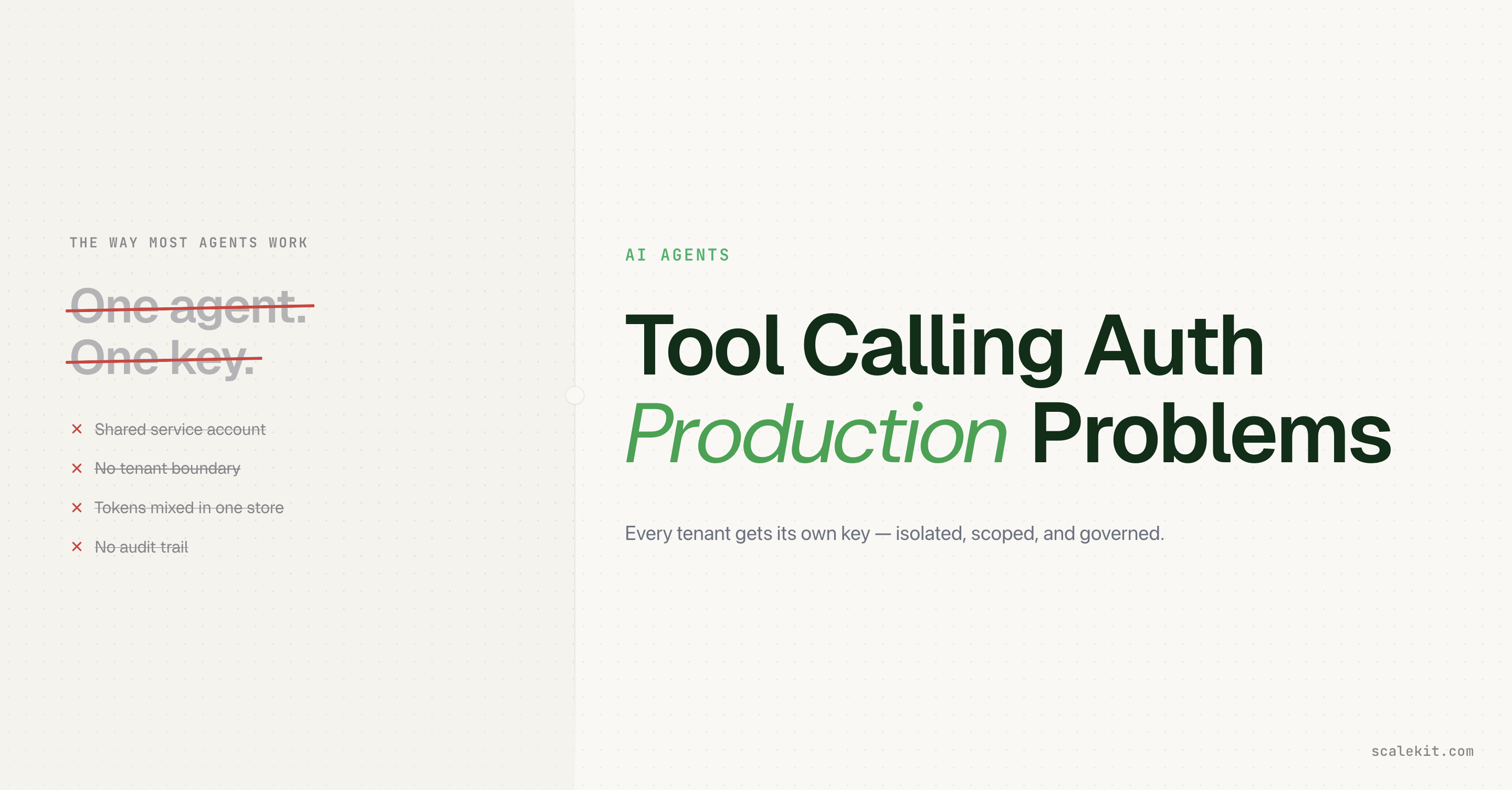
A single shared API token looks correct in a demo. In production it routes every call through one account's permissions, attributes every action to that account in the audit trail, and breaks the moment a second customer needs their own subdomain. Worse, an account-scoped Zendesk token can impersonate users, so one leaked credential is a blast radius across the whole instance. When a customer rotates that token, your calls start returning 401s with no automated recovery path.
Scalekit's Zendesk connector resolves the per-tenant credential on every tool call, stores it in an AES-256 token vault namespaced per tenant, and routes each request to the right subdomain automatically. The same connected-account model works whether you authenticate with an API token today or migrate to OAuth as Zendesk forces the move. The credentials never touch your agent runtime or the LLM context. The MCP-versus-API decision does not change what you need at the credential layer, and Scalekit is that layer.
See Scalekit's Zendesk connector page.
The connector turns Zendesk into a scoped tool surface your agent calls through one interface. You register a connection once, attach each customer as a connected account with their subdomain, email, and API token, and from then on your agent names a tool and passes parameters. Scalekit handles credential storage, per-tenant subdomain routing, and account status tracking. Static API token auth is supported today, with the same connected-account model Scalekit uses for OAuth connectors, per the Zendesk static auth update. Setup and the full tool list live in the connector docs.
Install the SDK, then discover the tools a given user is authorized to call before executing anything. Discovery returns the scoped surface for that connected account, not a flat catalog. The connectionNames value must match the connection name configured in your Scalekit dashboard exactly.
The Python flow mirrors discovery, then scope, then execution. The connection_name must match your dashboard configuration exactly; a mismatch is the most common integration error.
You can also proxy any raw Zendesk endpoint without a prebuilt tool. Scalekit resolves the tenant subdomain from the connected account, so you never hardcode the base URL.
The pattern is discovery to scope to execution. First load the tools the current user is authorized to call; they come back in Anthropic's native tool format. Then run the standard Claude tool-use loop, and execute each tool call as that user. The credential is resolved by Scalekit at call time, so no token ever enters the prompt.
Scalekit returns LangChain-compatible tools scoped to the user, so you drop them straight into an agent. The connection_names value must match your dashboard configuration.
If your client speaks MCP, you do not need a community server. Scalekit exposes a per-user Virtual MCP endpoint for the connector, so you get a scoped, hosted MCP surface with no server to deploy or maintain. Point your MCP client at the endpoint and pass a short-lived session token.
This is the MCP path without the operational cost: one endpoint, per-user credential isolation handled by the session token, and least-privilege tool access you configure once.
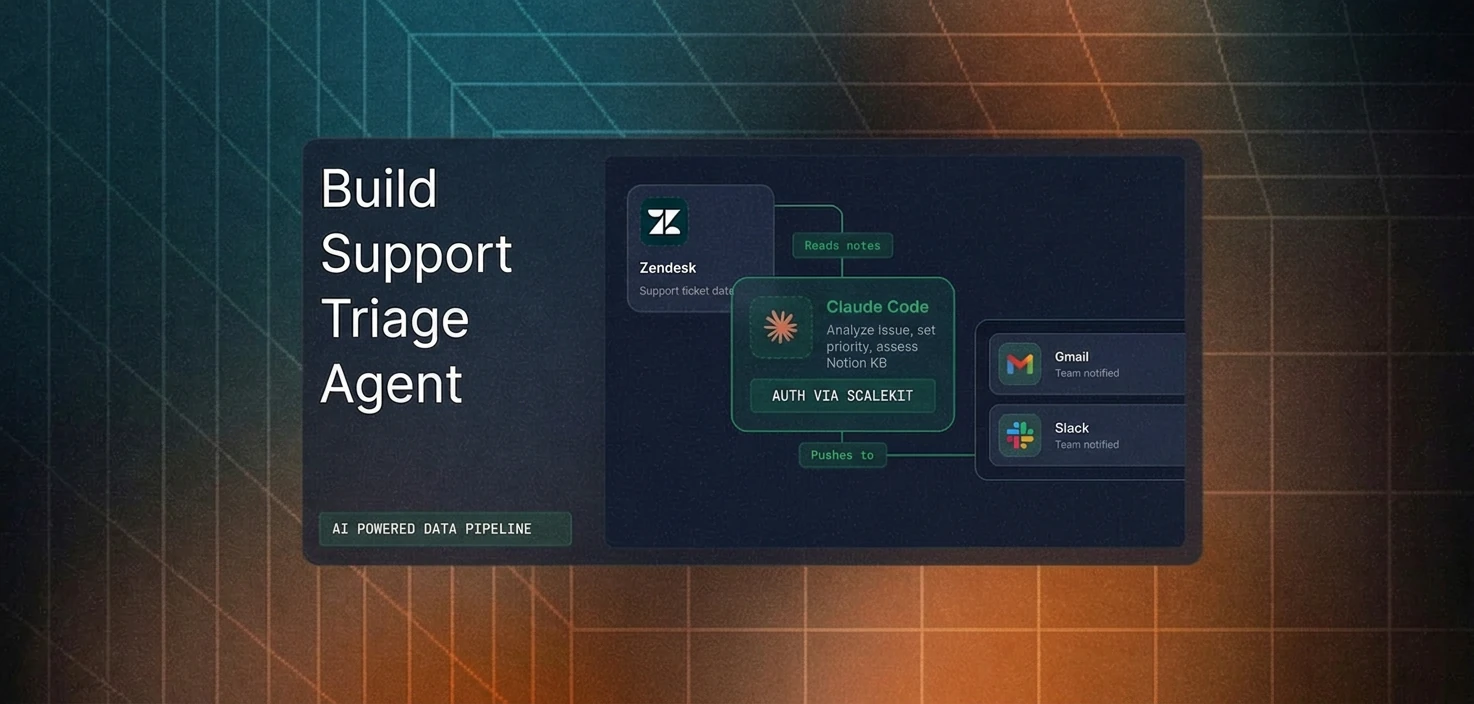
This is where the connected-account model pays off downstream. Every tool call runs under a specific user's credential, scoped to their Zendesk subdomain, so attribution stays correct instead of collapsing into a service account. Every delegation is logged: which user authorized, which agent acted, which tool ran, in which scope, with what result. The logs are SIEM-exportable, which is the difference between answering an auditor's "was this authorized" in minutes and opening a three-week investigation. For multi-tool agents that span Zendesk, Slack, and Notion, the same execute_tool pattern and the same audit chain cover every connector, so adding a tool does not mean rebuilding auth.
The connector focuses on tickets, users, knowledge base, and support analytics. If your agent needs something outside that surface, for example admin objects like triggers and macros, or event subscriptions, request it rather than building a one-off. Ask in the Scalekit community Slack or talk to the team, and you keep one auth and audit layer instead of forking your credential model for a single capability.
If your agent is interactive, single-tenant, and focused on reading and replying to tickets or articles, the MCP path can get you to a working prototype, as long as you accept that you host the server, store the API token, and track its changes yourself. If your agent is headless, multi-tenant, or needs webhooks, bulk export, admin objects, or any of the analytics surfaces, build against the REST API directly, with OAuth Client Credentials for background work and a global OAuth client across tenants. Either way, Zendesk is retiring the API token, every tenant carries its own subdomain and credential, and that credential layer is what needs production-grade infrastructure.
Resource: Browse the Scalekit Zendesk connector.