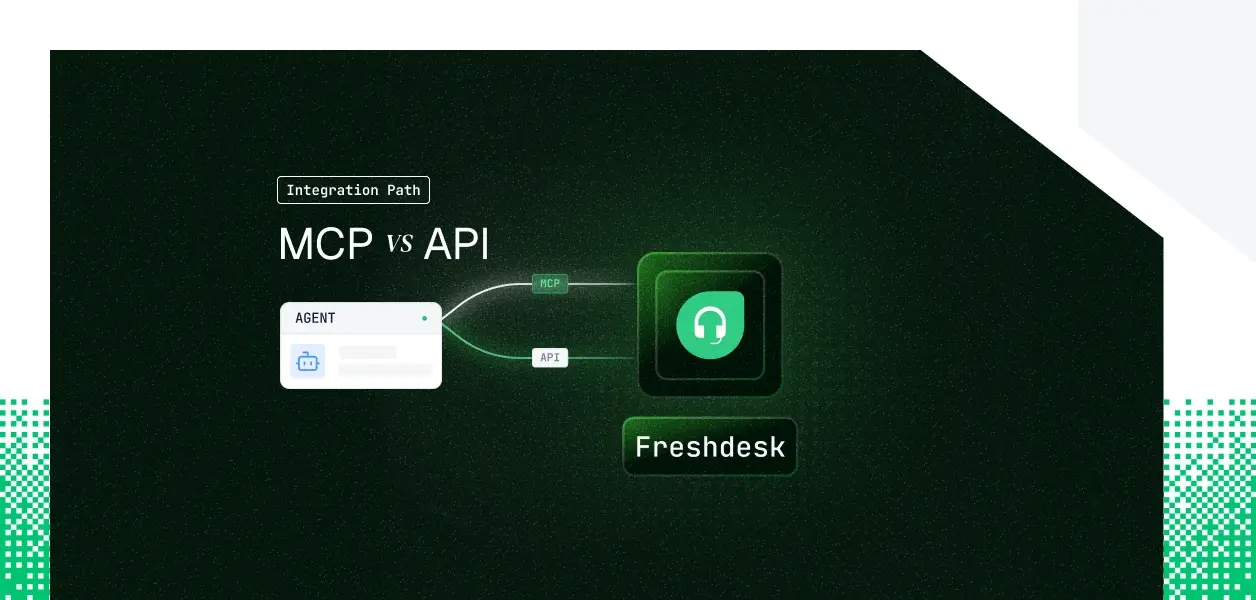


Your support agent needs to talk to Freshdesk. It has to read the queue, triage by priority, and reply on behalf of the agent who owns the ticket. Freshdesk now ships two paths: an official MCP server, currently in Beta through an Early Access Program, and a v2 REST API that has been production-ready for years.
Here is the wrinkle specific to Freshdesk: both paths authenticate with the same thing, an API key, not OAuth. So the usual "MCP gives you delegated OAuth" framing does not apply. The real decision is about capability coverage, plan and access gating, and who each action is attributed to. Here is the framework.
The Freshworks MCP server is official middleware that exposes Freshdesk capabilities, like creating tickets, over public Freshdesk APIs to MCP-compatible clients such as Claude and Cursor. It is in Beta, available through an Early Access Program, and limited to the Enterprise plan. Transport is remote HTTP at https://<your-freshdesk-domain>/mcp.
Authentication is the Freshdesk API key, passed in the Authorization header; Freshdesk currently supports API key auth only for MCP. Access requires admin or agent privileges and is requested through your technical account manager.
The Freshdesk API v2 is a REST interface, plain JSON over HTTPS, scoped to your account. Authentication is HTTP Basic Auth: your API key as the username and any string as the password.
There is no OAuth 2.0 for the v2 REST surface.
The API spans far more than the MCP server: tickets and their full lifecycle, conversations, contacts, agents, roles, skills, groups, companies, custom objects, SLA policies, automations, business hours, products, CSAT, and threads.
The MCP server covers the conversational and record-level surface well. The v2 API owns everything operational.
The 37-tool MCP surface is solid for triage, reply, and knowledge-base lookups. But anything operational lives only in the API: managing SLA policies, configuring automation rules, writing time entries, reading or creating custom-object records, merging or forwarding tickets, and bulk historical exports. This is not a temporary limitation that ships next month. The MCP server was built for user-facing, record-level interactions; the operational surface is architectural to the REST API.
This is where Freshdesk diverges from most MCP comparisons, so it is worth stating precisely.
The MCP server authenticates with a single Freshdesk API key, passed in the Authorization header. The agent inherits whatever that key's owner can do across the helpdesk. Admin or agent privileges are required to provision it. There is no per-user OAuth grant on this path.
The v2 API uses HTTP Basic Auth: the API key as the username, a dummy password, Base64-encoded. It is the same underlying credential type as the MCP path. Access rights follow the agent profile tied to that key, so a "Newbie Agent" key cannot reply to tickets even though the endpoint exists.
Because both paths rest on an API key rather than a per-user grant, a single shared key makes every ticket reply and escalation log as one integration account. Per-agent SLA attribution breaks.
The audit trail points to a service account, not the human who acted. The structural point holds across the series: per-user credential isolation is required on both paths, and neither path stores, rotates, or revokes that key for you. That is an infrastructure problem regardless of which path you choose.
Freshworks manages the server, the tool schemas, and pagination. When a list runs long, the server batches results and the client and LLM page through automatically using the nextCursor parameter, so you do not manage cursors or page sizes.
What you still own: which API key is used and its blast radius, plus the EAP ceilings of 100 tool calls per minute and 5,000 actions per month, and the Enterprise-plan requirement, as hard dependencies.
You own the full operational surface: endpoint selection, request construction, error handling, 1-based pagination with page and per_page up to 100, rate-limit retries on HTTP 429 using the Retry-After header, and the credential lifecycle.
That is more surface area and more control. It is also more predictable: v2 is versioned with a six-month deprecation window and 60-day notice on breaking changes.
Freshdesk rate limits apply per account, not per key or per agent: Growth 100, Pro 400, and Enterprise 700 calls per minute, purchasable up to 2000. An agent fleet and your human agents draw from the same bucket. Embedding extra resources consumes additional credits, and even invalid requests count. Monitor X-RateLimit-Remaining from day one.
Use Freshdesk MCP when:
Use the Freshdesk API when:
The MCP server and the v2 API both authenticate with a Freshdesk API key. Neither gives you encrypted storage, rotation, or revocation. That infrastructure has to be built separately, and it is identical whichever path you chose. The token type does not differ here the way it does for OAuth-based tools; the management burden is the same.
A single shared key looks correct in a demo. In production, every reply and escalation logs as the integration account. Per-agent queue metrics break. SLA accountability breaks. The audit trail shows a service account with no link to the human who triggered the action. Offboarding is worse: a key generated months ago and stored locally stays valid after the person leaves, and a scheduled agent does not decide to stop using it. It just keeps going.
Scalekit's Freshdesk connector vaults a per-user Freshdesk key, encrypted with AES-256, resolves it server-side on every tool call, and attributes each action to the user who authorized it, with a 90-day audit trail. The same auth infrastructure works whether you chose the MCP path or the direct API path. The path decision does not change what you need at the credential layer.
Each support agent authorizes Freshdesk once. Their Basic Auth key lands in a per-tenant vault, encrypted at rest, resolved at request time in roughly 40ms, and never placed in the prompt or the LLM context. User A's queue is never reachable by an agent acting for user B on the same connection. Revocation is a single dashboard action and fails closed on the next call; other users in the tenant are unaffected.
Before any tool runs, the agent loads only the Freshdesk tools the current user's connected account is authorized to call, not a full catalog. list_scoped_tools returns that authorized surface; the principle is that what the user cannot do, the agent cannot do. The code below filters the Freshdesk connector to the read-and-reply subset and hands those tools to a LangChain agent.
The freshdesk connection name passed to listScopedTools must match the connection name configured in your Scalekit dashboard. This is the most common integration error, so set it once and reference it consistently.
The Scalekit Freshdesk connector ships 10 prebuilt tools today: ticket create, get, update, list, and reply, plus agent create, delete, and list, contact create, and roles list. It does not yet ship company tools, conversation or note tools, or solution-article tools. The proxy call closes that gap by reaching any v2 endpoint directly, and it resolves your Freshdesk domain automatically from the connected account.
The full v2 surface stays callable through the same vaulted, audited, per-user path, even before a prebuilt tool exists for it.
Every Freshdesk tool call is logged: who triggered it, which tool ran, and what came back. The history runs 90 days, exports to your SIEM, and ties each entry to the user who authorized the action.
This is what makes per-agent SLA attribution and audit work across tenants, which a shared key cannot deliver. As you add Zendesk, Intercom, or Salesforce alongside Freshdesk, each connector inherits the same vault, audit chain, and delegation pattern, with no new auth code per connector. For a deeper look at this, see agent tool observability.
When you want any MCP-compatible client, like Claude Desktop or a Claude managed agent, to reach Freshdesk without hosting your own MCP server, use a Scalekit Virtual MCP server. Two objects drive the model.
An MCP config is a reusable template, created once, that declares which connections and tools the server exposes. A per-user MCP instance is one pre-authenticated URL minted for each user from that config.
You whitelist exactly which Freshdesk tools appear by passing them to the config mapping, so a triage agent sees only triage tools rather than everything the connector exposes.
The per-user vMCP URL that Scalekit generates looks like https://companyName.scalekit.com/mcp/v3/servers/<server-id>.
The endpoint is static per agent role; the identity is per user. There is no MCP server to deploy, host, or maintain.
To get started, set up your Scalekit account, configure and connect a virtual MCP server, and follow the end-to-end Claude managed agent example.
If the Freshdesk tool your agent needs is not in the prebuilt set, request it. Add it in the Scalekit Slack community or talk to the team, or use the proxy call in the meantime.
If your agent is interactive and user-present, its job is triage and reply, and you have an Enterprise EAP key, the MCP server is the faster route. Freshworks maintains the tool schemas and pagination, and the surface covers the core support workflow.
If your agent runs headless, operates at volume, or needs SLA, automation, custom-object, or time-entry coverage, build against the v2 API directly. Most production Freshdesk agents will use both: MCP for the interactive surface, the API for background pipelines.
Either way, both paths rest on a Freshdesk API key, so the credential-management problem is identical, and that is the part that needs production-grade infrastructure.
Browse the Scalekit Freshdesk connector.