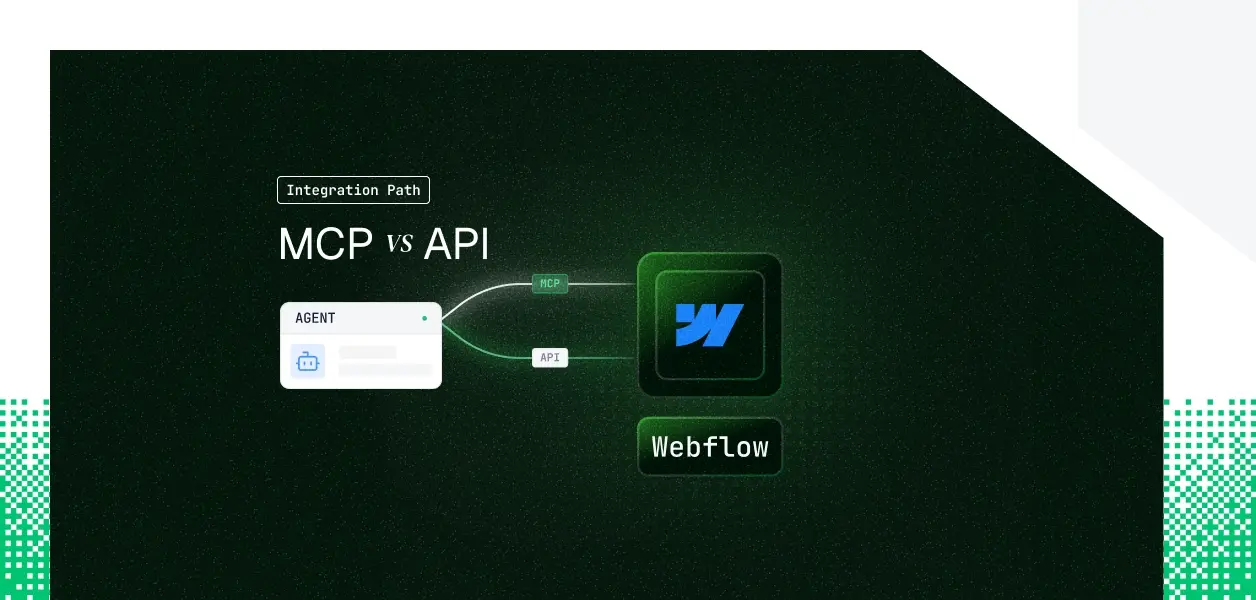


Your website agent needs to read and write Webflow: update CMS items, refresh page metadata, publish a site.
Webflow ships two distinct paths now: an officially hosted MCP server at https://mcp.webflow.com/mcp and the Data API your integrations have probably been calling for years.
They cover overlapping but not identical territory, they put you on different auth paths, and they make different operational demands in production.
Webflow MCP vs API decision choice is not permanent either: what your agent does determines which path fits. Here's how to pick.
Webflow's MCP server is the company's official, open-source (MIT) implementation, hosted remotely at https://mcp.webflow.com/mcp.
It launched in April 2025 for content and site operations, then added Designer API support in September 2025, extending it from content management to direct canvas manipulation.
It is a translation layer: it receives a prompt, translates intent into Webflow API calls, executes them under OAuth-authenticated access, and returns structured results.
Authentication is OAuth, with no local API keys.
Two properties matter for agent builders.
Check the official Webflow MCP docs.
The Webflow Data API is a versioned REST interface at https://api.webflow.com/v2, authenticated with a bearer token.
It exposes the full content and configuration surface: CMS collections and items, pages, custom code, assets, comments, ecommerce, site publishing, analytics reports, webhooks, and enterprise site and workspace controls.
Authentication runs on a bearer-token model with three token types:
Every method requires specific scopes, and there are no LLM-specific affordances: schema handling, pagination, error handling, and rate limits are yours to manage.
Check the official Webflow Data API docs.
The MCP server covers the conversational and authoring surface well: CMS reads and writes, page metadata, asset and custom-code management, site publishing, and live Designer manipulation when the Bridge App is connected. The Data API owns everything operational and event-driven.
The MCP server is built for user-facing, record-level and canvas-level work.
Three gaps are structural, not temporary:
The Data API has its own hard edge: it cannot manipulate the Designer canvas.
Element creation, style application, and variable management that the MCP server performs through Designer tools have no equivalent in plain REST authoring without the Designer extension layer.
If your agent's job is to build layouts visually, the MCP path is doing something the bare Data API does not.
The hosted MCP server runs on OAuth with no alternative. When an editor first connects, they complete a browser-based consent flow, and only a site owner or admin can grant it. Two constraints follow. Each authorization grants access to a single workspace; to act on a different workspace, the user re-authenticates. And Designer-session capabilities, such as capturing an element snapshot, need the MCP Bridge App open in a live Designer tab.
This is architecturally correct for interactive agents. It is a hard constraint for background ones. A nightly content sync, a scheduled SEO audit, or any headless loop running without a user present cannot complete a browser OAuth flow on its own.
The Data API gives you a choice. OAuth access tokens via the Authorization Code grant act as the authorizing user and span multiple sites, which is the right model for multi-user B2B products. Site Tokens are single-site, static, and non-interactive, generated by a site admin and valid until revoked or after 365 days of inactivity; they are the closest thing to a headless credential, but each one is scoped to exactly one site. Workspace Tokens read across a workspace but are read-only, suited to monitoring and auditing rather than write workflows.
For a B2B agent serving 40 editors across 8 customer workspaces, MCP's per-user, per-workspace model means a separate OAuth grant for each editor in each workspace. The Data API lets you trade interactivity for static Site Tokens, but a Site Token is single-site, so you are back to one credential per site at scale. Neither path handles storage, rotation, or revocation for you. That is the infrastructure you build or buy.
Webflow manages hosting, the tool schemas, and the translation to API calls.
You still own per-user token storage, refresh, and revocation, plus the operational dependencies the server introduces: the single-workspace authorization boundary, the Bridge App's live-session requirement for Designer actions, and the owner-or-admin authorization gate.
Permission enforcement is a genuine advantage here: the agent inherits the editor's Webflow role and nothing more, and the site activity log records what the agent changed.
You own the full operational surface: endpoint selection, request construction, pagination, error handling, retries, and the token lifecycle.
Webflow's general rate limit defaults to roughly 60 requests per minute and scales by plan; exceeding it returns a 429 Too Many Requests with a Retry-After header.
Site publishing carries its own tighter limit of one successful publish per minute.
An agentic workflow that issues several sequential calls per editor action burns through these faster than a traditional integration, so rate-limit handling is default behavior, not an edge case.
For deterministic pipelines where an unexpected schema change is an incident, the versioned API is the more predictable dependency.
Whether you choose Webflow MCP or the Webflow Data API, every editor in a multi-tenant agent system has their own Webflow credential. Fifty customer workspaces means fifty authorization grants and fifty credential lifecycles to manage.
A single shared token looks correct in a demo. In production it collapses the audit trail: every CMS update and every publish appears under one service identity, not the editor who triggered it. Webflow's own model pushes the other way; the MCP server attributes each change to the authorizing user and writes it to the site activity log. A shared token throws that attribution away.
The MCP OAuth flow gives you a token per editor, scoped to one workspace. The Data API's OAuth flow gives you an access token per user; Site Tokens give you one per site. In every case the credential has to live somewhere encrypted at rest, isolated per tenant, and revocable when an editor disconnects or leaves.
Tokens can be revoked by the user at any time, and your agent has no built-in way to detect that until a call fails.
Scalekit's Webflow connector wraps the Webflow MCP and resolves the per-user OAuth token on every tool call, so CMS updates and publishes run under the right editor identity with a full audit trail tied to the user who authorized it, not a shared account. The same auth infrastructure works whether your agent talks to Webflow through MCP tools or the Data API. The path decision does not change what you need at the credential layer.
The Scalekit Webflow connector (webflowmcp) is a per-user OAuth layer over the Webflow MCP. Each editor authorizes Webflow once; their token is stored in Scalekit's AES-256 token vault, namespaced per tenant, and refreshed automatically.
When your agent calls a tool, Scalekit resolves the right token server-side: it never touches your agent runtime, never enters the LLM context, and never appears in your logs. Every call is recorded with who triggered it, which tool ran, and what came back.
The connector exposes the Webflow MCP tool families as scoped, action-oriented tools. The Data API families cover content and configuration without a live Designer session:
The Designer families (webflowmcp_element_builder, webflowmcp_style_tool, webflowmcp_variable_tool, webflowmcp_component_builder, and related tools) operate on the live canvas and follow Webflow's Designer-session rules.
list_scoped_tools returns only the tools the current editor's connected account is authorized to call, filtered to the ones your agent needs. The agent is not handed a flat catalog of every Webflow tool; it receives a small, deterministic surface, which keeps token overhead down and tool selection reliable. The example below uses LangChain with the Scalekit Node SDK. The connectionNames value must match the connection name configured in your Scalekit dashboard; a mismatch here is the most common integration error.
If you want a single MCP endpoint for the agent rather than wiring tools individually, Scalekit's Virtual MCP Server gives every agent a scoped, per-user MCP endpoint. Icing on the cake, no MCP server for you to deploy, host, or maintain. Scalekit's vMCP server declares exactly which tools it can see and whose credentials it acts with.
Scalekit logs every delegation: who authorized, which agent, which tool, which scope, and the result, with history exportable to your SIEM.
When an editor revokes Webflow access, the connection fails on the next call for that editor while other workspace members are unaffected, and the revocation is logged.
That is the difference between an agent that demos and one that survives a security review.
Real Webflow agents tend to span both paths: MCP for interactive editing, the Data API for background syncs and event-driven workflows. Either way, the credential management problem is the same, and needs production-grade agent auth infrastructure.
Next Steps:


.webp)






