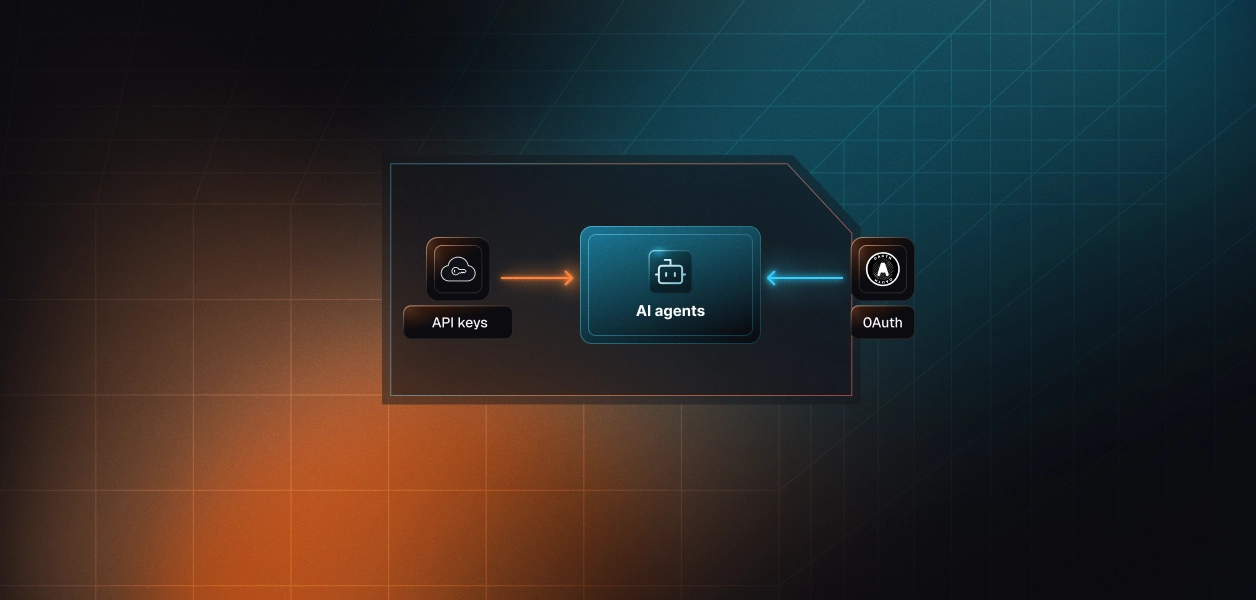


Your agent needs to drive v0: start a generation from a prompt, iterate on the result, and hand back a preview or a deployment. v0 gives you two ways in. There is an official v0 MCP server that an MCP client connects to over OAuth, and there is the v0 Platform API, a REST surface authenticated with an API key. They read as interchangeable. They are not. The tool coverage differs, the auth path differs, and the operational surface your team owns in production differs. Here is how to pick for a real agent, and where the credential problem sits on both paths.
Both are maintained by v0 and both ultimately reach the same v0 backend. The difference is the door your agent walks through and the credential it carries.
The v0 official MCP server is a remote server that lets an MCP-compatible client use v0. It runs at a single streamable HTTP endpoint and connects with OAuth: the first connection opens a browser, you sign in, choose the account or team the client should act as, and approve. You do not put a v0 API key in the client configuration. It exposes seven tools backed by v0 API v2 endpoints: create chat, list chats, get chat, list messages, send message, resolve a pending task, and get a preview URL. Tools that return a chat include a ready-to-open url for that chat.
The v0 Platform API is a REST surface spanning its /v1 and /v2 versions, authenticated with an API key passed as Authorization: Bearer. The official v0-sdk for TypeScript wraps it, reading the key from V0_API_KEY. Beyond chats and messages, it exposes resources the MCP server does not: projects with full create, read, update, and delete; chat initialization from uploaded files or a GitHub repo; deployments to hosting; and management of bring-your-own MCP servers and integrations. It is the complete lifecycle, not just the generation loop.
Two nearby things cause confusion. Vercel's platform MCP server manages deployments, projects, and logs across Vercel; v0 confirms it is a separate connector with a separate endpoint, and it is not the subject here. Separately, v0 can act as an MCP host that consumes external MCP servers during generation. That is the opposite direction: tools flowing into v0, not your agent calling v0. This article is about the latter.
The two surfaces overlap on the generation loop and diverge everywhere else. Coverage, auth, and operational ownership are the axes that decide a production agent.
The MCP server covers creating and continuing chats and reading previews. The Platform API covers that plus the project and deployment lifecycle. The table below maps the actions most agents reach for.
The gap is not obscure. If your agent stops at generating and previewing UI, the seven MCP tools are enough. The moment it needs to organize work into projects, seed a chat from an existing codebase or repository, or push the result to a live URL, it needs the Platform API. A build-and-ship agent, the common production shape, crosses that line on its first deployment call. Choosing MCP for that agent means discovering the ceiling after you have built against it.
Auth is where the two surfaces genuinely part ways, and it is usually the deciding factor rather than capability. The table names the exact difference.
v0's MCP server fixes the account or team at approval time. For one engineer in Cursor or Claude Code, that is exactly right. For a B2B agent acting for hundreds of users, an identity chosen once per connection does not express per-user scope; switching users means removing and re-adding the connection. The Platform API inverts this: the key on each request determines whose account you touch, so you can hold a distinct key per user. That flexibility is also the burden. Both paths require per-user credential isolation. Neither gives you a vault, rotation, or revocation. MCP hands you a grant per connection; the API hands you a key per account. Shared credentials are a single-user solution; they do not survive a second user.
With the MCP server, v0 runs the endpoint, maintains the tool schemas, and owns the OAuth flow. You still own storing the resulting grant, reconnecting on expiry, and tenant isolation across connections. With the Platform API, you own request construction, error handling, retries, pagination, and the full key lifecycle, against a versioned REST contract that spans /v1 and /v2. The tradeoff is stability: a deterministic nightly pipeline calling five endpoints is not disturbed by a change to an MCP server's tool list, which is a surface the provider can revise without a versioning contract.
Use the v0 MCP server when:
Use the v0 Platform API when:
The auth model divergence is real, but it hides a problem that is identical underneath either choice. Whichever door you pick, you end up holding credentials for many users.
A v0 OAuth grant and a v0 API key both need somewhere to live outside the agent runtime, encrypted at rest and isolated per tenant. Keys need rotation; v0 documents them as rotatable, but the rotation is yours to run. Grants and keys need revocation when a user churns or an employee leaves, and you need a way to surface every credential tied to that identity to invalidate it. In a multi-tenant product that is N credentials, one per user, each with its own lifecycle, and every one of them widens the blast radius if your storage is breached. The path you chose changes the credential type. The credential management infrastructure you need is the same.
This is the layer that makes either path production-safe. Scalekit's v0 connector models each user as a connected account, stores that user's v0 API key in a token vault, and exposes v0 as scoped tools your agent calls through execute_tool. Credentials never touch the agent runtime. The connector authenticates to v0 with the vaulted key over the Platform API, which is what gives you clean per-user isolation, so the MCP-versus-API question stops changing your auth design. You can read the tradeoffs behind that choice in OAuth versus API keys for AI agents.
Recommended reading: Vercel MCP vs Vercel API for AI Agents, the companion piece for the Vercel platform surface.
The v0 connector exposes five tools over the Platform API: v0mcp_createchat, v0mcp_sendchatmessage, v0mcp_findchats, v0mcp_getchat, and v0mcp_getuser. The flow below uses the AgentKit Python SDK with LangChain, then shows the same execution in TypeScript. One prerequisite matters: the connection_name in code must match the Connection name you create in the Scalekit dashboard exactly. It is the single most common integration error.
Vault each user's v0 API key against their identifier in your system. Do this once per user, from your backend, not from the agent runtime.
The same step in TypeScript with the Node SDK:
Before the agent runs, load the tools scoped to this user's connected account, not a flat catalog. list_scoped_tools returns only what this identifier's v0 account can call, which is the list you pass to the model.
The LangChain adapter returns the same scoped surface as StructuredTool objects, ready to register on an agent. Execution runs through Scalekit against the connected account, so the model never sees the underlying key.
For a deterministic pipeline or a Claude SDK loop where you call tools directly rather than through a framework, executeTool runs one v0 tool against the user's connected account. The toolInput matches the tool's schema; v0mcp_createchat needs a message.
Framework-specific setups for Anthropic, Google ADK, Mastra, and more live in the AgentKit examples.
A v0 agent rarely stays a v0-only agent. It reads a design brief from one tool, generates with v0, and posts the preview somewhere. That is where a flat connector catalog starts to cost you.
Standard MCP servers expose every tool they hold. Virtual MCP Servers let you declare exactly which tools an agent can see and whose credentials it acts with, enforcing least privilege at the tool level behind one user-scoped endpoint per agent role. Two objects drive the model: a Virtual MCP server, a scoped endpoint created once per agent role with a static URL, and a session token, a short-lived credential minted before each run and bound to one user's connected accounts. Setup happens once; runtime is a token mint. Your agent connects to a fixed endpoint carrying a per-user bearer token:
Tool bloat is an accuracy problem and a cost problem at once. LLMs select the wrong tool when handed everything at once, and every tool in context burns tokens: a server with 40 tools at roughly 200 tokens each spends about 8,000 tokens before the agent does any work. Scoping to 5 to 10 tools cuts that overhead by about 80% and narrows the decision space to what this user can actually do. What the user cannot do, the agent cannot do. The fix is not better prompting; it is surface reduction. More detail lives in token-efficient tool calling and the Virtual MCP deep dive.
An agent that generates and deploys on behalf of users needs an answer to a plain question: which user's credential ran which tool, and when. Neither the v0 MCP server nor a raw API integration gives you that view on its own.
Because every v0 call runs through a connected account, Scalekit records each downstream tool execution against the identity that triggered it. That produces auth logs you can trace per user and per tool, which is what a SOC 2 auditor and your own on-call both need when a generation or deployment misbehaves. The reasoning behind treating tool calls as first-class, auditable events is in agent tool observability.
The choice is not MCP versus API in the abstract. It is the shape of your v0 agent against the surface that fits it.
If your agent is interactive, single-operator, and lives inside an IDE or desktop client, the v0 MCP server is the fast path: v0 owns the endpoint, OAuth handles consent, and seven tools cover the generation loop. If your agent is headless, multi-tenant, or needs to create projects and deploy, build against the v0 Platform API, because those capabilities and per-user key isolation are only there. Either way the credential problem is the same, and that is the part that needs production-grade infrastructure rather than a stored token. You can compare the connector options across surfaces on the Scalekit connectors page, and see how similar developer agents are wired in the DevOps assistant and auto release notes templates. Pricing for the connected-account layer is on the pricing page.
Browse the Scalekit v0 connector to start, or read the connector documentation for setup. If you are building v0 agents and want to compare paths, join the Scalekit community on Slack or talk to us for help wiring per-user auth into your agent.