

A tool calling platform sits between an agent framework and the SaaS accounts the agent acts in. Teams in regulated industries, and teams that want to avoid lock-in, often ask whether that layer can run inside their own infrastructure.
The answer depends on three separate facts:
We build AgentKit, which is one of the five options below, so this list says where it is the wrong choice and where the other options lead.
This guide first explains what a self-hosted tool calling platform runs and what open source, source-available and self-hosted commercial mean, then sets out how the five options were picked and compares them in one table. It then covers each option in its own section and the work you take on when you host the platform yourself, and closes with how to choose.
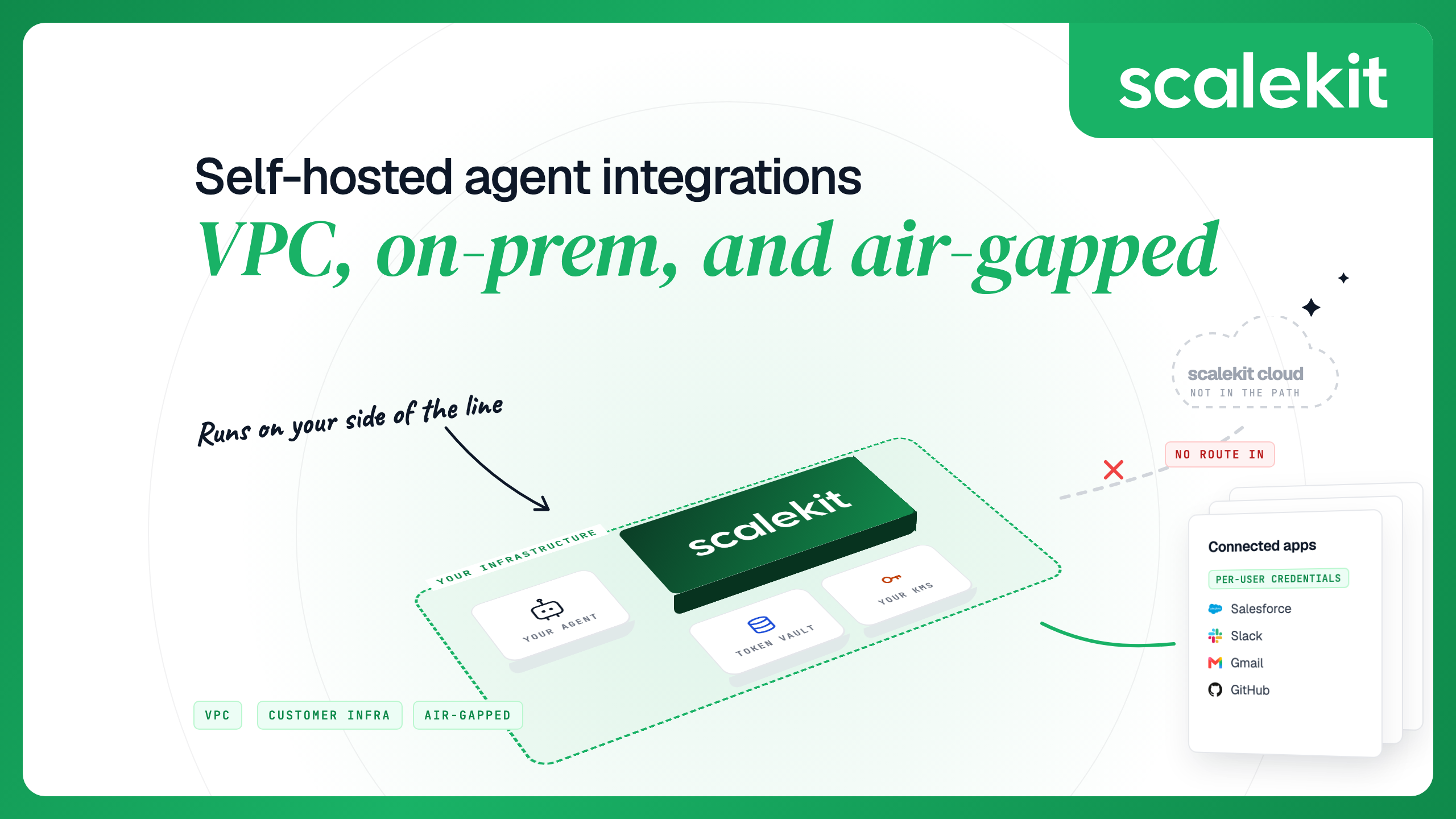
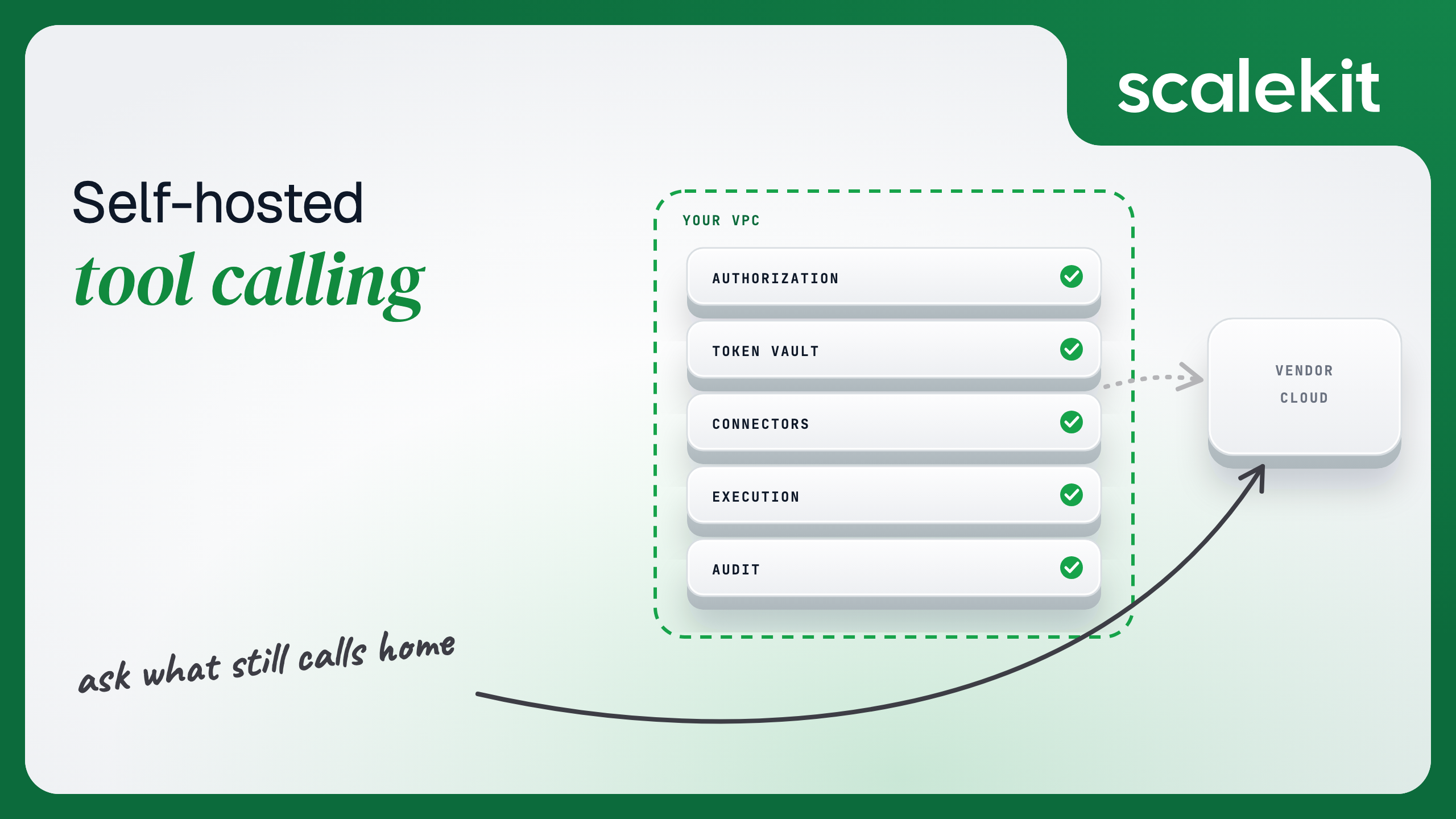
An agent tool calling platform does more than expose tools. Hosting one yourself means running every layer that touches a user's credentials:
Most open code in this category covers one or two of these layers, such as an SDK or an MCP server framework. The comparison below shows which options let you host all of them.
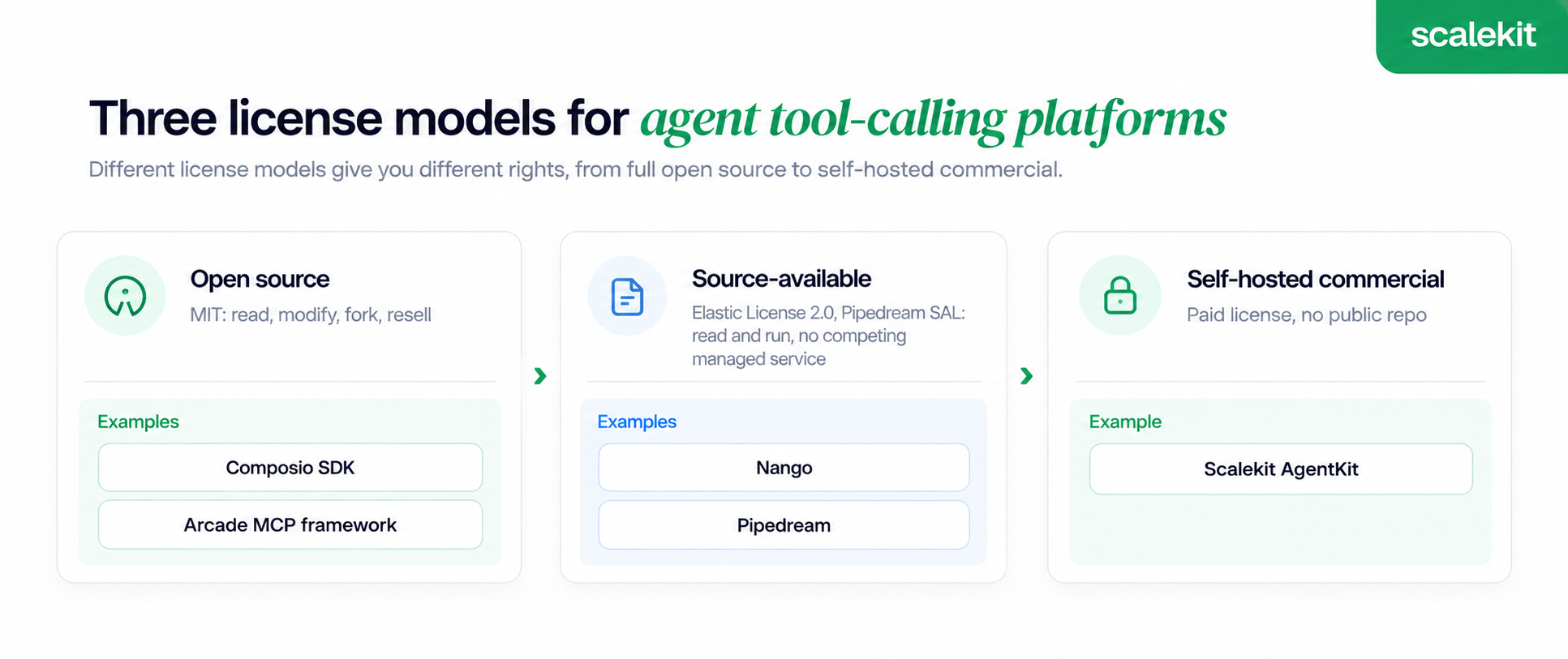
Three labels get used interchangeably in marketing copy, and each one grants different rights:
Nango's Elastic License 2.0 falls in the middle. It allows internal use and modification, and it bars you from offering the software to third parties as a hosted or managed service with a substantial part of its features.
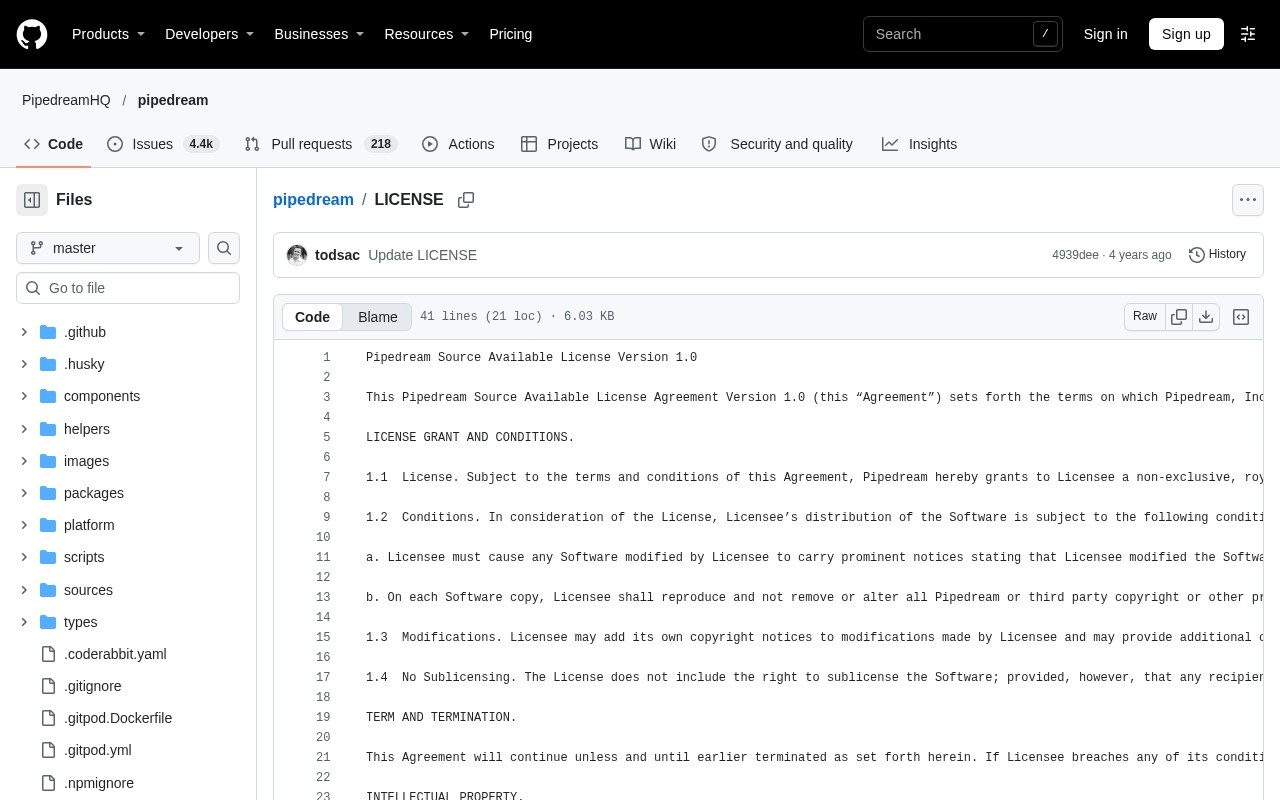
For that reason, this guide calls Nango source-available. Pipedream's repository carries the Pipedream Source Available License Version 1.0, so it gets the same label.
An option made the list if it publishes code you can run or documents a way to host the platform yourself, and if it handles per-user authorization for agent tool calls. Each one is then judged on five points:
The table below compares five options on the facts that decide a self-hosting project: the license, what you run, what still depends on the hosted service, and whether per-user authorization is part of the package.
Each license named here comes from the repository's LICENSE file or the project's deployment docs. Cells say "not published" where the company gives no public statement.
Each entry below states the license first, then what the package contains and where it stops. Order follows how much of the platform you can run on your own hardware, starting with the fully open code and ending with the weakest fit for this category.
Best for: Teams that want permissively licensed client code and the widest catalog, and accept a hosted service behind it.
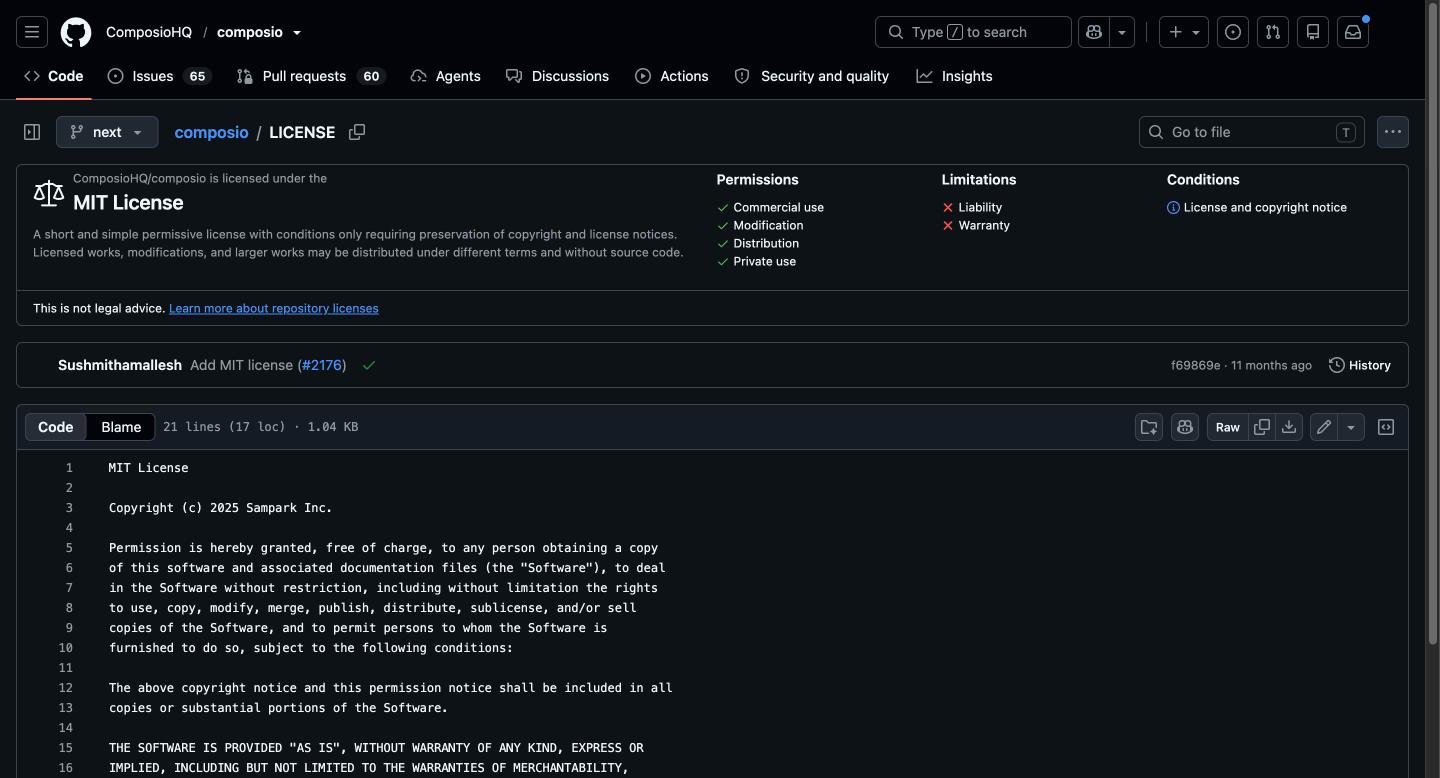
Composio's repository is licensed under the MIT License, with Sampark Inc. as the copyright holder, and it has about 30.7k GitHub stars. The README describes sessions that expose a hosted MCP endpoint, and its development section covers building the monorepo for contributors.
Composio's enterprise page lists self-hosting as an Enterprise-exclusive feature, and it does not mention on-prem, VPC or air-gapped deployment.
Pros:
Cons:
Pricing: See Composio's pricing page. This list does not compare free tiers.
Verdict: Composio fits teams that value an MIT codebase and breadth, and it is a weaker fit for teams that must keep tokens inside their own network by default.
Best for: Code-first teams that want to read and run the engine, and need only API authorization from the free version.
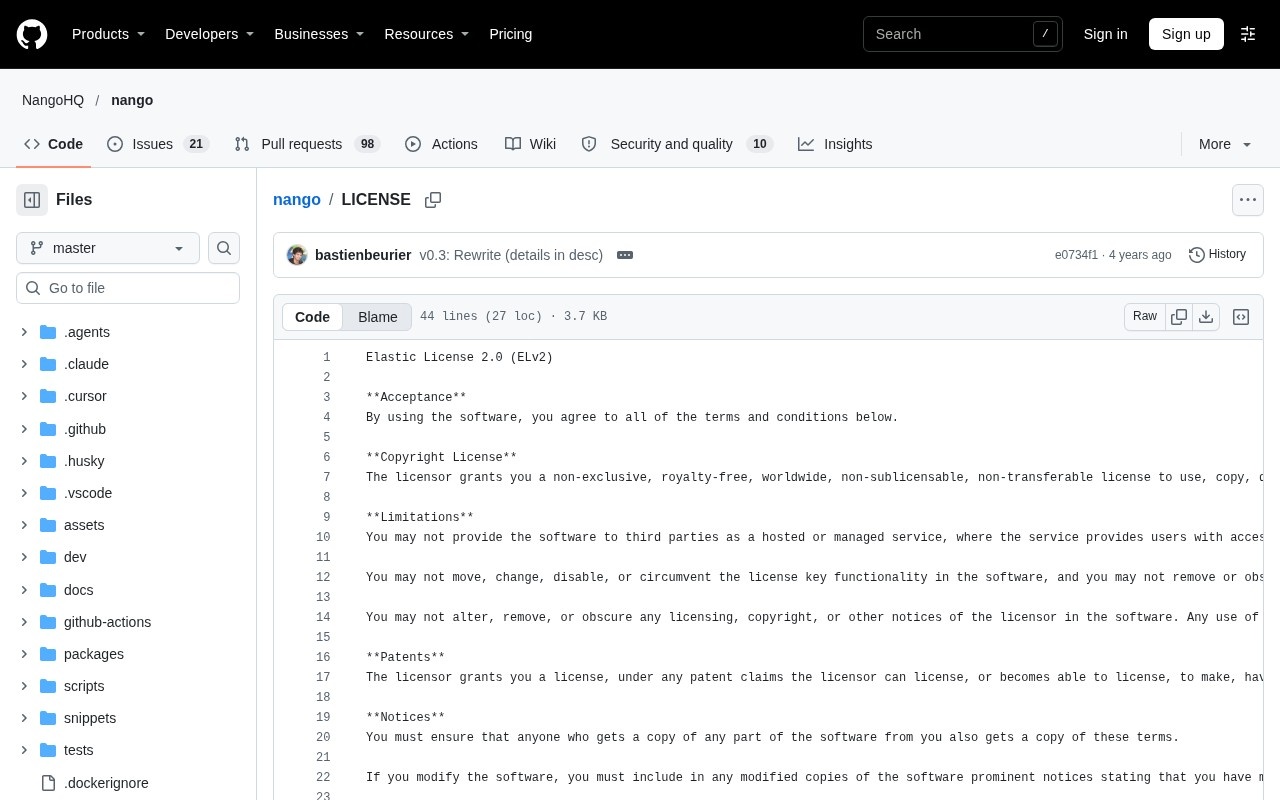
Nango's README says it is available under the Elastic License, and the LICENSE file is Elastic License 2.0. The license bars offering the software to others as a hosted or managed service, so Nango is source-available and this guide never calls it open source.
The repository has about 12.9k stars. The README lists three ways to run it: Nango Cloud, your own cloud account through BYOC, or self-hosting.
Pros:
Cons:
Pricing: See Nango's pricing page. Enterprise self-hosting terms are not published.
Verdict: Nango suits teams that want to own the authorization layer and write their own integration code, and it is a poor fit for teams that expect the full agent toolset in the free self-hosted package.
Best for: Teams that build their own MCP tools and want the option to run the whole platform in a Kubernetes cluster.
Arcade's arcade-mcp framework is MIT-licensed, with Arcade AI as the copyright holder, and the repository has about 1.1k stars.
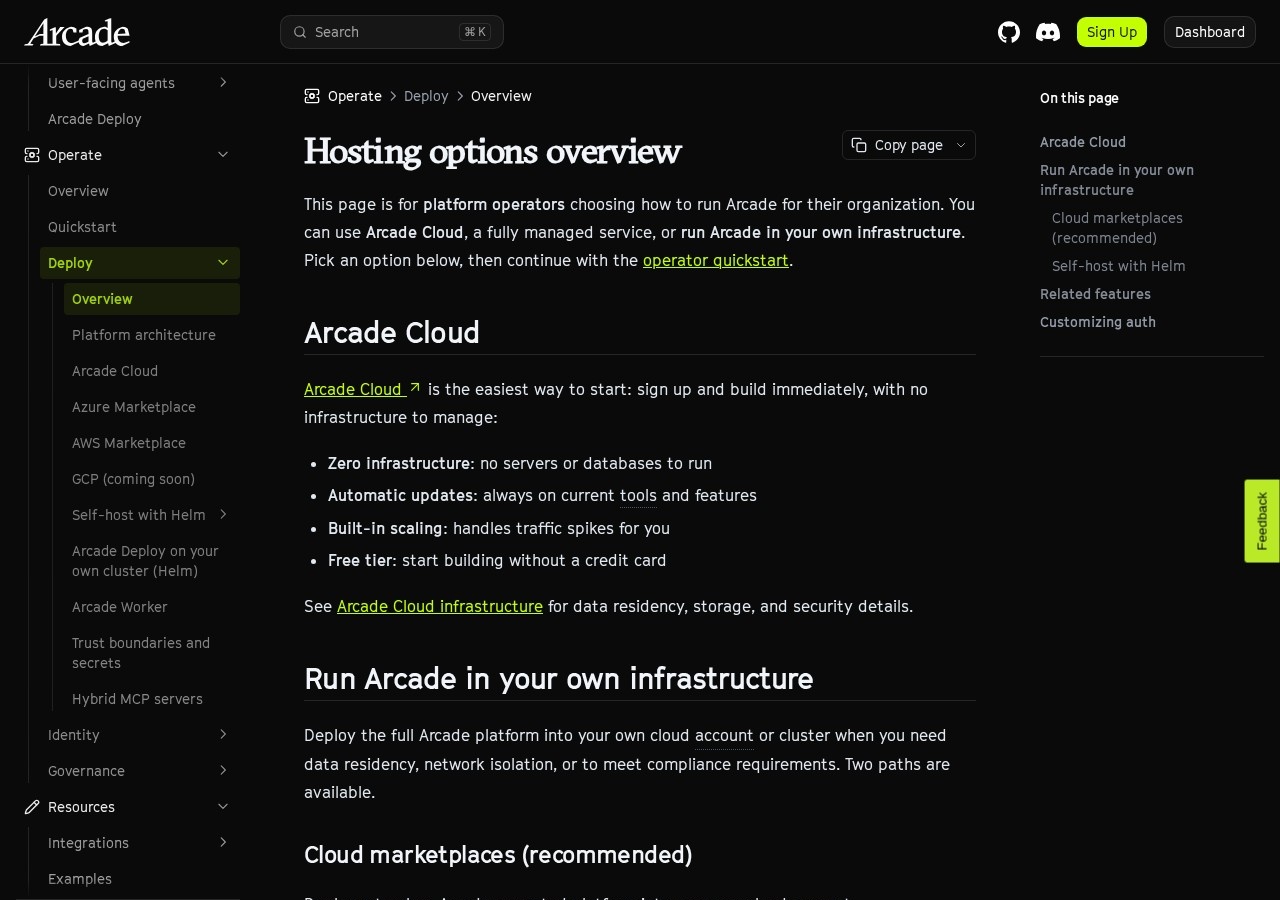
Arcade's deployment docs describe three platform routes: a cloud marketplace deployment in your own cloud account, a Helm install on a Kubernetes cluster you manage, and hybrid MCP servers that run in your environment and connect to Arcade Cloud. The deploy page states no license for the engine itself.
Pros:
Cons:
Pricing: See Arcade's pricing page. This list does not compare free tiers.
Verdict: Arcade works for teams that already write MCP servers and want a supported route to host the platform, and the engine license needs a direct question to Arcade before a legal review.
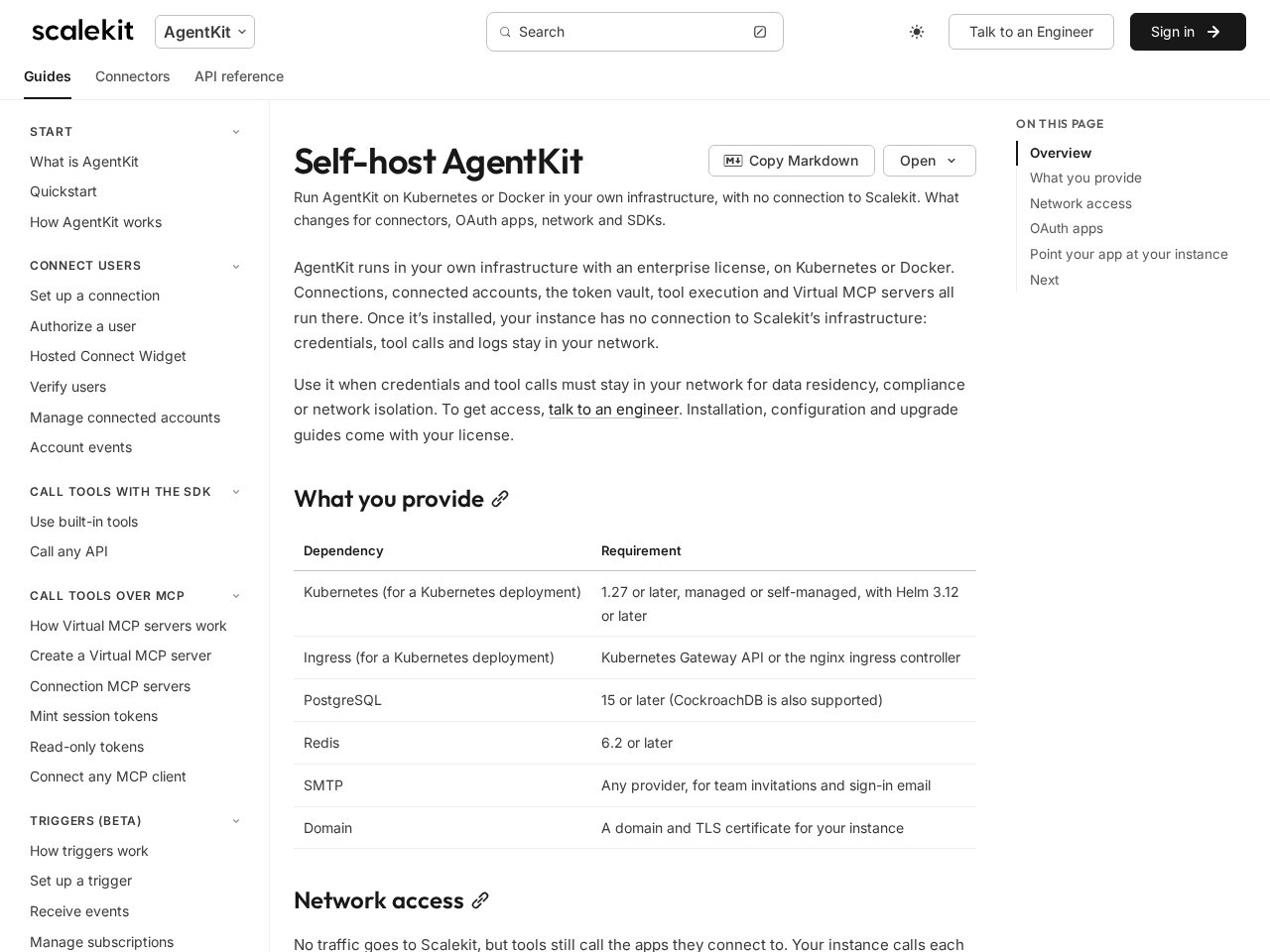
Best for: Enterprise teams that need per-user, per-tool authorization with the platform running in their own network.
AgentKit is our commercial product. Its SDKs for Node.js, Python, Go and Java are MIT-licensed on GitHub, but the platform has no public repository, so it isn't open source. It appears on this list because it can run inside your infrastructure. We offer self-hosted, VPC, and air-gapped deployment and US/EU data residency.
Our self-hosting docs describe a Helm chart installed on Kubernetes 1.27 or later, with PostgreSQL 15 or later and Redis 6.2 or later, and they state that self-hosting requires an enterprise license.
Pros:
Cons:
Pricing: See scalekit.com/pricing for list prices. Self-hosting requires an enterprise license.
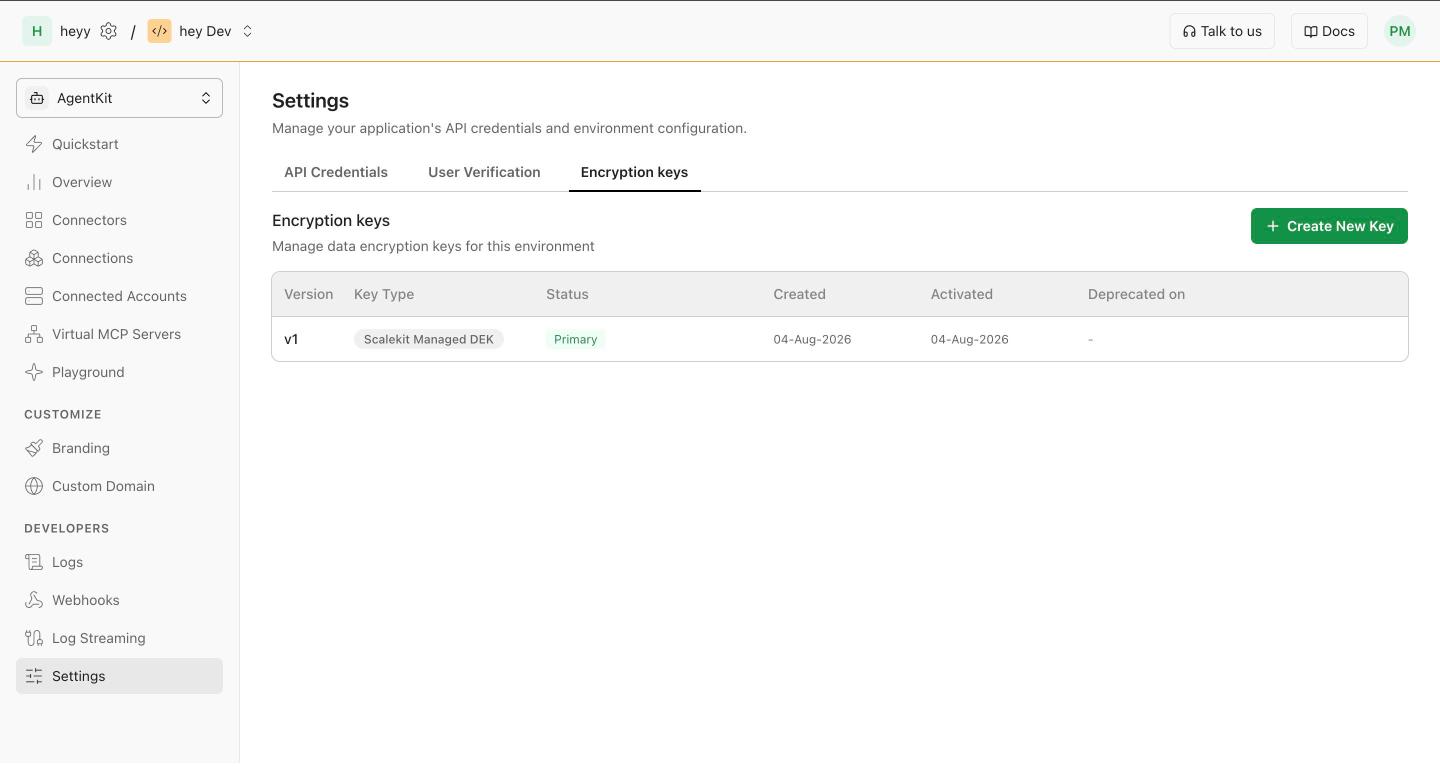
Verdict: AgentKit fits regulated teams that need the authorization layer inside their own boundary, and it is the wrong choice for teams that require a forkable open-source codebase.
Best for: Teams that want to reuse Pipedream's pre-built integration components in their own code.
Pipedream's GitHub repository holds the pre-built integration components, along with docs and the roadmap, and has about 11.6k stars. Its LICENSE file is the Pipedream Source Available License Version 1.0, which makes the code source-available.
Pipedream's Connect documentation describes a hosted service, and it does not document self-hosting the platform. Pipedream is a weaker fit for this category, and it is listed so the license question has a clear answer.
Pros:
Cons:
Pricing: See Pipedream's pricing page. This list does not compare free tiers.
Verdict: Pipedream suits teams that want to borrow component code, and teams that must self-host the credential layer should look at the other four options.
Self-hosting pays off when a rule outside engineering decides the architecture:
Absent such a rule, a hosted platform is cheaper to run.
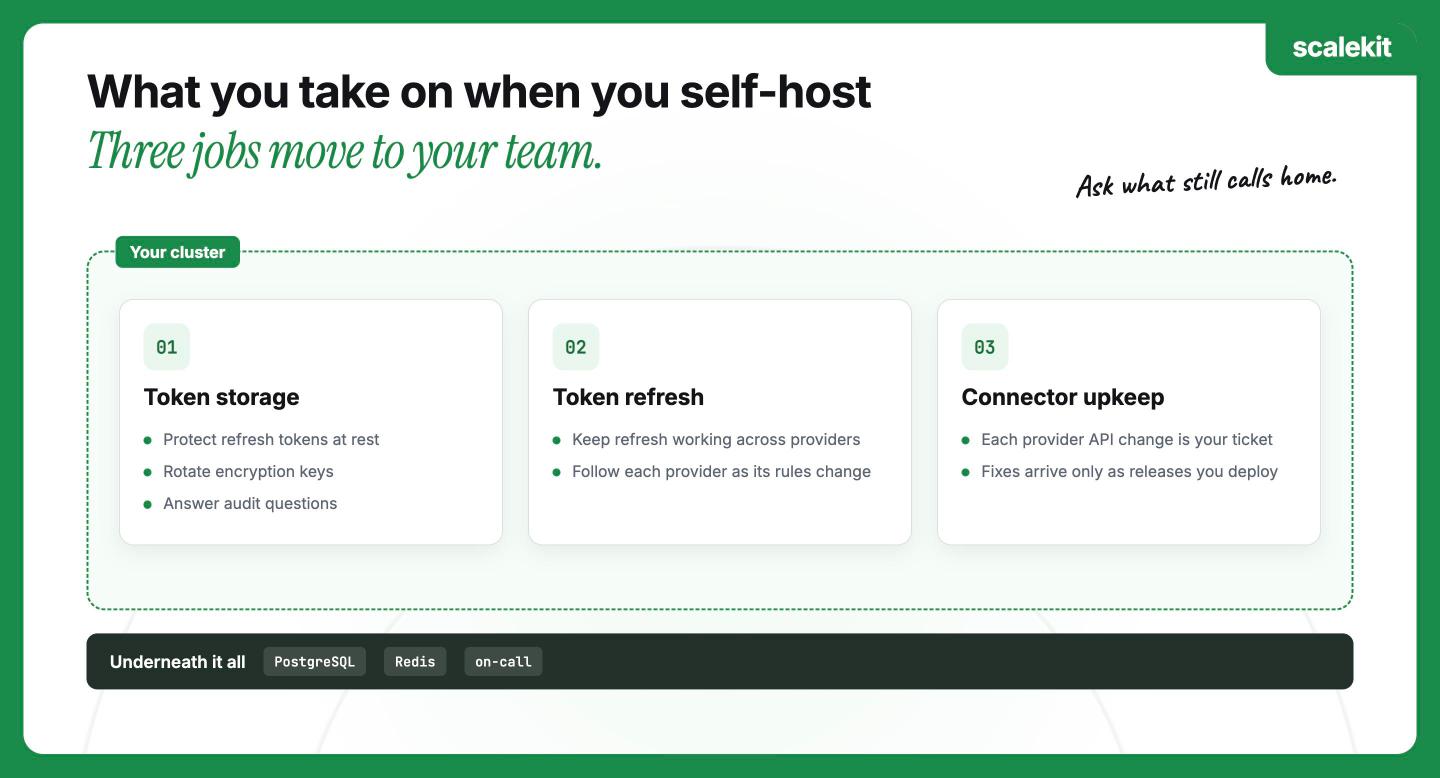
Hosting the platform moves three jobs onto your team:
The free or open parts of a platform rarely include all of that. Nango's free self-hosted version covers API authorization only, Composio lists self-hosting as an Enterprise feature, and Arcade's hybrid MCP servers still connect to Arcade Cloud.
For a broader comparison, the best tool calling platforms for AI agents list scores eight platforms on the same criteria, and the agent tool calling pillar explains the six layers a platform must cover.
The right option depends on how much of the platform must run inside your network. Composio's MIT code suits teams that accept a hosted platform, and Arcade's Helm install suits teams that write their own MCP servers. Nango suits teams that want to run the authorization engine under the Elastic License 2.0, and Pipedream suits teams that only want its components.
When the whole authorization layer has to sit inside your boundary, Scalekit is built for that. It runs self-hosted, in a VPC or air-gapped environment, keeps per-user connected accounts and per-tool scopes, and makes no calls back to Scalekit once installed.
Whichever option you pick, ask which calls a self-hosted copy still makes home, and budget for token storage, refresh, and connector upkeep. To see how AgentKit deploys in your environment, read the AgentKit deployment options.
It is a tool calling platform that runs on your own infrastructure instead of the provider's cloud, including the OAuth flows, the token vault, the connectors, tool execution and audit logs. Arcade's Helm install, Nango's Enterprise self-hosting and Scalekit document running the full platform yourself, and Composio lists self-hosting as an Enterprise feature.
Not among the five options here. Composio's and Arcade's MIT-licensed code covers the SDK and the MCP server framework, Nango's code is source-available under the Elastic License 2.0, Pipedream's components carry a source-available license, and Scalekit's platform is commercial, with MIT-licensed SDKs.
The Composio repository is licensed under the MIT License, which is an open-source license. The hosted platform behind it is a commercial service, and Composio lists self-hosting as an Enterprise feature.
Nango is source-available. Its code is licensed under the Elastic License 2.0, which allows internal use and modification and bars offering the software to others as a managed service.
Yes, with limits. Nango offers a free self-hosted version for API authorization, Arcade documents a Helm install and cloud marketplace routes, and Scalekit offers self-hosted, VPC and air-gapped deployment under an enterprise license. Composio lists self-hosting under Enterprise.
You take over token storage, token refresh, connector upkeep, and the operation of the databases underneath. Some features may also sit outside the self-hosted package, as with Nango's free tier, which leaves out actions, the MCP server, and logs.
Composio, Arcade, Scalekit, and Pipedream Connect all authorize calls per user on their platforms. Nango's free self-hosted version includes API authorization, and its docs do not say how per-user connections apply to it, so ask Nango before relying on it.