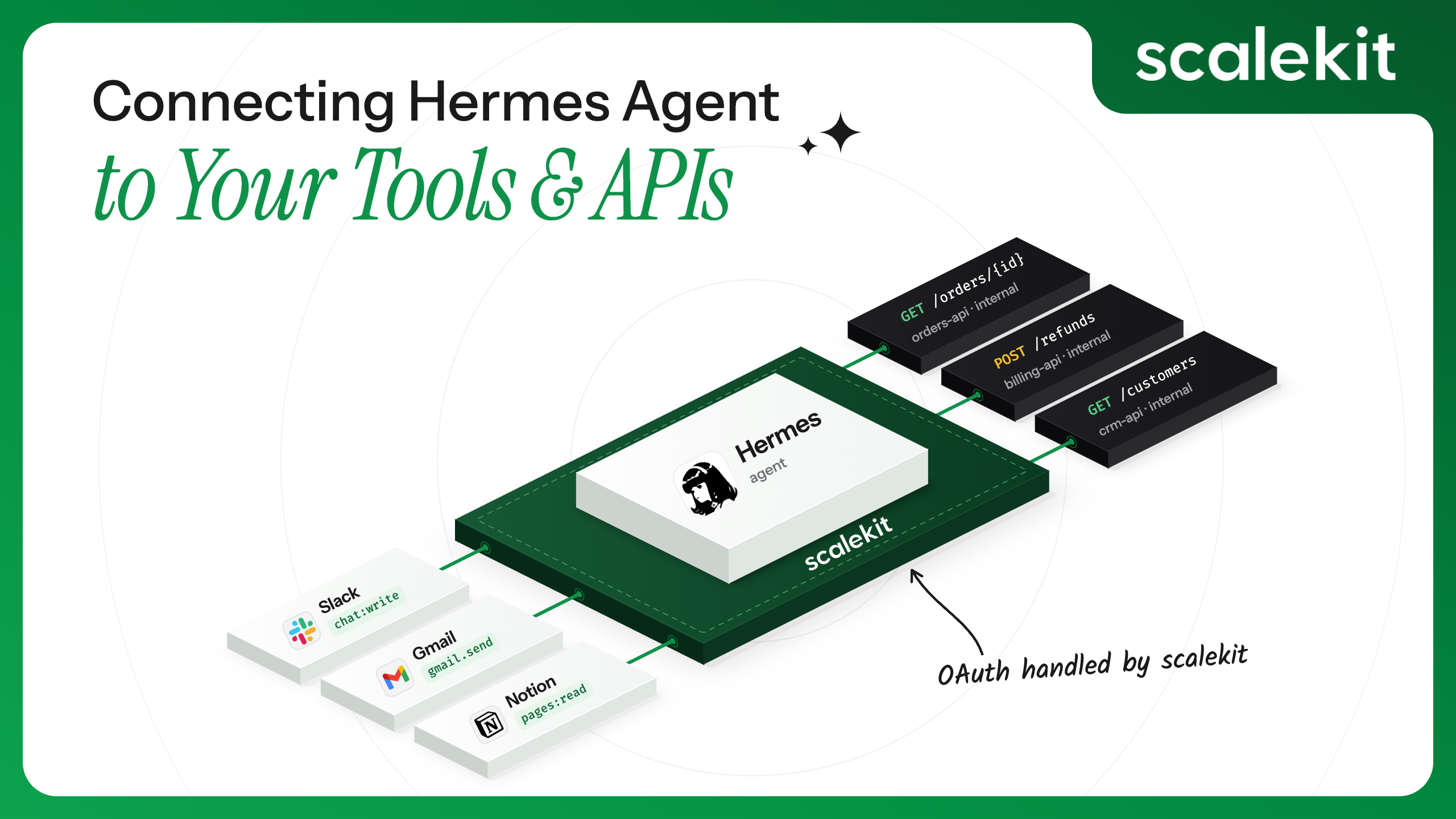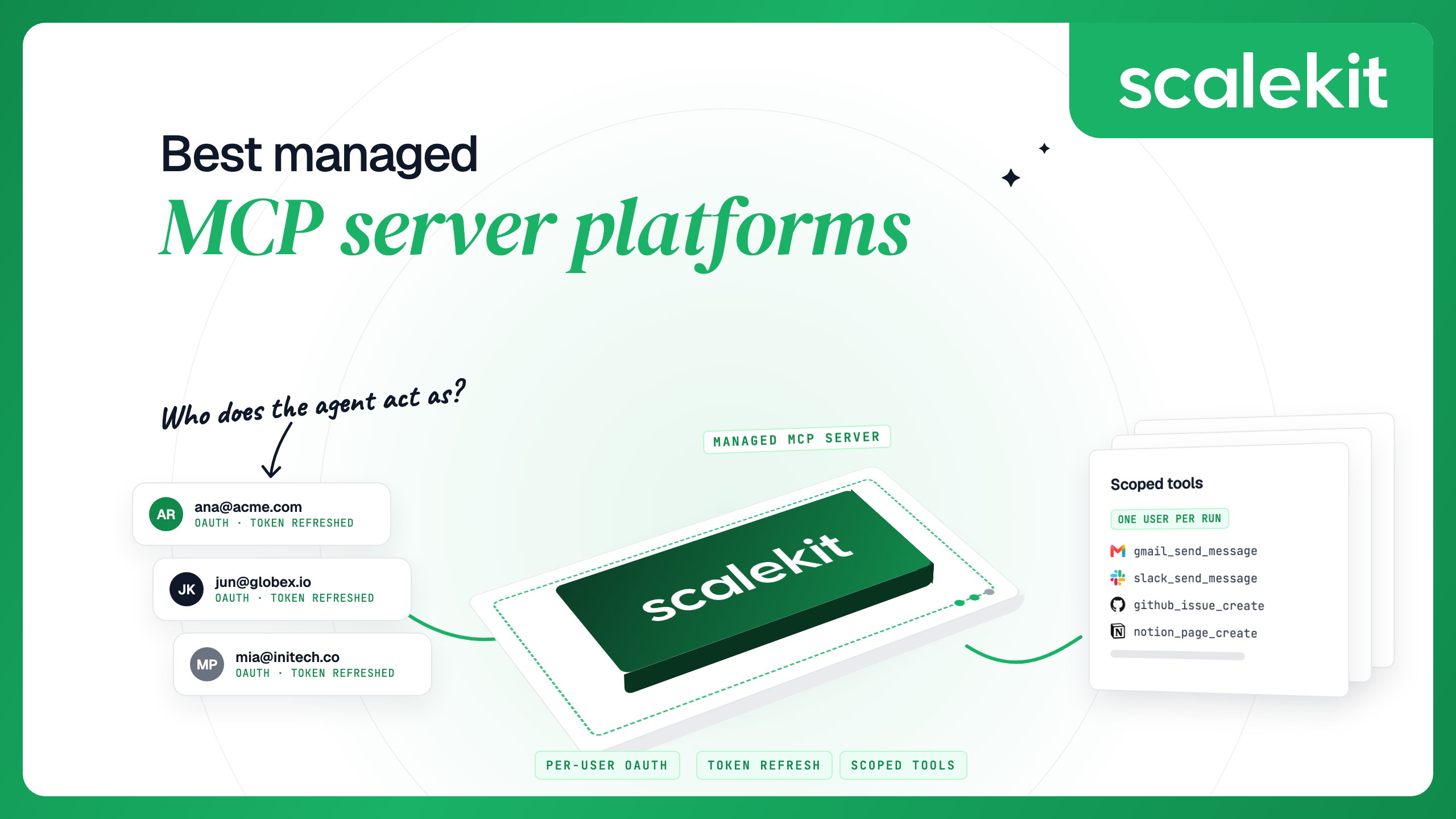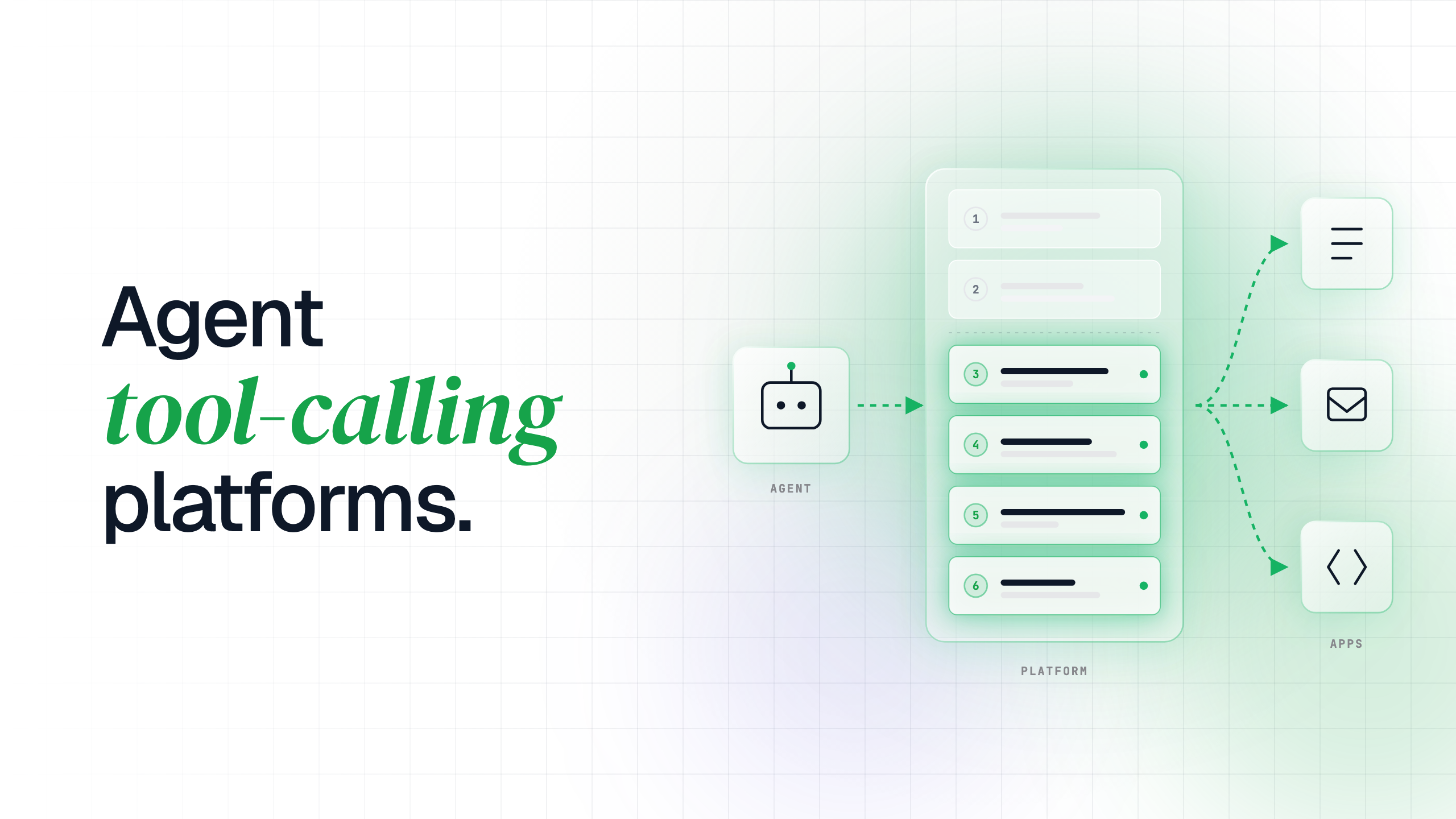


Every useful agent eventually needs to do something outside the chat window. It has to read a ticket, update a CRM record, open a pull request, or send a message, and each of those actions lives in someone else's software behind someone else's login.
This guide explains what sits between an agent and those apps. It defines the term, separates it from function calling, MCP, and A2A, and walks through the six layers every production tool call passes through. It then compares how the main platforms differ, gives five questions for a build-or-buy decision, and ends with a per-user tool call in about 25 lines of code.
An agent tool calling platform is the infrastructure that turns a model's request ("call github_issues_list") into a real API call, made with the right person's credentials, limited to the right actions, and recorded. The model decides what to do. The platform decides whether it is allowed, whose access it uses, and what happens to the result.
A working definition has three parts:
Suppose a company ships an engineering triage agent to its customers. Each customer's engineers connect their own GitHub and Slack accounts, and the agent reads their issues and posts summaries to their channels. That single agent now acts for hundreds of people in dozens of tenants, and every call has to land in the right account.
These four terms get used interchangeably, but each one names a different part of the stack. Sorting them out first makes the platform layer easier to see.
Function calling and tool calling are close cousins. Function calling describes what the model emits, and tool calling describes the whole round trip that your code completes around it.
MCP standardizes the connection between an agent and a tool server. Its authorization spec covers how a client proves itself to an MCP server, which leaves out the question of how that server gets each end user's Gmail or Salesforce token. A2A sits one level up again, letting agents built on different frameworks delegate work to each other.
Arcade's own guide to agent tool calling puts it in 2026, protocol connectivity is largely settled. We agree. The triage agent can speak MCP, call functions through any major model, and hand work to other agents, so the protocols are no longer what separates one platform from another. What still differs is tool quality, authorization and audit, which covers everything that happens after the model says "list this user's issues", and that is where the six layers come in.
A production tool call passes through six layers on its way from the model to the app. The table below lists each one with the question it answers, what goes wrong when it is missing, and what to check when you evaluate a platform.

Frameworks handle discovery and schema; layers 3 to 6 decide whether a call is safe to run for a real user.
Layers 1 and 2 are about the model's experience of tools. Discovery cost is easy to underestimate: the GitHub Copilot CLI documentation on tool search notes that a few dozen tool definitions can use 10,000 to 20,000 tokens before an agent does any work.
Layers 3 to 6 are about the user's safety and your team's ability to answer for what happened. For the triage agent, layer 3 means engineer A's run uses engineer A's GitHub token. Layer 4 means the summarizer role cannot close issues, layer 5 turns an expired grant into a reconnect prompt for the user, and layer 6 means a customer's security team can see every call the agent made in their tenant.
Agent frameworks such as LangChain, the OpenAI Agents SDK, the Vercel AI SDK, and Mastra are very good at the model loop. They format tool schemas for the model, parse its requests, call your function, and feed the result back.
What they don't do is own anyone's credentials. A framework calls whatever function you register, and that function needs a token from somewhere. Here is how the work usually splits:
The triage agent shows how fast this grows. GitHub and Slack each have their own OAuth flow, scopes, token lifetimes, and refresh rules, and adding Linear or Jira next quarter repeats all of it. For a closer look at the refresh side alone, see our guide on handling token refresh for AI agents.
Most platforms in this category cover all six layers to some degree, so the useful comparison is where each one leans. The table below compares them on catalog and hosting.
Two more dimensions, authorization model and governance, don't fit in a single cell:
If your main constraint is the number of apps on day one, Composio or Pipedream will likely get you there fastest. If you need DLP redaction on every payload, Merge is built around it. Most teams shipping customer-facing agents need their top 50 to 100 apps done well, and their harder problem sits in layers 3 and 4.
When your agent acts for many users inside their own accounts and needs per-tool scope and per-user audit, Scalekit is built for that case.
Building the platform layer yourself is a real option, especially for one or two apps you know well. These five questions make the trade-off concrete.
If three or more answers point to "many", "yes" or "customers", building is likely to cost more to maintain than a platform. Our post on delegated agent access goes deeper on the multi-tenant case in question 2.
Scalekit is a tool-calling platform built around the four layers frameworks leave open. It ships 500+ connectors and 20,000+ tools, and the design centers on running every call as a specific user.
It also covers the tool quality point from earlier. Scalekit's tools are schema-optimized for LLMs, and tool search finds tools by intent while marking which ones this user can call right now. When no built-in tool fits, a custom tool on an existing connector takes about 30 minutes to build.
Each user authorizes an app once through an authorization link, which creates a connected account tied to your app's identifier for that user. Scalekit stores the tokens in a vault and refreshes them, so your agent passes the user's identifier, the connection and the tool name, and never a token.

A Virtual MCP server exposes only the tools you list for one agent role. Every user shares its URL, and before each run your server mints a short-lived session token bound to one user and that one server.
Session tokens last one hour by default and can be set anywhere from 60 seconds to 24 hours, so a scheduled run can mint a fresh one each time. For the broader principle, see our guide to least privilege for AI agent tool calls.

Scalekit returns tool output under data, and when the app answers 401, 403 or 429 the call fails with an error that names the cause. Some apps report an error inside a successful 2xx response instead, such as Slack's missing_scope, and that error arrives in data, so the agent should check it before using the result.
Each call is logged with the tool name, connection, connected account, identifier, status, error code, and duration, and tool inputs and responses are not stored. On the Enterprise plan, logs stream to Datadog, CrowdStrike or Google SecOps for teams that keep audit trails in a SIEM.

For teams with strict data rules, Scalekit runs in Scalekit's US or EU region, or on the Enterprise plan in your VPC or self-hosted on Kubernetes or Docker with no connection back to Scalekit. It is SOC 2 Type II and ISO 27001 certified, and the Enterprise plan carries a 99.99% SLA.
Scalekit is not the right choice for every team. If you need the largest number of supported apps on day one, or DLP redaction on every payload, the platforms above that lead on those dimensions are a better fit.
The code below runs the triage agent's first step for one engineer. It finds or creates their GitHub-connected account, sends them an authorization link if they haven't connected yet, lists the tools they can call, and runs one read-only tool as them.
Both samples use github-connect, the GitHub connection new Scalekit environments include, and read credentials from SCALEKIT_ENVIRONMENT_URL, SCALEKIT_CLIENT_ID and SCALEKIT_CLIENT_SECRET.
Python
TypeScript
Two details carry most of the safety here. The identifier comes from your server-side session, never from the request body, so one user can't act as another. In Node, executeTool names the connection connector instead of connectionName, unlike the other SDK calls, so the two are easy to mix up.

An agent tool-calling platform is the layer that makes a model's request safe to run for a real person. Frameworks and protocols now handle discovery and schemas well, so the differences that remain sit in authentication, per-tool permissions, execution, and audit, and those are the layers to test in any evaluation.
To see the full loop for yourself, run the Scalekit quickstart, which connects your own GitHub account and makes a first per-user tool call in about 10 minutes. For a production design review covering your agent's roles, tenants, and audit requirements, talk to a Scalekit engineer.
Tool calling is the loop where a model asks to run a named action with structured arguments, your code runs it against a real system, and the result goes back to the model. It is how an agent moves from answering questions to reading and changing data in other apps.
They overlap. Function calling is the model feature that emits a structured request, and tool calling is the full round trip, including execution, credentials, and error handling that happen outside the model.
MCP standardizes how an agent lists and calls tools on a server. It does not store each user's tokens for downstream apps, scope tools per agent role or log calls per user, so a platform is still useful whenever your agent acts for more than one person.
Each user authorizes an app once, which creates a stored grant linked to your app's ID for that user. On every call, the agent passes that ID, the connection name and the tool name, and the platform adds that user's token to the outgoing request.
There is no single number. GitHub's Copilot CLI loads every tool below roughly 30 and, on supported models, switches to tool search above that, noting that selection accuracy falls once several dozen tools are in view. Scoping tools per agent role and filtering by what each user has connected keeps the list short.
An iPaaS such as Zapier or Make runs workflows a person designs in advance, usually set off by an event. A tool-calling platform serves tools to a model at runtime, with schemas the model can read, per-user credentials, and per-call logs, so the agent chooses which action to take for each request.