

Avoma gives an agent two ways into its meeting intelligence: a hosted MCP server that each rep signs in to, and a v1 REST API that an admin issues keys for. They cover different parts of the product, and on Avoma the usual credential story runs backwards: per-user identity lives on the MCP path, while the API path pushes you toward one key per customer org. This guide compares what each path lets a sales agent do, the credential each one leaves you holding, and how to run either across many customer orgs in production.
Your agent needs Avoma. It has to pull last week's discovery calls, read the transcripts, check scorecard results, and log a meeting outcome when it's done. Avoma ships a hosted MCP server and a v1 REST API. They differ on capability coverage, on credential model, and on what you own in production.
One difference is unusual. On Avoma, per-user identity lives on the MCP path, while the API path pushes you toward org-wide keys. Here's how to pick.
Both paths read the same meeting intelligence. They reach it through different doors.
Avoma maintains an official remote MCP server for meeting data. Auth is OAuth 2.0 only, and Avoma states that no API key is required. A workspace admin adds the connector once in Claude or ChatGPT; each member then connects their own Avoma account and picks one of three permission scopes on the consent screen. Access requires an Avoma Organization or Enterprise plan, or the API Access add-on.
The server exposes 11 read tools, including list_meetings, get_meeting_transcript, get_meeting_notes, and list_scorecard_evaluations, plus 3 write tools: set_meeting_outcome, set_meeting_purpose, and set_meeting_privacy.
Official reference: Avoma's MCP product page and the "Getting started with Avoma MCP Connector" guide in the Avoma Help Center.
The Avoma API is a versioned REST interface (v1) over meetings, recordings, transcriptions, notes, scorecards, calls, smart categories, templates, users, and engagement analytics. Requests carry a bearer credential built from a client key and a client secret. Avoma limits the API to 60 requests per minute and gates API access by plan.
Only Avoma admins can create keys, under Settings, Organization, Developer. Each key carries one of three scopes, covered in the auth section below.
Official reference: the Avoma API reference on Avoma's developer portal and the "How to create and manage Scoped API keys" article in the Avoma Help Center.
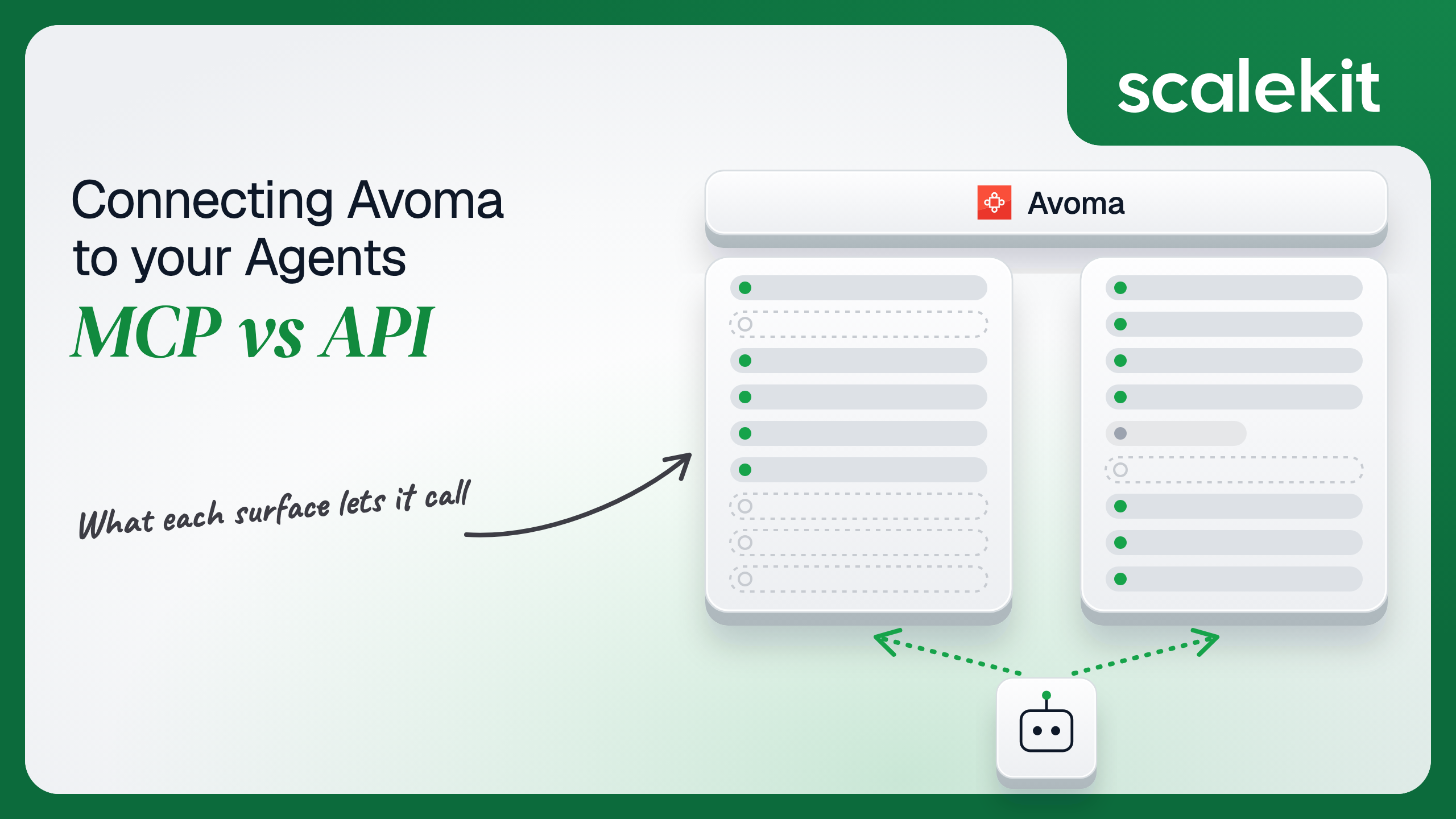
The MCP server covers the questions reps ask. The API covers the operations an agent runs.
The API column reflects the endpoints exposed through Scalekit's 45-tool Avoma connector.
The MCP server is a deal review and coaching surface. Everything operational sits on the API side: ingesting dialer recordings with avoma_call_create, tracking sentiment shifts with avoma_meeting_sentiments_list, maintaining the smart categories that drive note extraction, and reacting to the AI-notes-ready webhook instead of polling.
One small difference catches teams early. Avoma's meeting, notes, and call list tools require ISO 8601 UTC from_date and to_date values. The MCP server ships get_current_datetime, so the model can resolve "last week" on its own. On the API path, your agent has to inject the current time, or the model guesses at dates.
Recommended reading: Granola MCP vs Granola API for AI agents
This is where Avoma departs from most tools in this series.
Every member completes their own OAuth flow, so the agent inherits that person's Avoma visibility. The consent screen offers three scopes. Avoma's troubleshooting guide notes that the user-limited and org-limited scopes exclude private meetings, so an empty result often signals a scope mismatch rather than a missing meeting.
In Claude, each Avoma MCP tool can be set to Blocked, Ask permission, or Always allow. Scheduled prompts fail unless every tool they touch is on Always allow, because no human is present to approve the call.
Avoma API keys are created only by org admins. Each carries one of three scopes: User-limited access (one user's non-private meetings), User-full access (everything that user can see, including private meetings), or Organization-limited access (all non-private meetings across the org). Avoma calls the org-limited scope the highest-privilege option.
The constraints matter more than the scopes. An org can hold at most 10 keys at a time. A key's scope and its issued-to user are permanent. When the issued-to user is deactivated, requests with that key fail, and the key is not deleted automatically.
On Notion, Slack, or HubSpot, both paths can run on per-user OAuth. On Avoma, per-user identity that scales exists only on the MCP path. A 40-rep sales team cannot issue 40 user-scoped API keys; the cap is 10.
So a multi-tenant B2B agent on the API path often works from an Organization-limited key per customer org. That key sees every non-private meeting in the org, not just the requesting rep's. Least privilege then has to come from your agent layer: which tools the agent can call, and which filters it applies. The code section below shows one way to pin those filters.
Neither path is zero-ops. The work lands in different places.
Avoma runs the server, the tool schemas, and the tool descriptions. You own the human side of the token lifecycle. Grants disconnect automatically after 30 days of inactivity, and when an admin republishes the connector, every member must reauthenticate. Queries that span many meetings can hit Avoma's rate limits or time out, so prompts need a timeframe, meeting type, or account name.
There is also a client constraint. Avoma documents setup for Claude and ChatGPT. If you run your own agent runtime, verify that your MCP client can complete Avoma's OAuth flow before you commit to this path.
You own everything: key provisioning with each customer's Avoma admin, the 10-key budget, rotation through Avoma's Regenerate action, and cleanup when issued-to users leave. You own throughput at 60 requests per minute and pagination; meeting lists cap at 100 records per page and notes at 20. Snippet queries span at most 180 days. The revenue intelligence endpoints are marked beta, so their parameters and responses can change without notice.
Avoma also asks customers to warn its engineering team before a large usage spike, such as a big batch of meetings in a short window.
Both lists are specific to Avoma agents, not generic MCP advice.
Both paths hand you a credential. Neither hands you the infrastructure to hold it.
The MCP path produces one OAuth grant per user, each with a 30-day inactivity clock. The API path produces scoped keys per customer org, or per user for up to 10 users. Either way, those credentials must be encrypted at rest, isolated per tenant, kept out of logs and LLM context, rotated, and revoked when a customer churns. The token type differs. The infrastructure does not.
A churned customer's org-limited key is the sharpest case. Until someone revokes it in Avoma, it still reads every non-private meeting that customer recorded.
Scalekit's Avoma connector handles the credential layer for the API path. Each user connects the Avoma key their admin issued, once, through a hosted page. Scalekit sends it with every call, so the agent never handles the credential. The vault encrypts every OAuth token and API key with AES-256, using a key unique to your environment that is wrapped by a master key in Google Cloud KMS.
Scalekit can also serve those same tools over MCP. You get the API's coverage and MCP-style tool access, with a managed vault behind both.
Recommended reading: Single vs multi-tenant tool calling agent auth
Scalekit's Avoma connector wraps the Avoma REST API in 45 tools: 32 read, 10 write, and 3 destructive. The examples below use Python, LangChain, and Claude, and target scalekit-sdk-python 2.20.0.
Create an Avoma connection in AgentKit > Connections, following the connection setup guide. The connection_name your code passes must match the dashboard name exactly; a mismatch is the most common integration error. On the Avoma side, an admin creates a scoped key under Settings, Organization, Developer. Pick the narrowest scope the agent needs.
The identifier is your app's stable internal user ID, never an email, because it appears in tool call logs and must never be reassigned. The hosted page asks for the Avoma key, so the key never passes through your app or the agent.
The agent should not load the connector catalog. actions.langchain.get_tools() calls list_scoped_tools under the hood and returns tools for this user's connected account only, filtered here to four read tools. The destructive avoma_meeting_drop and the delete tools never reach the model, which cuts both blast radius and prompt tokens.
The system message injects the current UTC time, because Avoma's list tools need ISO 8601 dates and the connector has no clock tool. The loop runs until Claude stops requesting tools, and every tool call goes through execute_tool.
Recommended reading: LangChain tool calling for production agents
When the connected key is Organization-limited, register a pre-modifier before the loop runs. It forces the requesting rep's email into list calls. Modifiers run inside execute_tool, so every LangChain tool call passes through them. The SDK calls the function with the tool input only.
Treat this as narrowing, not authorization. The connector documents that a meeting_uuid lookup on avoma_transcriptions_list bypasses pagination and date-range filters, and UUID-based tools such as avoma_meeting_insights_get take no attendee filter at all. Modifiers also do not run on Virtual MCP calls, which Scalekit executes server-side. For hard per-user boundaries, user-scoped keys or Avoma's MCP path remain the real controls.
If your agent already speaks MCP, or one agent needs Avoma plus other apps, serve the tools through a Virtual MCP server. It is a Scalekit-hosted endpoint over the same Avoma connector, not a proxy to Avoma's own server.
This server pairs four read-only Avoma tools with one Slack tool for posting a digest. Destructive Avoma tools are not listed, so the agent cannot call them. See Create a Virtual MCP server for the full reference.
Before each run, confirm the user's connected accounts are ACTIVE, then mint a token bound to that user and this server. Tokens last one hour by default, accept 60 seconds to 24 hours, and cannot be refreshed. The session token guide covers scheduled and long-running agents.
LangChain reaches the server through langchain-mcp-adapters. By default, tools/list also returns a connect_account tool, which the agent can call to fetch an authorization link when an account is not connected yet.
One server definition serves every user. The URL is static, and each run's session token binds it to one user's connected accounts, so one tenant's run cannot act with another tenant's Avoma key. Least privilege is set at the tool level: this server exposes the 5 tools you chose plus connect_account, not all 45 Avoma tools and the Slack catalog. Fewer tools in context also means fewer tokens per turn and more reliable tool selection.
Compare that with Avoma's own MCP server: 14 fixed tools, one app, and per-tool controls that live in each user's chat client rather than in your code.
Recommended reading: When to use a Virtual MCP server and Token-efficient tool calling
Agents that read sales calls will face security reviews. Scalekit records each tool call made on a user's connected account.
AgentKit > Logs keeps 90 days of tool call metadata: tool name, connection, connected account, identifier, status, error code, duration, and time. Successful responses are never stored, so transcripts do not end up in your logs. Leave Store connector error details off unless you are debugging a connector, because error responses from the app can contain meeting data.
Each call can also stream as a connected_account.tool_executed event to Datadog, CrowdStrike, or Google SecOps. The event carries tool_name, tool_execution_id, tool_execution_duration_ms, connected_account_identifier, connection_name, status, and error fields, plus agent_id and agent_run_id when known. Tool inputs and outputs are excluded. Availability depends on your plan; see the log streaming guide.
Avoma's own MCP settings page shows who connected and per-tool call counts. That's useful, but it covers only the MCP path and stays inside Avoma.
Recommended reading: Agent tool observability
If your users are reps and managers working inside Claude or ChatGPT, and per-user visibility over private meetings matters, connect Avoma's MCP server. It is the only path where per-user identity scales past ten people.
If your agent runs headless, serves many customer orgs, or needs sentiment, segments, call ingestion, or webhooks, build on the API. Expect the credential to be org-wide more often than not, and enforce least privilege in your tool surface.
Either way, someone has to store, isolate, rotate, and revoke those credentials, and prove what the agent did with them. That part needs production-grade infrastructure.
Yes. Avoma runs a hosted MCP server that uses OAuth only, with no API key. A workspace admin adds the connector once in Claude or ChatGPT, then each member connects their own Avoma account and picks a permission scope. It exposes 11 read tools and 3 write tools, and needs an Organization or Enterprise plan or the API Access add-on.
The REST API adds call ingestion from external dialers, sentiment timelines, topic segments, snippets, smart category management, templates and event webhooks such as AI notes ready. It also filters meetings by CRM opportunity or account. The MCP server focuses on reading meetings, transcripts, notes and scorecards, plus setting outcome, purpose and privacy.
Only org admins can create them, and each key carries one of three scopes: one user's non-private meetings, everything one user can see, or every non-private meeting in the org. An org can hold at most ten keys, the scope and the issued-to user are permanent, and a key stops working when its user is deactivated.
Every MCP user completes their own OAuth flow, so the agent inherits that person's visibility. On the API path the ten-key cap means a 40-rep team cannot get a user-scoped key each, so multi-tenant agents usually fall back to one org-wide key per customer and enforce least privilege in their own tool layer.
Use the API for headless work: nightly deal review digests, weekly scorecard rollups, pipelines triggered by webhooks, ingesting dialer recordings, or any task that needs sentiment, segments or smart categories. Use MCP when reps and managers query their own calls from Claude or ChatGPT and private-meeting boundaries must follow each user.
Each user connects the Avoma key their admin issued once through a hosted page, and Scalekit stores it encrypted and sends it with every call, so the agent never handles it. The connector exposes 45 tools that you narrow per agent role, serve as LangChain tools or through a virtual MCP server, and log per call.
Start with the Avoma connector docs and the Scalekit Avoma connector page. For complete GTM agents, adapt the sales call prep agent, deal intelligence agent, meeting prep agent, or revenue forecast commentary agent templates, or browse all GTM and RevOps agent templates. Plans and limits are on the pricing page.
Building an Avoma agent that serves multiple customer orgs? Talk to us for immediate help from an engineer.