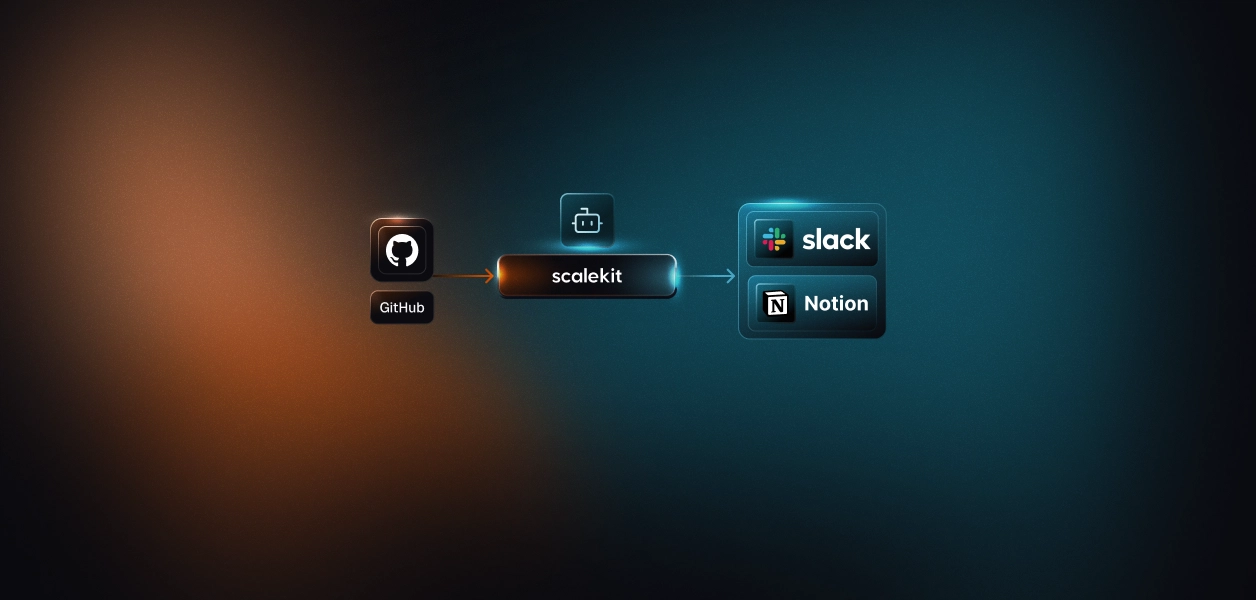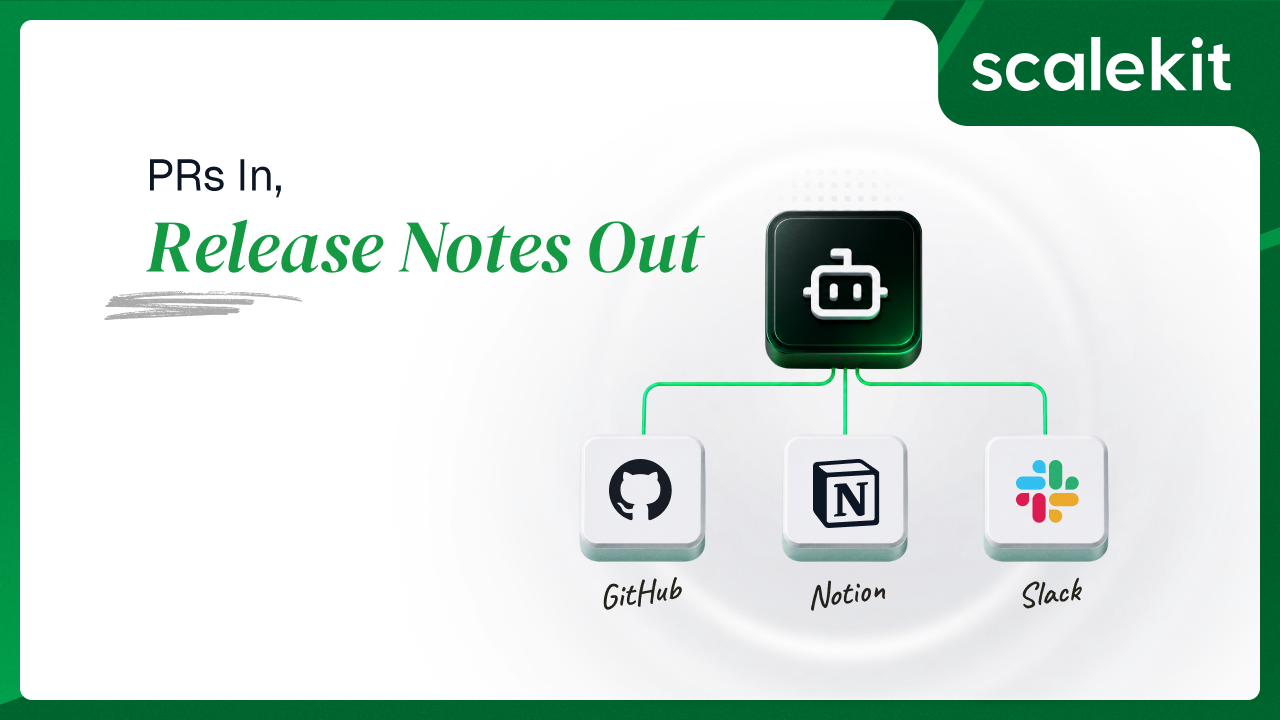


The release goes out Thursday. On Friday someone opens GitHub, filters closed pull requests, reads thirty titles, decides which twelve mattered, and writes them up in Notion. Then they paste the link in Slack, where roughly four people see it.
The information already exists. It is in the PR titles, the PR descriptions, the commit messages, and the merge SHAs. Nobody needs to invent anything. The work is transcription, and it is the kind of transcription that gets skipped the week it matters most, because the week it matters most is the week everyone is busy.
An agent does not get busy.
There is no reasoning loop here. The agent polls, filters, writes, and notifies, in that fixed order, then sleeps. It holds no memory between cycles beyond a list of PR numbers it has already handled.
Every cycle runs four steps:
Polling rather than webhooks is a deliberate choice. A webhook needs a public URL, which means a tunnel in development and a deployed endpoint in production, plus HMAC signature verification and a replay strategy. For a workflow whose acceptable latency is measured in minutes, none of that earns its keep. The repo ships both; the polling server is the one to run.
Every one of these three services ships more than one connector in the catalog, and they are not interchangeable. Picking wrong is not a config error you notice at setup; it is a runtime failure that reads like a data problem.
The catalog carries a plain GitHub connector with 217 tools on OAuth 2.0, a personal access token variant with the same 217 tools on a bearer token, and a GitHub MCP connector with 44 tools on OAuth 2.1. This agent uses the plain OAuth connector.
Setup is the least painful of the three services. Create an OAuth app in GitHub Developer Settings, paste the Scalekit redirect URI into the Authorization callback URL field, and copy the Client ID and Client Secret back into Scalekit. Note the ordering detail: in the Scalekit dashboard you have to click Use your own credentials before the redirect URI appears.
The constraint that catches people later is the OAuth app boundary. A GitHub OAuth app is not a GitHub App, and some endpoints are closed to it. Creating a check run, for instance, requires a GitHub App; OAuth apps and authenticated users cannot create a check suite at all. If your release notes agent later grows into a release gate that wants to post status checks, that is where you hit the wall, and no amount of scope tuning gets you past it. Full tool list is in the GitHub connector docs.
Recommended Reading: GitHub MCP vs API for AI agents
The Notion connector is 51 tools on OAuth 2.0, and there is no managed-app shortcut. You register your own public integration at Notion Integrations, paste the Scalekit redirect URI into the OAuth Domain & URIs section, and take the OAuth client ID and secret from the integration's Secrets tab. In Scalekit's Permissions field you enter Notion capabilities, not OAuth scopes; the vocabulary is different from every other connector in this stack.
Three things then bite in sequence.
The plain Slack connector is 91 tools on OAuth 2.0, and slack_send_message takes channel and text. The Slack MCP connector is 19 tools on OAuth 2.1, and slackmcp_slack_send_message takes channel_id and message. This agent uses the plain connector. Passing the other pair fails at runtime with an error that looks nothing like a naming problem.
Slack MCP also requires enabling Model Context Protocol inside the Slack app itself before the connection will authorize, under Features then Agents & AI Apps. If you have not done that and you picked the MCP variant, the OAuth flow has nothing to grant.
Recommended Reading: Slack MCP vs API for AI agents
The failures above are configuration. This one is different, and it is the reason release notes agents ship half-finished.
Here is what a release note should contain: what changed. Here is what this agent's Notion page contains if you build it the obvious way: the PR title and the PR description. No commits. The reason is a single wrong tool name.
The tool that lists commits on a pull request is github_pull_request_commits_list. It takes owner, repo, and pull_number, and it has been in the connector all along. The name a reasonable developer reaches for is github_pull_commits_list, which does not exist. Call it, get an error, conclude the capability is missing, ship release notes without commit lists, and leave a code comment explaining the limitation. The limitation is not real.
The Notion property failure has the same shape. The connector does accept a full properties object mapping column names to Notion property values. What it rejects is Name as the key for a title column. One wrong key looks identical to "properties are not supported," and the workaround, dumping all the metadata into a callout block, produces a Notion database whose columns are empty. Which means it cannot be filtered, sorted, or grouped. Which means it is not a database; it is a list of pages.
Both failures come from the same place: writing tool calls from memory instead of from the surface. That surface is retrievable. list_scoped_tools returns the tools the current user's connected account is actually authorized to call, with their real names and parameter schemas, and notion_database_fetch returns the real property names for the target database. Two calls at build time replace two guesses that ship as permanent limitations.
The fix is not a better memory. It is not guessing.
Recommended Reading: Why tool calls fail in production
Configure each connection once in the dashboard. After that, every call to GitHub, Notion, and Slack goes through the same method. Token storage, expiry, and refresh are handled server-side, and no credential appears anywhere in the agent.
That last point is worth holding against the .env file. If your configuration contains a NOTION_API_KEY or a GITHUB_TOKEN alongside your Scalekit credentials, you have two credential systems and only one of them is vaulted. Delete the raw tokens. The only secret the agent should hold is the Scalekit client secret.
There is an accuracy argument too. Across these three connectors the catalog exposes 359 tools: 217 for GitHub, 91 for Slack, 51 for Notion. This agent calls four. Handing a model the full catalog degrades tool selection and burns context before any work happens; the agent should see only the tools the current user's connected account authorizes.
Recommended Reading: Token-Efficient Tool Calling: Auth Overhead in Agent Context
Ready to wire it up? Start free and follow the AgentKit quickstart.
Create a workspace at app.scalekit.com and copy SCALEKIT_ENV_URL, SCALEKIT_CLIENT_ID, and SCALEKIT_CLIENT_SECRET into your .env.
Go to AgentKit then Connections then Create Connection, find GitHub, click Use your own credentials, and copy the redirect URI. Paste it into your OAuth app's Authorization callback URL at GitHub Developer Settings, then bring the Client ID and Client Secret back into Scalekit.
Create the connection, copy the redirect URI, and register a new integration at Notion Integrations with that URI in OAuth Domain & URIs. Take the OAuth client ID and secret from the Secrets tab. Then share your release notes database with the integration; an authorized workspace is not the same as a shared database, and an unshared database returns empty results rather than an error.
Create the connection and complete OAuth with a scope that permits posting. Invite the connected account into the channel you set as SLACK_ANNOUNCE_CHANNEL before the first run.
Then copy the exact connection names from the dashboard into your .env. Scalekit auto-suffixes them per workspace, so the connection you think of as github may be github-2. Passing connection_name explicitly on every call is what prevents a multiple connected accounts found error when one identifier holds several connections of the same provider type.
Then prompt Claude Code:
The middle paragraph is the important one. It is the instruction that would have caught both of the failures in the previous section.
Claude Code generates the client and a shared execution wrapper. Retry logic belongs here rather than at each call site, because the three services fail differently and only some failures are worth retrying:
A 429 or a timeout is worth retrying. A wrong tool name, a bad property key, or a revoked token is not, and retrying them three times just delays the error you need to see. The classification above is the whole difference between a resilient agent and one that hides its own bugs.
Locally, identity comes from SCALEKIT_DEFAULT_IDENTIFIER. In production, resolve each engineer's real user ID server-side from your authenticated session and pass it as identifier, so the Notion page and the Slack message are attributed to the person who actually merged the PR rather than to a shared bot.
Recommended Reading: Why Admin Accounts Are the Wrong Default for AI Agents
GitHub has no "list merged PRs" endpoint. It has closed PRs, and merged is a property of some of them. So the agent asks for closed PRs sorted by recency and filters in process:
Two details worth knowing. The response arrives wrapped as {"array": [...]} rather than a bare list, so the unwrap above is not defensive padding. And merged_at being null is how GitHub distinguishes a closed-without-merging PR from a merged one; there is no separate state value for it.
The 24-hour window plus a 30-PR page is a bounded read, not a full history scan. A repository merging more than 30 PRs a day needs pagination added here.
This is the call the naive version skips. Release notes that list only PR titles are a table of contents; the commits are the content.
The connector's own note on this tool is that results may not include every commit on very large pull requests, which is a GitHub limit rather than a connector one. Capping the display at eight and counting the remainder keeps the page readable either way.
Read the schema before writing to it. One call, once, and it removes the entire class of property errors:
Now build the properties payload. The title column is called Name in the Notion UI and title in the API, and every other column is passed under its exact display name:
Note title in lowercase for the first entry and PR SHA with its space and capitals preserved for the second. That single distinction is the difference between a queryable release database and a pile of pages.
The commit list goes into the page body as child blocks, which take Notion API block objects on this tool:
With properties populated, the release notes database becomes filterable by repository, sortable by PR number, and groupable by status. That is the entire reason for using a Notion database instead of appending to a page.
The Slack message is one call, and the interesting parameter is the identifier rather than the payload:
author_identifier resolves from a user_mapping.json that maps GitHub usernames to the Scalekit identifiers of the people behind them, falling back to a default when a merger is not mapped. The mapping file is the local stand-in for what production should do: resolve the identity from your own user directory.
The reason this matters is not cosmetic. With a shared bot token, every release note is posted by the bot, and the Slack audit trail says the bot did it. With per-user connected accounts, the message is posted under the merging engineer's own authorization, and what that engineer cannot do in Slack, the agent cannot do either. Scope follows identity rather than connector configuration.
It is tempting to make this idempotent by querying Notion for an existing page with the same merge SHA before inserting. That read costs an API call per PR per cycle, and it still races against a second process.
The agent does something simpler. It keeps a JSON file of PR numbers it has already processed, checks membership before doing any work, and writes the file after a successful cycle:
Be honest about what this guarantees. The state file makes the agent safe to restart and safe to run on overlapping schedules on one machine. It does not coordinate across machines, and it does not survive being deleted. If the process dies between creating the Notion page and writing the state file, the next cycle creates a duplicate page. That is a narrow window and a cheap failure, and the alternative is distributed locking for a workflow that publishes release notes.
If you need stronger guarantees, mark the PR as seen before processing rather than after. You then trade duplicate pages for occasionally missed ones, which is the right trade for some teams and the wrong one for others. Pick deliberately.
A typical cycle:
For a single pass rather than a loop, python polling_server.py --once runs one cycle and exits, which is what you want from cron:
To reprocess, delete the state file. The 24-hour lookback bounds how far back that goes.
Tool names. Call list_scoped_tools against your own connected account and confirm every tool name in the code appears in the result. This is a two-minute check that catches the failure mode described earlier.
Notion schema. Call notion_database_fetch and confirm your property keys match, exactly and case-sensitively. If the database is merged or synced, switch to notion_data_source_fetch and notion_data_source_insert_row.
Credentials. Your .env should contain Scalekit credentials, repository and database identifiers, and nothing else. A NOTION_API_KEY or a GITHUB_TOKEN sitting in there is a second, unvaulted credential path.
Volume. More than 30 merged PRs in a 24-hour window overflows a single page of results. Add pagination before that becomes true, not after.
Channel membership. The Slack connected account has to be in the announce channel. This fails silently enough to waste an afternoon.
The pattern extends without touching auth. Mirroring the notes to Linear, appending them to a Confluence space, or opening a GitHub Release from the same data all follow the same three steps: add the connection in the dashboard, look up the real tool name and schema, call execute_tool.
Scalekit maintains each connector. You maintain none of them.
The full source is on GitHub. Browse the rest of the catalog in the connector docs, check the Python SDK reference, or start free and work through the AgentKit quickstart.
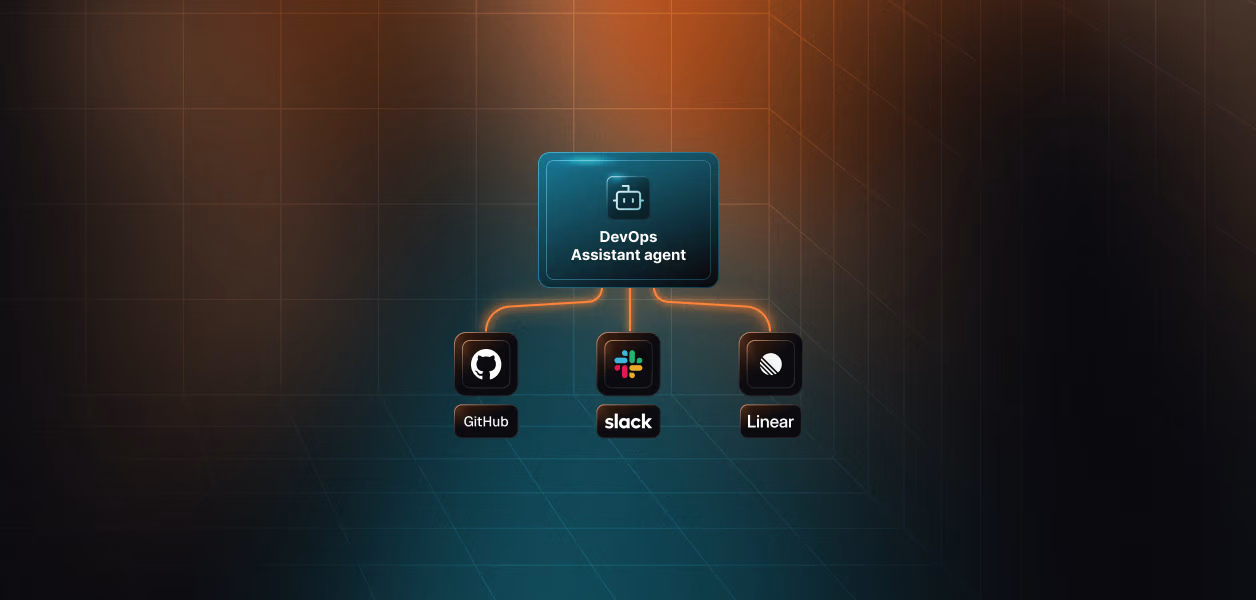
For adjacent engineering agents on the same auth layer, see the DevOps assistant agent for GitHub, Linear, and Slack, the daily standup agent, or building a multi-user GitHub agent with LangChain and OAuth.
A webhook needs a publicly reachable URL, which means a tunnel locally and a deployed endpoint in production, plus signature verification and replay handling. For a workflow where a few minutes of latency is fine, polling removes all of that. The repo includes a webhook server if you want instant delivery and are willing to host it.
Call list_scoped_tools for the connected account. It returns the tools that account is authorized to call, with real names and parameter schemas. Every tool name in this post came from the connector docs or that call, and the two most common bugs in agents like this one are tool names written from memory.
Almost always the title column. Use title as the key, in lowercase, regardless of what the column is called in the Notion UI. For every other column, match the schema name exactly including case and spaces. Run notion_database_fetch to see the real names.
Yes, and you should. Pass each engineer's real user ID as identifier rather than a shared bot account, so each Notion page and Slack message is attributed to the person who merged the PR. Scalekit stores and refreshes each engineer's tokens independently. See single-tenant versus multi-tenant tool calling for the wider pattern.
You get a duplicate Notion page and a duplicate Slack message. The state file prevents this in normal operation, including across restarts, but it does not coordinate across machines and it does not survive a crash between the Notion write and the state save. Run one instance per repository.
No. It calls two read tools on GitHub and writes only to Notion and Slack. If you extend it to open releases or post status checks, note that creating check runs requires a GitHub App rather than an OAuth app.