.png)


Your agent needs to talk to Slack. Slack now ships two distinct paths: an official hosted MCP server (GA February 2026, updated May 2026) and the Web API your agents have probably been calling for years. They cover overlapping but not identical territory. They put you on different auth paths. They make different operational demands in production. Here's the actual decision framework.
Slack's official MCP server went GA on February 17, 2026 - maintained by Slack, not a community fork. Transport is Streamable HTTP at https://mcp.slack.com/mcp. Auth is confidential OAuth 2.0 with user-level permissions.
It was built specifically for LLM consumption: natural language responses, robust tool descriptions, and native integration with Slack's Real-time Search (RTS) API. Workspace admins approve and manage all MCP client integrations from their admin panel - which means your agent's access is subject to workspace governance by default.
Slack has been actively expanding the tool surface. Five new tools shipped on May 13, 2026: add reactions, create channel, list channel members, list emoji, and read files.
Official docs: docs.slack.dev/ai/slack-mcp-server | GA announcement
The Web API is a REST interface with 200+ methods covering the full Slack platform surface: conversations, users, admin, workflows, search, events, and more.
Auth runs on a scope-based model. Agents can use bot tokens (xoxb-), user tokens (xoxp-), or app-level tokens for Socket Mode. Every method requires specific OAuth scopes declared at app installation. There are no LLM-specific affordances - schema handling, pagination, error responses, and rate limits are entirely yours to manage.
Official docs: docs.slack.dev/apis
The Slack MCP server covers the conversational surface well. The Web API owns everything operational.
search.messageschat.postMessageconversations.historyconversations.repliesreactions.addconversations.createfiles.list, files.infoThe MCP server's coverage of messaging, search, and canvases is solid for conversational agents. But anything event-driven or operational - monitoring a channel for alerts, triggering workflows, managing workspace configuration, processing high-volume message streams - lives exclusively in the Web API. The gap is not a temporary limitation. Admin endpoints and event subscriptions are architectural features of the Web API, not missing MCP tools that will ship next month.
The MCP server runs on confidential OAuth 2.0 with user-level permissions. The agent inherits what the authorizing user can see and do. There is no bot-token option on this path. Every user who connects triggers a browser-based consent flow, and the resulting token is scoped to that user's workspace permissions.
The Web API gives you three options.
Bot tokens (xoxb-) are the default. The agent acts as the bot identity. Simple to set up; one token per workspace. The tradeoff: every message the agent posts comes from the bot, not the user. Every audit log entry shows a service account.
User tokens (xoxp-) let the agent act as a specific user. The agent inherits that user's exact permissions. Channel attribution is correct. Audit trails show a real identity. The tradeoff: you now have per-user tokens to manage, and those tokens reflect the user's real access - including things you may not want the agent to touch.
App-level tokens power Socket Mode and admin automation flows that run without a user in the loop.
This is the architectural point that determines your production posture. MCP defaults to user identity. Web API defaults to bot identity. For a multi-user B2B Slack agent, MCP gives you one token per user automatically. Web API bot-token path gives you one token shared across all users - and channel attribution breaks.
The solution on both paths is the same: per-user credential isolation, managed at the infrastructure layer.
Slack manages the server, tool schemas, and RTS API integration. You own per-user token storage, refresh, and revocation. You also own channel access: bot-based MCP clients must be invited to private channels, or history returns empty - silently in some configurations.
Workspace admin governance is baked in. Admins approve which MCP clients connect. For enterprise deployments, that's a feature. For agents that need to spin up without manual admin approval, it's a dependency you need to plan around.
You own the full operational surface: schema, pagination, error handling, token lifecycle, and rate limits.
Slack's Web API uses tier-based rate limits (Tier 1 through 4 per method). conversations.history at bulk volume requires explicit cursor-based pagination and delays to stay within limits. chat.postMessage has a separate rate limit from read methods. These are not edge cases - they're the default behavior for any agent doing real work in production.
Bot tokens, whether used via MCP or the Web API directly, require the bot to be a member of each private channel. If the bot isn't invited, channel history returns empty. This surfaces as a silent failure in many implementations - the agent gets no error, just no data. Confirm channel membership before assuming the agent has access.
Both paths give you a token per user. Neither gives you a vault, rotation logic, or revocation flow. That infrastructure has to be built separately, regardless of which path you chose.
A shared bot token looks correct in a demo. In production, every message the agent posts appears as the bot, not the user who triggered it. Channel attribution breaks. DM replies come from the wrong identity. The audit trail shows a service account entry with no link back to the human who initiated the action.
In a multi-user B2B Slack agent - which is the norm, not the exception - every user has their own Slack credential. That is N tokens to store, refresh, and revoke at scale. Employee offboarding creates a specific failure: the Okta account gets disabled, but a Slack bot token generated eight months ago and stored locally is still valid. The agent doesn't decide to keep using it. It just does.
This is the same revocation gap that surfaces across all agentic architectures - when an employee leaves, who revokes their AI agent's access?
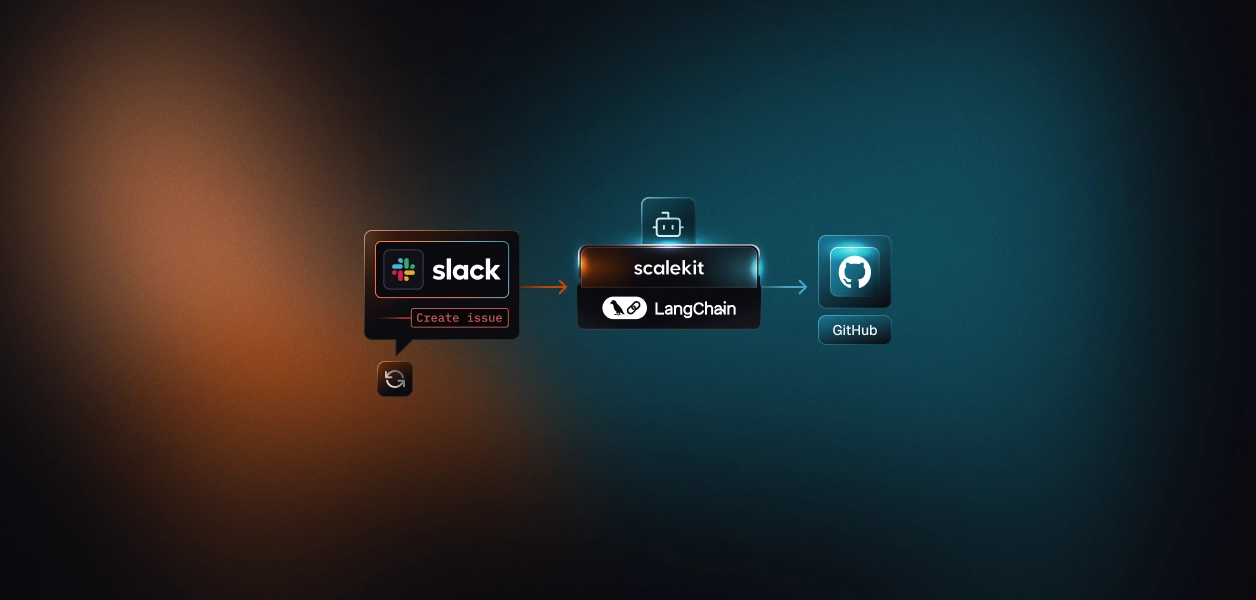
Scalekit's Slack connector resolves the per-user token on every tool call - so messages come from the right identity, with a full audit trail tied to the user who authorized it, not a shared bot account. The same auth infrastructure works regardless of whether you chose the MCP path or the direct Web API path. The path decision doesn't change what you need at the credential layer.
If your agent is interactive, user-present, and primarily reading and searching Slack, the MCP path is the faster route. The tool surface is expanding quickly - five new tools in May 2026 alone, with workspace admin governance included by default.
If your agent runs headless, needs event subscriptions, operates at scale, or has to perform actions the MCP server doesn't yet expose, build against the Web API directly with user tokens. Bot tokens are the wrong default for multi-user B2B agents regardless of which path you use.
The credential management problem is identical either way. That is the part that needs production-grade infrastructure.
Browse the Scalekit Slack connector: scalekit.com/agent-connector/slack