

Your agent needs Sybill context. A rep wants a brief before a renewal call, a manager wants the deals that went quiet this month, and a RevOps job needs last week's transcripts in the warehouse. Sybill ships two ways in: a hosted Model Context Protocol (MCP) server and a REST API, documented side by side. Both list conversations, deals, and accounts. They are not the same thing. One acts as the rep; the other acts as the organization. That single difference decides which agents each path can safely serve, and it is what this guide unpacks.
Sybill documents both surfaces in one developer portal, and the portal carries an alpha label. Establish what each object is before comparing them.
Sybill runs an official remote MCP server over Streamable HTTP, so there is nothing to host. The MCP client opens a browser sign-in with the user's Sybill account, and every read afterward is scoped to what that user can access.
The server exposes eight tools: ask_sybill and get_ask_sybill_result for the Ask Sybill AI, plus list and get pairs for conversations, deals, and accounts. get_conversation returns the summary, transcript, recording URLs, participants, and CRM context. Conversations include calls Sybill ingests from other recorders and dialers, such as Gong, Fathom, and Aircall, filterable by source_id. Sybill documents the tool contracts on its official MCP server page, which lists no version history.
The REST API reads organization-visible conversations, deals, accounts, messages, rows, and documents, and lets you import your own records. Authentication is an API key with the sk_live_ prefix, created in the Sybill dashboard and sent as a Bearer token. Each key carries permissions that map to three scopes: read (Export), ingest (Import), and ask_sybill.
Sybill is direct about maturity. The API is in alpha, endpoints and schemas may change without notice, and Sybill recommends against production-critical integrations until a stable release. The official Sybill API introduction covers base conventions and the visibility model.
The overlap is real: both paths list and fetch the same three core objects. The differences sit in what else each path reaches, and whose view of the data it returns.
Both paths cover the meeting-prep basics. The table shows where they split.
The MCP server is a read surface for three objects plus an AI. That covers the most common revenue-agent jobs: meeting prep, deal review, and account research. It stops at anything outside those objects. An agent that needs the actual email thread behind a stalled deal, a stored mutual action plan, or custom rows you modeled in Sybill has no MCP tool for it.
The write gap is narrower than it looks. The REST API writes only into Sybill's ingest layer: you create a source, then push conversations, messages, documents, or rows under it. Imports need at least one valid ownerEmails entry, stay private by default, and appear on REST reads only when you set public: true. Neither path moves a deal stage; that stays with your CRM connector.
MCP hands the model tool descriptions written for LLM consumption and snake_case parameters that read naturally in a prompt. The REST API uses camelCase query parameters, cursor pagination, and structured error bodies that you map into tool schemas yourself.
The bigger advantage is whose view comes back. MCP returns what the rep would see in Sybill, including records private to them. Reproducing that on REST is not a matter of effort: org keys cannot select a human user's private context, and Sybill says so explicitly for POST /v1/ask-sybill. If the agent must answer "what did I promise on my last call," the MCP path is the one that can.
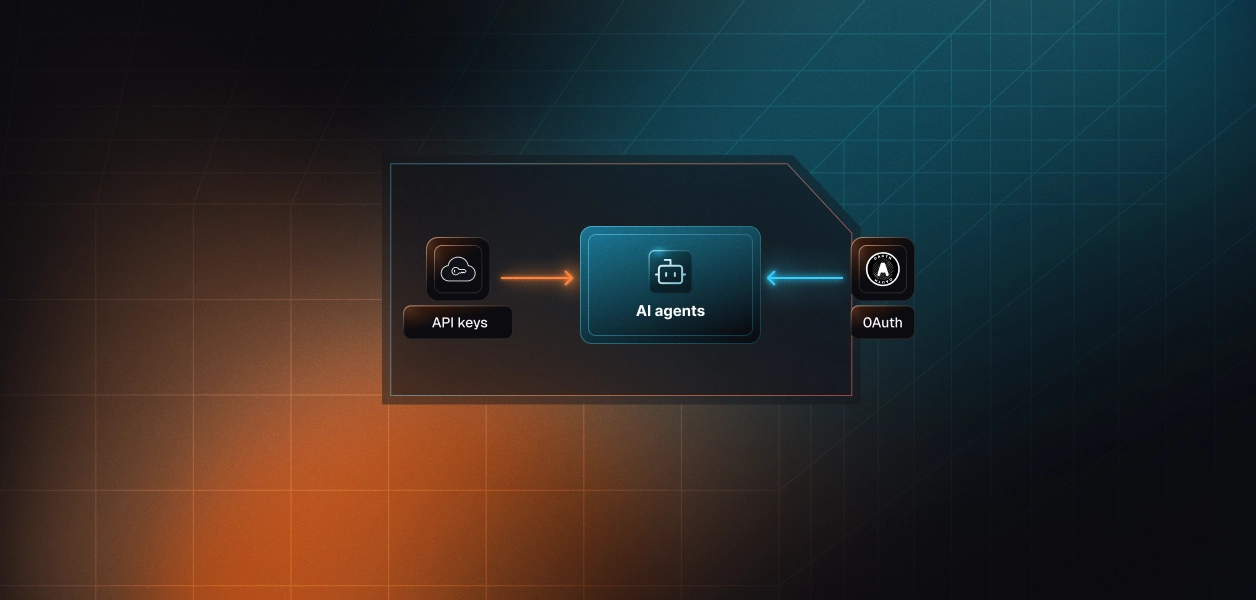
Auth is where the two Sybill paths diverge most, because each credential type carries a different view of the data.
Every user who connects completes a browser-based OAuth sign-in against Sybill. The resulting token is theirs, and Sybill enforces their access on every read. The agent sees what that rep can see, nothing more.
There is no API-key option on the MCP path. Sybill documents a 401 Unauthorized when a session expires, so a long-running agent has to handle token expiry without surfacing a broken run to the rep. Scalekit's connector docs list the Sybill MCP connection as OAuth 2.1 with Dynamic Client Registration (DCR), which removes the manual client-registration step.
REST keys belong to the organization, not to a person. Sybill states that they operate with organization-level context rather than as a specific user. Permissions are coarse: read covers every GET, ingest covers every write, and ask_sybill covers the AI. Nothing inside a key scopes it to one rep or one object type.
Key management is manual and dashboard-only. The secret is shown once at creation, revocation is immediate and permanent, and the REST docs describe no OAuth flow. A leaked key with the read scope exposes every organization-visible call, deal, and email until someone revokes it.
Picture a rep-facing assistant built on one REST key. It answers from the organization's view, not the rep's. It cannot see records private to that rep, and nothing in the request tells Sybill which rep is asking. Every call logs as the same key.
The MCP path answers the attribution question with a person, which is the right default for anything a rep triggers. The REST key fits jobs that genuinely belong to the organization: nightly exports, warehouse syncs, and imports from systems Sybill does not connect natively. For the general tradeoff, see OAuth vs API keys for AI agents.
Neither path is zero-ops. The difference is where the failure modes land and who owns fixing them.
Sybill hosts the server and maintains the tool schemas. You own per-user token storage, refresh, and revocation, plus recovery from 401 responses when a session expires mid-run. Sybill manages MCP usage limits separately from REST key limits, ties them to the customer's plan, and does not publish the numbers. Budget for 429 responses without knowing the ceiling in advance.
Filter semantics belong to Sybill, not your wrapper. meeting_type takes values such as EXTERNAL or INTERNAL. crm_name is a case-insensitive exact-phrase match, so pass the full deal or account name. List tools page from 1 to 50 results, with a default of 20.
You own everything else: schema mapping, pagination, retries, and rate limits. Defaults are 60 requests per minute, 1,000 per hour, and 10,000 per day per key in a moving window, with one set of counters shared across every rate-limited endpoint. Health checks do not count. A 429 carries Retry-After and X-RateLimit-* headers.
Writes add their own constraints. Request bodies cap at 10 MB, a Content-Length header is required, and derived fields such as transcription and summaries arrive asynchronously after the 201 Created. Layer the alpha label on top, and every schema you map today is one you may remap without notice.
Ask Sybill is asynchronous everywhere. On MCP, ask_sybill returns plain text for quick answers, or a JSON envelope with threadId, runId, and status: "running" for longer ones, which you poll through get_ask_sybill_result. On REST, POST /v1/ask-sybill holds the request for up to 60 seconds, then returns 202 Accepted with a Location header and Retry-After: 5. REST runs stay retrievable for 30 days.
Sybill's help center adds a rule worth copying: treat any status value you don't recognize as a terminal failure. An agent that assumes Ask Sybill always returns text will eventually hand the model a run ID instead of an answer.
Match the path to whose data the agent speaks for, not to a protocol preference.
Set capability aside. Both paths hand you a credential, and neither hands you the infrastructure to run it for many users.
Say an agent serves 60 reps across 12 customer orgs. On the MCP path that is 60 OAuth grants to store encrypted, refresh before expiry, and revoke when a rep leaves or disconnects. Sybill enforces identity on every call; it does not run the credential lifecycle. Refresh failures surface as 401 responses in the middle of a run, which is the worst place to find them. The failure pattern is covered in how to handle token refresh for AI agents.
On the REST path you collapse to 12 org keys, one per customer. That is fewer secrets, but each one is high-privilege, has no documented expiry, and carries no link to the person who triggered a call. Tenant isolation becomes your code's job: one wrong key lookup and an agent reads another customer's pipeline. See access control for multi-tenant AI agents and how tool calling auth changes from single-tenant to multi-tenant.
Scalekit's Sybill MCP connector handles the OAuth flow, token storage, and refresh for every rep, so the credential never enters your agent process or the model's context. Each rep authorizes once, and Scalekit resolves their token server-side on every tool call. Scalekit does not currently list a separate REST-key connector for Sybill, so the org-level export path stays yours to secure. The per-rep agent path, where most of the auth complexity lives, does not.
The flow runs in a fixed order: authorize the rep, load the tools their connected account is authorized to call, then execute. The examples use Python, the Scalekit Python SDK, and LangChain tool calling.
Create a Sybill MCP connection in the Scalekit dashboard under AgentKit > Connections. The code uses sybilmcp as the connection name, and that string must match the connection name configured in your dashboard exactly, including case. A mismatch is the most common integration error. The single "l" is Scalekit's connector identifier, not a misspelling. The Node SDK exposes the same calls as actions.getAuthorizationLink and actions.executeTool.
The rep signs in to Sybill through a Scalekit-hosted authorization link. Until the connected account reads ACTIVE, no Sybill tool runs for that identifier.
The agent does not load a flat connector catalog. actions.langchain.get_tools calls list_scoped_tools under the hood and returns only the tools this rep's connected account is authorized to call. The tool_names filter narrows that further, to the four read tools a pre-call brief needs. What the rep can't access in Sybill, the agent can't reach either.
Four tools instead of seven keeps the model's decision space small. The fix for wrong tool selection is not better prompting. It is surface reduction.
The returned objects are native LangChain StructuredTool instances, so they bind directly to the model.
Change identifier and the same loop runs for the next rep, against their Sybill view, with no other code change.
For deterministic steps, call execute_tool directly. Ask Sybill needs one guard: a long question can return a running envelope instead of an answer. Because the Scalekit connector does not currently list get_ask_sybill_result, detect the envelope and fall back to the structured list and get tools rather than passing a run ID to the model.
Log execution_id alongside your own trace IDs so each Sybill read maps to a specific agent run.
Two capabilities matter most for revenue agents: attributable logs for every downstream tool call, and Virtual MCP for agents that span several tools and many tenants.
A shared credential looks fine in a demo. In production, every transcript read logs as one identity. Scalekit's tool call logs attribute each call to the user who authorized it and the agent that ran it, record the response, and export to your SIEM. The Sybill connector page lists a 90-day audit trail. When a customer's security team asks under whose authority the agent opened a call recording, the answer is a named rep. The full model is in agent tool observability and audit trails for agent auth.
Sybill agents rarely stay Sybill-only. A meeting-prep agent reads Sybill, checks the CRM, and posts to Slack, for every rep in every customer org. Scalekit's Virtual MCP servers give that agent one scoped endpoint that declares exactly which tools it can see and whose credentials it acts with, with no MCP server to deploy or host.
Setup happens once per agent role. Before each run, you mint a short-lived session token for that rep, valid for about one hour by default. There is no refresh endpoint; you remint. The endpoint is static; the identity is per-user. Scoping also cuts cost: 40 tools at roughly 200 tokens each burns 8,000 tokens before the agent does any work. More in when to use a Virtual MCP server.
This example creates one server that exposes four Sybill read tools and the Slack connector's slack_send_message. It then checks the rep's connections, mints a session token, and hands the endpoint to LangChain. Both connection names must already exist in your dashboard.
In production, run create_config once at deploy time and read config_id and mcp_server_url from config. Everything below the setup block runs per rep, per session.
If you would rather not start from a blank file, the sales call prep agent, meeting prep agent, and deal intelligence agent templates show the same per-user pattern across CRM, meeting, and messaging tools. The CRM AI agent and the wider GTM and RevOps agent templates cover pipeline and forecast workflows. For a full walkthrough, see how to build a sales call prep agent with Granola and Attio.
If your agent speaks for a rep, build on Sybill MCP. It returns the rep's own view, including records private to them, with LLM-ready tool contracts and OAuth consent built in.
If your agent speaks for the organization, exporting transcripts, syncing a warehouse, or importing records Sybill does not ingest natively, use the REST API with an org key. Plan for alpha-stage changes and a shared 10,000-request daily budget.
Most production revenue agents will lean on MCP, because most revenue questions start with a person. Either way, the credential lifecycle is the part that needs production-grade infrastructure: per-rep tokens, refresh, revocation, and logs that name a human.
Compare this decision with the sibling posts on Salesloft MCP vs Salesloft API, HubSpot MCP vs HubSpot API, Salesforce MCP vs Salesforce API, and Granola MCP vs Granola API.
Read the Sybill MCP connector docs, browse the Sybill MCP connector page, or scan the full connector library. Pricing for agent tool calling is on the Scalekit pricing page.
Building a Sybill agent and want a second pair of eyes on the auth model? Use the Talk to us page for immediate help.