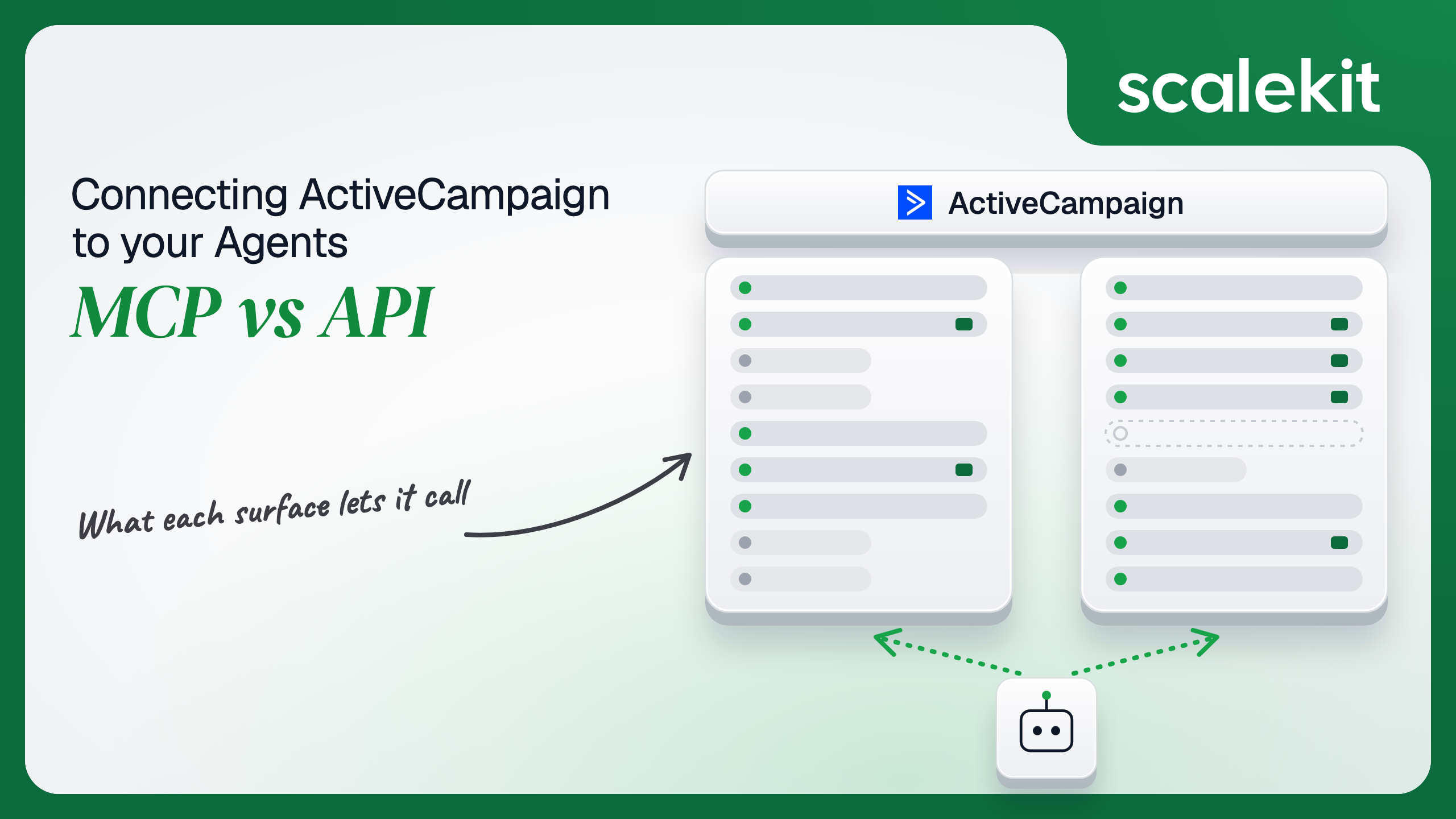


ActiveCampaign hosts a remote MCP server with close to 400 tools and keeps the REST API v3 that most integrations already call. The MCP side is strong on campaigns and AI-built automations and guards every send with a confirm step. The API side carries the deletes, merges and tag removals the MCP server leaves out, on unscoped per-user keys that share one rate limit per account. This guide compares both for marketing and CRM agents and shows how to run either across many customer accounts.
Your agent works inside your customers' ActiveCampaign accounts. It needs to find the contacts who clicked last Tuesday's webinar email, tag them, drop them into a nurture automation, open a deal for the ones who booked a demo, and tell the deal owner in Slack when the deal moves to won. ActiveCampaign now hosts a Model Context Protocol (MCP) server that covers contacts, campaigns, automations, and deals, and it has a REST API v3 with webhooks that covers the same ground plus the deletes, merges, and tag removals the MCP server leaves out. They overlap on most reads. They diverge on writes, on how a credential reaches the server, and on whose permissions every action runs under. Here's how to pick.
The ActiveCampaign remote MCP server is hosted by ActiveCampaign. Each account gets its own Remote MCP URL, which an admin copies from Settings > Developer (help center). The URL option only appears when ActiveCampaign branding is turned on. ActiveCampaign publishes setup guides for Claude and ChatGPT, lists Cursor as a client, and says other MCP clients may work. An October 15, 2026 ActiveCampaign post reports that over 7,000 customers connected Claude or ChatGPT within the first 60 days. The docs do not label the server beta or generally available.
The available tools page says the server "exposes 396 tools: 90 core tools, plus 306 API catalog tools." The same October post said "just under 300," so the count has moved recently. Core tools are grouped by job:
The 306 catalog tools carry a catalog_ prefix and cover accounts, segments, ecommerce, SMS and WhatsApp, site and event tracking, forms, and webhooks. Each accepts its endpoint's parameters directly, and ActiveCampaign states that "update and delete operations are not currently exposed through the catalog."
Before the remote server, ActiveCampaign shipped a local stdio server, ac-mcp-server, launched with uvx and configured through AC_API_URL and AC_API_TOKEN. Version 0.12.0, released September 24, 2025, was its last; the package is archived, marked Beta, and points users to the remote server.
The ActiveCampaign API v3 is REST on an account-specific host: https://{account}.api-us1.com/api/3/, where {account} matches the account's login subdomain. It covers contacts and their field values, lists, tags, custom fields, automations and contact enrollment, campaigns and messages, deals, pipelines, stages, tasks, and notes, accounts (companies), ecommerce customers and orders, custom objects, users, forms, segments, and webhooks.
Auth has one form. Per the authentication reference, "The API key should be provided as an HTTP header named Api-Token," and "Each user in your ActiveCampaign account has their own unique API key." Users find it under Settings > Developer, next to the account's API URL. ActiveCampaign's agent skill file is blunt about it: the token goes in the header, not a query string, bearer token, or basic auth, and there is no OAuth flow.
The MCP column is stronger than most vendor MCP servers on the marketing side. Campaign generation, version restore, template management, and AI-built automations exist only there; the public API and Scalekit's connector have nothing like generate_automation. The gap runs the other way on cleanup. An agent on the MCP path can tag a contact but cannot untag one, can create a deal but cannot delete it, and cannot merge two duplicate contacts. For a CRM hygiene agent, those are the core operations.
"Pull everyone who clicked the October webinar email but has no open deal, tag them webinar-warm, and add them to the follow-up automation" on the raw API means finding the campaign ID, reading its links, listing contacts with the right filters, paging with limit and offset until a page comes back short, checking each contact's deals, resolving the tag ID by name, and enrolling each contact. Every response lands in the model's context, and every call counts against 5 requests per second.
ActiveCampaign MCP folds more of that into the server. run_campaign_performance_report answers the reporting half as one tool call. generate_campaign and generate_automation run long jobs server side and return a run you poll with poll_campaign_generation_status or poll_automation_generation_status. Sends are deliberately two-step: prepare_campaign_send stages the send and confirm_campaign_send requires explicit user approval, so a model cannot email 40,000 contacts on a single bad inference. Writing the schema is the hard part. Not the API call.
The tradeoff is that ActiveCampaign owns the surface. The tool count went from "just under 300" in mid-October to 396 on the tools page, and ActiveCampaign says the tool list your client receives from the server is authoritative. An agent tuned against today's tool names can change behavior without a release on your side.
On the MCP path, the credential starts as a URL. An admin copies the account's Remote MCP URL from Settings > Developer, pastes it into the client, signs in to ActiveCampaign, and approves the connection. In ChatGPT, the user enters the ActiveHosted subdomain instead, signs in with their ActiveCampaign username and password, and clicks Allow. Only ActiveCampaign account administrators can set up the connection, and corporate Claude or ChatGPT workspaces need their own admin's approval too. ActiveCampaign's agent guidance says the MCP URL embeds the credential, so it is a secret: anyone who has it holds a way into the account, and it belongs nowhere near a prompt, a log line, or a shared config file. Tool access follows the connected user's ActiveCampaign permissions.
On the direct API path, the credential is an API key, full stop. No OAuth app to register, no consent screen, no scopes, no expiry. The key acts as its user, with whatever that user's ActiveCampaign permissions allow, against every resource in the API. That makes headless agents easy to start: a background job needs nothing but the account's API URL and a key. It also means every key is a long-lived, unscoped secret.
The two paths share one property. ActiveCampaign authorizes every call as a specific ActiveCampaign user. On MCP, that is the admin who connected. On the API, it is whoever's key you hold, and in most integrations that is the admin who set it up. What the user can't do, the agent can't do. That holds only when the credential belongs to the user the agent is acting for.
In a multi-tenant B2B agent, MCP gives you a credential per connection and the direct API gives you a credential per user. In neither case does the path itself solve storage, rotation, or revocation; those are infrastructure problems regardless of which path you choose.
ActiveCampaign adds a constraint that changes how isolation plays out. The 5 requests per second limit is per account. Ten sales reps at one customer, each with their own key, still share one 5 requests per second budget, and a bulk tagging run started by one rep can push every other rep's agent into 429 Too Many Requests. Per-user credentials buy you attribution and least privilege. They do not buy you separate throughput. Your scheduler has to know which keys belong to the same account.
Recommended reading: OAuth vs API keys for AI agents
On the MCP path, ActiveCampaign hosts the server, maps each tool to an API v3 endpoint, and enforces the prepare-then-confirm gate on sends and schedules. You own the Remote MCP URL as a secret in every client that holds it, plus the admin-only setup step at every customer. You own polling for long-running generation jobs. You also own the gaps: nothing on the MCP path runs unless a conversation starts it, so no tool fires when a deal moves to won or a contact unsubscribes.
On the API path, you own pagination, retries, rate limits, and the key lifecycle. Rate limits are "5 requests per second per account," and an overrun returns 429 with a Retry-After header in seconds. ActiveCampaign recommends serializing bulk work rather than fanning out in parallel. List endpoints page with limit and offset, meta.total is missing on some of them, and some cap limit + offset and return 422 past it, so the safe loop pages until a page comes back shorter than limit.
Webhooks are how a headless agent learns something changed. You create one with POST /api/3/webhooks, choosing events such as contact_tag_added, unsubscribe, deal_add, deal_update, deal_task_complete, click, and sms_reply, and sources: public (a contact did it), admin (a user did it), api (an API call did it), and system (automations did it). Pick sources carefully, because an agent that updates a deal through the API will see its own write come back as a deal_update from the api source. Payload fields arrive as POST parameters such as deal[id], deal[stageid], and deal[status]. Signing is opt-in: mark one custom header is_signature: true, and ActiveCampaign sends an HMAC-SHA256 of the body in it. Delivery is at least once, so duplicates happen, and ActiveCampaign states that "Webhooks are never retried." A missed delivery is gone, so a reconciliation job is not optional.
Use ActiveCampaign MCP when:
Use the ActiveCampaign API when:
Both paths hand you an ActiveCampaign credential. Neither hands you a vault. A multi-tenant agent serving 80 customer accounts with 6 users each holds 480 API keys if it does isolation properly. Each key never expires, carries no scopes, and reads every contact, deal, and campaign its owner can see. Each must be stored encrypted, kept out of logs and LLM context, mapped to exactly one user at one account, grouped by account for rate limiting, and deleted when that user leaves or the customer churns.
The MCP path changes the shape, not the problem. Every customer account has a Remote MCP URL that embeds a credential and an admin-only setup, so you hold 80 URL-shaped secrets that each act as an admin. The tempting shortcut on the API path is the same: one admin key per customer. Fewer secrets, larger blast radius per secret. One leaked key exposes the whole account's contact list and deal pipeline, and every rep using the agent acts with admin reach.
Scalekit's activecampaign connector stores each user's ActiveCampaign API key encrypted in the token vault and injects it into every call, so the MCP vs API decision doesn't change your auth infrastructure. Your agent passes an identifier; credentials never touch the agent runtime or the LLM context.
Recommended reading: why a token vault matters for AI agent workflows
Scalekit's activecampaign connector is an API-path connector built by Scalekit with 120 tools: 62 read, 43 write, and 15 destructive, including activecampaign_delete_contact, activecampaign_delete_deal, and activecampaign_delete_pipeline. It covers contacts, field values, tags, lists, custom fields, automations, campaigns, deals, pipelines, stages, tasks, notes, accounts, ecommerce, custom objects, forms, segments, and users. The core set for a deal-desk assistant:
It authenticates with API keys: each user connects their own ActiveCampaign API key once, and Scalekit sends it with every call.
In the Scalekit dashboard, go to AgentKit > Connections and create an ActiveCampaign connection. The name you give it is the connection_name your code passes, and the string must match the dashboard exactly. This is the most common integration error.
ActiveCampaign keys carry their owner's permissions, so plan who generates them. For the examples below, each rep connects the key from their own Settings > Developer page, so the agent sees the deals that rep can see. Copy SCALEKIT_ENVIRONMENT_URL, SCALEKIT_CLIENT_ID, and SCALEKIT_CLIENT_SECRET from Developers > API Credentials into .env. See the connector docs.
get_or_create_connected_account returns the connected account for an identifier. If it is not ACTIVE, get_authorization_link returns a link to Scalekit's Hosted Connect Widget. For an API-key connection like ActiveCampaign, the widget shows a form where the user enters their ActiveCampaign credentials instead of an OAuth consent screen. Scalekit encrypts and stores what they enter; your code never receives the key. Then activecampaign_get_current_user confirms whose key it is, so a rep who pasted an admin's key is caught before the agent acts.
This is not a catalog load. The agent asks for the tools this rep's connected account is authorized to call, then narrows them to the seven a pipeline-review assistant needs. Loading all 120 would put activecampaign_delete_deal, activecampaign_merge_contacts, and activecampaign_delete_pipeline in front of a model whose job is to answer "which of my deals are stalling." None of the seven below changes anything in ActiveCampaign.
The loop runs until the model stops requesting tools. Every call runs with this rep's ActiveCampaign key, so the system prompt tells the model how to find "my deals" and how to page without burning the account's shared rate limit.
For pipelines, skip the model. execute_tool runs one tool with a fixed input and returns data plus an execution_id you can log. This handler runs when an ActiveCampaign webhook reports deal_update. It verifies the signature header you configured with is_signature: true, confirms the deal is now won (deal[status] of 1), and then, with the deal owner's own key, tags the contact as a customer, enrolls them in onboarding, and leaves a note on the deal. The identifier comes from deal[owner], so the writes run as the rep who owns the deal, not as an admin.
Three ActiveCampaign behaviors shape this handler. Delivery is at least once, so the handler is idempotent on deal[id]. Webhooks are never retried, so a nightly job that calls activecampaign_list_deals with status set to 1 and updated_after set to yesterday catches any win the handler missed. And the note the handler writes is itself a deal change, so create the webhook with sources public and admin rather than api unless you want the agent's own writes echoed back to it.
The webhook subscription itself is not a connector tool. Creating it is a one-time setup step per customer account, and it belongs in your own code, with the account's API URL and a key from an admin who can manage webhooks. Scalekit custom connectors and proxied API calls cover authenticated REST calls per user if you later want the key in the vault for this step too.
ActiveCampaign only delivers webhooks over HTTPS on port 443, and the 5 requests per second limit applies to this setup call too, along with every agent call running in the same account at that moment.
The activecampaign connector has 120 tools. At roughly 200 tokens each, that is about 24,000 tokens of tool definitions before the agent does any work, and ActiveCampaign's own MCP server, at 396 tools, would put roughly 79,000 in context. A model choosing among activecampaign_list_deals, activecampaign_list_deal_activities, activecampaign_list_email_activities, and activecampaign_list_contact_activities picks the wrong list more often than a model holding only the ones it needs. Overreach is the bigger risk: a pipeline assistant that also holds activecampaign_delete_deal and activecampaign_merge_contacts can destroy CRM history on a bad inference. The fix is not better prompting. It is surface reduction. A Scalekit virtual MCP server declares exactly which tools an agent role can see across connections, and session tokens keep each run bound to one user's connected accounts. Docs: set up a virtual MCP server.
One server definition serves every rep at every customer. Before each run, check that the user's accounts are active and mint a short-lived session token scoped to them. Any MCP client that speaks Streamable HTTP can connect; this example uses langchain-mcp-adapters (pip install langchain-mcp-adapters) and passes the token as a Bearer header.
The agent sees six tools instead of 120. The endpoint is static; the identity is per user. Unlike ActiveCampaign's own server, where one Remote MCP URL connects as the admin who set it up, each run here carries one rep's key and that rep's permissions.
Every execute_tool call returns an execution_id, and every execution is attributed to a connected account, which maps to one user at one customer. When a customer asks which agent run tagged 3,000 contacts on Sunday or who moved a deal to won, the answer is a lookup, not an investigation. ActiveCampaign gives you the other half of the record: activecampaign_list_deal_activities returns a deal's history, activecampaign_list_contact_activities returns a contact's, and the webhook initiated_by field tells you whether a change came from a contact, a user, the API, or an automation.
Attribution is also where the paths differ. MCP calls run as the admin who connected the Remote MCP URL. API-key calls run as whoever generated the key, so if one admin key serves a whole customer, every tag, enrollment, and deal change shows up in ActiveCampaign as that admin, and your execution log is the only place that says which of your users asked for it. Shared credentials work for a single user. They do not survive a second user.
Recommended reading: audit trails for agent auth
If your agent is a marketer's assistant in Claude or ChatGPT, drafting campaigns, reading performance, building automations, and sending only after a person confirms, ActiveCampaign's hosted MCP server is a strong fit, and its campaign and automation generation tools have no API equivalent. If your agent runs unattended, reacts to deal and contact webhooks, cleans up duplicates and stale tags, or serves many customer accounts at once, build against the API v3, where you choose the credential, the tools, and how you spend each account's 5 requests per second. Either way, you hold an ActiveCampaign credential per user, an unscoped key that never expires or a URL that embeds one, and that's what needs production-grade infrastructure.
Yes. ActiveCampaign hosts a remote MCP server reached through a per-account Remote MCP URL under the Developer settings. Its tools page lists 396 tools: 90 core tools plus 306 catalog tools that each map to one API endpoint. The older local package was archived on September 24, 2025.
The catalog tools are read and create only, and the core set has no tool to delete a contact, deal or account, remove a tag or merge duplicates. An agent on the MCP path can tag a contact but cannot untag one, and nothing runs unless a conversation starts it, so no tool fires when a deal is won.
The REST API takes one credential type: a per-user API key in a request header. There is no OAuth flow, no scopes and no expiry, and each key acts as its user with that user's permissions. Every key is therefore a long-lived, unscoped secret that has to be stored and revoked deliberately.
The limit is 5 requests per second per account, not per key, with a retry header on 429 responses. Ten reps at one customer, each with their own key, still share one budget, so a bulk tagging run started by one rep can throttle every other rep's agent. ActiveCampaign recommends serializing bulk work.
You subscribe to events such as deal updates, tag additions and unsubscribes, and pick sources: a contact, a user, the API or an automation. Signing is opt-in through a signature header, delivery is at least once, and ActiveCampaign states webhooks are never retried, so handlers must be idempotent and a reconciliation job is required.
Each user enters their ActiveCampaign key once on a hosted page, and Scalekit stores it encrypted in a vault and injects it into every call, so the agent never sees it. The connector exposes 120 tools, 62 read, 43 write and 15 destructive, which you narrow per agent role and serve through a virtual MCP server.
Browse the Scalekit ActiveCampaign connector and the ActiveCampaign connector docs with the full tool list. See Scalekit pricing, or talk to us.