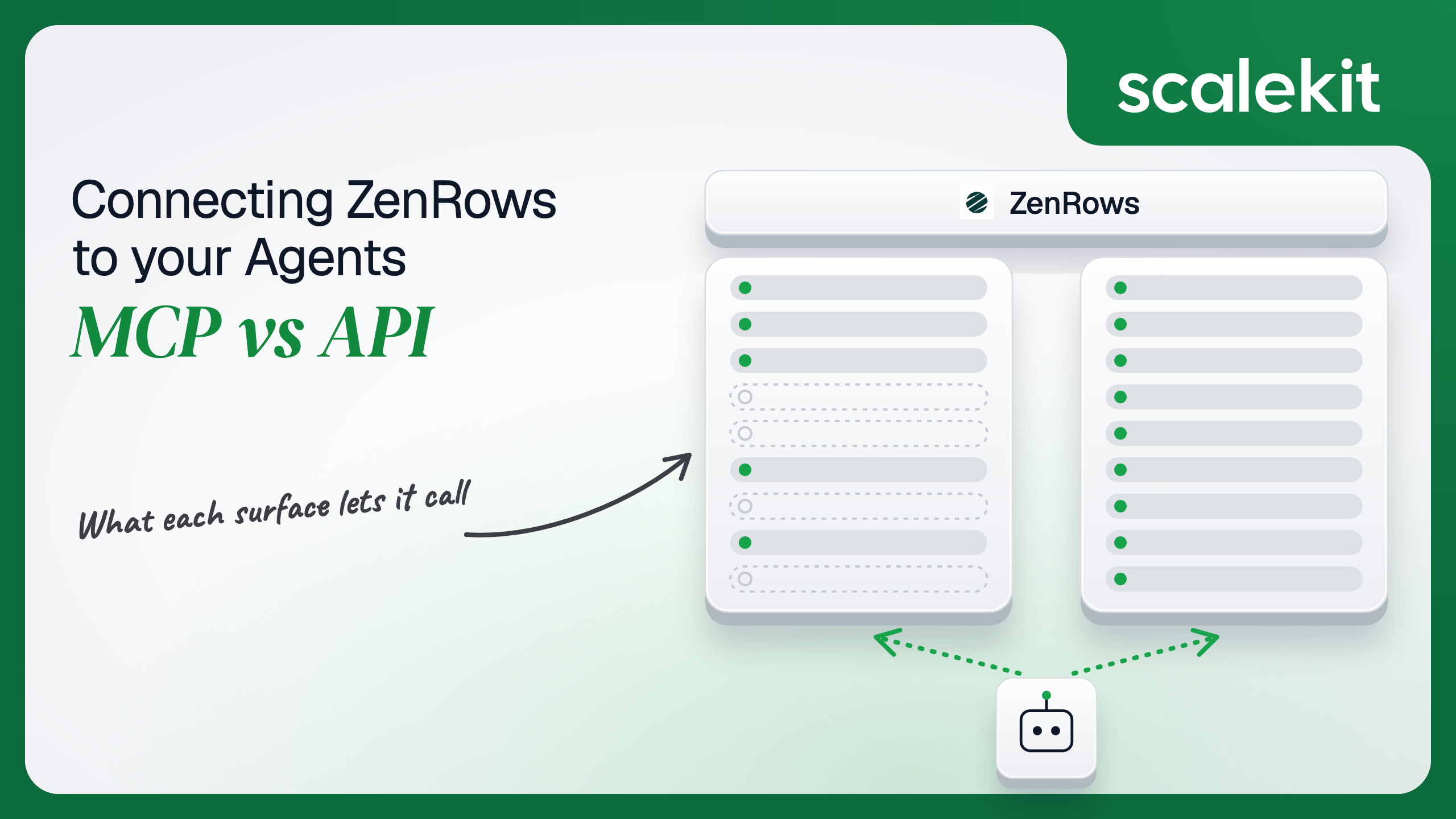


ZenRows gives an agent two ways onto the live web: an MCP server with 44 ready-made tools for scraping, extraction, Batch jobs and cloud browsers, and an API that exposes every parameter and the full Batch lifecycle. They cover different capabilities, and both hand you the same account-wide key with no narrower scope. This guide compares what each path lets a scraping agent do, what that credential means for multi-tenant products, and how to run either without putting user keys in your agent runtime.
Your agent needs to read pages that fight back: JavaScript-rendered storefronts, geo-fenced pricing, sites behind anti-bot walls. ZenRows handles that layer, and it now offers two ways in. ZenRows MCP hands your model 44 ready-made tools. The ZenRows API gives you every parameter, the full Batch job lifecycle, and raw browser sessions. They are not interchangeable. They cover different capabilities, put a different credential shape in your hands, and fail differently in production. Here's how to pick, and how to run either one without handing every user's ZenRows key to your agent runtime.
Both paths sit on the same four ZenRows products: Fetch, Extract, Batch, and Browser Sessions. They differ in who writes the integration and which knobs reach your code.
ZenRows maintains an open-source MCP server in two forms. The hosted remote server runs on ZenRows' infrastructure over Streamable HTTP and accepts either OAuth 2.1 sign-in or a ZenRows API key sent as a Bearer token. The local server is the @zenrows/mcp npm package, run as a STDIO subprocess with the key in ZENROWS_API_KEY.
The server registers 44 tools: scrape and extract for single pages, five batch_* tools for asynchronous jobs, 36 browser_* tools for a cloud browser session, and account_usage for credit checks. The server itself is free; each call bills against your ZenRows credits at the underlying product's rate.
Official reference: the ZenRows MCP Server overview and the MCP tool reference in ZenRows' documentation.
The API is three surfaces. Fetch (formerly the Universal Scraper API) retrieves one page per synchronous request, with Extract available as a parameter on the same call. Batch runs asynchronous jobs of up to 100,000 URLs. Browser Sessions is not HTTP at all: you connect Puppeteer or Playwright over a WebSocket.
There is no OAuth on this path. Every surface takes the account's API key: the apikey query parameter on Fetch, the X-API-Key header on Batch, and a query parameter on the Browser Sessions WebSocket URL. ZenRows publishes an OpenAPI 3.1 description covering Fetch and Batch.
Official reference: the Fetch API Reference and the Batch REST API reference in ZenRows' documentation.
Four dimensions decide this choice: what the agent can do, the credential it holds, what you operate in production, and which workloads fit each path.
The MCP surface covers the common agent jobs. The API owns the controls production scrapers depend on.
The single-page scrape tool omits several Fetch parameters that matter at scale: session_id for keeping one IP across a multi-step flow, custom_headers for cookies and referers, json_response for capturing the XHR calls a page makes, and block_resources. It returns only the page body, so the X-Request-Cost and Concurrency-Remaining headers never reach your code.
The Batch gap is about lifecycle. The MCP tools submit, poll, list results, and cancel. Scheduled jobs, HMAC-signed completion webhooks, CSV uploads, idempotency keys, failed-only reruns, pause and resume, and ZIP exports are API-only.
The MCP's real advantage is the browser. Thirty-six typed actions give a model a vocabulary for clicking, filling, and scrolling that you would otherwise build yourself.
On the remote MCP server, a client discovers ZenRows' authorization server from its protected resource metadata, registers through Dynamic Client Registration (DCR), and runs OAuth 2.1 with PKCE (S256). The user signs in to ZenRows and approves access. Clients that skip OAuth can send the API key as a Bearer token instead. The local server reads the key from an environment variable.
The direct API has one mechanism: the API key, in the query string, a header, or the WebSocket URL depending on the surface. There is no consent flow. That is simple for headless pipelines and makes clean delegation impossible.
Both paths require per-user credential isolation in a multi-tenant agent. MCP's OAuth flow gives you a token per user; the API gives you a key per user. Neither path solves storage, rotation, or revocation.
ZenRows' OAuth exposes one scope, api, and the access token it issues is the account's API key. Every tool runs with that key's full permissions. Revoking access means rotating the key in the ZenRows dashboard, after which calls fail with AUTH003, along with every other integration still using that key.
That changes what the per-user model buys you. On Slack or Notion, per-user OAuth limits which data an agent can read. ZenRows reads the public web, so per-user credentials buy billing attribution, quota isolation, and a contained blast radius when a key leaks.
The Fetch API adds a leak path of its own. The key travels in the URL, where proxies, APM traces, and error reporters routinely record it.
ZenRows hosts the remote server and maintains tool schemas, so a new capability reaches your agent without a redeploy. That cuts both ways. Between two npm releases a week apart in August 2026, the package went from scrape and browser tools to adding Extract and Batch tools, and the remote server documents no version pin for tool schemas. An agent tuned to specific tool signatures can change behavior when ZenRows ships.
You still own the per-user token store, re-authorization after a key rotation, and cleanup. Browser Sessions bill 5 credits per minute plus 25,000 credits per GB, so an agent that never calls browser_close keeps paying until the session expires.
You own everything: request construction, retries, Batch result pagination, presigned result URLs that expire after two hours, and the full key lifecycle. In exchange you get a stable contract. The API is on v1, changes inside a version are additive only, and ZenRows commits to twelve months of notice before retiring a version, with Deprecation and Sunset headers on every response from a deprecated version.
You also get per-key controls. An account holds up to 10 API keys, each with optional credit caps per day, week, month, or billing period. A capped key fails with AUTH014 while the others keep working.
Scraping has a long tail most SaaS APIs don't. ZenRows documents Fetch requests taking up to three minutes, and a request cancelled on the client keeps its concurrency slot until it finishes. Concurrency is plan-wide (5 on Free, 20 on Build), so every agent and user on one account competes for the same slots, and overflow returns 429.
Credits scale with difficulty: 1 for a basic request, 5 with JavaScript rendering, 10 with premium proxies, 25 with both. Adaptive Stealth Mode bills only the configuration that succeeds.
Keep long work out of synchronous tool calls. batch_wait blocks for up to ten minutes by default, while Scalekit's Python SDK sets a 60-second deadline on tool execution.
Pick either path and you still end up holding N ZenRows credentials, one per user or tenant.
In a multi-tenant agent where each user connects their own ZenRows account, every user contributes one credential. Through MCP OAuth it arrives as an access token. Through the API the user pastes a key. Either way, it is a long-lived, account-wide API key with no narrower scope.
That is N keys to encrypt at rest, isolate per tenant, keep out of logs and LLM context, and invalidate when a user leaves or rotates. The path you chose changes how the key arrives. It does not change the vault, tenant isolation, or audit trail you need around it.
When your company owns the ZenRows account instead, the key is a shared credential, and attributing spend per customer becomes your job.
Scalekit's ZenRows connector runs the OAuth 2.1 sign-in, stores each user's credential in its token vault, and resolves it at call time, so the MCP vs API decision doesn't change your auth infrastructure. Credentials never touch the agent runtime: your code passes a user identifier, and Scalekit attaches that user's credential to the call. The same connected-account model covers a custom API-key connector when you need ZenRows' REST surface.
Recommended Reading: Firecrawl MCP vs Firecrawl API for AI agents, Apify MCP vs Apify API for AI agents, and Tavily MCP vs Tavily API for AI agents.
The example is Python with LangChain. It builds a pricing agent that extracts competitor plan data, first with Scalekit's SDK tools, then deterministically for Batch work, then over a Virtual MCP server. Each snippet continues from the one before it.
Each user signs in to ZenRows once. get_or_create_connected_account returns the user's connected account; if it isn't ACTIVE, send them the authorization link. In production, use a stable, hard-to-guess user ID as the identifier, not an email address. The authorize a user guide covers every account status.
The agent does not load ZenRows' full catalog. actions.langchain.get_tools calls list_scoped_tools under the hood and returns only the tools this user's connected account is authorized to call, as native LangChain StructuredTool objects. Filtering by tool_names narrows that surface to what this agent's job needs.
At roughly 200 tokens per tool definition, all 43 ZenRows tools cost about 8,600 tokens of context before the agent fetches a page. Two tools cost about 400. The fix is not better prompting. It is surface reduction. The pricing agent gets zenrowsmcp_scrape and zenrowsmcp_extract, and nothing that runs JavaScript, sets cookies, or cancels jobs. Scraped pages are untrusted input; an agent without zenrowsmcp_browser_evaluate can't be talked into running a script.
Each tool call runs through execute_tool with this user's credential attached by Scalekit, and each result carries an execution_id you can match against the tool-call log. The loop caps its rounds, because every round can spend ZenRows credits.
For a known list of URLs, skip the model. This is the API-style path through the same connector: your code calls execute_tool directly, submits a Batch job that returns immediately, and polls status on its own schedule. Avoid zenrowsmcp_batch_wait here; its default wait of ten minutes is far past the SDK's 60-second tool-call deadline. ZenRows' MCP tools return JSON as text content, so the helper walks the result and decodes JSON strings before reading fields.
MCP-native frameworks connect to a Virtual MCP server instead. You create the server once per agent role, listing exactly which tools it exposes from which connections. This one pairs ZenRows extraction with Slack posting, so one endpoint covers a multi-tool agent. The Slack connection name, slack here, must also match your dashboard; the Slack connector docs cover its setup.
Before each run, confirm the user's connected accounts and mint a session token bound to that user and that server. Tokens last one hour by default (60 seconds to 24 hours), can't be refreshed, and work only on the server they were minted for. The server's tool list also includes Scalekit's connect_account tool by default, so an agent can fetch an authorization link itself when a user hasn't connected an app.
The full framework walkthrough lives in the LangChain example for AgentKit.
The code above is the visible part. These are the production properties underneath it.
Every call returns an execution_id. With log streaming on, Scalekit emits a connected_account.tool_executed event per call to Datadog, CrowdStrike, or Google SecOps, carrying the tool name, the user's identifier and connection, duration, status, and error code. Inputs and outputs are not included, so scraped content never lands in your SIEM.
For a ZenRows agent, that log answers what a credit balance can't: which user's agent ran hundreds of premium-proxy scrapes overnight, and whose calls started failing after a key rotation. Connected-account webhooks such as connected_account.status_updated flag when a user must re-authorize. See Scalekit auth logs for the wider audit trail.
ZenRows' remote server exposes all 44 tools to every client that connects. A Virtual MCP server exposes only the tools you explicitly allow, not everything the connector exposes, across as many connections as the agent needs.
One server definition serves every tenant. Each run's session token is bound to one user's connected accounts, so one tenant's run can't spend another tenant's ZenRows credits. There is no MCP server to deploy, host, or maintain. Setup once per agent role. Mint a token before each run. The endpoint is static; the identity is not. The Virtual MCP server guide covers the design.
Scalekit's catalog connector for ZenRows is MCP-backed, so scheduled jobs and signed webhooks need ZenRows' REST surface. A custom connector covers it: define an API_KEY auth pattern with a header override for X-API-Key, then call Batch endpoints with actions.request as the user, with Scalekit attaching the stored key.
Fetch expects its key as a query parameter rather than a header, so keep single-page work on the catalog connector's zenrowsmcp_scrape and zenrowsmcp_extract tools. Custom connectors and the API proxy are on the Growth plan; see Scalekit pricing for plan details.
You don't have to start from a blank file. The competitive intelligence briefing agent already runs Gong, Notion, and Slack as the user; add zenrowsmcp_extract to pull competitor pricing pages into each briefing. The outbound prospecting agent can use zenrowsmcp_scrape to read a prospect's site before drafting outreach.
If your agent is interactive, user-present, or needs a model to drive a browser through steps you can't script, use ZenRows MCP. The tool vocabulary is ready, and per-user OAuth puts each user's scraping on their own account.
If your agent is a deterministic pipeline, needs sticky sessions, custom headers, or XHR capture, or runs scheduled Batch jobs with webhooks, build against the API. Its versioned contract is the more predictable dependency.
Many production scraping agents run both: interactive research over MCP, nightly refreshes over Batch. Either way, the credential is an account-wide key with no narrower scope, and that is what needs a vault, per-user isolation, and an audit trail.
Yes. ZenRows maintains an open source MCP server as a hosted remote server over Streamable HTTP, which accepts OAuth 2.1 sign-in or the API key as a Bearer token, and as a local npm package that reads the key from an environment variable. It registers 44 tools, and each call bills against your ZenRows credits.
The API adds sticky IP sessions, custom headers and cookies, XHR capture, resource blocking, and the cost and concurrency headers on each response. On Batch it adds schedules, signed completion webhooks, CSV uploads, idempotency keys, failed-only reruns, pause and resume, and ZIP exports. Browser Sessions add session TTL and request interception.
No. ZenRows exposes one OAuth scope, and the access token it issues is the account's API key, so every tool runs with full permissions. Revoking access means rotating the key in the dashboard, which also breaks every other integration using it. Per-user credentials buy billing attribution and a contained blast radius, not narrower data access.
The Fetch API takes the key as a query parameter, so it travels in the URL, where proxies, APM traces and error reporters routinely record it. Batch takes it in a header, and the Browser Sessions WebSocket URL carries it as a query parameter too.
Use the API for deterministic pipelines such as nightly price monitoring on scheduled Batch jobs with signed webhooks, for sticky sessions, custom headers or XHR capture, for metering spend from cost headers, and when you already run Playwright or Puppeteer. Use MCP for interactive research and model-driven browsing.
Scalekit's ZenRows connector runs the OAuth sign-in, stores each user's credential in its vault and attaches it at call time, so your code passes only a user identifier. You narrow the 44 tools per agent role, run Batch work deterministically, serve tools through a virtual MCP server, and stream every call to your logs.
Building a ZenRows agent for many users or tenants? Talk to us for immediate help with the connector, Virtual MCP servers, or custom connectors.
Browse the Scalekit ZenRows MCP connector, read the ZenRows MCP connector docs, or explore the full AgentKit connector catalog.