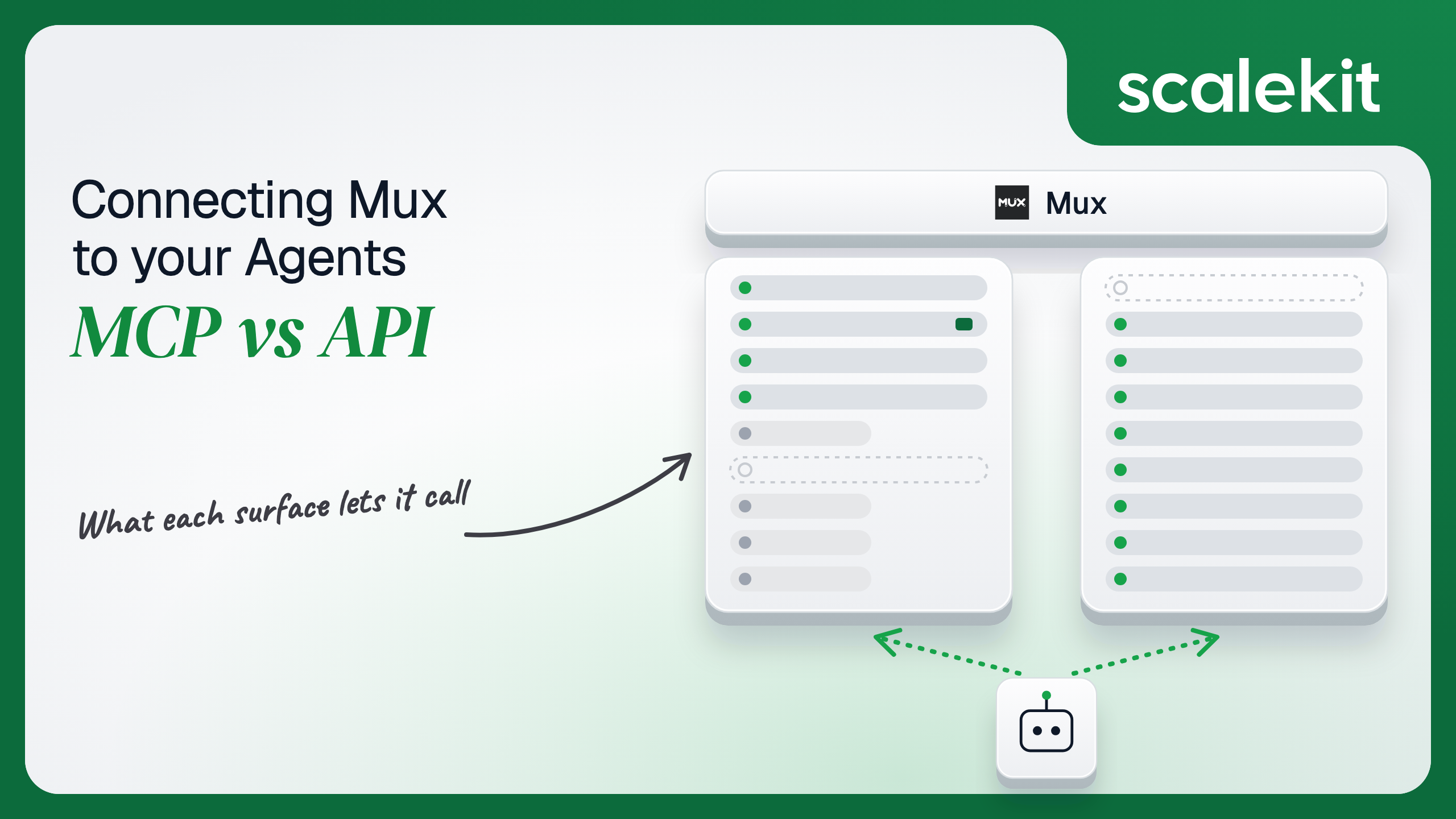


Mux hosts an official MCP server built on Code Mode: two tools, one that searches the docs and one that runs model-written code against the Mux SDK in a sandbox. That reaches whatever the credential allows, so the tool list stops being a permission boundary. The Mux API keeps the jobs that belong on your server: verified webhooks, signed playback and paced bulk work. This guide compares both for a video agent and shows where the real limit on what the agent can do has to sit.
Your agent sits next to your customers' video stack. It needs to explain why last night's batch of uploads went to errored, create an asset from a URL a user pasted into chat, check whether a live stream is actually active before the event page goes live, or pull view counts and rebuffering for the assets a marketing team shipped this month. Mux ships a hosted Model Context Protocol (MCP) server built on Code Mode, a local version of the same server, and the REST API its SDKs, CLI, and Terraform provider sit on. They share environments, access token permissions, and rate limits. They diverge on how the agent expresses a call, how you constrain what it can do, and whose identity every call runs under. Here's how to pick.
The Mux MCP server is a remote MCP server that Mux hosts at https://mcp.mux.com (MCP server guide). Mux announced the hosted version on August 22, 2025, replacing an alpha at alpha.mcp.mux.com, with OAuth negotiation handled by WorkOS and the server running on Vercel Functions. The changelog entry lists Claude, ChatGPT, and VS Code as supported clients. Mux's docs don't label it beta.
The server is built on the Code Mode tool scheme. Instead of one tool per endpoint, it exposes two:
That is a change from launch. The August 2025 announcement described the full tool suite by default, a ?tools=dynamic mode with three meta-tools, and ?resource=video.* or ?resource=data.* filters. The current docs describe only the two Code Mode tools.
The local server is the npm package @mux/mcp, run with npx -y @mux/mcp@latest. It reads MUX_TOKEN_ID and MUX_TOKEN_SECRET, plus optional MUX_WEBHOOK_SECRET, MUX_SIGNING_KEY, MUX_PRIVATE_KEY, and MUX_AUTHORIZATION_TOKEN. execute needs Deno 2.9 or newer locally. Flags shape what the code can call: --no-tools=code gives a docs-only server, --code-allow-http-gets permits only methods that make GET requests, and --code-allowed-methods and --code-blocked-methods take regular expressions over fully qualified SDK method names.
The Mux API is REST at https://api.mux.com, HTTPS only (make API requests). The API reference groups it into four families:
Auth is one method: an access token sent as HTTP Basic auth, with the token ID as the username and the secret as the password. Tokens belong to one environment, so a development token can't touch production. Permissions are chosen per product at creation (Mux Video Read or Write, Mux Data Read or Write, System, robots:read and robots:write) and can't be added to an existing token. Only organization admins can open the access token settings page. Mux keeps only a hash of the secret, so a lost secret means a new token. There is no OAuth flow on the REST API. Mux also ships a CLI, @mux/cli, with an --agent flag for JSON output (Mux for AI agents).
The capability split is unusual. On most connectors, the MCP server covers a subset of the API. Mux's execute covers whatever the SDK covers and the credential allows, so the gaps are not in reach. They are in everything that happens outside a request the agent initiates: inbound webhooks, signed playback keys that should never leave your server, and long-running jobs that need state.
"Why did half of yesterday's uploads fail" on the raw API means writing a paginated loop over GET /video/v1/assets, filtering by status, reading each asset's errors, and grouping by type. Your code also has to know that List Assets supports cursor pagination while every other list endpoint uses page and limit, capped at 100.
On MCP, the model calls search_docs for "list assets by status," reads the method signature, and writes one execute call that pages, filters, and groups inside the sandbox. Only the summary comes back into context, not 400 asset objects. That is the point of Code Mode: the model writes code against a typed SDK instead of choosing among hundreds of endpoint tools. Writing the schema is the hard part. Not the API call.
The tradeoff is that the contract moves. Mux already changed the server from per-endpoint tools to two Code Mode tools, and an agent tuned against tool names from 2025 now sees a different surface. The code the model writes depends on the SDK version in Mux's sandbox, which you don't pin. Model-generated code can also be wrong in ways a fixed tool call can't: a filter on the wrong field, or a loop that issues 300 POSTs.
On the MCP path, an OAuth-capable client opens the Mux dashboard login, and the user chooses which Mux environment to authorize. Mux's onboarding notes that "every request to the server, including the initial MCP handshake, requires Mux credentials," so tools don't appear until the login completes, and a 401 means credentials are missing or invalid. What the server can do then "depends on the environment and access token you authorize."
Mux's docs don't describe a read-only OAuth grant. When you need to prevent changes, Mux's guidance is to use an access token with "only Read permissions," sent as Basic credentials to the hosted server or used by a local install. That makes the Basic path the one that lets you fence a headless agent, and it brings back a static secret.
On the direct API path, every credential is an access token that belongs to an environment, not to a person. Tokens don't expire on a schedule; you revoke them. A token with Mux Video Write can delete any asset in that environment for every user your agent serves. Since June 3, 2026, each token also carries a priority: Mux split rate limits into isolated per-environment buckets with separate high and low priority pools, so a low-priority agent token can't starve production uploads.
Signed playback adds a second credential type. A signing key is a 2048-bit RSA key pair the System API generates; Mux keeps the public key and returns the private key once. Your server signs an RS256 JWT with sub set to the playback ID, aud set to v, t, g, s, or d, an exp, and kid (secure video playback). Creating signing keys needs System write. That private key belongs on your server, not in a model's sandbox.
In a multi-tenant B2B agent, MCP's OAuth flow gives you a token per user per environment and the direct API gives you an access token per environment per customer. In neither case does the path itself solve storage, rotation, or revocation; those are infrastructure problems regardless of which path you choose.
Mux sharpens the boundary in two ways. Code Mode collapses the tool surface to one write tool, so tool filtering can't express "this user can read assets but not delete them"; only the credential can. And Mux environments are the tenant boundary inside an organization, so an agent holding a production token for one customer and a development token for another is one wrong lookup away from writing to the wrong environment.
Recommended reading: OAuth vs API keys for AI agents
On the MCP path, Mux hosts the server and the sandbox, keeps the SDK current, and limits network access to Mux hosts. You own each user's OAuth session if your product is the MCP client, or a read-only Basic token per customer environment if your agent runs headless. You also own the rate budget. Code inside execute hits the same Video API buckets as everything else: 20 POST requests refilling at 1 per second, and 100 other requests refilling at 5 per second for a high-priority token, with organization-wide caps across environments. A model that writes a loop creating 200 assets will see 429s halfway through.
You own reviewing what the model writes. Mux says the server doesn't treat destructive operations specially, and the local method flags are "not a security boundary" because code that builds method names at runtime can bypass them. If the agent shouldn't delete, the token shouldn't allow it.
On the API path, you own pagination, retries, and backoff on 429 using X-RateLimit-Limit and X-RateLimit-Remaining. Data API general endpoints sustain 5 requests per second and monitoring endpoints 1, and the Data API has not moved to the priority model yet. The API sends no CORS headers, so every call goes through your server.
For events, Mux webhooks are scoped per environment and configured in the dashboard or through the System API's Webhooks endpoints. Each attempt times out after 5 seconds, Mux retries for 24 hours with increasing delays, and duplicates can arrive even after a 2xx, so handlers must be idempotent. Every delivery carries Mux-Signature: t=...,v1=..., an HMAC-SHA256 over the timestamp, a ., and the raw body, with a different secret per endpoint and a default 5-minute tolerance in Mux's SDKs (verify webhook signatures). A webhook is how a headless agent learns an asset is ready on either path; the hosted MCP server has no subscription.
Use Mux MCP when:
Use the Mux API when:
Both paths hand you a Mux credential. Neither hands you a vault. A multi-tenant video platform serving 50 customer organizations, each with production and staging environments and 6 people who use the agent, holds 600 OAuth grants on the MCP path if each person authorizes each environment. On the API path it holds at least 100 access tokens, plus a signing key per production environment that uses signed playback, plus a webhook secret per endpoint. The tokens don't expire, each one acts as no particular person, Mux shows each secret once, and every one has to be stored encrypted, kept out of logs and LLM context, and deleted when a customer churns.
The tempting shortcut is one admin-created token per customer with Video, Data, and System write, wired into the agent for everyone at that customer. Fewer secrets, larger blast radius per secret: that token can delete every asset in the environment, rotate signing keys out from under live playback, and run with the same reach no matter who asked.
Scalekit's muxmcp connector handles the Mux OAuth flow, stores each user's tokens in the token vault, and refreshes them, so the MCP vs API decision doesn't change your auth infrastructure. Your agent passes an identifier; credentials never touch the agent runtime or the LLM context.
Recommended reading: why a token vault matters for AI agent workflows
Scalekit's muxmcp connector proxies Mux's own hosted MCP server. It exposes 2 tools: 1 read-only and 1 write.
The connector authenticates with OAuth 2.1 and Dynamic Client Registration. Scalekit-managed credentials are available for it, so you don't register your own OAuth app, set a redirect URI, or supply a client ID and secret for Mux. Each user signs in to Mux once.
In the Scalekit dashboard, go to AgentKit > Connections and create a Mux MCP connection (connector docs). The name you give it is the connection_name your code passes, and the string must match the dashboard exactly. This is the most common integration error.
On the Mux side, each user picks an environment during sign-in, so tell them which one your agent role expects. Copy SCALEKIT_ENVIRONMENT_URL, SCALEKIT_CLIENT_ID, and SCALEKIT_CLIENT_SECRET from Developers > API Credentials into .env.
get_or_create_connected_account returns the user's connected account. If it is not ACTIVE, get_authorization_link returns the Mux sign-in link the user opens once. Then a read-only muxmcp_search_docs call confirms the connection works without touching any video.
This is not a catalog load. The agent asks for the tools this user's connected account is authorized to call. With Mux, that is at most two tools, and the scoping question is different from most connectors: dropping muxmcp_execute gives you a docs-only assistant, and keeping it gives the model whatever the user's Mux grant allows. The tool list decides whether the agent can act. The grant decides what it can act on.
The loop runs until the model stops requesting tools. Every call executes with this user's Mux grant, in the environment they chose at sign-in. The system prompt tells the model to look up methods first, keep work inside one execute call, and never write.
The prompt is guidance, not enforcement. If a user's grant allows writes, a model that ignores the prompt can still write. For agents that must never change anything, give them a connected account whose Mux access is read-only, or keep muxmcp_execute out of the tool list.
For pipelines, skip the model. execute_tool runs one tool with a fixed input and returns data plus an execution_id you can log. Here the code is yours, reviewed and versioned, so muxmcp_execute behaves like a fixed function. This nightly job counts assets by status and lists the errored ones, attributed to the operator whose connected account runs it. Confirm the SDK method shapes with muxmcp_search_docs when you write the job, because the sandbox's SDK version is Mux's to update.
Keep pipeline code to reads, or to writes a human has approved. The same tool that runs this report can run client.video.assets.delete, and nothing in the tool schema tells them apart.
Scalekit does not ship a prebuilt connector for the Mux REST API. Scalekit custom connectors support BASIC auth, which fits a Mux access token, but that token belongs to an environment, not to a user. The two jobs that belong on this path are verifying webhooks and minting signed playback tokens, and both should run on your server with secrets the model never sees.
Make the handler idempotent on event["id"], because Mux can deliver the same event more than once. Use a low-priority token for jobs like this, and set each signed token's exp to cover at least the asset's duration, since Mux stops playback when the token expires.
A video ops agent rarely stops at Mux. It finds the errored uploads, then tells the right channel. With only two Mux tools, tool bloat is not the problem here. Overreach is. A Scalekit virtual MCP server declares exactly which tools an agent role can see across connections, and session tokens keep each run bound to one user's connected accounts. That lets you run a docs-only role that never holds muxmcp_execute, next to an ops role that does, from the same connection. Docs: set up a virtual MCP server.
One server definition serves every user at every customer. Before each run, check that the user's accounts are active and mint a short-lived session token scoped to them. Any MCP client that speaks Streamable HTTP can connect; this example uses langchain-mcp-adapters (pip install langchain-mcp-adapters) and passes the token as a Bearer header.
The agent sees three tools instead of two from Mux plus everything Slack exposes. The endpoint is static; the identity is per-user. Mux's own local server can narrow execute with method allow and block lists, but Mux says those are not a security boundary, and the hosted server documents no equivalent. The boundary that holds is the user's Mux grant, and on this path every run carries exactly one user's.
Every execute_tool call returns an execution_id, and every execution is attributed to a connected account, which maps to one of your users and one customer. With Code Mode that matters more than usual: the input to muxmcp_execute is the code the model ran. When a customer asks which agent run deleted 40 assets from production, the answer is a lookup of the execution, its user, and the exact run function, not an investigation. Mux's webhook id and asset IDs give you the Mux side of the same record.
The API path is weaker by construction. An access token belongs to an environment, so every upload, delete, and signing key rotation your pipeline makes is recorded against that token, not against a person. If one token drives every user's requests, your side has to reconstruct which agent run, which prompt, and which user led there. Shared credentials are a single-user solution. They do not survive a second user.
Recommended reading: audit trails for agent auth
If your agent is a developer's or video team's assistant in Claude Code, Cursor, or ChatGPT, looking up SDK methods, triaging errored uploads, and pulling view metrics with a human reading along, use Mux's hosted MCP server: two Code Mode tools reach the whole SDK, and the user's own grant bounds what they do. If you are building that agent into your own product for many customers, Scalekit's muxmcp connector gives each user a per-user OAuth grant without your code holding the token. If your agent reacts to webhooks, mints signed playback tokens, runs bulk jobs against rate limits, or provisions per-customer configuration, build against the Mux API. Either way, you hold a Mux credential per user or per environment that can delete video in production, and that's what needs production-grade infrastructure.
Yes. Mux hosts a remote MCP server, released on August 22, 2025 after an alpha, and publishes the same server as a local npm package. It now uses Code Mode: a docs search tool and an execute tool that runs agent-written TypeScript against the Mux SDK in a Mux-owned sandbox limited to Mux API hosts.
One execute tool can create, update or delete anything the credential allows, and Mux's docs say the server does not treat destructive operations specially. The local method allow and block lists are not a security boundary either. The guarantee that holds is an access token or grant with only read permissions.
OAuth-capable clients sign in through the Mux dashboard login and the user picks one Mux environment during consent. Clients without OAuth send an access token ID and secret as HTTP Basic auth. Mux describes no read-only OAuth grant, so fencing a headless agent means a read-only access token.
Every token belongs to one environment, carries per-product permissions chosen at creation such as Video or Data read or write, and can only be created by organization admins. Mux stores only a hash of the secret, tokens do not expire on a schedule, and since June 2026 each token carries a priority for rate limiting.
Verifying signed webhooks for events such as an asset becoming ready, minting signed playback tokens with a private signing key that should never enter a model's sandbox, and bulk jobs that must pace against rate-limit headers on a low-priority token. The hosted MCP server has no webhook subscription.
Scalekit's Mux MCP connector proxies Mux's hosted server with its two tools over OAuth 2.1 with Dynamic Client Registration and Scalekit-managed credentials, and stores each user's tokens in a vault. Dropping the execute tool gives a docs-only role, and keeping it gives the model whatever the user's Mux grant allows.
Browse the Scalekit Mux MCP connector and the Mux MCP connector docs with the full tool list. See Scalekit pricing, or talk to us.