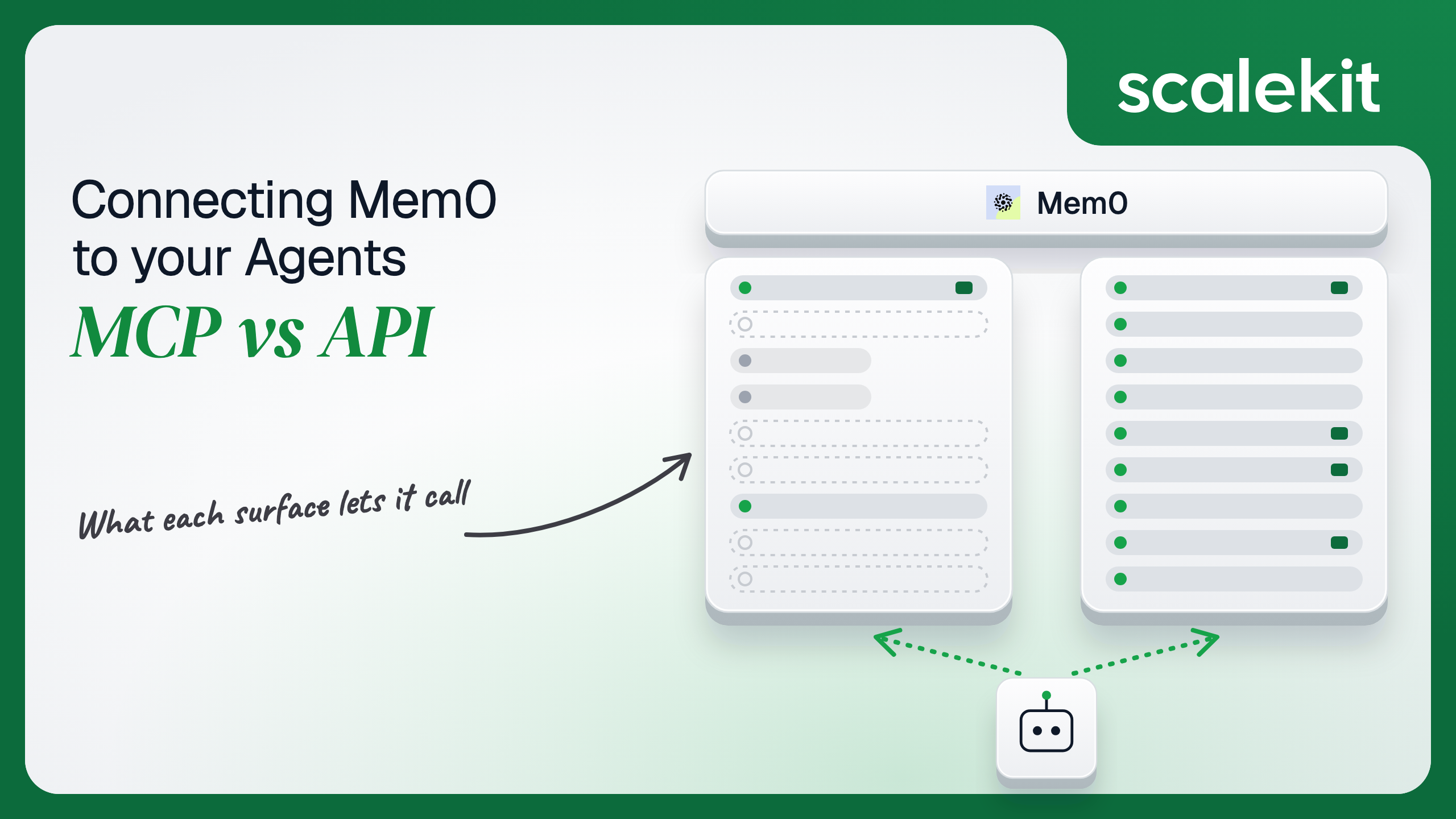


Mem0 hosts an MCP server with 11 memory tools, and runs the Platform REST API that most production apps call through its SDKs. Both reach the same memory store. They differ on which operations they expose, whose credential every call carries and who decides which user's memories a call can touch. On Mem0 the user boundary inside a project is a filter value, not an identity. This guide compares both paths and shows how to keep that value out of the model's hands.
Your agent needs to remember. A coding assistant should know a developer prefers pytest over unittest without being told again. A support agent should recall that this customer already tried resetting their router. A sales copilot should carry the context from last Tuesday's call into today's follow-up. Mem0 ships a hosted MCP server that gives any MCP client those memory tools in one command, and a Platform REST API that most production apps already call through its Python and TypeScript SDKs. They share the same memory store. They diverge on which operations they expose, whose credential every call carries, and who decides which user's memories a call can touch. Here's how to pick.
The Mem0 MCP server is a remote Model Context Protocol (MCP) server that Mem0 hosts at https://mcp.mem0.ai/mcp. Mem0's MCP docs describe it as hosted, with nothing running on your machine. Adding it to Claude Code, Cursor, Windsurf, VS Code, or OpenCode is one command: npx mcp-add --name mem0-mcp --type http --url "https://mcp.mem0.ai/mcp" --clients "claude code". Claude Desktop adds it under Settings > Connectors, and Codex reads it from ~/.codex/config.toml. The docs don't give a launch date or a beta or GA label.
It exposes 11 tools (integration guide): add_memory, search_memories, get_memories, get_memory, update_memory, delete_memory, delete_all_memories, delete_entities, list_entities, list_events, and get_event_status. The last two exist because Mem0 processes writes asynchronously: add_memory returns an event ID, and the client polls for the result.
Two older servers share the name. The mem0ai/mem0-mcp repo shipped a local mem0-mcp-server package that read MEM0_API_KEY and a MEM0_DEFAULT_USER_ID (default mem0-mcp) from the environment. It was archived on March 24, 2026, and its README points to the hosted server. OpenMemory, launched on May 13, 2025, is a separate local-first server that runs in Docker with its own UI and four tools: add_memories, search_memory, list_memories, and delete_all_memories. Mem0 also offers a hosted OpenMemory at app.openmemory.dev with an OPENMEMORY_API_KEY. OpenMemory is built for one person's memory across their own tools, not for a product's end users.
The Mem0 Platform API is REST at https://api.mem0.ai. Its reference covers memories (add, search, get, get all, update, delete, delete all, batch update, batch delete, history, export), events, entities, webhooks, and organizations and projects. Writes go to POST /v3/memories/add/, semantic search to POST /v3/memories/search/, filtered listing to POST /v3/memories/, and updates and deletes to v1 paths such as PUT /v1/memories/{memory_id}/ and DELETE /v1/memories/.
Auth is one method: a Mem0 API key from the dashboard, sent as Authorization: Token <MEM0_API_KEY>. There is no OAuth flow on the REST API. The key resolves the organization and project; Mem0's organizations and projects docs say the SDK client accepts no org or project parameters and that you target a specific project with a project-specific API key.
Every memory carries up to four scoping fields (entity-scoped memory): user_id for a person or account, agent_id for an agent persona, app_id for a product surface, and run_id for a session. An add needs at least one. Reads pass them inside a filters object.
The MCP server covers the memory loop an assistant runs in conversation: remember, recall, correct, forget. The API covers everything around it: bulk operations, auditing what a memory used to say, exporting a user's data, reacting to changes, and administering projects. For a product that stores memory for its own users, those are not edge cases. A data-deletion request is a batch delete or a scoped delete. A user asking "why do you think I'm vegetarian" is a history lookup.
Mem0's write path is asynchronous. On the raw API, an add returns PENDING, and your code polls GET /v1/event/{event_id}/ until it reads SUCCEEDED or FAILED. Searches need the right filters shape: entity IDs at the top level return a 400, and a filter on agent_id misses records that only carry user_id. Mem0's own scoping docs warn that because extraction attributes each fact to whoever stated it, "a record carries user_id or agent_id, not both," so an AND on both returns nothing.
On MCP, the tool descriptions carry that knowledge. The model calls add_memory, gets an event ID, and checks it with get_event_status when it needs to. It calls search_memories with a query, and the server fills in the default user. Writing the schema is the hard part. Not the API call.
The tradeoff is that Mem0 owns the surface. Mem0 has already moved from a local package to a hosted server, adding list_events and get_event_status along the way, and its v3 SDK release on April 14, 2026 changed search() defaults and removed deprecated parameters, according to Mem0's changelog. An agent tuned against today's tool inputs can change behavior without a release on your side.
On the MCP path, the default is browser sign-in: the first time a Mem0 tool runs, the client opens a browser, the user approves once, and the client stores and refreshes the token. Mem0's docs don't name the flow; Scalekit's mem0mcp connector lists it as OAuth 2.1 and supplies managed OAuth credentials, so you don't register an app. The fallback for clients without browser sign-in, or headless use like CI, is a Mem0 API key sent as a bearer token. With neither, the server returns 401 Authentication required.
The identity behind that sign-in is a Mem0 account, not one of your end users. The tools act inside the projects that account can reach. Scalekit's connector docs note that get_memories adds user_id automatically and that delete_all_memories falls back to "the server user" when user_id is omitted. That default is useful for a developer's personal memory. It is not a boundary: add_memory, search_memories, and the delete tools all accept a user_id the model can set.
On the direct API path, every call carries an API key, and the key is the project. Mem0's member roles, READER and OWNER, apply to people in the dashboard; the API reference describes no per-key read-only mode or per-key scopes. A key that can search memories can also delete them, and DELETE /v1/memories/?user_id=* removes memories for every user in the project. Mem0 now rejects a delete with no filters at all, which it says used to "silently delete everything," but a wildcard is a valid filter.
In a multi-tenant B2B agent, MCP's OAuth flow gives you a token per user and the direct API gives you a key per project or per customer. In neither case does the path itself solve storage, rotation, or revocation; those are infrastructure problems regardless of which path you choose.
Mem0 sharpens the boundary in a specific way. user_id is a field on a memory, and Mem0 isolates data between organizations and projects, not between user_id values. Within a project, GET /v1/entities/ lists every user, agent, app, and run, and any search with a different user_id in filters returns that user's memories. If your product stores memory for 20,000 end users in one project, the only thing keeping user A's medical preferences out of user B's conversation is that your code passes the right user_id. Let the model choose that value through a tool input and a prompt injection becomes a cross-user read. What the user can't do, the agent can't do. In Mem0, that holds only when user_id is pinned outside the model.
There are two sound patterns. Pin user_id server-side on every call and never expose it as a tool input, or split customers into separate Mem0 projects with separate keys so a wrong user_id can at worst reach another user of the same customer. The second costs more keys. Both cost more than one key in an .env file.
Recommended reading: access control for multi-tenant AI agents
On the MCP path, Mem0 hosts the server, owns the 11 tool schemas, and runs extraction, embeddings, and the async queue. You own each user's sign-in if your product is the MCP client, or an API key per account if your agent runs headless with a bearer token. You also own the destructive surface. delete_entities cascades to every memory under an entity, delete_all_memories clears a scope, and both are in the default tool list. Scalekit's docs flag all three delete tools as destructive and suggest confirming a memory_id with the user before delete_memory runs.
You own the cost too. Mem0's pricing gives the Free plan 10,000 adds and 1,000 retrievals a month for the first 30 days, then 50,000 adds and 10,000 retrievals once you bring your own LLM key, with usage beyond that billed against a monthly cap you set. Graph memory, SSO, audit logs, and on-prem deployment sit on the Custom plan. A model that calls search_memories on every turn spends retrievals whether or not the answer needed memory.
On the API path, you own the async state machine, retries, filter construction, and the keys. Mem0's platform changelog records a rate limiting system added in June 2025 and an ADD API limit of 1,000 per minute, and a separate limit for v2 search; the API reference doesn't publish a full table, so budget for 429 responses. Deletes are asynchronous as well: a 200 means the delete was queued, with an event_id to check.
For events, Mem0's webhooks are configured per project and fire on memory_add, memory_update, memory_delete, memory_categorize, and four ingest-job outcomes. The payload wraps an event_details object with the memory id, its text, and the event name. The docs recommend verifying that requests come from Mem0 but don't document a signature or a retry schedule, so treat a delivery as a prompt to read the memory through the API, not as a trusted record. The MCP server has no subscription; an agent that reacts to memory changes needs the API.
Use Mem0 MCP when:
Use the Mem0 API when:
Both paths hand you a Mem0 credential. Neither hands you a vault. If your agent serves 50 customer companies and you isolate them properly, you hold 50 project keys on the API path, each able to read and delete every memory in its project, each with no per-key scopes, and each to be stored encrypted, kept out of logs and LLM context, and revoked when a customer churns. On the MCP path, where each of 400 users signs in to their own Mem0 account, you hold 400 OAuth grants that need refresh and revocation.
The tempting shortcut is one API key for everything, one project, and user_id as the tenant boundary. It works in demos. In production, the blast radius of that key is every memory of every user of every customer, and the tenant boundary is a string in a filter. Memory makes this worse than most tools, because what an agent remembers is exactly what users told it in confidence.
Scalekit's mem0mcp connector handles the Mem0 OAuth flow, stores each user's tokens in the token vault, and refreshes them, so the MCP vs API decision doesn't change your auth infrastructure. Your agent passes an identifier; credentials never touch the agent runtime or the LLM context.
Recommended reading: why a token vault matters for AI agent workflows
Scalekit's mem0mcp connector proxies Mem0's own MCP server. It exposes 11 tools: 6 read-only, 2 write, and 3 destructive (mem0mcp_delete_memory, mem0mcp_delete_all_memories, and mem0mcp_delete_entities). The core set:
It authenticates with OAuth 2.1, and Scalekit-managed OAuth credentials are available, so you do not register your own OAuth app.
In the Scalekit dashboard, go to AgentKit > Connections and create a Mem0 MCP connection. The name you give it is the connection_name your code passes, and the string must match the dashboard exactly. This is the most common integration error. Copy SCALEKIT_ENVIRONMENT_URL, SCALEKIT_CLIENT_ID, and SCALEKIT_CLIENT_SECRET from Developers > API Credentials into .env.
get_or_create_connected_account returns the user's connected account. If it is not ACTIVE, get_authorization_link returns the Mem0 sign-in link the user opens once. Then mem0mcp_list_entities confirms which entities this user's Mem0 account can see. If the list includes users who aren't this person, the grant reaches a shared project, and you should know that before the agent runs.
This is not a catalog load. The agent asks for the tools this user's connected account is authorized to call, then narrows them to the four a memory-aware assistant needs. mem0mcp_delete_entities, mem0mcp_delete_all_memories, and mem0mcp_list_entities never reach the model, so it cannot wipe a scope or enumerate other users while it answers a question.
The loop runs until the model stops requesting tools. Every call executes with this user's Mem0 grant. The system prompt keeps the model inside the default user and tells it when memory is worth writing.
For pipelines, skip the model. execute_tool runs one tool with a fixed input and returns data plus an execution_id you can log. This post-session job writes a decision from a finished run into the user's memory, with user_id set by your code, then checks the async event before it marks the session as synced.
Scalekit does not ship a prebuilt connector for the Mem0 Platform REST API. Its custom connectors support API_KEY auth, which fits a Mem0 key, but that key belongs to a project, not to a user. When Mem0 is your product's memory backend, this is the pattern: your server holds the key, takes user_id from the authenticated session, and never lets the model pick it.
Use one project and key per customer if a wrong user_id must never cross customers, and keep the key out of the agent runtime.
Memory is rarely the only thing an agent does. A support agent recalls what a customer already tried, then updates the ticket where the team works. Load all 11 mem0mcp tools and the model holds mem0mcp_delete_entities and mem0mcp_delete_all_memories while answering "what did we try last time." At roughly 200 tokens each, 11 tools is about 2,200 tokens before the agent does any work, and the real cost is overreach: one bad inference can cascade-delete a user's memory. The fix is not better prompting. It is surface reduction. A Scalekit virtual MCP server declares exactly which tools an agent role can see across connections, and session tokens keep each run bound to one user's connected accounts. Docs: set up a virtual MCP server.
One server definition serves every user. Before each run, check that the user's accounts are active and mint a short-lived session token scoped to them. Any MCP client that speaks Streamable HTTP can connect; this example uses langchain-mcp-adapters (pip install langchain-mcp-adapters) and passes the token as a Bearer header.
The agent sees four tools instead of 11 plus everything Slack exposes. No delete tool and no mem0mcp_list_entities, so the model can neither erase memory nor enumerate who else holds it. The endpoint is static; the identity is per-user.
Every execute_tool call returns an execution_id, and every execution is attributed to a connected account, which maps to one of your users and one customer. When a user asks why the agent "remembers" something they never said, or who deleted their saved preferences, the answer is a lookup, not an investigation. Mem0's own list_events and get_event_status show the memory-side record of the same operation, and on the API path, memory history shows what a memory used to say.
The API path is weaker by construction. A Mem0 key belongs to a project, so every add, search, and delete is recorded against that key, whichever of your users triggered it. The user_id on the memory says whose data it is, not who asked. If one key drives every request, your side has to reconstruct which agent run, which prompt, and which user led to a write. Shared credentials are a single-user solution. They do not survive a second user.
Recommended reading: audit trails for agent auth
If your agent is a developer's or a power user's assistant in Claude Code, Cursor, or ChatGPT, remembering preferences and decisions under their own Mem0 account, use Mem0's hosted MCP server, and use Scalekit's mem0mcp connector when you are building that assistant into your own product for many users who each sign in. If Mem0 is your product's memory store for thousands of end users, if you need verbatim imports, batch operations, history, exports, or webhooks, or if user_id must be pinned by your server rather than chosen by a model, build against the Mem0 API. Either way, you hold a Mem0 credential that can read what users told your agent in confidence, and inside a project nothing but a user_id filter separates one user from the next. That's what needs production-grade infrastructure.
Yes. Mem0 hosts an MCP server over HTTP with 11 tools to add, search, list, read, update and delete memories, delete entities, list entities and check asynchronous events. The older local package was archived on March 24, 2026, and OpenMemory is a separate local-first server built for one person's memory.
By default the client opens a browser, the user approves once, and the client stores and refreshes the token. Clients without browser sign-in, or headless jobs, can send a Mem0 API key as a bearer token. The identity behind either is a Mem0 account, and the tools act inside the projects that account can reach.
With a Mem0 API key sent in a token header, and nothing else. The key decides which organization and project every call reaches, and the API describes no per-key scopes or read-only mode, so a key that can search memories can also delete them, including with wildcard filters across every user in the project.
Mem0 isolates data between organizations and projects, not between users. Inside a project the user field is a partition label, and any search with a different value returns that user's memories. If the model can set it through a tool input, a prompt injection becomes a cross-user read, so pin it in your server code.
The API stores messages verbatim without extraction, runs batch updates and batch deletes, returns memory history and exports, fires project webhooks on memory changes and administers organizations, projects and members. Data-subject requests and compliance work therefore belong on the API.
Scalekit's Mem0 MCP connector proxies Mem0's own MCP server with 11 tools over OAuth 2.1, using Scalekit-managed credentials, and stores each user's tokens in a vault. You keep the three destructive tools and entity listing away from the model and serve a narrow set per agent role through a virtual MCP server.
Browse the Scalekit Mem0 MCP connector and the Mem0 MCP connector docs with the full tool list. See Scalekit pricing, or talk to us.