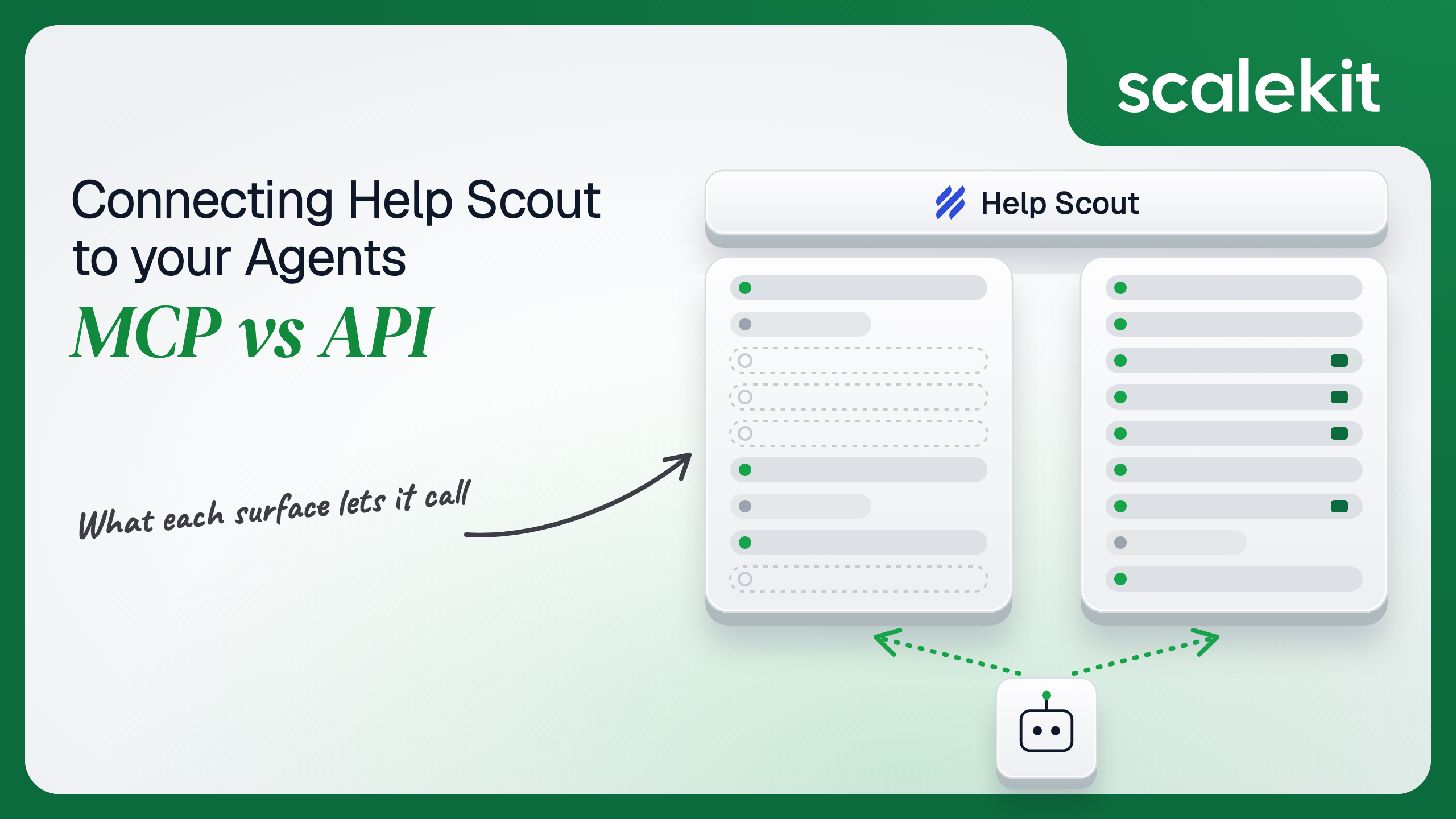


Help Scout now hosts an official MCP server that support teams can connect to Claude or ChatGPT, alongside the Inbox API, a Docs API and webhooks. The MCP server reads conversations, customers, reports and Docs, but new connections cannot write anything yet, while the API carries replies, notes, tags, workflows and erasure. This guide compares what each path lets a support agent do, how credentials behave on each, and how to run either across many Help Scout accounts in production.
Your agent needs to work inside your customers' Help Scout accounts: summarize what a customer has asked about over the past year before an agent replies, tag and route every new conversation within seconds of it arriving, draft a first reply from a saved reply, or tell a support lead why happiness scores dropped last month. Help Scout now hosts an official Model Context Protocol (MCP) server that Claude, ChatGPT, and Cursor can connect to. It also has the Inbox API, a Docs API, and webhooks. They overlap on reading conversations and reports. They diverge sharply on writes, events, and how credentials behave after a user leaves. Here's how to pick.
The Help Scout MCP server is a remote endpoint hosted by Help Scout at https://mcp.helpscout.net/mcp. Nothing runs locally. Help Scout announced general availability on July 28, 2026, after a beta program, and says "the first generally available version of MCP is intentionally read-only." It is available on the Standard, Plus, and Pro plans for any user with API access; report tools need Plus or Pro.
Help Scout documents capabilities by area rather than by tool name: conversations (list, search, summarize, threads, tags, custom fields, attachment metadata), customers and organizations, inboxes, folders and saved replies, users and teams, active workflows, company, conversation, productivity, and happiness reports, and Docs sites, collections, and articles. It does not publish tool names or a tool count. A small number of accounts from the beta kept write tools; everyone else gets reads.
Auth is OAuth through Help Scout's own login page. The server's authorization metadata advertises authorization_code and refresh_token grants, S256 PKCE, a single helpscout scope, and a Dynamic Client Registration (DCR) endpoint at /oauth/register, which is why Help Scout tells you to leave the client ID and secret fields blank. Docs tools need a separate Docs API key, pasted into an optional field on the authorization page.
Before the official server, the community built local ones. drewburchfield/help-scout-mcp-server (MIT, version 2.1.0) runs through npx, authenticates with Client Credentials from HELPSCOUT_APP_ID and HELPSCOUT_APP_SECRET, and exposes three tools, search_help_scout, describe_help_scout, and read_help_scout, that reach 55 read operations across the Inbox and Docs APIs. Setting HELPSCOUT_ENABLE_WRITES=true adds write_help_scout for drafts, notes, tags, status, assignment, and snooze. GravityKit/help-scout-mcp is a fork with around 52 granular tools, including createReply, createNote, and Docs article writes. Both are unofficial, and both run under one app's credentials, so every request carries the permissions of whoever created that app.
The Inbox API, which Help Scout's developer docs still serve under the Mailbox API 2.0 path, is REST at https://api.helpscout.net/v2/. It covers conversations, threads, attachments, customers and their emails, phones, addresses, and properties, organizations, inboxes, folders, custom fields, saved replies, tags, users, teams, workflows, ratings, reports, and webhooks. Mailbox API 1.0 was deprecated on November 20, 2019.
Two OAuth 2.0 flows, per the authentication guide:
Both return an access token with expires_in: 172800, which is 2 days. Refreshing returns a new access token and a new refresh token. Help Scout does not document a refresh token lifetime.
The Docs API is separate: https://docsapi.helpscout.net/v1/, HTTP Basic auth with a per-user API key as the username and X as the password, results scoped to that user's role.
Help Scout built its server for a person asking questions in a chat window: "summarize this customer's product issues," "find conversations that mention damaged orders." The API is built for systems that do the support work itself. For the moment, the line between them is simple. If the agent needs to change anything in Help Scout, the official MCP server can't help.
Answering "what are the top complaints in the Billing inbox this month, and who is waiting longest" on the raw API takes several calls. You list inboxes to find the ID, run a search with Help Scout's query syntax, page through 25 conversations at a time, pull threads for each, and mind the conversation id versus the number shown in the app. Each response lands in the model's context, and every search counts as two requests against the account's rate limit.
Help Scout MCP folds that into tools the server already describes, and it can drill from a report into the conversations behind it. Setup in Claude is a URL and a sign-in, because DCR means no app registration. Users can switch individual tools off in their client's connector screen. Writing the schema is the hard part. Not the API call.
The tradeoff is that Help Scout owns the surface, and it is about to change. Write tools are on the roadmap, and an older server URL already stopped accepting new connections. An agent tuned against today's read-only surface will see new tools arrive without a release on your side.
On the MCP path, auth is OAuth with PKCE in the browser, and the result is a user-level identity. "MCP respects your existing permissions": the connector acts as the signed-in user and sees only the inboxes they can. Light Users can't connect at all, and a user without the Access API custom permission gets "Could not identify Help Scout user." Help Scout has no account-wide switch to turn MCP off and can't list or revoke individual MCP connections. Removing the connector from Claude stops new requests but may not cancel the credential: access tokens can stay valid for up to 2 hours and refresh tokens for up to 30 days. Help Scout's advice for immediate cutoff is to deactivate the user. A Docs API key keeps working even after that, until it is revoked.
On the direct API path, you choose the flow. Authorization Code gives you a token per Help Scout user who installs your app, which is the right model for a product that serves many Help Scout accounts. Client Credentials gives you a token for the app's owner, and Help Scout requires every credential to be "associated with an active, invited user." The app ID and secret never expire on their own; tokens last 2 days and you fetch a new one when a request returns 401. Help Scout has no OAuth scopes, so a token for an administrator can delete conversations and erase customers.
Both paths share one property: Help Scout authorizes every call as a specific Help Scout user. The difference is which user. On MCP it's the person in the chat. On Client Credentials it's whoever created the app, often an account owner. What the user can't do, the agent can't do. That holds only when the credential belongs to the user the agent is acting for.
In a multi-tenant B2B agent, MCP gives you a credential per user and the direct API gives you a credential per user. In neither case does the path itself solve storage, rotation, or revocation; those are infrastructure problems regardless of which path you choose.
Help Scout raises the stakes because inbox permissions are the only access control. Search filters such as tag or folder are query choices, not boundaries. If your agent holds one admin token per customer account, a support agent who can only see the Tier 1 inbox can ask your agent about the Billing inbox and get an answer, because Help Scout answers for the admin. The safer setup is one Authorization Code grant per user, so Help Scout's inbox permissions do the filtering. That multiplies the credentials you hold, and Help Scout's rotating refresh tokens mean each refresh must be persisted before the old token is discarded.
Recommended reading: access control for multi-tenant AI agents
On the MCP path, Help Scout hosts the server, owns the tool schemas, and enforces each user's inbox permissions. You own each user's session in a client you may not control, and you own the gaps. Nothing happens when a conversation arrives, because tools only run inside a chat someone starts. Nothing gets written. Help Scout doesn't say whether MCP traffic draws from the same account rate limit as the API. The connector doesn't redact anything, so a password a customer pasted into a ticket lands in the model's context.
On the API path, you own schemas, pagination, retries, and the token lifecycle. Rate limits are per account, not per app or user: 200, 400, or 800 calls per minute on Standard, Plus, and Pro. POST, PUT, PATCH, and DELETE count as two, and so does each conversation search. A 429 comes with X-RateLimit-Retry-After; healthy responses carry X-RateLimit-Remaining-Minute, which is the number a well-behaved agent watches. Standard plans get no reporting endpoints. The Docs API has its own budget of 2,000 requests per 10 minutes for one site, and requests from the Docs admin UI count against it.
Webhooks are how a headless agent learns that something happened. You create one with POST /v2/webhooks, a url, a list of events, and a secret of up to 40 characters, optionally limited to certain mailboxIds. Set payloadVersion to V3; V2 is the default and is deprecated. Each delivery carries the event name in X-HelpScout-Event and a base64 HMAC-SHA1 of the raw body in X-HelpScout-Signature. Any 2xx is success; 410 deactivates the webhook. Failures are retried up to 10 times with growing gaps, then discarded, and once 10 events have been discarded Help Scout deactivates the webhook. A handler that throws on a malformed payload can silently switch off your whole pipeline.
Use Help Scout MCP when:
Use the Help Scout API when:
Both paths hand you a Help Scout credential per user. Neither hands you a vault. A multi-tenant agent serving 80 customer accounts, with 12 support agents each, holds 960 credentials if it does isolation properly. Each is a 2-day access token plus a refresh token that rotates on every refresh. Lose a write race between two workers refreshing the same account and one of them persists a dead refresh token; the user has to sign in again. Each credential reads every conversation and customer record its owner can see, with no scope to narrow it. Each must be stored encrypted, kept out of logs and LLM context, mapped to exactly one user and one account, and revoked when that user leaves.
The MCP path changes the count, not the problem: 960 sessions living in chat clients, with no admin view in Help Scout to list or revoke them, and refresh tokens that can outlive a disconnect by 30 days. The tempting shortcut on the API path is one Client Credentials app per customer, created by an admin. Fewer secrets, larger blast radius: one leaked app secret exposes every inbox in that account, and every support agent using your product sees what only the admin should.
Scalekit's helpscout connector runs the OAuth flow per user, stores each user's tokens in the token vault, and refreshes them, so the MCP vs API decision doesn't change your auth infrastructure. Your agent passes an identifier; credentials never touch the agent runtime or the LLM context.
Recommended reading: how to handle token refresh for AI agents
Scalekit's helpscout connector is an API-path connector built by Scalekit with 100 tools: 48 read, 38 write, and 14 destructive. It covers conversations, threads, attachments, drafts and scheduled sends, customers and their emails, phones, addresses, chat handles, social profiles, and websites, organizations and organization properties, inboxes, folders, routing, and custom fields, saved replies, tags, users, teams, user statuses, system users, workflows, ratings, and the company, conversations, happiness, productivity, and user reports. It authenticates with OAuth 2.0: each user signs in to Help Scout once through your own Help Scout OAuth app. It does not include Docs API tools or webhook management.
In the Scalekit dashboard, go to AgentKit > Connections, create a Help Scout connection, and copy its redirect URI. In Help Scout, open Your Profile > My Apps, click Create My App, and paste that redirect URI. Enter the app's ID and secret on the Scalekit connection. The name you give the connection is the connection_name your code passes, and the string must match the dashboard exactly. This is the most common integration error.
Every user who connects needs API access: not a Light User, and with Access API enabled if your customer uses custom permissions. Copy SCALEKIT_ENVIRONMENT_URL, SCALEKIT_CLIENT_ID, and SCALEKIT_CLIENT_SECRET from Developers > API Credentials into .env.
get_or_create_connected_account returns the connected account for an identifier. If it is not ACTIVE, get_authorization_link returns a link the user opens once to approve your app on Help Scout's consent screen. Scalekit exchanges the code, stores the tokens, and handles the 2-day expiry and refresh token rotation. The identifier is your app's ID for the person, because a Help Scout token acts as exactly one Help Scout user.
This is not a catalog load. The agent asks for the tools this connected account is authorized to call, then narrows them to the seven a read-only triage assistant needs. Loading all 100 would put helpscout_conversation_delete, helpscout_customer_delete, and helpscout_conversation_reply_create without draft in front of a model whose job is to answer questions. None of the seven below changes anything in Help Scout.
The loop runs until the model stops requesting tools. Every call runs with this user's Help Scout permissions, so the model only sees inboxes the user can see. The system prompt carries the details that trip models up on this API: inbox IDs, the id versus number distinction, and Help Scout's query syntax.
For pipelines, skip the model. execute_tool runs one tool with a fixed input and returns data plus an execution_id you can log. This handler runs when a Help Scout webhook delivers convo.created. It verifies X-HelpScout-Signature, loads the conversation, counts the customer's earlier conversations, adds a repeat-contact tag while keeping existing tags, and leaves an internal note for the human who picks it up. The connected account should belong to a support user who can see the inboxes the webhook covers.
The webhook itself is not a connector tool. You create it once per customer account with POST /v2/webhooks, using that user's token, which Scalekit can send on the connected account's behalf through proxied API calls. Use payloadVersion: "V3", store the secret per customer, and return 2xx fast. Because Help Scout retries failed deliveries, make the handler idempotent: check for your own note before adding a second one. Because 10 discarded events deactivate the webhook, never let a parsing error turn into a 500 loop. The Help Scout MCP server has no equivalent for any of this.
Two other writes show where the API path earns its place. helpscout_conversation_reply_create with draft: true saves a reply a human reviews and sends, which is the safe default for AI-drafted support. helpscout_customer_delete permanently removes a customer with their conversations and survey responses, which is how a GDPR erasure request gets fulfilled. Neither belongs in a model's default tool set; both fit a pipeline with a human approval step in front of them.
The helpscout connector has 100 tools. At roughly 200 tokens each, that is about 20,000 tokens of tool definitions before the agent does any work. A model choosing among helpscout_conversations_list, helpscout_conversations_search, helpscout_organization_conversations_list, and helpscout_customers_search picks the wrong one more often than a model holding only the one it needs. Overreach is the bigger risk in support: an assistant holding all 14 destructive tools can delete a conversation or a customer on a bad inference, and one that holds helpscout_conversation_reply_create can email a customer. The fix is not better prompting. It is surface reduction. A Scalekit virtual MCP server declares exactly which tools an agent role can see, and session tokens keep each run bound to one user's connected accounts. Docs: set up a virtual MCP server.
One server definition serves every support lead at every customer. Before each run, check that the user's accounts are active and mint a short-lived session token scoped to them. Any MCP client that speaks Streamable HTTP can connect; this example uses langchain-mcp-adapters (pip install langchain-mcp-adapters) and passes the token as a Bearer header.
The agent sees six tools instead of 100. The endpoint is static; the identity is per user. Unlike Help Scout's own MCP server, this endpoint can hold a write such as helpscout_conversation_note_create today, for the one role that should have it, while every other role stays read-only.
Every execute_tool call returns an execution_id, and every execution is attributed to a connected account, which maps to one user at one customer. When a support director asks which agent run tagged 300 conversations repeat-contact overnight, or who erased a customer, the answer is a lookup, not an investigation. Help Scout itself records the thread author: notes and replies created through the API default to the connected user, so the conversation history shows a person, and your execution log shows which agent run acted for them.
Attribution is also where the paths differ. MCP calls run as the user who signed in. Client Credentials calls run as whoever created the app, so if one admin's app serves a whole customer, every note, tag change, and deletion in Help Scout's history carries that admin's name, and your log is the only place that records which of your users asked for it. Shared credentials are a single-user solution. They do not survive a second user.
Recommended reading: audit trails for agent auth
If your agent is a support lead's or support agent's assistant in Claude, ChatGPT, or Cursor, summarizing customer history, searching conversations, and reading reports and Docs articles, Help Scout's official MCP server is a good fit: it is GA, hosted, and respects inbox permissions, with the caveat that it cannot write anything yet. If your agent runs unattended, reacts to webhooks, tags, assigns, drafts replies, runs workflows, or serves many Help Scout accounts at once, build against the Inbox API, where you choose the flow, the tools, and the backoff against a rate limit your customer shares with everything else they run. Either way, you hold a Help Scout credential per user with no scope to narrow it, and that's what needs production-grade infrastructure.
Yes. Help Scout hosts a remote MCP server, generally available since July 2026, on the Standard, Plus and Pro plans for users with API access. It reads conversations, customers, inboxes, saved replies, users, teams, workflows, reports and Docs articles. New connections are read-only, and Help Scout does not publish tool names or a date for write access.
The Inbox API creates replies and drafts, adds internal notes, updates tags, status and assignment, snoozes conversations, runs manual workflows, reads attachment contents and erases customers for GDPR requests. It also manages webhooks for events such as new conversations and customer replies, which the MCP server has no equivalent for.
The MCP server signs each user in with OAuth and acts with that user's inbox permissions. The Inbox API offers an authorization code flow for apps other accounts install and a client credentials flow for internal integrations. Access tokens last two days, refresh tokens rotate on every refresh, and there are no OAuth scopes.
Inbox permissions are the only access control, and a token can do whatever its user can do. If an agent holds one admin token per customer account, a support agent limited to one inbox can ask about another and get an answer. One grant per user lets Help Scout's own permissions filter what the agent sees.
Inbox API limits are shared across the whole Help Scout account: 200 calls per minute on Standard, 400 on Plus and 800 on Pro. Writes and conversation searches count as two requests, so an agent that loops on search can throttle the customer's other integrations. A throttled call returns a retry time.
Scalekit's Help Scout connector exposes 100 tools over the Inbox API. Each user approves your own Help Scout app once, and Scalekit stores the tokens and handles the two-day expiry and rotating refresh tokens. You narrow the tools per agent role, run webhook handlers deterministically and serve tools through a virtual MCP server.
Browse the Scalekit Help Scout connector and the Help Scout connector docs with the full tool list. See Scalekit pricing, or talk to us.