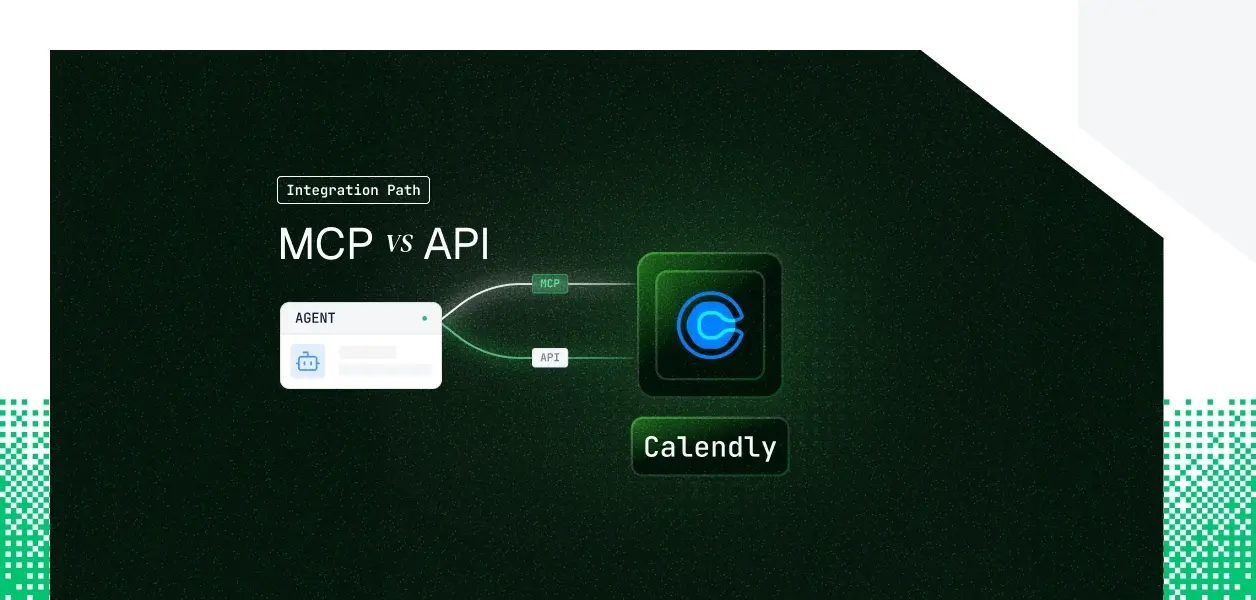


Your agent needs to read and write Calendly: check availability, book meetings, cancel events, manage event types. Calendly now ships two paths. There is a hosted MCP server at https://mcp.calendly.com (GA February 2026) and the REST API v2 your integrations have probably called for years.
They cover overlapping but not identical territory, they put you on different auth paths, and for headless agents one of those differences is a hard wall. Here is the decision framework.
Calendly's hosted MCP server went GA on February 17, 2026, maintained by Calendly and fully hosted at https://mcp.calendly.com. Self-hosting and local deployment are not supported. It translates natural-language scheduling commands into structured calls against Calendly's public API v2, with annotation metadata (readOnlyHint, destructiveHint, idempotentHint) on each tool to optimize agent behavior.
Authentication is OAuth 2.1 (Authorization Code + PKCE, S256) using Dynamic Client Registration (DCR, RFC 7591). Clients self-register at runtime to obtain a client_id; no console-issued credentials and no client secret are used. The scopes are mcp:scheduling:read and mcp:scheduling:write.
The Calendly API v2 is a REST interface that exposes the full platform surface: event types, scheduled events, availability schedules, invitees, routing forms, organizations, memberships, webhooks, activity logs, data compliance, and more. Identifiers in request bodies are full URIs, not bare UUIDs.
Authentication accepts OAuth 2.1 (Authorization Code) for multi-account public apps, or personal access tokens (PATs) for single-account internal use. PATs are passed as a bearer token and do not expire on a fixed schedule. There are no LLM-specific affordances: schema handling, pagination, error responses, and rate limits are yours to manage.
The hosted MCP server covers the conversational scheduling surface well. The REST API owns everything operational and administrative.
The MCP server's 35 tools handle scheduling, availability, no-shows, and org membership. Anything event-driven or governance-related lives only in the REST API.
If your agent needs to react to a booking the moment it happens, manage GDPR deletion of invitee data, or read the organization activity log, those tools are absent from the MCP surface.
This is not a temporary limitation. The MCP server was scoped to scheduling actions; webhooks and compliance are architectural features of the broader API.
One limit is shared, not a differentiator: Calendly exposes no reschedule endpoint on either path. The documented pattern is cancel-then-rebook, and the cancel and reschedule URLs travel on the invitee resource.
An agent that needs to move an existing booking has to cancel and create a new one regardless of which path it is on.
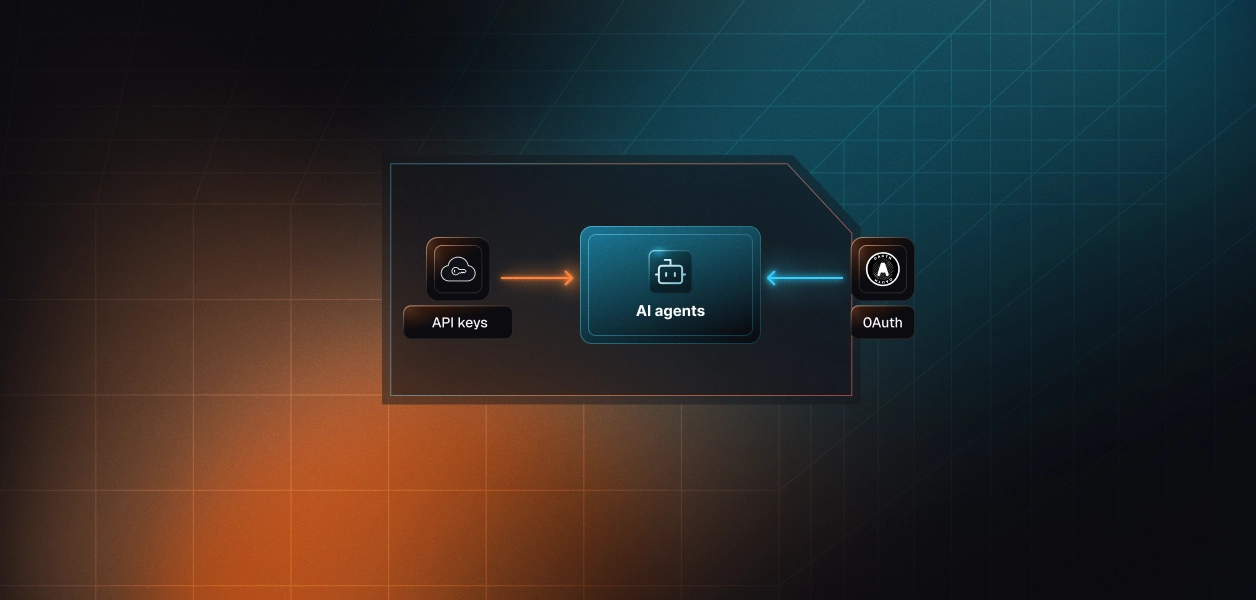
MCP: OAuth 2.1 with browser consent, every user
API: OAuth 2.1 or personal access tokens
The API gives you two auth options.
This is the constraint that decides the path for non-interactive agents. The hosted MCP server has no static-credential mode; a first-time connection requires a live browser consent.
A background agent (a nightly digest, a scheduled availability sync, a no-show sweeper) running with no user present cannot complete that flow on its own. The API's PAT path can run fully non-interactively for a single account.
Note the ceiling on the API side too: Calendly's API does not offer a client-credentials or service-account grant, so multi-account headless execution still means managing one user credential per account.
On the MCP path
On the API path
Several capabilities are plan-gated regardless of path. Webhooks require a paid plan (Standard, Teams, or Enterprise). The Scheduling API booking action (create_invitee) requires a paid plan. Routing form tools require Teams or higher. Activity logs require Enterprise. An agent that works on your test account can fail on a customer's plan, so confirm plan tier before assuming a capability is available.
Use Calendly MCP when:
Use the Calendly API directly when:
Whether you chose MCP or the API's OAuth path, every user in a multi-tenant agent has their own Calendly credential. Fifty customers means fifty tokens, fifty refresh cycles, fifty revocation states to track. The MCP OAuth flow gives you a session-scoped token per user. The API's OAuth flow gives you an access token per user. The token type differs; the management problem does not.
Calendly's API surfaces are user-scoped: event types, scheduled events, availability, and routing forms all resolve relative to the authenticated user's organization context. Reuse one user's token for another and the call can succeed silently against the wrong user's data. Tokens refresh on a standard OAuth cycle, but revocation, whether manual by the user or driven by org policy, moves the connection to an error state with no automatic recovery. Your agent has no built-in way to detect that unless it is watching for the 401 and handling it.
Scalekit's Calendly connector resolves the per-user credential on every tool call, so actions are attributed to the user who authorized them, with a full audit trail rather than a shared service account. The same auth infrastructure works whether you call Calendly through the MCP path or the direct API. The path decision does not change what you need at the credential layer.
Calendly requires you to register your own OAuth app and supply a Client ID and Secret; there is no shared public client. Scalekit acts as the OAuth client: it runs the redirect, stores encrypted tokens in a per-tenant vault, and refreshes them before expiry. Your agent code never handles a raw token. When a user's token is revoked by a password change, admin policy, or manual action, the connected account moves to a revoked state instead of failing silently, so you can check status before a critical operation.
The connector exposes more than 50 Calendly tools (53 at the time of writing), including the webhook, activity log, and data compliance tools the hosted MCP server does not expose. You retrieve the tools scoped to the current user, then execute by name. The connection_name below must match the connection you configured in the Scalekit dashboard exactly; a mismatch is the most common integration error.
list_scoped_tools returns the tools the current user's connected account is authorized to call, not a flat 53-tool catalog. Surface reduction is the lever for tool-calling accuracy: a model handed every tool selects worse and burns tokens before it does any work. Scoping to the handful of tools a scheduling task actually needs produces more reliable selection. What the user cannot do, the agent cannot do.
If you want the MCP path without deploying or maintaining an MCP server, Scalekit's Virtual MCP Server gives each agent a scoped, user-specific endpoint that declares exactly which Calendly tools it can see and whose credentials it acts with. You configure once which connection and which tools are exposed; before each run, a short-lived session token is minted scoped to that user's connected account.
The endpoint is static; the identity is per-user. A Scalekit Virtual MCP server URL looks like https://yourcompany.scalekit.com/mcp/v3/servers/<server-id>.
Setup references. Get started with the setup in the vMCP quickstart, the configure and connect guide, and an end-to-end Claude managed agent example.
Every tool call resolves through Scalekit's auth logs, attributed to the user who authorized it with the tool, scope, and result.
For a Calendly agent that runs across many tenants, that audit trail answers the question a shared bot token cannot: which user, in which tenant, took which scheduling action.
Combined with the vault and per-user isolation, it is the difference between an agent that demos and one that survives a security review.
If the Calendly tool your agent needs is not in the connector yet, request it: ask in the Scalekit Slack community or through Talk to us. Requested connector tools typically go live within a week.
If your agent is interactive and its job is scheduling, availability, booking, canceling, and sharing links, the hosted MCP path is faster, with Calendly maintaining the schemas and the OAuth flow handled at connection time.
If your agent runs headless, needs webhooks to react to bookings, or needs activity logs, data compliance, or groups, build against the API directly; the MCP server's browser-only auth and scheduling-only surface are genuine constraints.
Most production Calendly agents use both: MCP for the interactive assistant, the API for background and governance work. Either way, the credential problem is identical, and that is what needs production-grade infrastructure.
Next Steps:
Browse the Scalekit Calendly connector, Scalekit's Calendly connector docs, official Calendly MCP server, or the Calendly API docs.