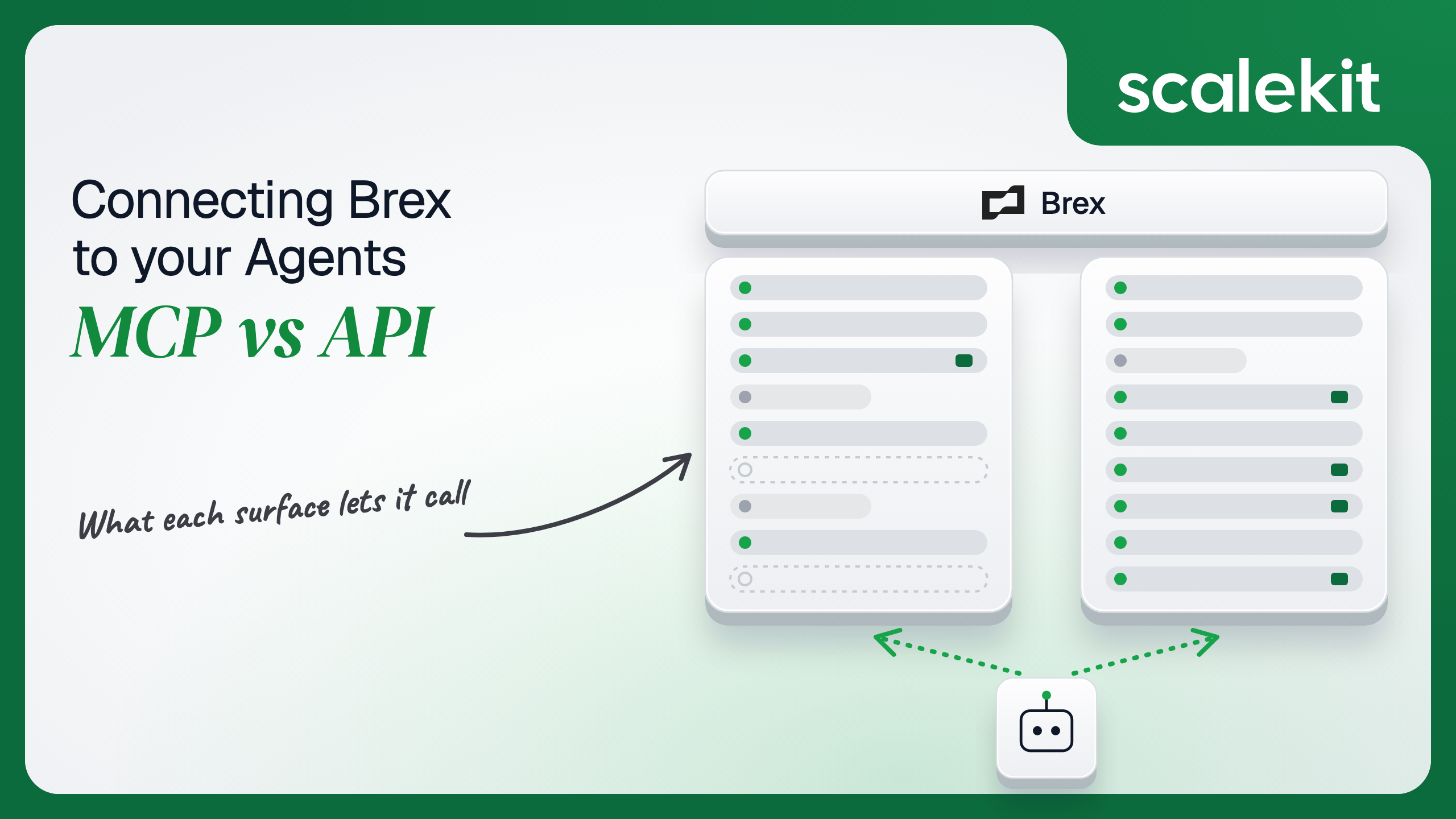


Brex now gives an AI agent two ways into a company's spend: an official MCP server in beta with 44 tools that read almost everything and write only to expense documentation, and a REST API that issues cards, sets limits, and moves money. They overlap on reading spend. They diverge sharply on anything that moves money or changes who can spend it, and on whose credential an agent holds when it does. This guide compares what each path lets an agent do, the token each one puts you on, and how to run either across many customer accounts in production.
Your agent needs to work inside your customers' Brex accounts: find card expenses still missing receipts, explain why a team blew through its travel limit, issue a virtual card for a new SaaS subscription, or pay an approved invoice. Brex now hosts an official Model Context Protocol (MCP) server and lists it alongside its ChatGPT, Claude, and Slackbot integrations. Brex also has a mature REST API split into Team, Transactions, Expenses, Payments, Budgets, Accounting, Travel, and Webhooks. They overlap on reading spend. They diverge sharply on anything that moves money or changes who can spend it, and on whose credential an agent holds when it does. Here's how to pick.
Brex's MCP server is remote and hosted by Brex at https://api.brex.com/mcp. It is in beta; Brex's docs say its "tools may change as we continue developing new use cases and features," and the Using Brex in AI apps support article tags Brex MCP as early access. Before anyone can connect, an account or card admin has to accept the Developer API agreement and turn on Brex MCP access in Brex settings.
Two auth options exist. OAuth is recommended: the client runs a browser login against Brex's authorization server at https://accounts-api.brex.com/oauth2/default, which supports Dynamic Client Registration (RFC 7591). The alternative is a Brex API token sent as a Bearer header. Brex documents setup for Claude Code (claude mcp add --transport http brex https://api.brex.com/mcp), Claude Desktop, ChatGPT, Cursor, and Codex.
The docs list 44 tools across users and org structure, rewards, expenses, cards and limits, banking, bills and vendors, accounting, travel, and feedback. They include list_expenses, get_expense_by_id, brex-analytics, update_expense_memo, upload_card_expense_receipt_from_urls, replace_attendees_for_card_expense, assign_limit_for_card_expenses, list_cards, get_expense_policy, list_my_limits, list_business_accounts, list_banking_transactions, list_bills, list_vendors, list_accounting_records, list_gl_accounts, list_trips, and list_bookings. query_expense_analytics is deprecated in favor of brex-analytics. Brex also states it "does not and will not expose raw card numbers (PANs), CVVs, or expiration dates over MCP."
Community servers predate the official one, such as dennisonbertram/brex-mcp-server, a local Node.js server that reads a BREX_API_KEY environment variable. With an official hosted server available, they matter mainly as a reminder of where unmanaged Brex tokens end up: in a config file on someone's laptop.
The Brex API is a set of REST APIs: Team (users, departments, locations, titles, cards), Transactions (card and cash transactions, accounts, statements), Expenses, Payments (vendors and transfers), Budgets (budgets, spend limits, budget programs), Accounting, Fields, Travel, and Webhooks. Every request carries Authorization: Bearer <token>.
There are two ways to get that token. User tokens are created in the Brex dashboard under Developer > Settings by an account admin or card admin, who picks scopes at creation. Partner authentication is OAuth 2.0 with OpenID Connect: the Authorization Code grant for most APIs and Client Credentials for onboarding. Brex issues partner client IDs and secrets through developer support.
The line Brex draws is clear. The MCP server reads almost everything and writes only to the documentation around a card expense: the memo, the receipt, the attendees, the limit it is charged to. It does not touch a payment rail. The API is where cards get issued, limits get set, and dollars leave a cash account.
Answering "how much did the sales team spend on travel last quarter" on the raw API is a chain: resolve the department with brex_department_list, find its users with brex_user_list, page through brex_expense_list with a purchase-date window and expand for merchant and department, then group by category in your own code. Each page is capped at 100 expenses, and each step needs IDs from the one before.
brex-analytics collapses that into one tool the model calls with a question. The receipt tools shorten a second common chain: upload_card_expense_receipt_from_urls attaches a receipt from a URL, which is the step finance teams chase employees about every month, and the Scalekit connector has no equivalent. Writing the schema is the hard part. Not the API call.
The tradeoff is that Brex controls the tool set. The server is in beta, query_expense_analytics is already deprecated, and Brex's support article describes card management in its AI apps that the developer docs say is not yet available over MCP. An agent built against today's tool names can change behavior without a release on your side.
On the MCP path, OAuth is the default. A client like Claude Code registers itself through Dynamic Client Registration, opens a browser, and the user signs in to Brex. Brex's docs do not list OAuth scopes for the MCP server; its support article says OAuth "requests only the permissions its tools need" and that "your Brex permissions carry over; you only see and modify what you're authorized to." OAuth sessions can be revoked from the Brex dashboard. The API token option works too, and Brex recommends restricted tokens: if a scope is missing, "the corresponding tools will be unavailable."
On the direct API path, you choose between two credentials with different failure modes. A user token is created by an account admin or card admin, carries the scopes picked at creation, and "will expire if [it is] not used to make an API call for 90 days." It also stops working when its user leaves active status. Partner OAuth gives you 1-hour access tokens and refresh tokens that "expire every 90 days so they should be exchanged for a new one before then"; miss the window and the user re-authenticates.
Scopes are where Brex gives you real least-privilege control. The scope list splits most resources into read and manage pairs: transfers.readonly and transfers, vendors.readonly and vendors, cards.readonly and cards, plus cards.pan for card numbers. An expense-review agent never needs transfers. A card-issuing agent never needs cards.pan. Grant accordingly, because Brex's roles page also states that for most APIs "only users with the account admin role can be authenticated." The connected account behind a Brex agent is usually an admin's, and the scopes are the only thing standing between that admin's authority and the model.
In a multi-tenant B2B agent, MCP gives you a credential per user and the direct API gives you a credential per user. In neither case does the path itself solve storage, rotation, or revocation; those are infrastructure problems regardless of which path you choose.
Brex sharpens the stakes because the credential can move money. A token that reaches the wrong customer's Brex account is not a data leak you clean up; it is a wire you try to recall. Tenant isolation on your side has to bind each connected account to one of your users and one Brex company, and confirm that binding (brex_company_get returns the connected company's ID) before any write.
Recommended reading: OAuth vs API keys for AI agents
On the MCP path, Brex hosts the server, owns the tool schemas, and keeps money movement off the table. You own the credential for every user: an OAuth session inside a client you may not control, or an API token in a config file. You also own the gaps. An agent that needs to know when a payment cleared has no subscription mechanism on MCP, so it polls list_banking_transactions. Expense data, merchant names, and banking balances all land in model context, so your data handling policy has to cover the model provider; Brex's support article says queries are processed by the AI provider under the customer's agreement with that provider.
On the API path, you own schemas, pagination, retries, and the token lifecycle. Brex's rate limits are per client ID and Brex account: 1,000 requests in 60 seconds, 1,000 transfers in 24 hours, 100 international wires in 24 hours, and 5,000 cards created in 24 hours. Exceeding one returns 429, Brex documents no rate-limit headers, and it asks for exponential backoff with jitter. Brex also reserves the right to lower these limits.
Idempotency is the rule that matters most. Brex's idempotency guide requires an Idempotency-Key on endpoints "such as Create transfer and Create card" and recommends one everywhere else. An agent that retries a transfer after a timeout without the same key can pay a vendor twice. The key has to be derived from the business event, such as the invoice ID, not generated fresh on each attempt.
Webhooks replace polling, with constraints. You register with POST /v1/webhooks, and "currently only one webhook endpoint can be registered per customer / client_id." Deliveries carry Webhook-Id, Webhook-Timestamp, and Webhook-Signature headers, signed with HMAC-SHA256 using a secret from GET /v1/webhooks/secrets; during rotation two secrets are valid. Brex does not document its retry schedule, but a resent event keeps its Webhook-Id, so deduplicate on it.
Use Brex MCP when:
Use the Brex API when:
Both paths hand you a Brex credential per user. Neither hands you a vault. A multi-tenant agent serving 40 customers with 2 finance admins each holds 80 Brex credentials, most of them admin-level, many with scopes that can issue cards or send wires. Each must be stored encrypted, kept out of logs and LLM context, refreshed before its 90-day refresh token lapses, or kept alive before a user token hits 90 days of inactivity, and deleted when a user disconnects or a customer churns.
The token type changes between paths; the infrastructure doesn't. The tempting shortcut is one admin user token per customer. That collapses 80 credentials into 40 that act with one admin's full authority, attribute every agent action to that admin, and stop working the day that admin is deactivated. Fewer secrets, larger blast radius per secret, and on Brex the blast radius is denominated in dollars.
Scalekit's brex connector handles the OAuth flow, token storage, and refresh for each user, so the MCP vs API decision doesn't change your auth infrastructure. Your agent passes an identifier; credentials never touch the agent runtime or the LLM context.
Recommended reading: why a token vault matters for AI agent workflows
Scalekit's brex connector is an API-path connector built by Scalekit with 68 tools: 45 read and 23 write, none classed as destructive. It covers users, departments, locations, titles, cost centers, legal entities, custom fields, cards, card and cash accounts, statements, card and cash transactions, expenses, budgets, budget programs, spend limits, vendors, transfers, linked accounts, and travel. Two of the write tools, brex_transfer_create and brex_incoming_transfer_create, move real money; "none destructive" does not mean "safe to hand to a model." It authenticates with OAuth 2.0: each user signs in to Brex once, and Scalekit stores and refreshes their tokens.
In the Scalekit dashboard, go to AgentKit > Connections, create a Brex connection, and copy its redirect URI. The name you give it is the connection_name your code passes, and the string must match the dashboard exactly. This is the most common integration error.
Brex connections use your own OAuth app. Get a client ID and secret from Brex (Brex's partner docs route this through developer support), register the Scalekit redirect URI with Brex, and paste the Client ID and Client Secret into the Brex connection. Copy SCALEKIT_ENVIRONMENT_URL, SCALEKIT_CLIENT_ID, and SCALEKIT_CLIENT_SECRET from Developers > API Credentials into .env. Full setup is in the Brex connector docs.
get_or_create_connected_account returns the user's connected account. If it is not ACTIVE, get_authorization_link returns a link that sends the user through Brex's OAuth consent screen. Brex redirects back to Scalekit, which exchanges the code and stores the tokens. The agent never sees them.
This is not a catalog load. The agent asks for the tools this user's connected account is authorized to call, then narrows them to the six a spend-review agent needs. Loading all 68 Brex tools would put brex_transfer_create, brex_card_create, and brex_spend_limit_update in front of a model whose job is to read expenses and explain them. None of the six below can change anything in Brex.
The loop runs until the model stops requesting tools. Every call executes with this user's Brex token, so the agent sees what this user's Brex role and the connection's scopes allow, and nothing else.
For pipelines, skip the model. execute_tool runs one tool with a fixed input and returns data plus an execution_id you can log. This handler runs when your AP system marks an invoice approved. It confirms the connected account belongs to the expected Brex company, finds the vendor's ACH instrument, and creates a transfer from the primary cash account. The idempotency key is derived from the invoice ID, so a retry after a timeout reuses the same key and Brex does not send the payment twice. approval_type is MANUAL, so a cash admin approves the transfer in Brex before funds move.
To track the payment, check it later with brex_transfer_get, or subscribe your endpoint to TRANSFER_PROCESSED and TRANSFER_FAILED through Brex's Webhooks API and verify each delivery's HMAC-SHA256 signature before acting on it. The webhook subscription is a direct Brex API call, not a connector tool, and Brex allows one endpoint per client_id, so route events by company on your side. The Brex MCP server has no equivalent for either the transfer or the subscription.
Two other writes show where the API path earns its place. brex_card_create issues a virtual vendor card with limit_type set to CARD, a spend limit, and allowed_merchant_names such as ["AWS"], and brex_card_lock takes a card_id and a reason such as FRAUD. Neither belongs in a model's default tool set; both fit a pipeline with a human approval step in front of them.
The brex connector has 68 tools. At roughly 200 tokens each, that is about 13,600 tokens of tool definitions before the agent does any work, and a model choosing between brex_card_transaction_list, brex_cash_transaction_list, brex_expense_list, and brex_transfer_list picks wrong more often when all four are in context with 64 others. Overreach is the bigger risk: a receipt-chasing agent that also holds brex_transfer_create is one bad inference away from sending a wire. The fix is not better prompting. It is surface reduction. A Scalekit virtual MCP server declares exactly which tools an agent role can see, and session tokens keep each run bound to one user's connected accounts. Docs: set up a virtual MCP server.
One server definition serves every user. Before each run, check that the user's accounts are active and mint a short-lived session token scoped to them. Any MCP client that speaks Streamable HTTP can connect; this example uses langchain-mcp-adapters (pip install langchain-mcp-adapters) and passes the token as a Bearer header.
The agent sees four tools instead of 68. The endpoint is static; the identity is per-user. Unlike Brex's own MCP server, this endpoint can include tools Brex MCP doesn't have, such as brex_card_lock for an offboarding agent, and leave them out of every other role.
Every execute_tool call returns an execution_id, and every execution is attributed to a connected account, which maps to one of your users and one customer. When a controller asks which agent run created a $1,500 transfer to Acme Supplies or locked a card on a Saturday, the answer is a lookup, not an investigation. Brex shows the transfer's creator and, with approval_type set to MANUAL, the cash admin who approved it; your execution log shows which agent run and which trigger led there. Brex's support article says that on the MCP path, OAuth actions are logged as the MCP client acting on behalf of the authenticated user, which gives you the Brex side of the same picture.
A shared credential breaks that. If every user's agent runs on one admin's user token, Brex attributes every memo edit, card, and transfer to that admin, and your side can only prove that the shared token did it. For a system that moves money, that fails the first question an auditor asks. Shared credentials are a single-user solution. They do not survive a second user.
Recommended reading: audit trails for agent auth
If your agent is an assistant in Claude, ChatGPT, Cursor, or Claude Code that answers spend questions, chases receipts, and fixes a user's own expense memos with a human reading every reply, Brex's official MCP server is a good fit: it is hosted, it uses OAuth with Dynamic Client Registration, it never exposes card numbers, and its lack of payment tools is a feature in that setting. If your agent runs unattended, pays vendors, issues or locks cards, sets spend limits, or reconciles transactions into a ledger across many customer accounts, build against the Brex API, where you choose the scopes, the idempotency keys, and the approval step. Either way, you hold one admin-level Brex credential per user on a 90-day clock, and that's what needs production-grade infrastructure.
Yes, in beta, hosted at https://api.brex.com/mcp. It exposes 44 tools for users and org structure, expenses, cards and limits, banking, bills and vendors, accounting, and travel, including brex-analytics for natural-language spend analysis. An account or card admin must accept the Developer API agreement and turn on Brex MCP access before anyone can connect. Brex says the tools may change as it develops new use cases.
It cannot move money, create or lock cards, create spend limits or budgets, or manage vendors. Brex says approvals and card management are not yet available over MCP, there are no event triggers, and Brex states it will not expose raw card numbers, CVVs, or expiration dates over MCP. Its writes are limited to expense documentation: memos, receipts, attendees, and the limit an expense is charged to.
A user token, created by an account admin or card admin with scopes picked at creation, expires if it is not used for 90 days and stops working when its user leaves active status. Partner OAuth issues 1-hour access tokens and refresh tokens that expire every 90 days, so they must be exchanged before then or the user re-authenticates. Partner client IDs come from Brex developer support, not a self-serve console.
Brex requires an Idempotency-Key on endpoints such as Create transfer and Create card and recommends one everywhere else. An agent that retries a transfer after a timeout without the same key can pay a vendor twice, so the key has to be derived from the business event, such as the invoice ID, rather than generated fresh on each attempt.
When it pays approved invoices with brex_transfer_create and manual approval, issues vendor-locked virtual cards, locks cards on offboarding, creates project spend limits, reconciles card transactions into a ledger on a schedule, or reacts to TRANSFER_PROCESSED and TRANSFER_FAILED webhooks. None of those is available on the MCP server.
The brex connector exposes 68 tools over the Brex API and runs the OAuth flow against your own Brex OAuth app, storing and refreshing each user's tokens in the token vault. A virtual MCP server narrows the tools per agent role, so a receipt chaser never holds brex_transfer_create, session tokens bind each run to one user, and every execution returns an execution_id attributed to that user and customer.
Browse the Scalekit Brex connector and the Brex connector docs with the full tool list. See Scalekit pricing, or talk to us.