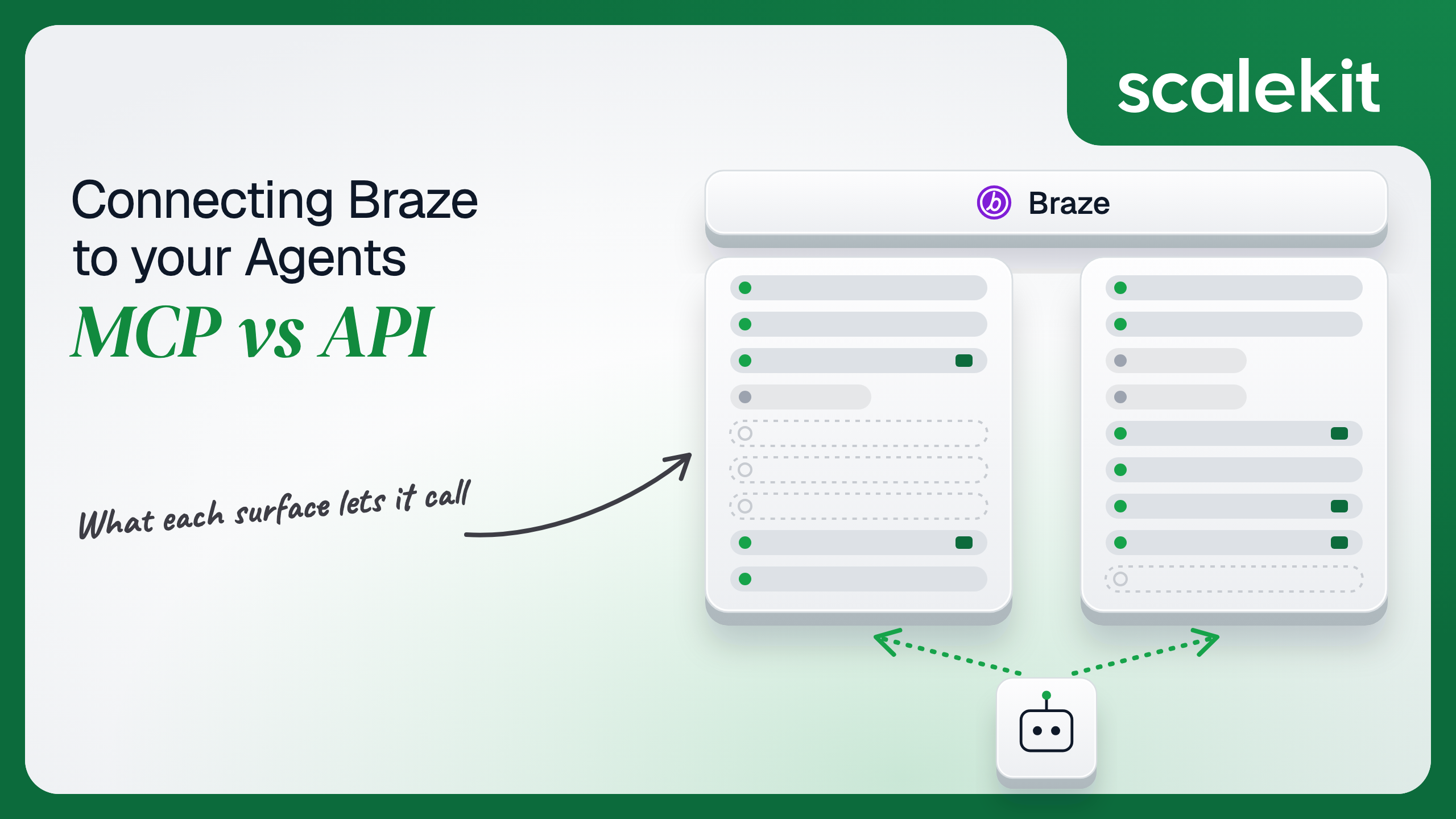


Braze gives an agent a hosted MCP server built for marketers and analysts, and a REST API that thousands of production integrations already depend on. They overlap on analytics, catalogs and content, then diverge on user data, message sends, Canvas edits and whose identity each call carries: a signed-in dashboard user on MCP, a never-expiring workspace key on the API. This guide compares what each path lets a lifecycle agent do and how to run either across many customer workspaces in production.
Your agent needs to work inside your customers' Braze workspaces: tell a lifecycle team which Canvas is losing conversions at step three, check which campaigns are scheduled to send this weekend, push a churn-risk score onto 40,000 profiles, or enter a user into a win-back Canvas the moment your product sees them cancel. Braze now hosts an official Model Context Protocol (MCP) server that Claude, ChatGPT, Cursor, and Codex connect to with a sign-in. It also has a REST API that thousands of production integrations already depend on. They overlap on analytics, catalogs, and content. They diverge on user data, message sends, Canvas edits, and on whose identity each call carries. Here's how to pick.
The Braze MCP server is hosted by Braze. You paste https://mcp.braze.com/mcp or https://mcp.braze.eu/mcp into an MCP client and sign in; either endpoint can reach any Braze cluster, though EU customers should use the EU one. Braze's July 23, 2026 release notes introduced the remote server in early access, and the September 17, 2026 release lists it as generally available, "with no local package, configuration file, or API key," while marking its Campaigns and Segments support and Operator Connect as beta.
The first Braze MCP server, released in August 2025, ran locally and needed a REST API key. Braze has deprecated it: it still works but receives no updates, and the remote server has tools the local one lacks.
The 71 tools use names such as get_campaign_dataseries, get_canvas_data_summary, get_segment_list, create_email_template, update_content_block, edit_catalog_items, create_campaign, launch_campaign, and trigger_integration_sync. Three Operator tools (send_operator_prompt, get_operator_result, cancel_operator_job) hand work to Braze's own AI assistant. Braze states plainly that "tools that expose user-level PII are not available."
The Braze REST API is served from the REST endpoint of the instance your company was provisioned on: US-01 through US-10, EU-01, EU-02, AU-01, ID-01, JP-01, and KR-01, each with its own host. It covers user data (/users/track, /users/identify, /users/export/ids, aliases), messaging (/messages/send, /campaigns/trigger/send, /canvas/trigger/send, schedules, transactional email), subscription groups and email state, campaign, Canvas, segment, KPI, purchase, and session analytics, catalogs, templates, Content Blocks, and preference centers.
Auth has one shape. A workspace admin creates a REST API key under Settings > APIs and Identifiers > API Keys, names it, picks permissions such as users.track or messages.send, and optionally restricts it to IP addresses and subnets. Requests send the key in an Authorization: Bearer header. A missing or invalid key returns 401; a key without the endpoint's permission returns 403.
The split is intentional. Braze built the MCP server for people who plan and analyze: marketers, analysts, and CRM leads asking questions in a chat window and drafting content with a human reviewing each step. The REST API is where your product talks to Braze about specific users: who did what, who should get which message, and who opted out. An agent that needs to touch a user's profile or send them anything is on the API path.
Answering "how did every campaign we launched last week perform, and which Canvases are scheduled to send this weekend" on the raw API takes a list call, a filter on last_edited, one data series call per campaign, a scheduled broadcasts call, and a sum across per-channel stats. The MCP server gives the model the same primitives with Braze-written descriptions, and one sign-in covers the US and EU workspaces together. Braze's usage guide shows exactly that pattern, plus copying templates from a staging workspace into production with create_email_template. Writing the schema is the hard part. Not the API call.
The MCP server also reaches things the REST API leaves to the dashboard: drafting and launching campaigns through the beta Campaigns tools, creating segments, kicking off a Cloud Data Ingestion sync with trigger_integration_sync, and delegating a task to Braze's Operator.
The tradeoff is that Braze owns the surface. The campaign and segment tools are beta, the local server's tools already gave way to a different remote set, and Braze advises against "auto-mode" so a human reviews each action. Campaign edits made through MCP are attributed to the signed-in user and appear in edit history, which is the right behavior for a person and an odd fit for an unattended job.
On the MCP path, auth is OAuth in the browser, with SSO if your company requires it. The setup guide says no client ID, client secret, or API key is needed: the client registers itself with Braze. Registration alone is not enough. A company admin must turn on MCP OAuth access and approve the client's redirect URI under Settings > Admin Settings > External Connections, and each user needs the "Use MCP Server" permission, which is off by default, in every workspace they want to reach. Access tokens are short-lived and refresh automatically. Admins can revoke every MCP OAuth token in the company at once. Successful connections are logged to the security event report.
Two constraints matter if you are building your own agent rather than using Claude or Cursor. Braze maintains an allowlist of supported client domains, so an unverified client can be blocked at sign-in. And customers that use dashboard IP allowlisting cannot use the MCP server at all, which in practice rules out many of the security-conscious enterprises a B2B product sells to.
On the direct API path, the credential is a REST API key. Braze's API basics spell out its properties: it belongs to one workspace, its permissions and allowlisted IPs cannot be edited after creation, it has no expiry, and "deleting a user does not delete API keys that user created." To change scope, you create a new key and replace the old one. The key also only works against its own instance's REST host, so your agent has to know whether a customer lives on rest.iad-03.braze.com or rest.fra-02.braze.eu.
The difference that matters most for agents is identity. An MCP call runs as a Braze dashboard user; Braze says access "mirrors your dashboard user permissions" and "an agent can never exceed your own access." A REST call runs as a key. Braze knows which permissions the key has and nothing about the person behind the agent request. What the user can't do, the agent can't do: on the API path, that only holds if each user's key is created with that user's permissions.
In a multi-tenant B2B agent, MCP gives you an OAuth grant per user and the direct API gives you a key per user or per workspace. In neither case does the path itself solve storage, rotation, or revocation; those are infrastructure problems regardless of which path you choose.
Braze sharpens the problem on the API side. The convenient setup is one broad key per customer workspace with users.track, messages.send, user export, and every analytics permission checked. That key can export any profile in the workspace and message any user in it. A reporting assistant used by a junior analyst then carries the same reach as the integration that sends password resets. The safer setup is several narrow keys per workspace, one per role, each created with only the permissions that role needs, which multiplies the secrets you hold and the mapping you maintain between your users and Braze keys.
Recommended reading: access control for multi-tenant AI agents
On the MCP path, Braze hosts the server, writes the tool schemas, and enforces each user's permissions. You own each user's OAuth session in a client Braze has allowlisted, the admin setup in every customer company, and the gaps. Tools only run inside a conversation someone starts, so nothing happens when a user cancels a subscription in your product. User profiles, sends, and subscription state are not reachable. Braze does not document rate limits or quotas for the MCP server.
On the API path, you own schemas, batching, retries, and the credential lifecycle. Braze's rate limits are per workspace and differ by endpoint. /users/track accepts up to 75 objects combined across attributes, events, and purchases per request. Messaging endpoints accept up to 50 named recipients per request, and broadcast sends are limited to 250 requests per minute overall and 10 per minute per unique audience. /users/export/ids allows 250 requests per minute for workspaces onboarded on or after August 22, 2024, and those workspaces must pass fields_to_export. Many list and analytics endpoints share a 250,000 requests per hour budget that resets on the clock hour, not on a rolling window. A 429 comes with lowercase x-ratelimit-limit, x-ratelimit-remaining, and x-ratelimit-reset headers, and Braze tells you to honor X-RateLimit-Retry-After when it is present.
Braze also has no general-purpose webhook for "a user's profile changed." Events flow out of Braze through its data export products, not through a subscription your agent registers per key, so a headless Braze agent is usually driven by your own product's events rather than by Braze's.
Use Braze MCP when:
Use the Braze API when:
Both paths hand you a Braze credential. Neither hands you a vault. A multi-tenant agent serving 40 customer companies, each with a US and an EU workspace and three agent roles per workspace, holds 240 REST API keys on the API path if it scopes keys properly. Each key never expires, is bound to one instance host, cannot have its permissions changed, and stays valid after the employee who created it leaves. Each must be stored encrypted, kept out of logs and LLM context, mapped to exactly one workspace and role, and revoked in the Braze dashboard when the customer churns.
The MCP path changes the count, not the problem: an OAuth session per marketer, living in a chat client, gated by an admin setting in each customer company, and unavailable to every customer that turned on IP allowlisting. The tempting shortcut on the API path is one all-permissions key per workspace. Fewer secrets, larger blast radius per secret: one leaked key can export every profile in the workspace and message every user in it.
Scalekit's braze connector stores each user's Braze key encrypted in the token vault and sends it as a Bearer token on every call, so the MCP vs API decision doesn't change your auth infrastructure. Your agent passes an identifier; credentials never touch the agent runtime or the LLM context.
Recommended reading: OAuth vs API keys for AI agents
Scalekit's braze connector is an API-path connector built by Scalekit with 73 tools: 39 read, 34 write, and none destructive. It covers campaign, Canvas, segment, send, KPI, session, purchase, and custom event analytics; API-triggered campaign and Canvas sends and schedules; message sends and schedules; transactional email; user tracking, identification, aliases, and export; subscription groups, email subscription state, unsubscribes, hard bounces, and invalid SMS numbers; catalogs, email templates, Content Blocks, the media library, and preference centers. It authenticates with a Bearer token: each user connects their Braze REST API key once, and Scalekit attaches it to every call.
In the Scalekit dashboard, go to AgentKit > Connections and create a Braze connection. The name you give it is the connection_name your code passes, and the string must match the dashboard exactly. This is the most common integration error.
Plan the keys before users connect them. Braze permissions are fixed at creation, so create one key per agent role in each workspace: an analytics key for the reporting assistant, and a separate key with only the user-tracking and Canvas-trigger permissions for the lifecycle pipeline. Copy SCALEKIT_ENVIRONMENT_URL, SCALEKIT_CLIENT_ID, and SCALEKIT_CLIENT_SECRET from Developers > API Credentials into .env.
get_or_create_connected_account returns the connected account for an identifier. If it is not ACTIVE, get_authorization_link returns a link to Scalekit's Hosted Connect Widget. For a Bearer-token connection like Braze, the widget shows a form where the user enters the credentials the connection requires, instead of an OAuth consent screen. Scalekit encrypts and stores what they enter; your code never receives the key. Because a Braze key belongs to one workspace, make the identifier specific to the user and the workspace.
This is not a catalog load. The agent asks for the tools this connected account is authorized to call, then narrows them to the six a campaign reporting assistant needs. Loading all 73 Braze tools would put braze_messages_send, braze_canvas_trigger_send, and braze_users_track in front of a model whose job is to summarize performance. None of the six below changes anything in Braze.
The loop runs until the model stops requesting tools. Every call runs with this user's Braze key, so the system prompt tells the model how Braze's list and analytics tools fit together and what to do when the key lacks a permission.
For pipelines, skip the model. execute_tool runs one tool with a fixed input and returns data plus an execution_id you can log. This job runs when your product records subscription cancellations. It writes a churn_risk attribute and a subscription_canceled event for each user with braze_users_track, then enters them into an API-triggered win-back Canvas with braze_canvas_trigger_send. It respects Braze's batch caps: 25 users per /users/track request (one attribute and one event each, 50 objects of the 75 allowed) and 50 recipients per Canvas trigger. The connected account here should hold a key with only the users.track permission and the Canvas trigger permission.
Store each dispatch_id with the cancellation records it covered, so a retried job can skip batches that already went out instead of entering the same users into the Canvas twice. If data carries a notice that the Canvas is paused or archived, nothing was sent, and the job should alert rather than report success. When a batch returns 429, wait until the reset time in the rate limit headers before the next one. The Braze MCP server has no equivalent for any of these calls.
Two other tools show where the API path earns its place. braze_users_export_by_ids takes up to 50 external_ids and a fields_to_export list and returns full profiles, including message history, which is what a support agent needs to answer "why didn't this customer get the receipt." braze_subscription_group_status_set_v2 updates several subscription groups for the same users in one request, which is how a preference sync from your own settings page lands in Braze. Neither belongs in a model's default tool set; both fit a pipeline or a narrowly scoped role.
The braze connector has 73 tools. At roughly 200 tokens each, that is about 14,600 tokens of tool definitions before the agent does any work, and Braze's own MCP server adds about 14,200 for its 71. A model choosing among braze_campaign_analytics_get, braze_send_analytics_get, braze_canvas_analytics_get, and braze_canvas_analytics_summary_get picks the wrong one more often than a model holding only the two it needs. Overreach is the larger risk in Braze: a reporting assistant that also holds braze_messages_send can message a segment on a bad inference, and that cannot be unsent. The fix is not better prompting. It is surface reduction. A Scalekit virtual MCP server declares exactly which tools an agent role can see, and session tokens keep each run bound to one user's connected accounts. Docs: set up a virtual MCP server.
One server definition serves every user at every customer. Before each run, check that the user's accounts are active and mint a short-lived session token scoped to them. Any MCP client that speaks Streamable HTTP can connect; this example uses langchain-mcp-adapters (pip install langchain-mcp-adapters) and passes the token as a Bearer header.
The agent sees six tools instead of 73. The endpoint is static; the identity is per user. Unlike Braze's own MCP server, this endpoint is not subject to the MCP server's restriction on companies that use dashboard IP allowlisting, because it calls the REST API with a key rather than signing a user in (a key created with its own IP allowlist still rejects calls from addresses not on it), and it can include tools Braze MCP doesn't offer, such as braze_canvas_trigger_send, for the one lifecycle role that should hold it.
Every execute_tool call returns an execution_id, and every execution is attributed to a connected account, which maps to one user in one customer workspace. When a CRM lead asks which agent run entered 3,200 users into the win-back Canvas on Tuesday, the answer is a lookup, not an investigation. Store the dispatch_id Braze returns next to the execution_id, and every send ties back to the run and the request that caused it.
Attribution is where the paths differ most. MCP calls run as the signed-in Braze user, and campaign edits appear in Braze's edit history under their name. REST calls run as a key, and Braze records which key, not which person. If one integration key serves a whole customer, every write and every send looks the same from Braze's side, and your execution log is the only record of which of your users asked for it. Shared credentials work for a single user. They do not survive a second user.
Recommended reading: audit trails for agent auth
If your agent is a marketer's or analyst's assistant in Claude, ChatGPT, or Cursor, summarizing campaign and Canvas performance, comparing workspaces, and drafting templates with a person approving each write, Braze's official MCP server is a good fit, provided the customer doesn't use IP allowlisting and an admin has enabled MCP access. If your agent writes user data, sends or schedules messages, manages subscriptions, reads individual profiles, or runs unattended from your product's events, build against the Braze REST API, where you choose the key's permissions, the tools, and the batching. Either way, you hold a Braze credential per user or per role in every customer workspace, often a key that never expires and can message real customers, and that's what needs production-grade infrastructure.
Yes. Braze hosts a remote MCP server for US and EU customers that shipped in early access in July 2026 and was listed as generally available in September 2026, with its campaign and segment tools still in beta. It exposes 71 tools across analytics, campaigns, Canvases, catalogs, segments, templates and Content Blocks.
No. Braze states that tools exposing user-level personal data are not available, Canvas tools are read-only, and no tool sends a message to a named user or writes a user profile. Sends, triggered campaigns and Canvases, profile reads and writes, and subscription state all live on the REST API.
The MCP server uses OAuth only, including SSO, and every call runs with the signed-in user's dashboard permissions across the workspaces they can reach. A company admin must enable MCP OAuth access and approve the client, each user needs the Use MCP Server permission, and companies that use dashboard IP allowlisting cannot use the server.
A workspace admin creates a key with a fixed permission set and optional IP allowlist. The key belongs to one workspace, works only against its own instance's REST host, never expires, and survives the deletion of the user who created it. Changing scope means creating a new key, so Braze identifies a workspace integration, not a person.
Use the API for headless work driven by your product's events: writing attributes and events, entering users into an API-triggered Canvas, sending or scheduling messages, syncing subscription groups, reading individual profiles for support, and serving many customer workspaces with keys scoped per role. Use MCP for analysis and content work with a person reviewing.
Scalekit's Braze connector exposes 73 tools over the REST API. Each user connects their Braze key once through a hosted form, Scalekit stores it encrypted and sends it on every call, and the agent never sees it. You give each agent role only the tools its key permits and serve them through a virtual MCP server.
Browse the Scalekit Braze connector and the Braze connector docs with the full tool list. See Scalekit pricing, or talk to us.