

Your agent needs to read and write WordPress. WordPress ships a hosted MCP server at public-api.wordpress.com/wpcom/v2/mcp/v1 and a REST API at /wp-json/wp/v2/. They are not the same object: different capability coverage, different auth paths, different operational surface area in production. The split also is not permanent; what your agent does determines which path fits. Here is how to pick.
Before comparing them, it helps to be precise about which "WordPress" each path speaks to. The MCP server is a WordPress.com product. The REST API is a WordPress core feature present on every install. That difference drives most of what follows.
WordPress.com ships a built-in, hosted MCP server that Automattic operates. It went live in October 2025 as part of Automattic's MCP Adapter work, the same effort behind the Abilities API that shipped in WordPress core 6.9. The endpoint is public-api.wordpress.com/wpcom/v2/mcp/v1, and access is available on all WordPress.com paid plans, with free sites getting a 30-day window.
Authentication is OAuth 2.1, handled through a browser, with PKCE, Dynamic Client Registration, and token rotation. Write tools are disabled by default; an account owner enables specific read or write tools, and can block MCP on individual sites. Official MCP server docs live at developer.wordpress.com/docs/mcp, with the tool reference at developer.wordpress.com/docs/mcp/tools-reference. A self-hosted route also exists through the official WordPress AI team plugin at github.com/WordPress/mcp-adapter.
The WordPress REST API is core, versioned under the wp/v2 namespace, and present on any WordPress site the moment it is reachable over HTTPS. It exposes the full content surface: posts, pages, media, comments, users, taxonomies, custom post types, and settings. Plugins and themes register their own namespaces, so a WooCommerce store adds /woocommerce/v3/ and a custom plugin can add /myapp/v1/.
Authentication has several core and plugin options. Cookie plus nonce works for first-party JavaScript. Application Passwords, in core since WordPress 5.6, pass Basic Auth over HTTPS per RFC 7617 and are individually revocable. Delegated OAuth2 and JWT are available through plugins, not core. Official docs are the REST API Handbook at developer.wordpress.org/rest-api; WordPress.com sites additionally expose an OAuth2 REST API documented at developer.wordpress.com/docs/api.
The two paths overlap heavily on content and diverge sharply on everything around it. The comparison that matters for an agent builder runs across four axes: what the agent can do, which auth path it forces, what you own in production, and when each one is the right call.
On core content work, the two paths are close. The MCP content_authoring facade creates and updates posts, pages, media, comments, taxonomies, and patterns, and it supports block-level section edits so an agent can change one block without rewriting a whole page. The REST API does the same through wp/v2 endpoints and gives you deterministic control over raw block markup.
The divergence is structural, and it runs in both directions. The MCP reaches WordPress.com platform operations that the core REST API has no endpoints for: buying domains, editing DNS and nameservers, generating checkout links, listing hosting plans, installing plugins, and provisioning new sites. The REST API reaches any WordPress site, including a self-hosted WordPress.org install with no Jetpack connection, and it reaches custom post types and plugin endpoints that the MCP surface does not expose.
One more MCP-specific trait matters for agent design. The 19 MCP tools are facades: a single tool such as wordpressmcp_wpcom_mcp_content_authoring wraps many sub-operations behind a list, describe, execute pattern. That keeps the top-level tool count low, but the agent resolves the real operation at runtime, which is a different discovery cost than a flat set of endpoints.
The MCP server is OAuth 2.1 only. When a user connects, they complete a browser-based consent flow; the server holds the session and routes tool calls on their behalf. There is no API-key or Application-Password equivalent for the MCP surface. That makes it a fit for interactive, user-present agents and a poor fit for background jobs, because a headless agent cannot complete a browser consent flow on its own.
The REST API has no such constraint. Application Passwords give a background agent a per-user credential it can send with every request, with no browser in the loop, and each password is revocable on its own. Cookie plus nonce covers first-party clients, and plugin-based OAuth2 covers third-party delegated access when an end user authorizes an app on someone else's site. For WordPress.com sites specifically, the platform's OAuth2 REST API is the delegated path.
The structural point holds on both paths. In a multi-tenant B2B agent, every customer has their own WordPress credential. MCP's OAuth flow gives you a token per user; the API path gives you an Application Password or OAuth token per user. Neither path solves storage, rotation, or revocation. Those are infrastructure problems no matter which path you chose. For a deeper look at how tool calling auth changes when you move from single-tenant to multi-tenant, the patterns differ significantly from what works in a simple prototype.
The MCP path manages tool schemas, endpoint normalization, and read or write gating for you. When WordPress.com changes an operation, the server changes with it, and your agent picks up the change without a redeploy or a schema library to maintain. The tradeoff is that the schemas are unversioned and can shift under you, and the surface is bounded by what WordPress.com chose to expose.
The direct API path means you own the full stack: endpoint selection, request construction, pagination, error handling, retries, and the token lifecycle. That is more surface area and more control. If a plugin ships a new REST route you need tomorrow, you can call it immediately rather than waiting for an MCP tool to expose it.
The maintenance trajectory differs too. The REST API is a stable, documented core contract, and plugin namespaces version independently. The MCP schemas evolve on WordPress.com's schedule. For a deterministic production pipeline where schema stability matters, the API is the more predictable dependency; for a fast-moving interactive agent, the managed MCP surface is less to carry.
The decision is rarely all-or-nothing, but the boundaries are clear enough to state plainly. Match the path to how the agent runs and what it needs to touch.
Use WordPress MCP when:
Use the WordPress REST API when:
Scalekit ships a prebuilt WordPress connector that targets the WordPress.com MCP server, so you skip the OAuth app setup, token storage, and refresh logic. For a self-hosted WordPress.org REST API, there is no prebuilt REST connector; you define it once through bring your own connector and Scalekit manages credentials the same way. The examples below use Python; the same pattern works in the Node SDK and across LangChain, CrewAI, Google ADK, the Claude SDK, and Mastra.
The unit of per-user identity in Scalekit is the connected account: one token store tied to one user. The connection name below must match the connection you created in the dashboard exactly. See the authorize a user docs for production consent handling.
An agent should not load a flat WordPress catalog. It should load the tools the current user's connected account is authorized to call, and nothing more. actions.langchain.get_tools calls list_scoped_tools under the hood for one identifier and returns native LangChain tools already bound to that user's connected account, so no WordPress token ever enters your agent code. For more on how LangChain tool calling works and where it stops, see the full breakdown of the integration pattern.
Change identifier and the same graph serves the next tenant. Each user's tools resolve to their own WordPress connected account, not a shared service account. What the user cannot do, the agent cannot do.
For multi-tool, multi-tenant agents, a Virtual MCP server is the cleaner primitive. You define one server per agent role, declare exactly which tools it exposes, and mint a short-lived session token scoped to the current user before each run. The endpoint is static; the identity is per-user. There is no MCP server to deploy, host, or maintain.
Every downstream tool call runs through Scalekit and lands in the logs, joined on the connected account. That is what answers "which posts did the agent publish on behalf of user X, and when," in one filtered query rather than a forensic reconstruction across services. Understanding agent tool observability is what separates knowing your agent is running from knowing it is actually working correctly. Scoping the surface with Scalekit optimized tools also cuts token overhead and improves selection: surface reduction is the lever, not better prompting.
Whether you chose MCP or the REST API, every user in your multi-tenant agent has their own WordPress credential. Fifty customers means fifty credentials to store, refresh, and revoke.
MCP's OAuth 2.1 flow gives you a browser-minted token per user. The API path gives you an Application Password or OAuth token per user. In both cases the credential has to live somewhere encrypted at rest, isolated per tenant, and revocable the moment a user disconnects. In both cases the credential can expire or be revoked, and your agent has to detect that and re-prompt rather than fail silently mid-run. This is exactly the class of problem covered in detail when examining secure token management for AI agents at scale.
Scalekit's WordPress connector handles the OAuth flow, token storage, and rotation, and surfaces disconnect events so a run can pause instead of erroring on the next call. The MCP vs API decision changes the token type; it does not change what you need to build for auth infrastructure, and that is the part Scalekit removes.
If your agent runs interactively and manages WordPress.com sites or the platform around them, plans, domains, plugins, or new sites, the hosted MCP is the faster path to a working agent, and it is the only path that reaches those platform operations. If your agent runs headlessly, targets self-hosted WordPress.org sites, or needs custom post types and plugin endpoints, use the REST API directly.
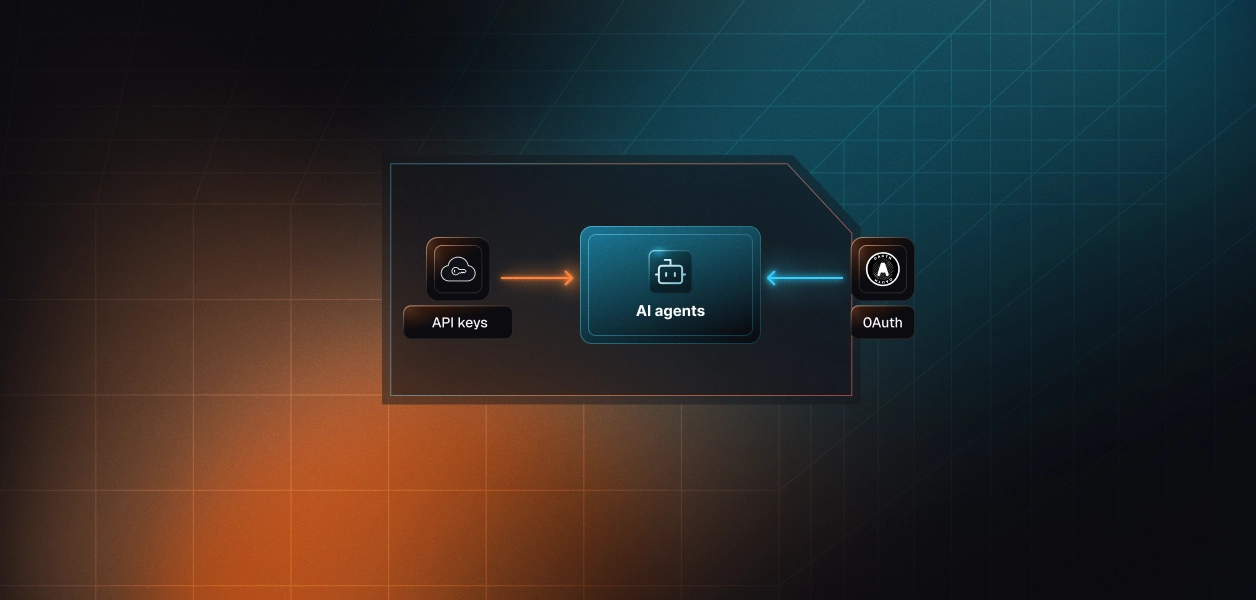
Most production content agents end up using both: the MCP surface for interactive, user-facing work and the REST API for background publishing and self-hosted reach. Either way, the credential management problem is identical, and that is the part that needs production-grade infrastructure rather than another OAuth handler. The choice between these approaches mirrors the broader question of OAuth vs API keys for AI agents and why static credentials break in production systems.
Browse the Scalekit WordPress connector on the connector docs and the WordPress connector page, or start from the full connector catalog. For the connected-account pattern end to end, see the auto release notes agent and the competitive intelligence briefing agent templates, and the pricing page for what tool calling and audit include.
Building a WordPress agent and want a second set of eyes on the auth model? Join the Scalekit Slack community, or use the Talk to us page for immediate help.
Recommended reading: