

An agent that drives your web app by reading the DOM is guessing. It finds a button by its label, infers that the second input is probably the customer email, and fills a form it has never been told the shape of. When your frontend team renames a class, the agent breaks. When a dropdown becomes a combobox, the agent breaks. When the agent gets it right, nobody can say which permission check it passed, because it passed the ones your UI passes, as the logged-in user, with the session cookie.
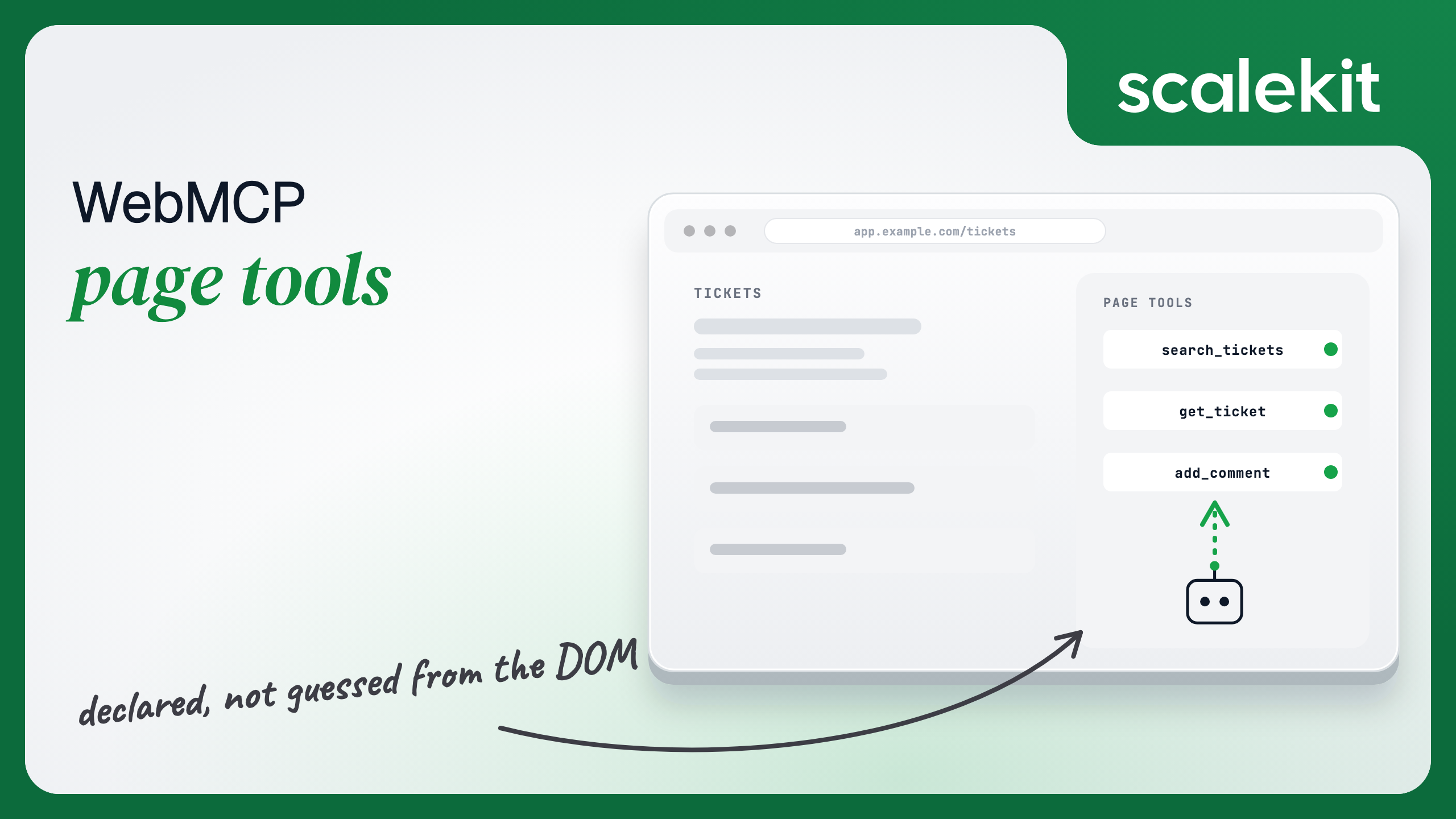
WebMCP replaces the guessing with a declaration. The page says what an agent can do on it, as named tools with JSON schemas, and the agent calls those instead of clicking. What WebMCP does not replace is the last sentence of that paragraph. A page tool runs as whoever is logged into the tab. That is the part you have to design.
Chrome 146 Canary shipped the first implementation behind chrome://flags/#enable-webmcp-testing in February 2026. On 19 May 2026 the Chrome team announced the public origin trial in Chrome 149, which is the first time a site can ship WebMCP to real visitors without asking them to flip a flag. The specification lives with the W3C Web Machine Learning Community Group. Stable, multi-browser support is not on any announced timeline; the realistic planning assumption is Chrome-only through 2027.
That shapes who should build on it now. Enterprise intranet applications and internal tools, where you control the browser fleet, can use WebMCP for real work today. A consumer-facing product can declare tools to be ready for the agent traffic that arrives, but it cannot assume any particular visitor's browser will call them.
Two consequences of the current state matter for the rest of this guide. The API requires a secure context: HTTPS, or localhost. And the consuming agent today is the browser's own; desktop MCP clients such as Claude Code or Cursor cannot see page tools without a bridge that re-exposes them.
The API has two registration calls and one removal.
navigator.modelContext.registerTool registers a single tool with a name, a description, an inputSchema in JSON Schema, and an execute function the browser calls with the parsed arguments.
navigator.modelContext.provideContext registers a batch, which is the shape you want when a view has several related tools. The confirmInPage helper used by the mutating tool shows the user exactly what is about to happen and resolves to their answer; the minimal version below uses the browser's own dialog, and a production page would render it in the app's UI.
Three rules for the declaration layer.
Schemas are the hallucination guard. An agent reading the DOM invents field names. An agent reading inputSchema gets enum, minimum, maxLength and required, and the agent runtime has something concrete to validate arguments against before execute runs. Validate again inside execute; the schema is a contract, not a guarantee. Spend the time on the schema; it is where the accuracy comes from.
Tools track the UI. A search_tickets tool registered on the ticket list page should not survive navigation to the billing page. In a single-page app, register in the route's mount and unregister in its unmount, and re-register on auth state changes.
Descriptions are read by a model, not a person. Say what the tool returns, what it will not do, and whether it asks for confirmation. The add_comment description above tells the agent a confirmation is coming, so the agent does not treat the pause as a failure.
Three surfaces exist for testing, and they do different jobs.
Chrome DevTools WebMCP panel. With the WebMCP flags enabled in chrome://flags, DevTools gains a WebMCP tab listing every tool the current page has registered, with its schema. This is the first check after any registration code: is the tool there, and is the schema what you meant.
navigator.modelContextTesting. Behind the testing flag, Chromium exposes this interface so you can list registered tools and invoke them from the console or from automated tests without an agent in the loop. Use it to drive execute with edge-case arguments (empty query, out-of-range limit, a ticket the user cannot see) and assert on the result. Because the interface is experimental and its shape has changed between Canary builds, keep the calls in a test helper rather than spread through the suite.
Model Context Tool Inspector extension. The Chrome team's extension monitors navigator.modelContext on any page, lets you call tools manually, and validates that each inputSchema is well-formed JSON Schema. It is the right tool for reviewing a page you did not write.
For shipping to real users, register for the Chrome 149 origin trial and serve the token you receive in an origin-trial meta tag or response header; the flag path is for development only. And keep the feature detection in place. On every non-Chrome browser, and on Chrome without the trial, navigator.modelContext is undefined and the page has to behave as if WebMCP had never been proposed.
This is the section the explainer does not write for you.
Every execute function above calls your API with credentials: "same-origin". That is the right call, and it is the whole problem. The tool runs inside the page, inside the user's session, with the user's cookies. Whatever the page can do, the tool can do. Whatever the user is allowed to do, the agent is now allowed to do, without the user having to click anything.
Four design rules follow.
Enforce on the backend. The tool's JavaScript is not a security boundary. Any check that lives only in execute can be bypassed by a page script, a browser extension, or an agent that calls your API directly. The /api/tickets endpoint has to enforce "tickets visible to this user" exactly as it does for the UI, and it has to do so without knowing or caring whether the request came from a tool. The tool is a thinner client for the same API, and the API is where the permission model lives.
Scope the tool below the UI, not at it. The user can delete tickets from the UI. That does not mean an agent acting in their session should be able to. A page tool surface should be the minimum set of operations the agent needs for the tasks you are enabling. For a support assistant that triages and drafts, that is search, read and comment. It is not delete, not merge, not reassign. The tools you do not register are the ones no description can talk the agent into calling.
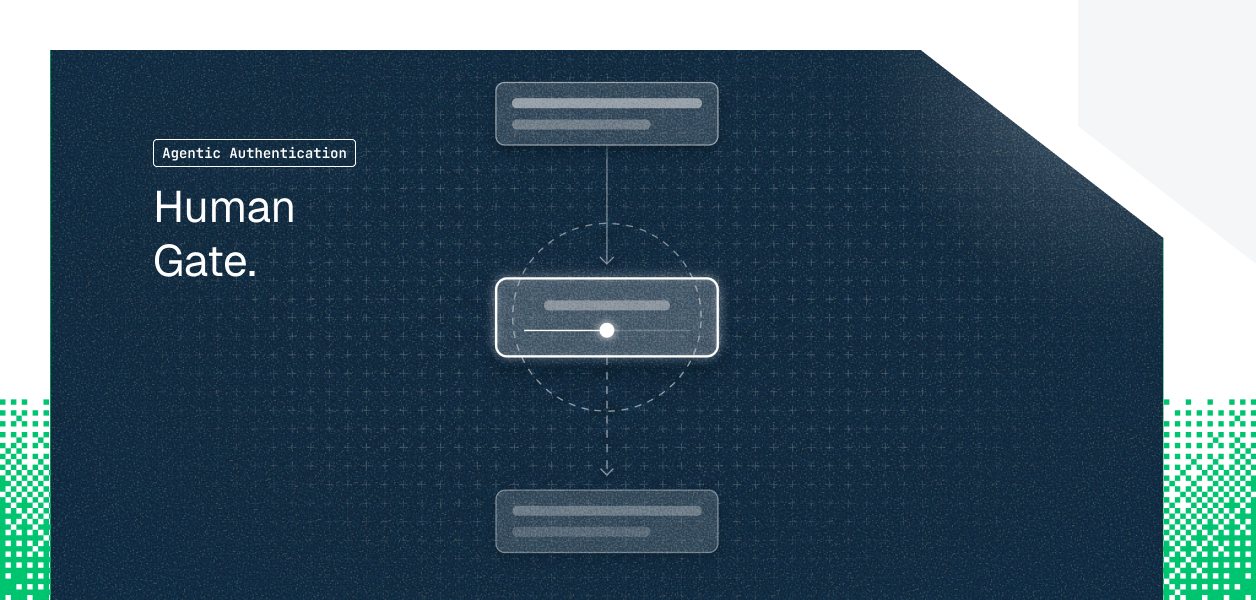
Gate mutations behind the person. add_comment asks the user before it posts. Every tool that changes state should, in the page, in a way that shows the user what is about to happen. This is the WebMCP equivalent of a user-controlled primitive: the model decides to call, the human decides whether it happens. For read tools, the confirmation adds nothing and should be skipped.
Tell the backend an agent is calling. Add a header the tool sets and the UI does not, such as X-Agent-Initiated: webmcp, and have the API log it. The incident review that asks "did a person do this or did the agent" needs the distinction in the audit log, and the session cookie alone does not carry it. A server can also use the header to apply tighter limits to agent-initiated calls than to clicks.
Recommended Reading: Tool Calling Authentication for AI Agents on why an agent's credential for a third-party system should never be the user's session.
The rules above cover tools that call your own API as the user. The harder case is a tool that reaches a third-party system. A support assistant that, after drafting a reply, posts a summary to the on-call Slack channel. A deploy console whose agent files a GitHub issue when a check fails.
The naive implementation puts a Slack token in the page, or proxies it through an endpoint that holds one bot token for everyone. Both are wrong, for the reasons that have nothing to do with WebMCP and everything to do with the browser: the page is the least trusted place in your system, and a bot token means every user's agent posts as the same identity with the same permissions.
The correct shape is that the page tool calls your backend, and the backend executes the third-party action as the logged-in user, through a credential that user individually granted and that never left the server. The page never sees it. The user's own Slack permissions bound what the agent can post, and the audit record names the user, not a bot.
On the page, the tool is just another execute that calls your API with the user's session:
On the backend, the endpoint resolves the session to a user identifier and runs the tool as that user. With Scalekit's execute_tool, the user's Slack connected account supplies the credential on the far side of the call; the backend passes a user identifier and a tool name, and never holds a Slack token.
Three things in that endpoint are doing the authorization work. The user is resolved from the server-side session, not from anything the page sent. The Slack action runs under that user's own connected account, so a user who cannot post to the channel in Slack cannot post to it through the agent either. And the execution_id goes into the log next to the user id and the agent-initiated marker, which is the record the incident review will want.
The 409 path matters too. If the user has never connected Slack, the endpoint returns an authorization link rather than failing silently or falling back to a shared token. The page tool can surface that link, the user authorizes once, and every later call runs as them.
The tradeoff is a round trip through your backend for every outbound action, and a connected account per user per third-party system. That is the cost of being able to say, for every message the agent posted, which human it posted as.
Register two read tools on the view where your users already spend time, with tight schemas, and watch them in the DevTools panel. Add one mutating tool with in-page confirmation. Add the agent-initiated header and make sure it lands in your API logs.
Then look at every tool that would need to reach outside your app, and move that call to the backend, as the user, before you register it. The browser became a tool server when WebMCP shipped. Treat it like one: declared surface, backend-enforced authorization, per-user credentials that never reach the page.
Recommended Reading: Access Control for Multi-Tenant AI Agents on the privilege escalation patterns that a shared bot token invites.
The Slack connector and its tools, including the exact input schema for slack_send_message, are documented at docs.scalekit.com/agentkit/connectors/slack.
A proposed browser API through which a web page registers named tools with JSON schemas, so an in-browser agent calls those instead of guessing at the DOM. It comes from Google and Microsoft under the W3C Web Machine Learning Community Group.
Only Chrome, behind a flag since Chrome 146 Canary and in a public origin trial from Chrome 149. Only the browser's own agent consumes the tools, and multi-browser support has no announced timeline.
Register tools when the relevant view mounts and unregister them when it unmounts, re-register on auth state changes, and feature-detect so the page behaves normally where the API is absent.
It runs inside the page with the user's session cookies, so whatever the user can do, the agent can now do without a click. Enforce permissions in the backend, register fewer operations than the UI offers, and confirm mutations in the page.
Never with a token in the page or a shared bot token. The tool calls your backend, which executes the action as the signed-in user through that user's own connected account, so the credential never reaches the browser.
Have the tool send a header the UI never sends, reject calls without it on agent-only endpoints, and log it beside the user id and the execution id so an incident review can say who acted.