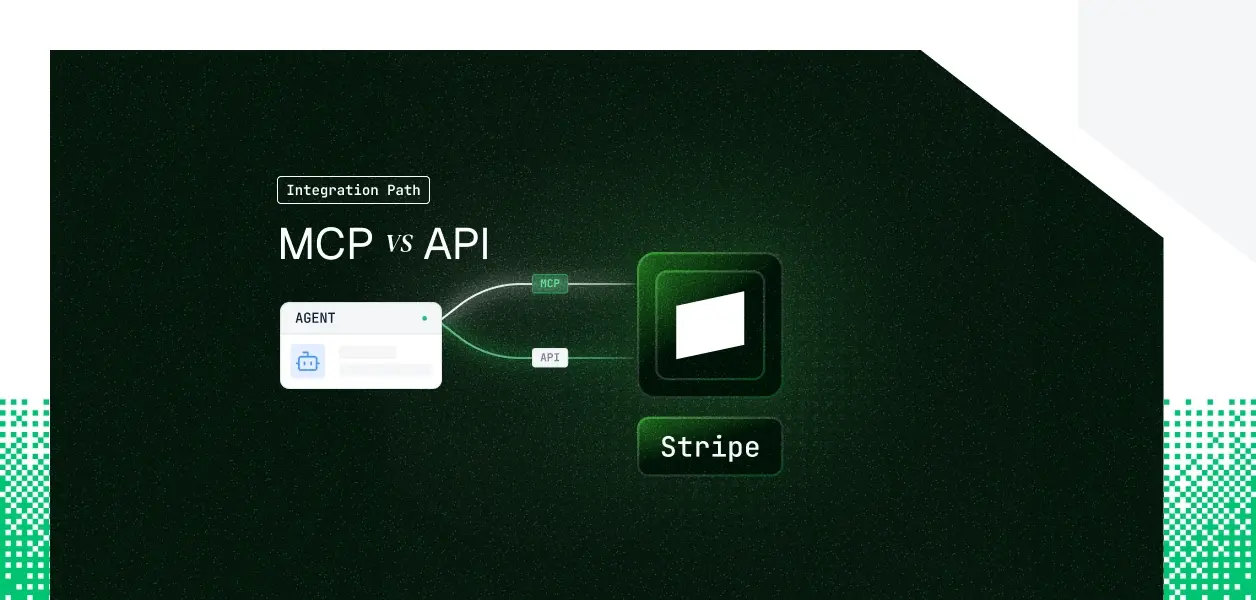


Your agent needs to read and move money in Stripe. It needs to create customers, issue refunds, update subscriptions, and answer questions about a charge. Stripe ships both a hosted MCP server at mcp.stripe.com and a REST API that has been production-grade for over a decade. They cover overlapping but not identical ground, and Stripe's MCP server breaks the usual pattern in one important way. Here's how to decide which to build against.
The Stripe MCP server is Stripe's official, hosted endpoint at https://mcp.stripe.com, with a local server also available as the @stripe/mcp package. It exposes tools for account info, refunds, resource search and fetch, documentation search, and integration planning, plus generic stripe_api_read, stripe_api_write, and API-search tools that reach much of the REST surface without bloating the context window.
Authentication is OAuth per the MCP specification for interactive clients. For autonomous agents, Stripe documents passing a restricted API key as a bearer token in the Authorization header. Administrators enable MCP access in the Dashboard, managed separately for sandbox and live mode. Official docs: https://docs.stripe.com/mcp.
The Stripe API is organized around REST, with resource-oriented URLs and a date-versioned contract (the current version at time of writing is 2026-06-24). It covers the full platform: the v1 record surface, the v2 APIs, webhooks and thin events, Connect, and high-throughput endpoints like the Meter Event Stream.
Authentication uses API keys. Restricted keys (prefix rk_live_) grant granular permissions and are the recommended credential; secret keys (sk_live_) grant full access and are discouraged. Platforms acting across many merchants use Connect, passing the Stripe-Account header with the platform's own key. Official docs: https://docs.stripe.com/api.
Stripe MCP is not a thin, curated tool set. Its generic execute tools let an agent run most read and write operations, so record-level billing work is well covered. The gap shows up in event-driven, platform, and high-throughput territory.
The MCP server is built for account-scoped, record-level interaction. An agent can create a webhook endpoint object through the generic execute tool, but it cannot subscribe to and consume the event stream through MCP; reacting to events is an infrastructure concern that lives on the API.
Connect is the second boundary. MCP authorizes a single account context, so platform onboarding and acting across many connected merchant accounts remain REST patterns. High-volume usage ingestion through the v2 Meter Event Stream is REST-only as well.
This is where Stripe diverges from Slack, Notion, and Salesforce. Their hosted MCP servers are OAuth-only. Stripe's is not.
Because Stripe MCP accepts a restricted key, a background agent can call mcp.stripe.com with no user in the loop. That removes the single most common reason to reject MCP for headless work. The tradeoff: a restricted key is account-scoped and static, so its lifecycle becomes your problem the moment you have more than one customer account.
Stripe's unit of tenancy is the account, so per-user in this series maps to per-customer-account here. For a B2B agent serving 8 customer businesses, that is 8 Stripe accounts, and therefore 8 credentials, each authorized independently. The MCP OAuth session, the restricted key, and the Connect grant all produce one credential per account. None of them stores, refreshes, or revokes that credential for you.
On the MCP path, Stripe manages hosting, scaling, and tool schema updates. You own credential storage per account, revocation handling when a customer disconnects or rotates a key, and rate-limit behavior, since MCP tool calls consume the same account rate limits as REST calls.
On the API path, you own everything above plus endpoint selection, retries with backoff, pagination, and version pinning. Live mode allows roughly 100 requests per second per account, enforced per account rather than per key, so concurrent agent workers share one budget. Agentic workflows issue many sequential calls per user action, so monitor usage from day one.
MCP tool schemas can change when Stripe updates the hosted server, and you consume that managed contract without controlling its cadence. The REST API is date-versioned; you pin a version and migrate on your schedule. For a deterministic pipeline where an unexpected schema change is an incident, the versioned API is the more predictable dependency.
Use Stripe MCP when:
Use the Stripe API directly when:
Both paths hand you a credential per customer account and nothing more. The MCP OAuth session gives you a per-account session token. The restricted key gives you a per-account key. Connect gives you a per-account grant. In every case the credential has to live somewhere encrypted, isolated per tenant, and revocable, and your agent has to detect when it stops working.
Payments raises the stakes. A restricted key does not expire on a fixed schedule, but it can be rotated or revoked at any time, and a Connect grant ends with an account.application.deauthorized event. If your agent is on a schedule, it does not decide to keep using a stale credential; it just does, until a call fails. For an agent that moves money, silent credential drift is not a cosmetic bug.
Scalekit's Stripe MCP connector handles the OAuth flow, per-account token storage, and refresh, so the MCP vs API decision does not change your auth infrastructure. Connector page: https://www.scalekit.com/connectors/stripemcp. Connector docs: https://docs.scalekit.com/agentkit/connectors/stripemcp/.
Scalekit models each authorized customer as a connected account: a per-identity credential store tied to an identifier you control. The credential lives in the Token Vault, encrypted at rest and isolated per tenant. When your agent calls a tool, Scalekit fetches the right credential server-side and injects it into the call. The credential never touches the agent runtime and never enters the LLM context.
The principle that follows is the one that matters for a payments agent: what the user can't do, the agent can't do. Scope is a function of the authorizing account, not a shared key with blanket access.
Scalekit brokers Stripe's OAuth for you (auth type OAuth 2.1 with dynamic client registration) and exposes the Stripe MCP tools through a single execute_tool method. The connectionName you pass must match the connection configured in your Scalekit dashboard; this is the most common integration error, so confirm it in your prerequisites.
The Stripe MCP connector exposes 22 tools, including powerful ones like stripemcp_stripe_api_execute, which can run any write operation. A refund agent does not need that. With Scalekit you expose only the tools that account's task requires, for example stripemcp_create_refund and stripemcp_fetch_stripe_resources, and leave the rest off. Both stripemcp_create_refund and stripemcp_stripe_api_execute accept a human_confirmation object, so money movement can require explicit approval. Full schemas live at the connector docs; do not hand-copy them.
If you want an MCP endpoint rather than direct tool calls, Scalekit's Virtual MCP Server gives you one server definition per agent role, declaring exactly which Stripe tools it can see and whose credentials it acts with, with no MCP server to deploy, host, or maintain. The endpoint is static; the identity is per-user. A Scalekit Virtual MCP URL looks like https://yourcompany.scalekit.com/mcp/v3/servers/<server-id>.
You create the server once, then mint a short-lived session token before each agent run, scoped to that customer's connected account.
For an end-to-end pattern, see the Claude managed agents example: https://docs.scalekit.com/agentkit/examples/claude-managed-agents/. To get set up, start at the quickstart: https://docs.scalekit.com/agentkit/quickstart/.
Every tool call is logged with full attribution: who authorized the call, which agent ran it, which resource was touched, and what came back. History is retained and exportable to your SIEM, with failures separated by source. For a multi-tenant payments agent this is not optional overhead; it is the evidence a security reviewer asks for when they want to know, under whose authorization did the agent issue that refund.
Scalekit's Stripe MCP connector covers billing, subscriptions, refunds, disputes, and the generic execute path. If your agent needs a tool that is not yet exposed, request it in the Scalekit community Slack (https://join.slack.com/t/scalekit-community/shared_invite/zt-3gsxwr4hc-0tvhwT2b_qgVSIZQBQCWRw) or talk to the team (https://www.scalekit.com/demo-agent-actions). New connector tools typically ship within a week.
If your agent is interactive and its job is record-level billing, customer lookups, refunds, and subscription changes for the account a user has authorized, Stripe MCP is the faster path, and the restricted-key option means you are not locked out of headless runs. If your agent reacts to events, orchestrates Connect across many merchants, or reports usage at high throughput, build against the REST API directly. Most production Stripe agents use both: the interactive assistant on MCP, the event-driven pipeline on REST. Either way the credential problem is the same, and that is the part that needs production-grade infrastructure.
Browse the Scalekit Stripe MCP connector: https://www.scalekit.com/connectors/stripemcp