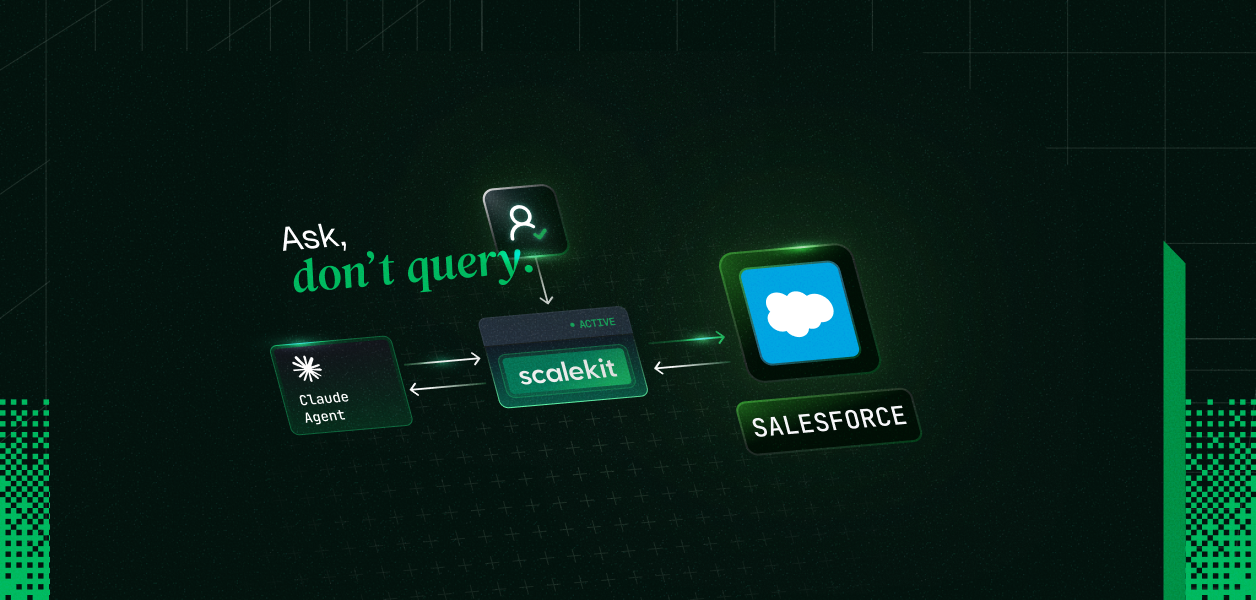
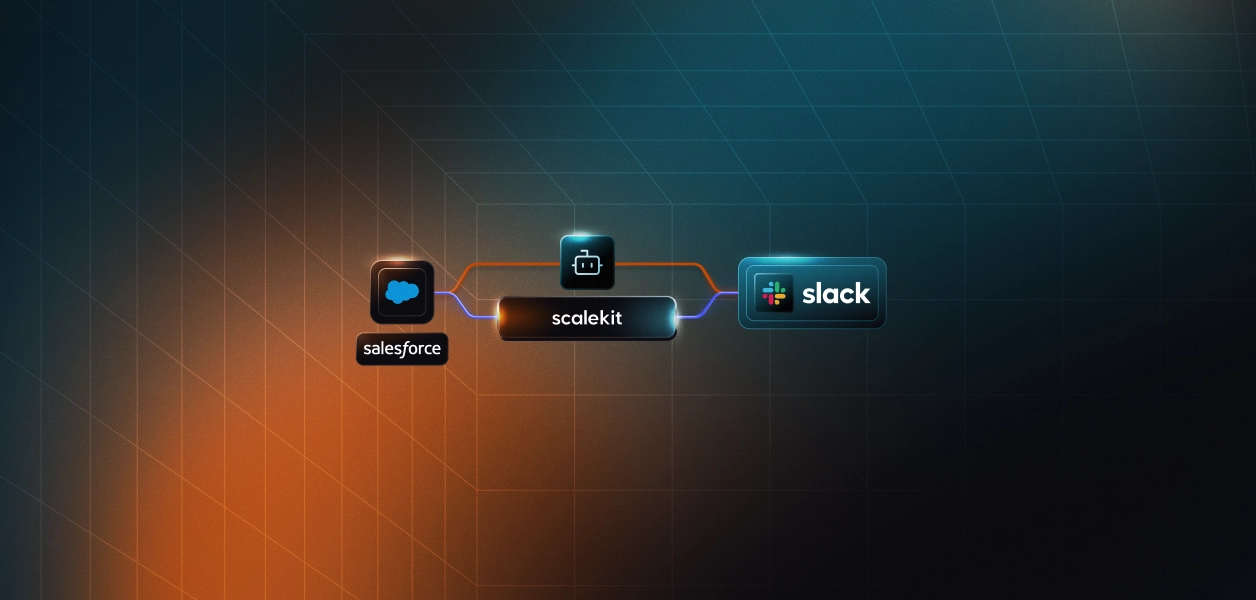
A complete working agent (Python + TypeScript) that translates natural language into SOQL, updates Salesforce records, and logs activities — per user, not via a shared org connection — using Scalekit to handle all auth.
User connects Salesforce once via OAuth (Scalekit vaults the token)
Your agent calls list_scoped_tools / listScopedTools to get Salesforce tools in Anthropic's native format, including SOQL execute
Standard Claude tool-use loop: Claude writes and executes the SOQL query from plain English; your code calls execute_tool with a user identifier; your code never touches a query string directly
Salesforce stores your pipeline, accounts, and activity history, but getting data out means writing SOQL. Object names, field paths, filter syntax, date literals: SOQL has its own vocabulary, and remembering it correctly takes time. Your Claude agent can handle that. Describe what you want in plain English, and the agent constructs the query, executes it, and returns the results.
This post shows a working Claude agent connected to Salesforce through Scalekit. You get copy-paste Python and TypeScript code, three workflow demos including a SOQL deep dive, and a full list of available Salesforce tools.
Connected account for user_123 is active.
Discovered N tools
[Tool calls happen here — agent executes SOQL queries against your Salesforce org]
Found 5 open opportunities closing this quarter with value over $50,000: Acme Corp ($120,000, closes Sep 28), ...
Exact tool count and output will vary. Run against your Salesforce connection to see your data.
What Your Agent Can Do
These three workflows show the range of tasks the agent handles. Each starts with a natural language prompt and ends with a concrete CRM action.
Natural language to SOQL
"Find all open opportunities closing this quarter with value over $50,000"
The agent translates the request into a SOQL query and executes it against your Salesforce org:
SELECT Id, Name, Amount, CloseDate, StageName
FROM Opportunity
WHERE IsClosed = false
AND CloseDate = THIS_QUARTER
AND Amount > 50000
You get back the matching records with name, amount, and close date. The agent handles the object name (Opportunity), the date literal (THIS_QUARTER), and the field paths. You just describe what you want.
Record update
"Move the Acme Corp opportunity to the Negotiation stage"
The agent locates the record by name and calls the record update tool with the new stage value. You get back: "Opportunity 'Acme Corp — Enterprise Plan' updated to Negotiation stage."
Activity logging
"Create a follow-up task on the Acme Corp account for next Monday — subject: send contract draft"
The agent creates a task linked to the account with the due date resolved to next Monday. You get back: "Task created: 'Send contract draft', due [next Monday's date], linked to Acme Corp."
The SOQL demo is also the default prompt in the agent script above. Change it to any of these or write your own.
Available Salesforce Tools
Category
Capability
Notes
Records
Retrieve accounts, contacts, leads, opportunities, and cases by ID or search
Covers the core CRM objects
SOQL Queries
Execute arbitrary SOQL for custom data retrieval
Agent writes SOQL from natural language
Activities
Create tasks and events linked to any CRM record
Cross-object Search
Find records by name, email, phone, or any field value
Metadata
Inspect and modify Salesforce org metadata via SOAP proxy
The USER_IDENTIFIER env var (the identifier variable in the code) is how this scales from one user to many. Change it per user and each person gets their own Salesforce connection with their own permissions. Scalekit stores and refreshes OAuth tokens separately for each identifier.
In production, resolve the identifier from your authenticated session: after your app verifies who is making the request via session cookie, JWT, or database lookup. Never accept it from client input. The same agent code serves every user without modification.
This pattern works whether you are building an internal sales tool used by multiple team members, or a product where your customers connect their own Salesforce orgs. For a full walkthrough of the multi-user setup, see how access control works for multi-tenant AI agents.
Explore More
Other connectors: HubSpot, Gmail, Slack, Linear, GitHub, Notion, and more: full connector list