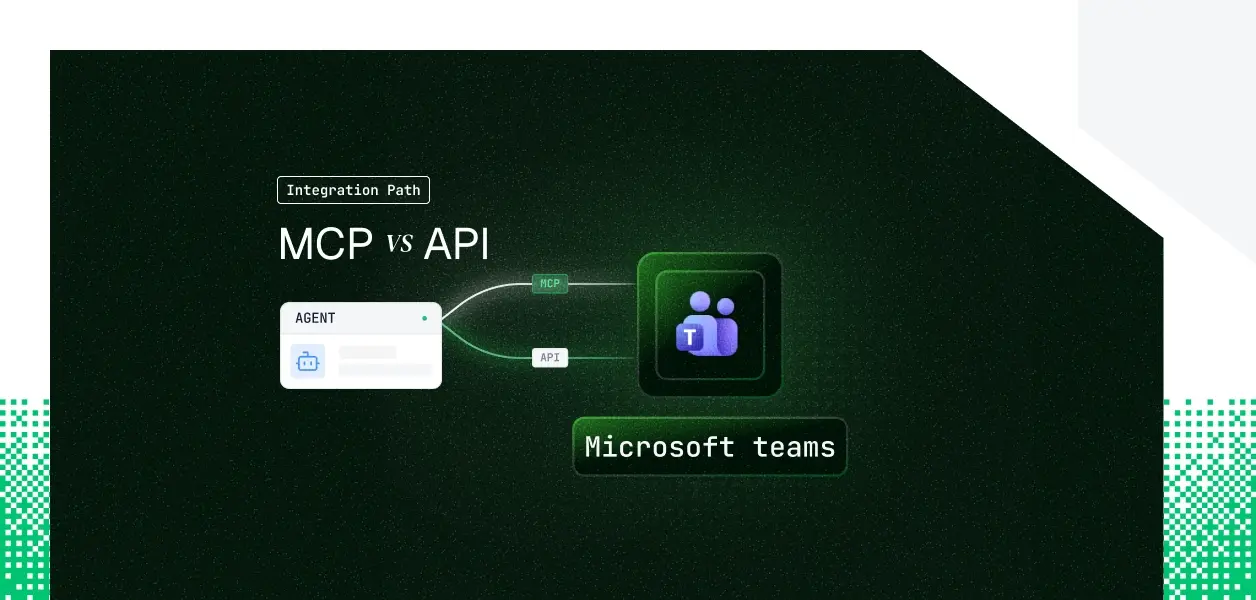


Your agent needs to work with Microsoft Teams. It has to summarize the #engineering channel, post a status update, pull meeting context before a standup, maybe manage who is in a team. Microsoft now ships an official Teams MCP server (the Work IQ Teams server), and it has shipped the Microsoft Graph API for Teams for years. They cover overlapping but not identical ground, they put you on different auth models, and one of them is still in preview. Here is how to pick.
Microsoft's official Teams MCP server ships as the Work IQ Teams server (server ID mcp_TeamsServer) inside the Agent 365 and Work IQ tooling layer. It is hosted by Microsoft and surfaced through Copilot Studio, Azure AI Foundry, and Agent 365, with a tenant-scoped endpoint of the form https://agent365.svc.cloud.microsoft/agents/tenants/{tenantId}/servers/mcp_TeamsServer.
One thing to be clear about up front: it is in preview. Microsoft states the feature has restricted functionality, is not meant for production, and that tool names and parameters may change. Auth is Microsoft Entra ID delegated, OAuth 2.0 authorization code with PKCE; MCP clients discover the auth config through the /.well-known/oauth-protected-resource endpoint. Adding it to an agent in Copilot Studio requires a Microsoft 365 Copilot license.
Official docs: the Work IQ Teams reference and the Work IQ MCP overview.
The Teams API is the Microsoft Graph REST surface. It exposes teams, channels (standard, private, and shared), chats, channel and chat messages, replies, members, online meetings, shifts and schedules, presence, search, and change notifications. It is versioned by endpoint, v1.0 for GA and beta for preview features, and authenticated with an Authorization: Bearer token issued by Microsoft Entra ID.
Graph supports both delegated permissions (user context) and application permissions (app-only or client credentials, including certificate-based auth), with one important Teams-specific caveat covered below.
Official docs: the Microsoft Graph permissions reference and the Send chatMessage reference.
The Teams MCP server covers the conversational and structural surface well: list teams and channels, read and post messages, reply in threads, manage members, and manage chats.
The gaps appear when the agent needs richer message formatting, real-time change events, or operations the preview surface has not exposed yet.
The MCP server posts plain text only, and its reference tool surface has no message search tool. Agents that need formatted Adaptive Cards, at-mentions in the message body, or cross-channel search have to use Graph. Teams message search runs on the Microsoft Search API, which the MCP server does not expose.
If the agent must react to a new message, a membership change, or a channel update, that requires Graph change notifications: the /subscriptions endpoint paired with a webhook. The MCP server has no event subscription surface. One production constraint to plan for: Graph enforces a per-organization limit of 10,000 active Teams subscriptions, and any further subscription request fails with a 403.
This is where the Teams decision diverges most from the rest of the series, so it is worth being precise.
The MCP server runs on Microsoft Entra ID delegated auth, OAuth 2.0 authorization code with PKCE. There is no application-only option. Microsoft's Work IQ documentation states plainly that application-only authentication is not supported and that requests run in the signed-in user's context, with on-behalf-of supported.
A background agent with no user present cannot complete this flow, and the Copilot Studio path also requires a Microsoft 365 Copilot license.
Graph supports both delegated and application permissions, but the Teams-specific catch matters. Posting channel and chat messages requires delegated, user-context permissions. Application-only message posting is restricted to migration and import scenarios via Teamwork.Migrate.All, not general sending.
App-only client credentials do cover many read operations and change-notification subscriptions, but not message posting. So the usual advice to reach for the direct API when you want clean headless app-only auth is only partly applicable to Teams writes.
Both paths require per-user credential isolation in a multi-tenant B2B agent. The MCP path gives you a delegated token per user. The Graph delegated path gives you a credential per user. In neither case does the path itself solve storage, rotation, or revocation.
Those are infrastructure problems regardless of which path you choose, and that is where the credential layer, covered below, becomes the real decision.
Microsoft manages hosting, scaling, tool schemas, and permission enforcement, and centralized governance is built in: admins allow or block servers from the Microsoft 365 admin center. You still own per-user token storage, refresh, revocation on disconnect, and tenant isolation. You also accept preview risk, since tool names and parameters can change and the surface is not production-supported yet.
You own endpoint selection, request construction, pagination, error handling, retries, subscription lifecycle, and the full token lifecycle. Subscriptions expire and need renewal, and access tokens must stay refreshed or notifications stop after Graph's retry window. That is more surface area, and more control, with a versioned contract you migrate on your own schedule.
MCP tool schemas can shift while the server is in preview. Graph is explicitly versioned across v1.0 and beta. For deterministic production pipelines where an unexpected schema change is an incident, the versioned API is the more predictable dependency today.
Use Teams MCP when:
Use the Microsoft Graph API when:
Both paths give you a delegated credential per user. Neither gives you a vault, rotation logic, or a revocation flow. In a multi-tenant Teams agent, every user has their own Teams credential, which is N tokens to store encrypted, refresh before expiry, and revoke when a user disconnects or leaves.
When an employee leaves, disabling their identity in the IdP does not automatically invalidate a delegated Teams token sitting in your own database. An agent on a schedule does not decide to stop using that token. It just does. That is the credential lifecycle problem neither the MCP server nor Graph solves for you.
Scalekit's Microsoft Teams connector handles the OAuth flow, the vaulted per-user token lifecycle, and per-user scope enforcement for the Graph-backed path, so the MCP vs API decision does not change your auth infrastructure.
Users authorize Teams once. Scalekit ties the connected account to the user's identity, vaults the token (AES-256, namespaced per tenant), refreshes it automatically, and resolves it server-side at request time, so it never enters the agent runtime or the LLM context.
The agent acts as the authorizing user, which is the correct posture for Teams given that message posting is a delegated operation anyway. What the user can't do, the agent can't do.
A shared service account or bot token gives every user the same Teams surface, the same scope, the same access. In a multi-tenant agent that is both a security failure and an accuracy failure. Per-user connected accounts make correct scoping the default, where scope is a function of identity, not connector configuration.
Every Teams tool call is logged with who triggered it, which resource was touched, and what came back, with a 90-day audit trail tied to the authorizing user rather than a shared bot account. That audit trail is the observability layer that makes a multi-tenant Teams agent answerable to a security review.
Handing an LLM a full connector catalog degrades tool selection and burns tokens before the agent does any work. list_scoped_tools returns only the Teams tools the current user's connected account is authorized to call, not the catalog. Surface reduction is the lever for tool-calling accuracy and token cost. Model upgrades help. They are not the lever.
The Scalekit Teams connector exposes around 40 tools spanning messaging, channels, teams, members, online meetings, shifts and scheduling, presence, and search. A representative subset, named by the exact strings you pass to execute_tool:
One integration note worth flagging in advance: the connection_name you pass (for example, microsoftteams) must match the connection name configured in the Scalekit dashboard. This is the single most common integration error. The full input schema for each tool lives in the Teams connector docs.
Before the code, the mechanism: the agent does not load a flat Teams catalog. It loads the tools the current user's connected account is authorized to call, then runs the agent loop against that scoped surface. The example below uses list_scoped_tools for discovery, then execute_tool for execution, in a LangChain agent on the Node SDK.
Full setup, including the Azure app and Azure Bot registration the Teams connector needs, is in the Node SDK reference, the Python SDK reference, and the Claude managed agents example.
If your team wants an MCP endpoint without standing one up, a Scalekit Virtual MCP server gives the agent a scoped, per-user Teams endpoint that declares exactly which Teams tools it can see and whose credentials it acts with, with no MCP server to deploy, host, or maintain. One server definition serves all users; before each run a short-lived session token is minted, scoped to that user's connected accounts. The endpoint is static; the identity is per-user.
A Scalekit Virtual MCP server URL looks like this:
To set one up, see Set up your Scalekit account, Configure and connect a virtual MCP server, and the end-to-end Claude managed agent vMCP example.
If Scalekit does not yet expose a Teams tool your agent needs, request it in the Scalekit Slack community or through the Talk to us page.
Most production Teams agents will lean on Graph today because the MCP server is still preview, then move user-facing pieces onto the MCP server as it reaches GA. Either way, the per-user credential management problem is the same, and that is what needs production-grade infrastructure.
Browse the Scalekit Microsoft Teams connector.