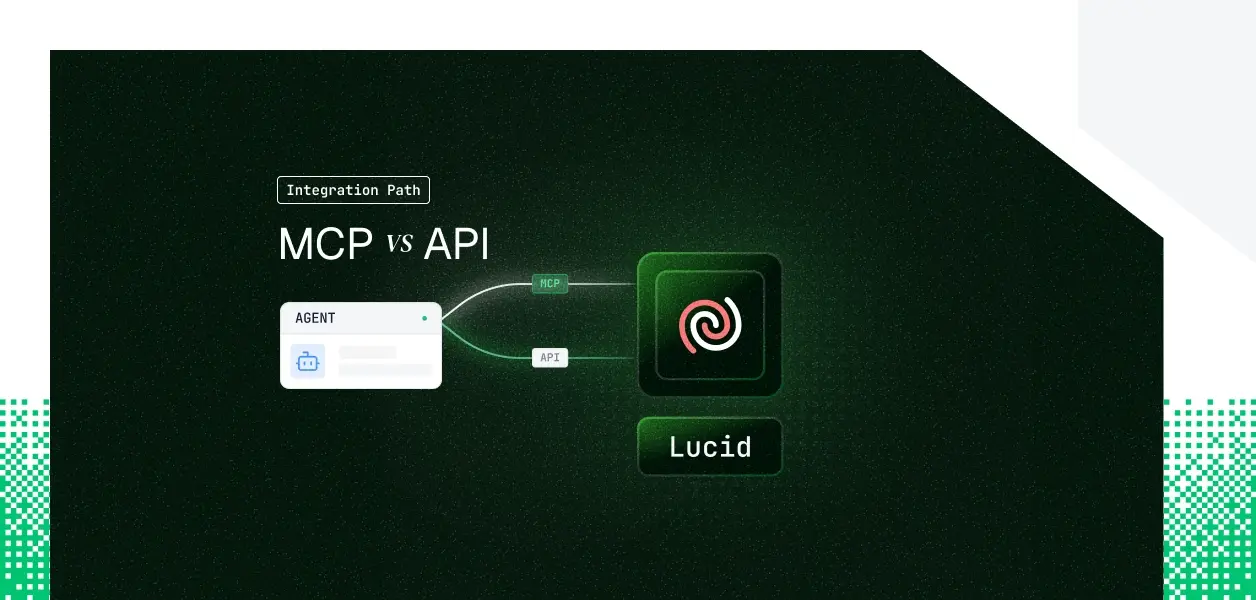


Your agent needs to read and build Lucid documents: find the architecture diagram, summarize it, draw a new flowchart, share it with a teammate. Lucid ships both a hosted MCP server at mcp.lucid.app/mcp and a REST API at api.lucid.co. They are not the same object: different capability coverage, different auth paths, different operational surface area in production. The choice is not permanent either, and for Lucid it has a twist most teams do not expect. Here's how to pick.
The MCP server covers the conversational document loop well. The REST API owns folders, provisioning, and account governance. The most consequential difference for Lucid is the reverse of the usual pattern: the MCP server exposes direct block-level edit tools, while granular in-canvas modification on the REST side has historically required Lucid's Extension API with an active editor session.
The MCP server cannot reach folders, ownership transfer, SCIM provisioning, or Enterprise Shield audit logs, and it cannot read documents stored in the Process or Cloud accelerators. If your agent governs an account rather than authoring inside one, that surface lives only in the REST API.
Neither path offers document-change webhooks, so any "react when a diagram changes" workflow needs polling on either side. These are architectural boundaries, not features shipping next month.
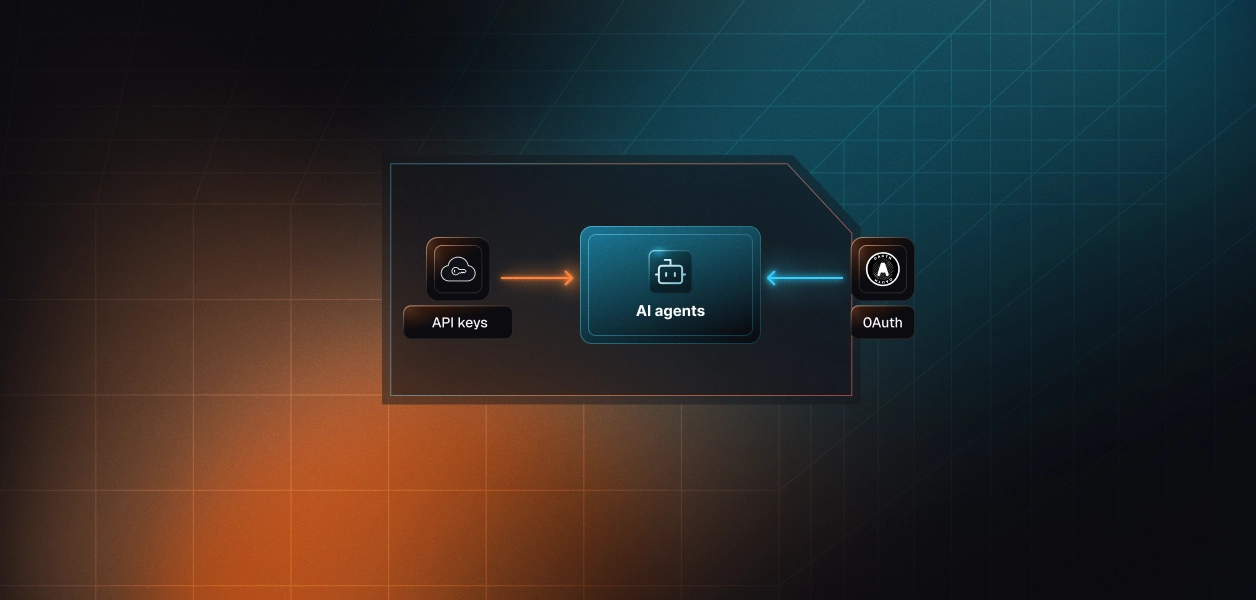
The MCP server requires OAuth. There is no alternative: every user who connects completes a browser-based consent flow, DCR registers the client automatically, and the resulting token is scoped to that user's Lucid permissions. The server inherits exactly what the user can already see and do.
The REST API accepts three credential types. User tokens use the Authorization Code flow and a browser redirect, acting as the authorizing user. Account tokens are authorized once by an admin through the authorizeAccount endpoint, then decoupled from that user, which is what enables headless admin automation. API keys are tied to an individual user and cover most REST endpoints, though document sharing and embedding still require an OAuth client.
This is the line that decides background work. The MCP server is built for interactive, user-present sessions; its OAuth-only model has no static credential, so a nightly sync or scheduled export with no user in the loop cannot complete the flow. The REST API's API keys and admin-authorized account tokens are the headless paths. If your agent runs on a schedule, that difference is the whole decision.
On the MCP path, Lucid manages hosting, the tool schemas, and permission enforcement. You still own per-user token storage, refresh against the one-hour access-token lifetime, revocation when a user disconnects, and tenant isolation. You also depend on an admin enabling MCP access for the account before anyone connects.
On the REST path, you own the full stack: endpoint selection, request construction, pagination, retry on 429 with the Retry-After header, and the token lifecycle. The maintenance trajectory differs too. MCP tool schemas can change when Lucid updates the hosted server, and Lucid does not publish a versioned contract for them. The REST endpoints are a more stable dependency for deterministic pipelines, at the cost of more code to maintain.
Use Lucid MCP when:
Use the Lucid REST API when:
Whether you choose the MCP path or the REST path, every user in a multi-tenant agent has their own Lucid credential. The MCP OAuth flow gives you a token per user. The REST API gives you a user token, account token, or API key per identity. In neither case does the path store that credential encrypted at rest, isolate it per tenant, refresh it before the one-hour expiry, or revoke it when a user disconnects.
Fifty customers means fifty credential lifecycles. A Lucid token can be revoked by the user or an admin at any time, and your agent has no built-in way to detect that until a call returns 401. For a background agent on a schedule, the failure is silent: requests start failing without an error anyone sees. This is infrastructure you build or buy, and the token type differs while the requirement stays identical.
Scalekit's Lucid connector handles the OAuth flow, per-user token storage, and rotation on the MCP path, so the MCP vs API decision does not change your auth infrastructure. Credentials never touch the agent runtime or the LLM context: the agent calls a tool, Scalekit resolves the right user's token server-side, and a result comes back.
Before execution, the agent loads only the tools the current user's connected account is authorized to call, not the full Lucid surface. list_scoped_tools returns that scoped set; execute_tool runs a named tool for that user.
Scoping the surface to the handful of tools a task needs reduces token overhead and improves selection accuracy.
The fix is not better prompting. It is surface reduction. Scalekit's Lucid connector exposes named tools including lucidmcp_search, lucidmcp_fetch, lucidmcp_lucid_create_mind_map, lucidmcp_lucid_edit_item, lucidmcp_lucid_export_document_as_png, and lucidmcp_share_document_with_collaborators.
The flow is discovery, then scope, then execution. The connection_name you pass must match the connection name configured in your Scalekit dashboard exactly; it is the single most common integration error. This example uses the Python SDK with the Anthropic framework.
If you would rather hand any MCP-compatible client a single endpoint, Scalekit's Virtual MCP Server gives every agent role a scoped, user-specific MCP URL with no server to deploy, host, or maintain.
You declare a config once with create_config, listing which connections and tools are exposed, then call ensure_instance per user to mint a pre-authenticated URL. The endpoint is static; the identity is per-user. A Scalekit Virtual MCP URL looks like https://companyName.scalekit.com/mcp/v3/servers/<server-id>.
When the same agent acts for many users across Lucid and other connectors, attribution is the hard part. Scalekit's auth logs record every tool call tied to the user who authorized it: who triggered it, which document was touched, and what came back.
For a multi-tenant agent, that audit trail is what lets you answer the security questionnaire about scope and revocation, rather than reconstructing it from application logs after an incident.
The Lucid MCP server, and therefore the Scalekit connector, does not cover account-governance operations like SCIM or audit logs. If you need a Lucid action that is not in the tool list, you can wrap a REST endpoint with Scalekit's bring-your-own-connector flow, or request the tool from the Scalekit team. Ask in the Scalekit Slack community or on the Talk to us page.
Most production deployments end up using both: the assistant on MCP, the background and governance jobs on REST. Either way, the credential management problem is the same, and that is what needs production-grade infrastructure.
Browse the Scalekit Lucid connector.


.webp)