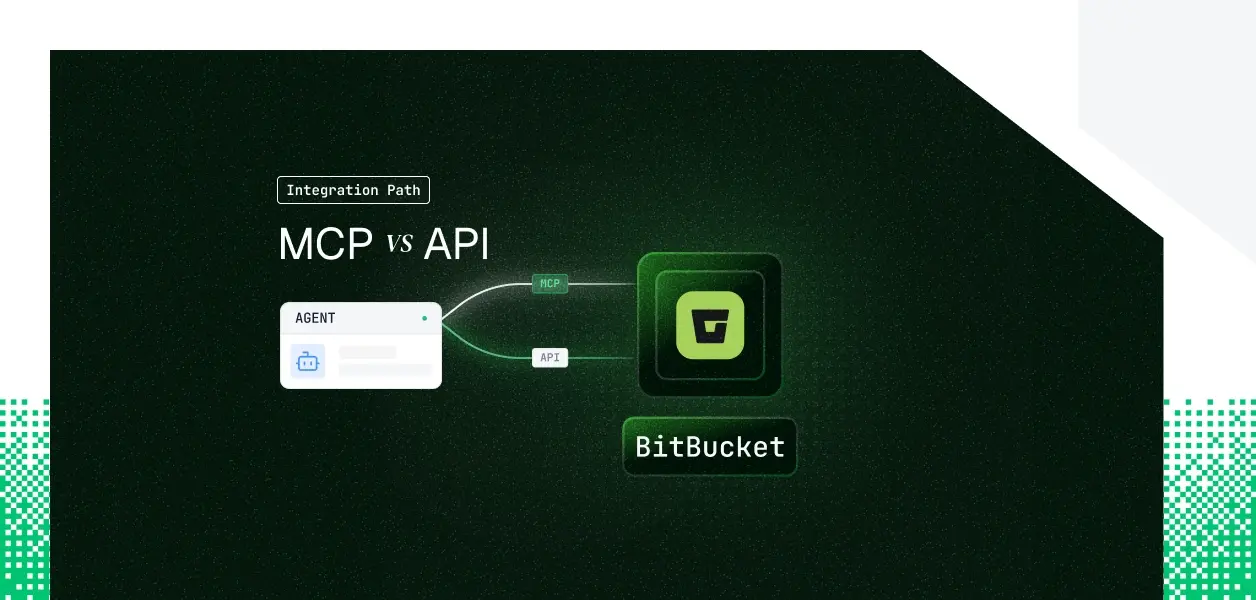


Your agent needs to read repositories, open pull requests, and check why last night's pipeline failed. Bitbucket Cloud now gives you two ways in: the Atlassian Rovo MCP Server, which added Bitbucket Cloud tools on April 8, 2026, and the Bitbucket Cloud REST API, which has been carrying production integrations for a decade. They are not the same surface, and on Bitbucket the auth story runs the opposite direction from every other tool in this series. The MCP path is API token only. The REST API is the one with delegated OAuth. Here is how to pick.
Bitbucket is unusual in this series because "Bitbucket MCP" resolves to two different official surfaces, neither of which is a standalone Bitbucket server. One is the shared Atlassian remote server. The other only exists inside a pipeline step. Getting the distinction right early saves you from designing against the wrong one.
The Atlassian Rovo MCP Server went GA on February 4, 2026 covering Jira and Confluence, and added Bitbucket Cloud support on April 8, 2026. It is Atlassian hosted at https://mcp.atlassian.com/v1/mcp, and it is administered at the organization level through Admin Hub.
Bitbucket coverage lands in two permission groups, read_bitbucket and write_bitbucket, holding eight tools between them: bitbucketWorkspace, bitbucketRepository, bitbucketUser, bitbucketPullRequest, bitbucketRepoContent, bitbucketPipeline, bitbucketDeployment, and bitbucketEnvironment. Each dispatches several actions, roughly thirty in total. The current reference is Atlassian's supported tools page.
The second surface ships inside Bitbucket Agentic Pipelines. Atlassian documents it as the Bitbucket Cloud MCP server, and you do not configure it: the agent runtime in the pipeline step gets it automatically once the step carries the right API token scopes.
Its surface is narrower and sharply targeted at code review and build triage. It exposes eleven tools including createPullRequest, getPullRequestComments, addPullRequestComment, createPullRequestTask, analyzePullRequestCommitStatusFailures, and analyzePipelineStepFailure. This is a good fit if your agent already runs as a pipeline step. It is not available to an agent running in your own infrastructure.
The Bitbucket Cloud REST API is the full platform surface at api.bitbucket.org/2.0: repositories, source and refs, commits and commit statuses, pull requests, pipelines, deployments, downloads, branch restrictions, branching models, projects, workspaces, webhooks, the issue tracker, and SSH and GPG key management.
Auth has four distinct shapes. OAuth 2.0 through a workspace consumer gives you delegated per-user access with refresh tokens. Atlassian API tokens with scopes authenticate as a user over Basic auth. Repository, project, and workspace access tokens are static scoped credentials with no user attached. Connect apps exchange a JWT for an access token.
The two paths overlap on the conversational middle of Bitbucket and diverge everywhere the platform touches configuration, permissions, or events. Four dimensions decide the call: what the agent can do, what auth it forces on you, what you own in production, and which failure modes you can live with.
The table below reads against the Rovo MCP Server's Bitbucket tools, since that is the surface an externally hosted agent can reach.
The pattern is consistent. Rovo's Bitbucket tools cover what a developer does inside a repository during a working session. Everything that governs a repository sits outside them.
That gap is architectural, not a backlog item. Branch restrictions, permission grants, deploy keys, and webhook registration are administrative controls, and Atlassian gates them behind API scopes it has not exposed as MCP tools. If your agent enforces merge policy, provisions repositories, rotates deploy keys, or subscribes to repo:push and pullrequest:created events, the MCP surface cannot express the job.
Here is where Bitbucket inverts the usual series conclusion. The Rovo MCP Server supports OAuth 2.1 as its primary mechanism, and Atlassian recommends it for interactive use. Bitbucket Cloud tools do not participate. Per Atlassian's authentication and authorization docs, Bitbucket Cloud tools support API token authentication only, sent as Authorization: Basic <base64(email:api_token)>.
Two organizational gates come with it. The Bitbucket workspace must be linked to an Atlassian organization, and an organization admin must switch on API token authentication in the Rovo MCP Server settings. Until both are true, the Bitbucket tools are simply absent from the tool list your agent receives.
This matters more than it first reads. An API token is minted by a user in their Atlassian account settings and handed to your application out of band. There is no consent screen, no authorization code, no refresh token, and no scope negotiation at grant time.
For a multi-user B2B agent, that means onboarding a user is a support request, not a redirect. It also means the credential your agent holds is a long-lived static secret tied to a human identity, which is exactly the class of credential that survives offboarding. The REST API's OAuth 2.0 consumer flow is the only Bitbucket path with real delegated consent, and it is the one the MCP surface does not offer. Understanding why static credentials break in production systems helps clarify why this distinction is architecturally significant.
OAuth 2.0 on Bitbucket runs through a consumer created in workspace settings, using https://bitbucket.org/site/oauth2/authorize and https://bitbucket.org/site/oauth2/access_token. Access tokens expire in two hours and grant responses carry a refresh token, per Atlassian's OAuth documentation. A refresh token that goes unused for three months expires and forces the user back through the full flow.
The tradeoff is real. Scopes are fixed on the consumer, not requested per grant, so every user who authorizes your agent gets the same scope set. You cannot narrow one user's grant at runtime. Least privilege on Bitbucket is a design decision you make once, at consumer configuration time, and enforce yourself thereafter.
App passwords are the credential most existing Bitbucket integrations still run on, and they are ending. Atlassian blocked creation of new app passwords on September 9, 2025, ran brownouts from June 9, 2026, and removes them entirely on July 28, 2026.
If any part of your agent stack still authenticates with a Bitbucket username and app password, it stops working now, not later. API tokens with scopes are the replacement for user-attached credentials, and repository, project, or workspace access tokens are the replacement for anything that was really a service account in disguise.
On the MCP path, Atlassian owns hosting, tool schemas, and permission group enforcement. You own the API token per user, its storage, its rotation, and its revocation on offboarding. You also own the organization dependency: an admin toggle you do not control can remove your agent's entire Bitbucket tool surface.
On the REST path you own more and control more. You own the OAuth consumer configuration, per-user token storage and proactive refresh against the two-hour expiry, pagination, retry logic, and an adapter per endpoint group. In exchange you get every endpoint, explicit versioning under /2.0, and webhooks for event-driven work.
Bitbucket's API request limits measure authenticated calls against the user ID, on a one-hour rolling window. Access to repository data is capped at 1,000 requests per hour by default. Anonymous requests get 60.
This has a direct architectural consequence. A shared service account concentrates every user's agent traffic into a single 1,000 per hour bucket, and forty developers running PR review agents will exhaust it. Per-user credentials give each user their own budget. This is the same tradeoff examined in depth in API access patterns for AI agents.
Scaled rate limits extend the ceiling to a maximum of 10,000 requests per hour, but only on Standard or Premium workspaces with 100 or more paid users, and only for workspace, project, and repository access tokens or Forge asApp requests. Per-user OAuth tokens do not qualify for the increase.
So the choice is a real one: distributed budgets with per-user attribution, or a single higher ceiling with no attribution at all. Read X-RateLimit-Limit and X-RateLimit-NearLimit from responses rather than guessing which regime you are in.
Use the Rovo MCP Server for Bitbucket when:
Use the Bitbucket Cloud REST API when:
pullrequest:createdScalekit publishes two connectors that touch this decision, and they sit on opposite sides of it. The Bitbucket connector targets the REST API directly over OAuth 2.0 with more than 140 prebuilt tools. The Atlassian Rovo MCP connector connects to Atlassian's hosted MCP server using OAuth 2.1 with Dynamic Client Registration, and its published tool list covers Jira, Confluence, Compass, and Teamwork Graph.
That second detail is worth stating plainly rather than discovering at runtime. Because the Rovo connector authorizes over OAuth 2.1, and Bitbucket Cloud tools are available only on API token sessions, a Rovo MCP connection does not surface Bitbucket tools.
For Bitbucket specifically, the delegated path is the REST connector. Setup is a one-time dashboard step: create an OAuth consumer in your Bitbucket workspace, paste Scalekit's redirect URI into the consumer's callback field, and register the Key and Secret in Scalekit. Bitbucket does an exact string match on the callback URL, so a trailing slash breaks the flow. For more on how token refresh for AI agents works in practice, that post covers the mechanics Scalekit handles for you automatically.
The connection_name you pass in code must match the connection name configured in the Scalekit dashboard. This is the single most common integration error. In TypeScript:
Before the agent sees a single tool, Scalekit resolves which tools this user's connected account is authorized to call. That is the distinction between a per-user agent and a shared-credential agent: the surface is derived from the user's Bitbucket grant, not from a static connector catalog. In LangChain, actions.langchain.get_tools returns native StructuredTool objects for that scoped surface. This pattern maps directly to the LangChain tool calling model where per-user authorization shapes the available tool surface.
Bitbucket's REST surface is wider than any curated tool list, and Scalekit does not force you back into raw token handling when you hit the edge of it. actions.request proxies an authenticated call on the same connected account.
Handing a Bitbucket agent all 140-plus tools is a bad default for two separate reasons. Tool selection degrades as the decision space grows, and on the documented estimate of roughly 200 tokens per tool definition, that surface costs close to 28,000 tokens of context before the agent does any work.
Virtual MCP Servers fix both at once by declaring exactly which tools an agent role can see. A PR review agent gets four. The fix is not better prompting. It is surface reduction.
The server definition is created once per agent role. Identity is applied per run. Before each session, confirm the user's connections are still active, then mint a short-lived token bound to that user.
One server definition serves all users. The endpoint is static; the identity is not.
Bitbucket's own audit trail records what happened in the repository. It does not record which agent run, for which tenant, under which grant, made the call. That correlation is what a security reviewer asks for after an agent comments on the wrong pull request.
Auth Logs close the gap by recording token issuance, refresh, and revocation per named connection and per identifier, so every downstream Bitbucket action traces back to the authorization event that permitted it. For a multi-tenant agent that is the difference between answering the question in an hour and opening a three-week investigation. The broader case for audit trails in agent auth explains why this traceability layer is non-negotiable in B2B SaaS.
Both paths hand your agent a credential per user. Neither hands you a vault, a rotation loop, or a revocation flow. On Bitbucket the shapes differ more than usual, and the second shape is the dangerous one.
A single workspace access token looks correct in a demo. In production, every PR comment, every approval, and every pipeline trigger is attributed to the integration rather than to the developer who asked for it.
Reviewer identity breaks first. An approval recorded against a service account cannot satisfy a required-approvals branch restriction in any meaningful sense, and the audit trail loses the link back to the human. What the user cannot do, the agent should not be able to do either, and a shared token makes that principle unenforceable.
For a multi-user B2B agent covering forty developers across eight workspaces, the MCP path means forty API tokens collected out of band, stored encrypted, and revoked on departure. Because API tokens carry no refresh semantics, expiry surfaces as a hard failure mid-run rather than a recoverable one.
The REST path means forty OAuth grants, each with an access token expiring every two hours and a refresh token that dies after three months of disuse. Different token type, identical infrastructure obligation: storage, proactive refresh, tenant isolation, and revocation tied to offboarding. The patterns for credential ownership across agent tool-calling patterns apply directly here.
Scalekit's Bitbucket connector resolves the per-user token on every tool call, so a PR comment posts as the developer who authorized it and the audit trail names a person rather than a service account. Credentials never touch the agent runtime or the model context.
The same connected-account model backs the Atlassian Rovo MCP connector, which means an agent that reads Jira context and writes to Bitbucket runs on one credential layer rather than two. The path decision does not change what you need at the auth layer.
If your agent is a developer-facing assistant doing repository exploration, pull request review, and pipeline triage, and your organization has already linked its Bitbucket workspace and enabled API token authentication, the Rovo MCP Server is the fastest route to something useful. If your agent runs headless, needs webhooks, touches branch restrictions or repository permissions, or serves users who will never hand you an API token by hand, build against the REST API with per-user OAuth.
Most production Bitbucket agents will end up on the REST path, because delegated consent is a product requirement long before capability coverage is. The credential management problem is the same either way, and that is the part that needs production-grade infrastructure.
Building a Bitbucket agent and hitting the callback mismatch, the missing tool list, or the token refresh race? Join the Scalekit Slack community and ask, or talk to an engineer for a direct walkthrough of your setup.
Recommended reading: Confluence MCP vs REST API for AI Agents
Browse the Scalekit Bitbucket connector: scalekit.com/connectors/bitbucket