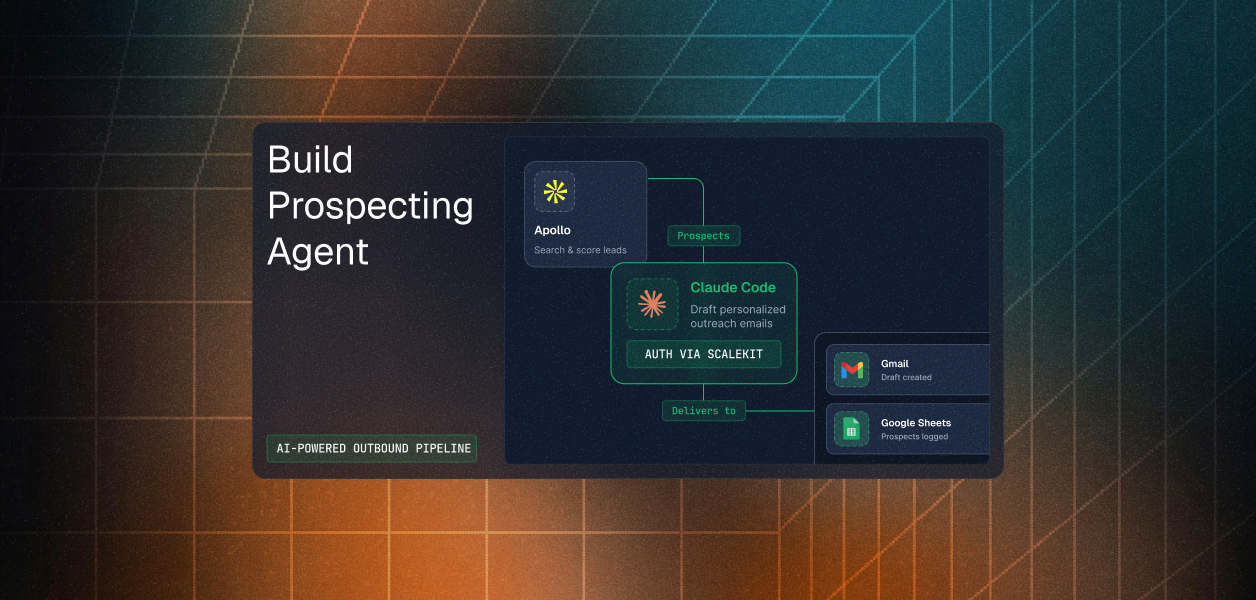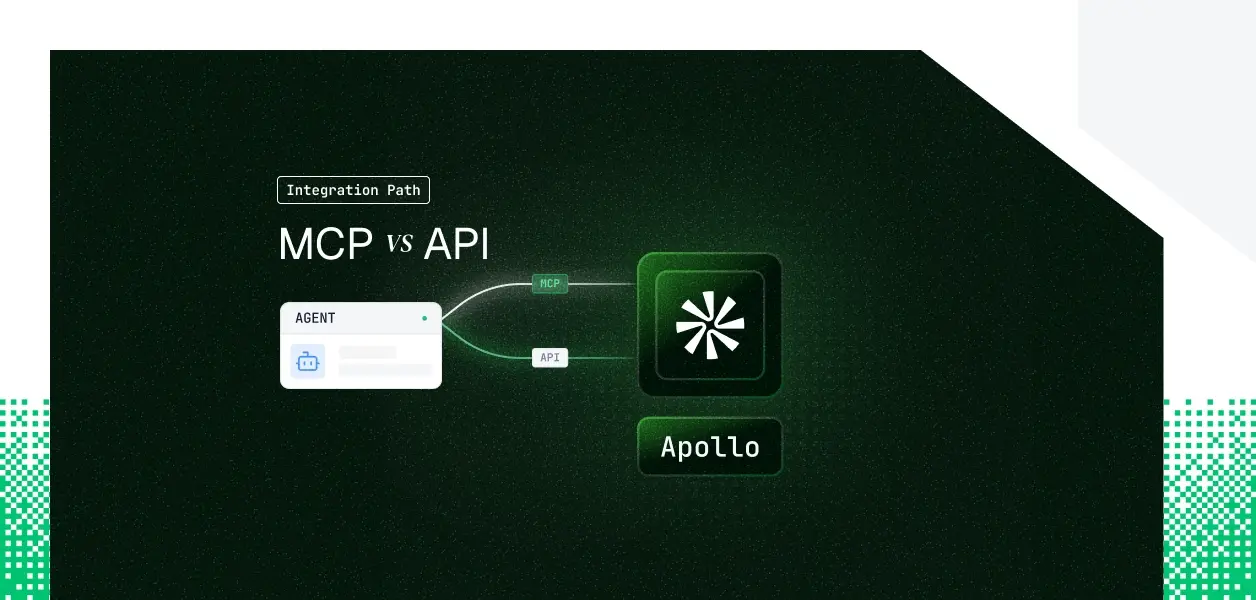


Your agent needs to talk to Apollo. It has to search prospects against Apollo's database, enrich contacts with verified emails and phone numbers, and enroll people into sequences on behalf of your reps. Apollo now ships two distinct paths: an officially hosted MCP server that went live in February 2026, and the REST API your integrations have used for years. They cover overlapping but not identical territory, they put your agent on different auth paths, and for background or multi-tenant agents one of those differences is a hard blocker. Here is the decision framework.
Apollo's MCP server is hosted and first-party, maintained by Apollo rather than a community fork. It launched in February 2026 and is now available across Apollo plans, including free, at no additional cost; your data access and action limits mirror your Apollo plan and credit balance.
Transport is Streamable HTTP at https://mcp.apollo.io/mcp, and authentication is OAuth 2.0 with a browser-based consent flow. No API key, no local install. Access is scoped to the Apollo user who authorizes the connection: the assistant can only do what that user can do in Apollo.
Official pages: apollo.io/product/mcp and docs.apollo.io/docs/apollo-mcp.
The Apollo API is a REST interface over https://api.apollo.io/v1 covering the full platform: people and organization search, enrichment, contacts, accounts, deals, sequences, tasks, calls, conversations, analytics, and more.
Auth depends on who is calling. Apollo users pass a static key in the x-api-key header. Partners building on behalf of mutual users implement an OAuth 2.0 authorization flow. One detail that matters for agents: many endpoints, including accounts, deals, users, and call records, require a master key that grants access to every endpoint.
Official pages: docs.apollo.io/docs/apollo-api-overview and docs.apollo.io/reference/authentication.
The MCP server covers the prospect-to-sequence loop well. The API owns everything operational above that layer. The table below is drawn from Apollo's own documentation.
The MCP server's coverage of search, enrichment, contacts, and sequences is solid for a conversational GTM agent. Anything operational lives in the API alone: deals, dialer records, conversation intelligence, notes, custom fields, and high-volume bulk CRUD.
This is not a temporary shortfall. Those endpoints are architectural features of the API, not MCP tools that ship next month. If your agent scores pipeline, syncs deals, or processes call and conversation data, MCP is the wrong path by design.
MCP runs on OAuth 2.0 with user identity. The agent inherits exactly what the authorizing user can see and do; there is no key to distribute and no bot-token option. Every user who connects completes a browser consent flow, and the token is scoped to that user's Apollo permissions.
The API gives you a static x-api-key for ordinary use, with OAuth 2.0 reserved for Apollo partners. Because most write and admin endpoints require a master key, the practical headless credential is a single, workspace-wide key with full access.
Here is the structural point. MCP defaults to per-user identity but cannot run without a browser in the loop. The API can run headless but, through the master key, defaults to one shared credential for the whole workspace.
For a multi-tenant B2B Apollo agent, MCP hands you a token per user with no way to run background jobs, and the API hands you one master key with no per-user attribution. The fix on both paths is the same: per-user credential isolation, managed at the infrastructure layer.
On the MCP path, Apollo manages hosting, tool schemas, and rollout. You own per-user token storage, refresh, and revocation, credit-limit handling, and the fact that MCP does nothing while the user is away.
On the API path, you own all of that plus schema, pagination against the 50,000-record display caps at 100 records per page, fixed-window rate limits that vary by plan and endpoint, master-key custody, and enrichment webhook handling for async and waterfall results.
Use Apollo MCP when:
Use the Apollo API when:
A few actions are easier or cleaner through MCP than the public API: natural-language tool descriptions built for LLM consumption, per-user OAuth scoping with no key to hand around, and surface actions like send one-off emails and full list create and update that the API does not expose as cleanly.
The API exposes a large surface that MCP does not: deals and opportunities, calls and dialer records, conversation intelligence and transcripts, notes, custom-field creation, user administration, news search, bulk create and update at scale, and async or waterfall enrichment delivered to a webhook. Reference the endpoint index at docs.apollo.io/llms.txt.
Apollo has no general event or change-subscription API, so there is no true event-driven Apollo agent on either path; the only async mechanism is enrichment result delivery to a webhook, and that lives in the API. Neither path manages the per-user credential lifecycle for you.
A master API key looks fine in a demo. In production, every enrichment, every sequence enrollment, and every account update runs under one service credential. You cannot tell which rep triggered which action, per-user scope collapses, and the audit trail shows a single shared identity.
A shared token has the same shape. It survives the first user and breaks on the second, because it cannot express per-user permissions or per-tenant boundaries.
In a multi-user B2B Apollo agent, which is the norm and not the exception, every user has their own Apollo credential. That is N credentials to store encrypted, refresh before expiry, and revoke on offboarding. Employee departure creates a specific gap: the identity provider account is disabled, but an Apollo key or token stored months ago is still valid. The agent does not decide to keep using it. It just does.
Scalekit's Apollo connector registers Apollo's OAuth 2.0 application, mints a per-user connected account, vaults and refreshes the token, and enforces scope before each call. Every execute_tool runs as the real user, with a full audit trail tied to that identity rather than a shared key. The same auth infrastructure works whether you chose the MCP path or the API path, so the path decision does not change what you need at the credential layer. Connector page: scalekit.com/connectors/apollo. Connector doc: docs.scalekit.com/agentkit/connectors/apollo.
list_scoped_tools returns only the Apollo actions the current user's connected account is authorized to call, not the whole catalog. That matters twice over. LLMs select poorly when handed every available tool, and every tool in context consumes tokens before the agent does any work. Scoping the surface to what this user can actually do improves selection accuracy and cuts token overhead. The fix is not better prompting. It is surface reduction.
A shared master key cannot express per-user permissions; every user gets identical access. Connected accounts invert this. Scope is derived from what each user individually authorized in Apollo, nothing more. What the user cannot do, the agent cannot do; cross-tenant tool calling requires per-tenant authorization, and there is no shortcut around it.
Because every Apollo action resolves to a per-user connected account, your auth logs tie each search, enrichment, and sequence enrollment to a specific user and connection_id. That is the observability a master key cannot provide, and it is what a multi-tenant B2B agent needs to answer who did what, under whose authorization, and when.
For reference, this is the interactive, per-user MCP path with no headless support and no key management on your side:
Scalekit takes the same per-user OAuth identity and makes it programmatic, refreshable, and headless-capable. The examples below use Scalekit's connected-account model. In every case, the connection_name you pass must match the connection you configured in the Scalekit dashboard under AgentKit, Connections; a mismatch is the single most common integration error.
Bootstrap the auth layer with the Scalekit plugin, then pass the scoped Apollo tools into the Claude agent loop:
Validate the exact SDK method names against docs.scalekit.com/agentkit/sdks and the framework examples before shipping, since the SDK is versioned.
Scalekit's documented framework adapters today are LangChain, Google ADK, Anthropic, OpenAI, Vercel AI, Mastra, and Claude Managed Agents. There is no Hermes adapter published yet, so there is no accurate snippet to show. If you need one, request it in the Scalekit Slack community, or talk to the team through the demo page or directly with a Scalekit engineer.
If your Apollo agent is interactive and user-present, and its job is prospecting, enrichment, and sequence work in natural language, build on the MCP server. The per-user permission model is already correct, and you write no schemas.
If your agent runs headless, or it touches deals, dialer records, conversation intelligence, or high-volume enrichment, build on the API directly with per-user OAuth rather than a shared master key. Most production Apollo agents will use both, and the credential-isolation problem is identical either way. That is the part that needs production-grade infrastructure.
Browse the Scalekit Apollo connector: scalekit.com/connectors/apollo