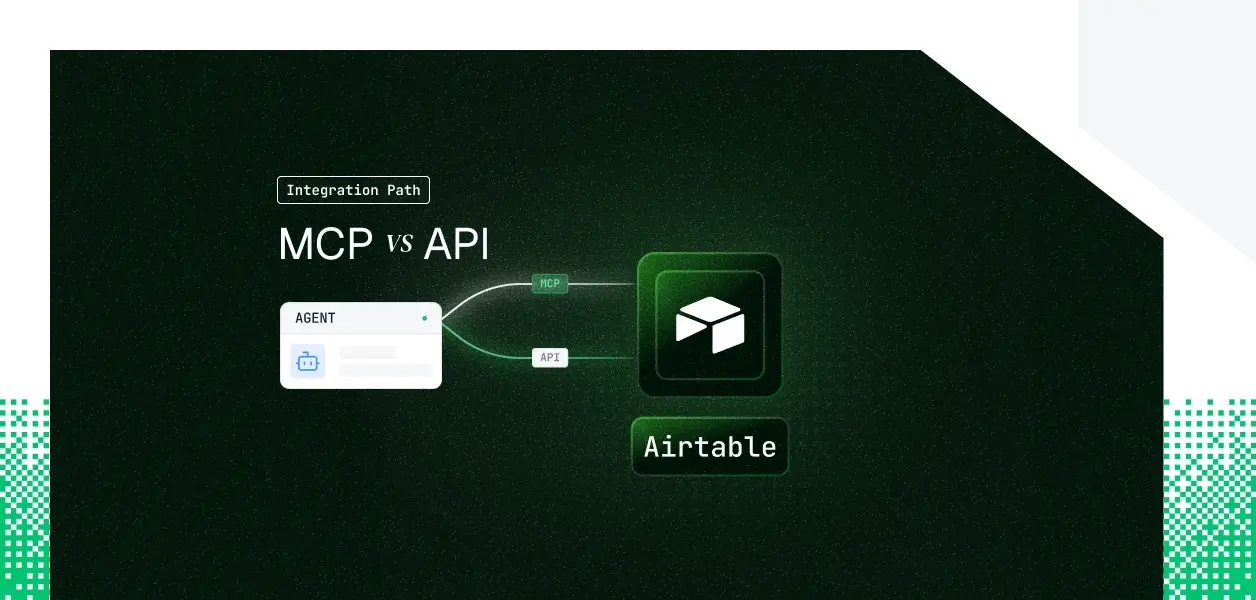


Your agent needs to read and write Airtable: query a CRM base, create records when a deal moves, update project status on behalf of an operator. Airtable now ships both an officially hosted MCP server at mcp.airtable.com/mcp and the Web API your integrations have called for years.
They cover overlapping but not identical territory, they put you on slightly different credential paths, and the difference matters once you move from a demo to a multi-tenant deployment. Here's how to pick.
Airtable's official MCP server is a hosted, remote server maintained by Airtable, reachable at https://mcp.airtable.com/mcp and available on every plan tier. An agent connects either through a browser-based OAuth consent flow or by passing a Personal Access Token in an Authorization: Bearer header. Tool calls run under the connecting user's existing Airtable permissions, and the server routes them against Airtable's public API.
The Airtable Web API is a REST interface at api.airtable.com/v0 covering records, base and table schema, comments, attachments, webhooks, and enterprise administration. It authenticates with a bearer credential: a Personal Access Token for your own scripts and servers, or an OAuth 2.0 access token when other users connect their accounts. Legacy API keys were fully disabled on February 1, 2024 and no longer authenticate.
The official MCP server covers the day-to-day operational surface well: searching, reading, creating, and updating records, reading and editing schema, and building interface pages from natural language. The gaps appear when an agent needs to delete, annotate, attach, or react to changes.
The most consequential gap for write-heavy agents is record deletion. The current official tool list creates and updates records but exposes no delete tool, so an agent that needs to clean up or archive rows has to fall back to the Web API.
Comments and attachments are the next gap. The MCP server cannot post a record comment or upload a file to an attachment field; both are first-class Web API operations.
The gap that decides architecture is webhooks. If your agent needs to react when a record changes, a status flips, or a field updates, that requires the Web API's webhook endpoints. The MCP server has no event-subscription surface, so change detection through MCP means polling, which burns directly into your rate limit.
One area runs the other direction. The MCP server exposes interface building as first-class tools (create_interface, create_page, publish_interface), so an agent can assemble interface pages from natural language. Interface construction through the Web API is far less developed. Note that editing existing interface pages over MCP is not yet supported, only creation.
This is where Airtable diverges from most other tools in this series. Both paths accept the same two credentials, and neither offers a machine-to-machine grant.
The hosted MCP server's recommended path is browser-based OAuth, but it also accepts a Personal Access Token passed as Authorization: Bearer <token>. Airtable documents the PAT path explicitly for environments where browser OAuth isn't practical. The practical consequence: unlike OAuth-only MCP servers, the Airtable MCP server can run in a headless, single-tenant agent using a PAT that never expires.
The Web API authenticates with the same two credentials. A PAT is scoped by selected scopes (for example data.records:read, data.records:write, schema.bases:write, webhook:manage) and by the bases and workspaces granted to it, and it acts as the user who created it.
OAuth issues a per-user access token via the authorization-code flow with the same scope vocabulary, scoped per tenant under the user's control. Airtable has no client-credentials or JWT-bearer service-account grant, so there is no static org-level machine identity on either path; a PAT is the closest equivalent and it is still a single user's credential.
For a single internal automation, a scoped PAT is the simplest credential on both the MCP and API paths. For a multi-tenant B2B agent where every customer connects their own Airtable, a PAT does not scale: it represents one person's account, not N customers.
That forces OAuth per user, which means one access token per tenant, each expiring after 60 minutes, each backed by a refresh token that rotates on every use. Neither path stores, refreshes, or rotates those tokens for you.
With the hosted MCP server, Airtable owns the infrastructure, the tool schemas, and permission enforcement. Your agent picks up tool changes without a redeploy. What you still own is credential lifecycle: token storage per user, refresh of expiring OAuth access tokens, and revocation when a user disconnects. Permission enforcement is a genuine benefit here; every MCP tool call respects the user's existing Airtable permissions, so what the user can't do, the agent can't do.
Airtable enforces 5 requests per second per base across every plan tier, and this limit cannot be raised at any price. PAT traffic is additionally capped at 50 requests per second per user or service account. Monthly call caps apply on lower tiers: 1,000 calls per workspace per month on Free and 100,000 on Team, with Business and Enterprise removing the monthly cap while keeping the per-second limit.
Critically, MCP tool calls are not exempt. Airtable's MCP server runs on the public API under the hood, so every MCP call counts against the same per-base and monthly limits. An agent polling for changes over MCP, lacking webhook support, will consume that budget quickly.
The MCP tool list is a managed contract: Airtable states that tool names, behaviors, and capabilities may change, and you don't control that cadence. The Web API is the more stable dependency for a deterministic pipeline, where an unexpected schema change is an incident rather than an upgrade. Batch operations cap at 10 records per request on both paths, so high-volume writes need explicit chunking either way.
Use Airtable MCP when
Use the Airtable Web API when
Whether you build against MCP or the Web API, a multi-tenant agent ends up with one Airtable credential per user. Fifty customers means fifty OAuth grants, fifty access tokens to refresh, fifty lifecycles to revoke on disconnect. Neither path gives you a token vault, rotation logic, or a revocation flow; those remain infrastructure you build or buy.
Airtable's OAuth refresh tokens rotate on every use, and replaying a previously used refresh token causes Airtable to revoke the grant outright.
In a multi-worker agent, two threads refreshing the same connection concurrently is enough to trigger that revocation, after which the user must re-authorize.
Refresh has to be single-flight and atomic, with the rotated token persisted immediately. This is precisely the class of bug that works in staging and breaks three months into production.
Scalekit's Airtable connector handles the OAuth flow, encrypted per-tenant token storage, and proactive refresh with rotation handling for both the MCP and API paths; so the MCP vs API decision doesn't change what you build for auth.
Scalekit stores each user's Airtable credential in a token vault outside the agent runtime. The agent calls a tool, gets a result, and never sees a token.
Access tokens are refreshed proactively before the 60-minute expiry, refresh-token rotation is handled as a single-flight operation per connected account, and the agent runs against a scoped identifier rather than a raw PAT or access token.
Credentials never touch the agent runtime or the LLM context.
Before any execution, your agent retrieves the tools the current user's connected account is authorized to call, not a flat catalog.
That scoped surface is a function of the user's identity: if the user authorized read-only access to one base, that is all the agent sees. From there, the agent executes a named tool through execute_tool. This Python example authorizes a user and lists their bases:
The connection_name string must match the connection name configured in your Scalekit dashboard exactly; a mismatch here is the most common integration error. Use list_tools for a connection when you're unsure of an exact tool name.
The Scalekit Airtable connector exposes the operations the official MCP server leaves out. Record deletion is available through airtable_delete_record and airtable_delete_records, record comments through airtable_create_comment, airtable_update_comment, and airtable_list_comments, and real-time change events through airtable_create_webhook, airtable_list_webhooks, airtable_list_webhook_payloads, and airtable_refresh_webhook.
Records, schema, and base operations such as airtable_list_records, airtable_create_records, airtable_update_records, and airtable_get_base_schema round out the surface. The full tool list and per-tool schemas live at the connector docs page.
If you want an MCP-compatible endpoint rather than direct SDK calls, Scalekit's Virtual MCP Server gives every agent a scoped, per-user MCP URL with no server to deploy or host. You declare one config that names the Airtable connection and the exact tools to expose, then mint a per-user instance from it. The agent sees only the tools you allow, not everything the connector exposes, which keeps the tool surface small and the blast radius narrow.
You create the config once per agent role; you call ensure_instance per user to mint a pre-authenticated URL scoped to that user's connected account. The endpoint is static; the identity is per-user. A Scalekit Virtual MCP server URL looks like https://companyName.scalekit.com/mcp/v3/servers/18a22bed-3088-494e-8a99-f9ce8c7c04d2. Setup and an end-to-end Claude managed-agent example are in the Scalekit docs.
For multi-tool, multi-tenant agents, the auth logs are where production debugging happens. Scalekit records each authorization event, token issuance and refresh, and tool call with a correlation reference, so you can answer which user authorized a given Airtable action, under whose connected account it ran, and when access was revoked. That audit trail is the difference between answering a security questionnaire and opening a three-week investigation.
If a specific Airtable operation isn't in the connector yet, request it: drop a note in the Scalekit Slack community or talk to the team. New connector tools typically land within a week.
Most production Airtable agents end up using both: MCP for the interactive surface, the API for the operational one. Either way, the per-user credential problem is identical, and that is the part that needs production-grade infrastructure.
Browse the Scalekit Airtable connector page, and connector docs.