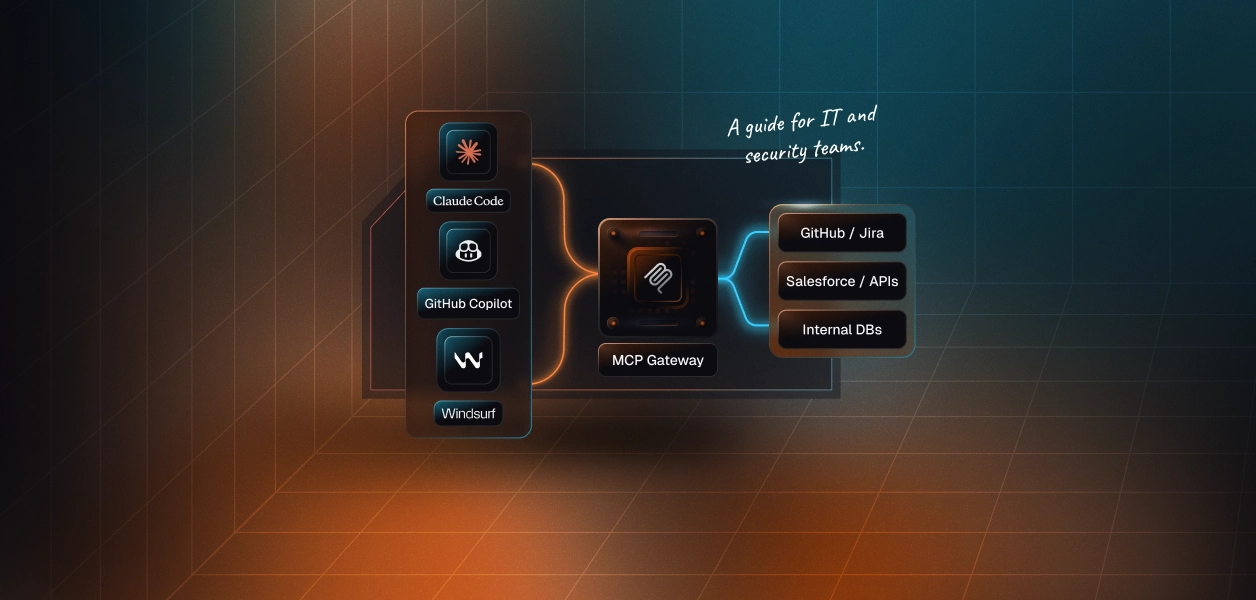

A community MCP server can be safe to use, but a listing in a registry does not tell you that it is. The official MCP Registry checks that a publisher owns the name they publish under; it does not review the server's code. Installing a server means running someone else's code, or sending your requests to their service, with whatever credentials you give it. Vet it the way you would vet any dependency that gets access to your data: check who publishes it, pin the version, read every tool description, give it the narrowest credentials that work, run it in a sandbox, and watch for changes after you approve it.
Asking whether a server is "community" or "official" does not get you very far. Of the cases below, one was a package impersonating a real vendor, another was a bug in a vendor's own server, and in a third, a researcher's demo, an official server did exactly what its token allowed after the agent read a malicious issue. What decided the damage in each case was what the server could reach and which credentials it held. So vet the server, and also design as if one of your servers will misbehave someday: give each one only the access its job needs.
The official MCP Registry is in preview. It verifies two things. First, namespace ownership: names under io.github.<user>/ require signing in to that GitHub account, and names under a domain require a DNS record or a file on that domain. Second, that the package on npm, PyPI or another registry points back to the same server name.
It does not review the code. The registry leaves security scanning to package registries and downstream aggregators, and its moderation policy tells consumers to assume minimal-to-no moderation. It removes malware and spam, but lists servers with known vulnerabilities among the things it does not remove.
Other directories add their own signals, but check what they measure. Smithery has shown MCP-Scan results on server pages since April 2025. Glama grades servers on license, quality and maintenance. Use these signals to build a shortlist, then run the checklist below. For how registries compare with managed integrations, see MCP registry vs managed MCP integrations. The MCP integrations guide covers the wider options for connecting agents to tools.
Two of these happened to real users (postmark-mcp and Asana). Two are CVEs in MCP tooling. Three are researcher demonstrations that show what an attacker could do. Each one maps to a check in the checklist below.
Simon Willison's term for the pattern behind the GitHub and Supabase cases is the lethal trifecta: an agent that has access to private data, reads untrusted content, and can send data out.
Run through these before you install a server, and again before you upgrade it.
For a local server, the two cheapest controls are an exact version and a narrow credential:
This pins the server package, but npm still resolves its dependencies fresh on install. For a stronger guarantee, install it into a project with a lockfile, or run the container image by digest.
If the server is published as a container image, pin it by digest, since tags can be moved, and run it with a read-only file system, no Linux capabilities and no privilege escalation. A Docker network cannot allowlist hosts on its own, so here mcp-egress stands for an internal Docker network whose only route out is an egress proxy, such as Smokescreen, that allows only the hosts the server needs:
The MCP security best practices also require clients that offer one-click install of local servers to show the full command, warn that it runs code on your machine, and wait for approval. Read that command before you accept it. For how local and remote servers differ in more detail, see remote vs stdio MCP servers.
Scanners catch known patterns quickly and are worth running in CI. They do not replace reading the code and tool descriptions.
Vetting a server stays with you. Scalekit limits how much a misbehaving server or a tricked agent can reach. When you add a remote MCP server as a custom connector, Scalekit stores each user's credentials and attaches them per call, so the agent never holds them. A Virtual MCP server exposes only the tools you list for an agent role.
Session tokens can also be minted read-only. For catalog connectors, Scalekit labels each tool read-only, write or destructive. For a third-party MCP server you add yourself, the read-only label comes from that server's own readOnlyHint annotation, and the spec says to treat annotations from untrusted servers as untrusted. So pair a read-only token with a tool allowlist that names only the tools you have reviewed. Each session token is bound to one user and one server, and is short-lived by design: one hour by default, up to 24 hours.
None of that removes the checks above. A tool you allow still sends its description to the model, so review descriptions when a server changes. For the governance side of MCP in a company, see MCP security risks in the enterprise.
It can be, after you vet it. Check the publisher, pin an exact version, read every tool description, give it narrow credentials, run local servers in a sandbox, and review it again when it changes. A registry listing alone is not a safety check.
No. It verifies that publishers own their namespace through GitHub or DNS, and it removes malware and spam. Its moderation policy says to assume minimal-to-no moderation, and it leaves code scanning to package registries and other tools.
Hidden instructions placed in a tool's description or schema. The model reads them as part of its context and may follow them, for example by reading files or sending data through another tool. A server can also change a description after you approved it.
Not automatically. Official servers have had bugs, and researchers have shown official servers being misused through prompt injection. The bigger factor is what the server can reach: the credentials you give it and the tools your agent can call.
A remote server with OAuth gets tokens issued only for that server, while a local server runs with your privileges and usually reads a static token from its environment. If you run a server locally, sandbox it and limit its network access.