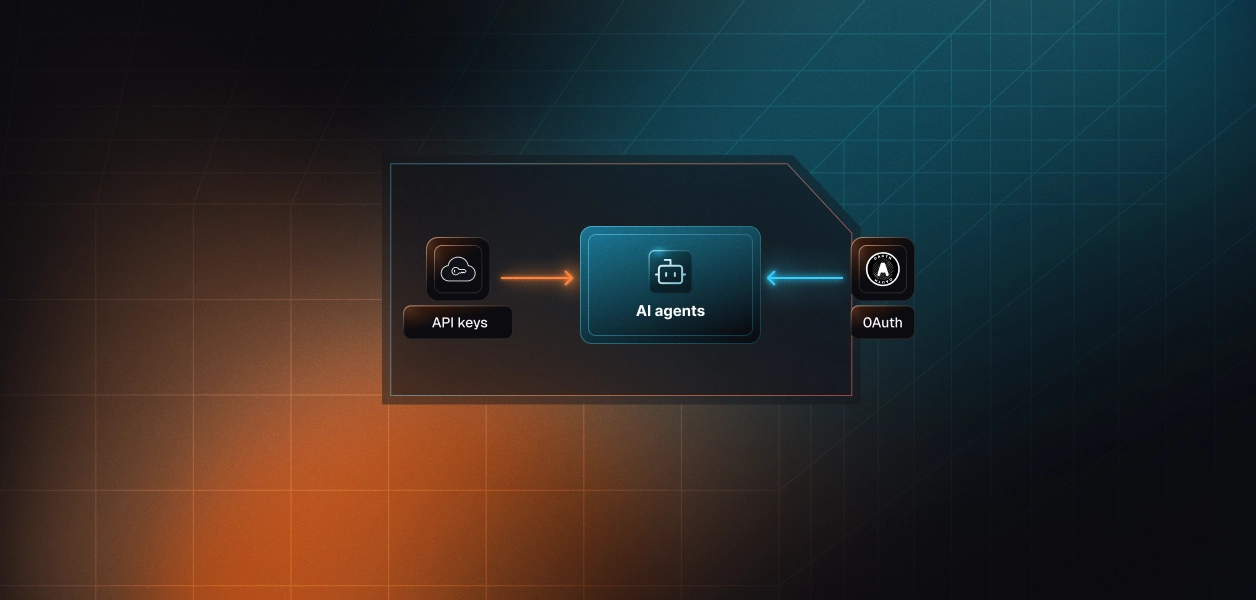


Your agent needs to read and write PandaDoc. PandaDoc now ships two distinct paths: an official hosted MCP server, live since September 2025, and the Public REST API your integrations have probably called for years. They cover overlapping but not identical ground. They put you on different auth paths. They demand different things from you in production. Here is how to pick.
Both talk to the same PandaDoc workspace, but they were built for different consumers. One is built for a large language model reasoning inside a conversation. The other is built for code you control end to end.
PandaDoc's Model Context Protocol (MCP) server is an official, remote, hosted endpoint. PandaDoc announced it on September 16, 2025 as a native, AI-first release, positioned squarely against incumbent e-signature vendors. It runs at a regional server URL over Streamable HTTP transport, and an agent authorizes against it through a browser-based OAuth consent flow. No local package, API key, or environment variable is required on the client side.
The server exposes PandaDoc's document, template, and recipient operations as well-described tools that any MCP-compatible client can discover and call. Its tool calls inherit existing PandaDoc document limits and Public API rate limits. Setup and the full tool catalog are documented on the PandaDoc MCP server guide.
The PandaDoc Public API is a REST interface at https://api.pandadoc.com/public/v1. It exposes the full platform surface: documents, templates, contacts, content library, forms, quotes, folders, webhooks, embedded sessions, and workspace member management.
Authentication runs through headers. You can send Authorization: API-Key {key} or Authorization: Bearer {token} for OAuth 2.0. API access is plan-gated, and production keys require PandaDoc approval. There are no model-specific affordances: schema handling, pagination, error responses, and rate-limit backoff are yours to build. The methods and auth are documented in the PandaDoc API authentication overview.
The comparison that matters is not feature-by-feature. It is which path gives your agent the right capabilities, the right identity model, and the smallest operational surface. Four dimensions decide it.
The MCP covers the conversational document surface well. The API owns everything operational, event-driven, and file-level.
The sharpest gap is the completed file. The MCP's content tool returns document content as plaintext or markdown; it does not hand back the digitally sealed PDF. Any agent that has to store, forward, or archive the executed contract needs the API's download-protected endpoint.
Webhooks, embedded signing sessions, and member management are not missing MCP tools that ship next month. They are properties of an API surface a request-and-response chat protocol was never meant to carry. If your agent depends on them, that dependency points at the API by design.
This is where the two paths genuinely diverge, and where most production incidents originate. There are three credential types across the two paths, and they do not attribute actions the same way.
The MCP path is OAuth only. Every user who connects triggers a browser consent flow, and the resulting token is scoped to that user's PandaDoc permissions. Scalekit classifies its PandaDoc vendor MCP connector as OAuth 2.1 with Dynamic Client Registration (DCR). The agent inherits what the authorizing user can see and do; nothing more.
The API path adds two options. OAuth 2.0 Authorization Code gives you a per-user Bearer token that expires and must be refreshed. The API-Key header is different in kind: it is a single active key per type per workspace, tied to the Org Admin who generated it, and it does not expire.
With an API-Key, every action your agent takes is attributed to the key owner, not to the user who triggered it. Generating a new key of the same type also invalidates the old one, so it was never a per-user credential to begin with. Both OAuth paths, MCP and API, give you a token per user instead. Neither path, on its own, gives you storage, rotation, or revocation for those tokens. For a deeper analysis of this tradeoff, see OAuth vs API keys for AI agents.
The MCP shrinks part of your surface. It does not shrink the part that pages you at 3am.
PandaDoc maintains the server, the tool schemas, and the endpoint. You still own per-user token storage, refresh, and revocation, plus the fact that MCP schemas can change when PandaDoc updates the server. You also inherit PandaDoc's Public API rate limits without owning the endpoint that enforces them.
You own the full surface: schemas, pagination, error handling, retries, and the token lifecycle. Webhook delivery adds its own operational load: signature verification via the x-pd-signature HMAC-SHA256 header, deduplication, and replay handling. In exchange, you get the event stream, document_state_changed and document_completed_pdf_ready among them, that the MCP cannot deliver.
Both lists below are specific to PandaDoc, not generic MCP advice.
Use PandaDoc MCP when:
Use the PandaDoc REST API when:
Here is the part the path choice does not solve. Both OAuth options hand you a token per user; the API-Key hands you one shared credential. None of them hands you a vault, a refresh loop, or a revocation flow. That infrastructure is yours to build either way.
In a multi-tenant B2B agent, which is the norm and not the exception, every user holds their own PandaDoc credential. That is N tokens to store, refresh, and revoke at scale. Offboarding makes it concrete: the identity provider account gets disabled, but a PandaDoc token minted eight months ago and cached locally is still valid. The agent does not decide to keep using it. It just does. This is exactly the scenario covered in when an employee leaves, who revokes their AI agent's access.
Scalekit's PandaDoc connector handles the OAuth flow, token storage in a token vault, and refresh for the per-user path, so the MCP versus API decision does not change your auth infrastructure. Credentials never touch the agent runtime. For the deeper tradeoff between the shared-key and per-user models, see the internal breakdown on OAuth vs API keys for AI agents.
Scalekit ships PandaDoc as a vendor MCP connector named pandadocmcp, wrapping PandaDoc's official server with managed per-user auth. The pattern below uses Python and LangChain. It follows the sequence that matters: authorize the user, load only their authorized tools, then run the loop.
The connection name must match the connection you created in the Scalekit dashboard, character for character. A mismatch here is the most common cause of an empty tool list on the first run.
The agent is not loading a flat PandaDoc catalog. It is loading only the tools this user's connected account is authorized to call. That is the distinction between a per-user agent and a shared-credential one. What the user cannot do, the agent cannot do.
get_tools returns native LangChain StructuredTool objects, so no schema reshaping is needed. Bind them and run a standard tool-calling loop. Scalekit resolves the stored PandaDoc token for the identifier on each call and makes the real request.
That prompt resolves cleanly to pandadocmcp_documents_list with a status filter, followed by pandadocmcp_documents_details_get. The model does the routing; the scoped surface keeps it honest. For more on how LangChain tool calling works end to end, see LangChain Tool Calling: How It Works, Where It Stops, and How Scalekit Completes It.
When your agent spans more than PandaDoc, or serves more than one tenant, a Virtual MCP Server gives you one static endpoint with per-user identity minted at runtime. LangChain connects to it through the standard MCP adapter.
The MCP path and the API path both leave the same two problems on your desk: proving who did what, and keeping one agent safe across many users. Scalekit closes both.
When your agent creates or sends a PandaDoc document, you need a record of which user authorized it, not a service account entry. Scalekit ties each tool call to the connected account that made it, so the trail points at a real identity. That is the difference between a signature you can defend in a review and a log line that says nothing. The reasoning behind this is laid out in the internal deep dive on audit trails for agent auth.
PandaDoc's server exposes its full tool set to whoever connects. A drafting agent that only reads and sends does not need reassign, archive, or status-change tools in context. A virtual MCP approach enforces least privilege at the tool level: the agent sees only the tools you explicitly allow. One server definition serves every user; before each run, a short-lived session token is minted scoped to that user's connected accounts. No MCP server to deploy, host, or maintain. The endpoint is static; the identity is per-user.
If your PandaDoc agent is interactive and user-present, and it mostly reads, searches, drafts, and sends, start with the MCP path; it is the shorter route and PandaDoc maintains the schemas. If your agent runs headless, reacts to signing events, or needs the sealed PDF, contacts, or member data, build against the REST API with per-user OAuth. Reach for the API-Key only for genuine workspace-level automation where every action running as one Org Admin is the behavior you actually want. Whichever path you pick, the credential management problem is identical, and that is the part that needs production-grade infrastructure.
A good first build is an offer-letter routing agent: generate the document, route it for signature, and attribute every step to the right person. Understanding secure token management for AI agents at scale is essential before you go to production with either path.
Browse the Scalekit PandaDoc connector, read the connector docs, or check Scalekit pricing to size it for your tenant count. Building PandaDoc agents and want a second pair of eyes on the auth model? Join the Scalekit Slack community, or reach an engineer directly through the Talk to us page.