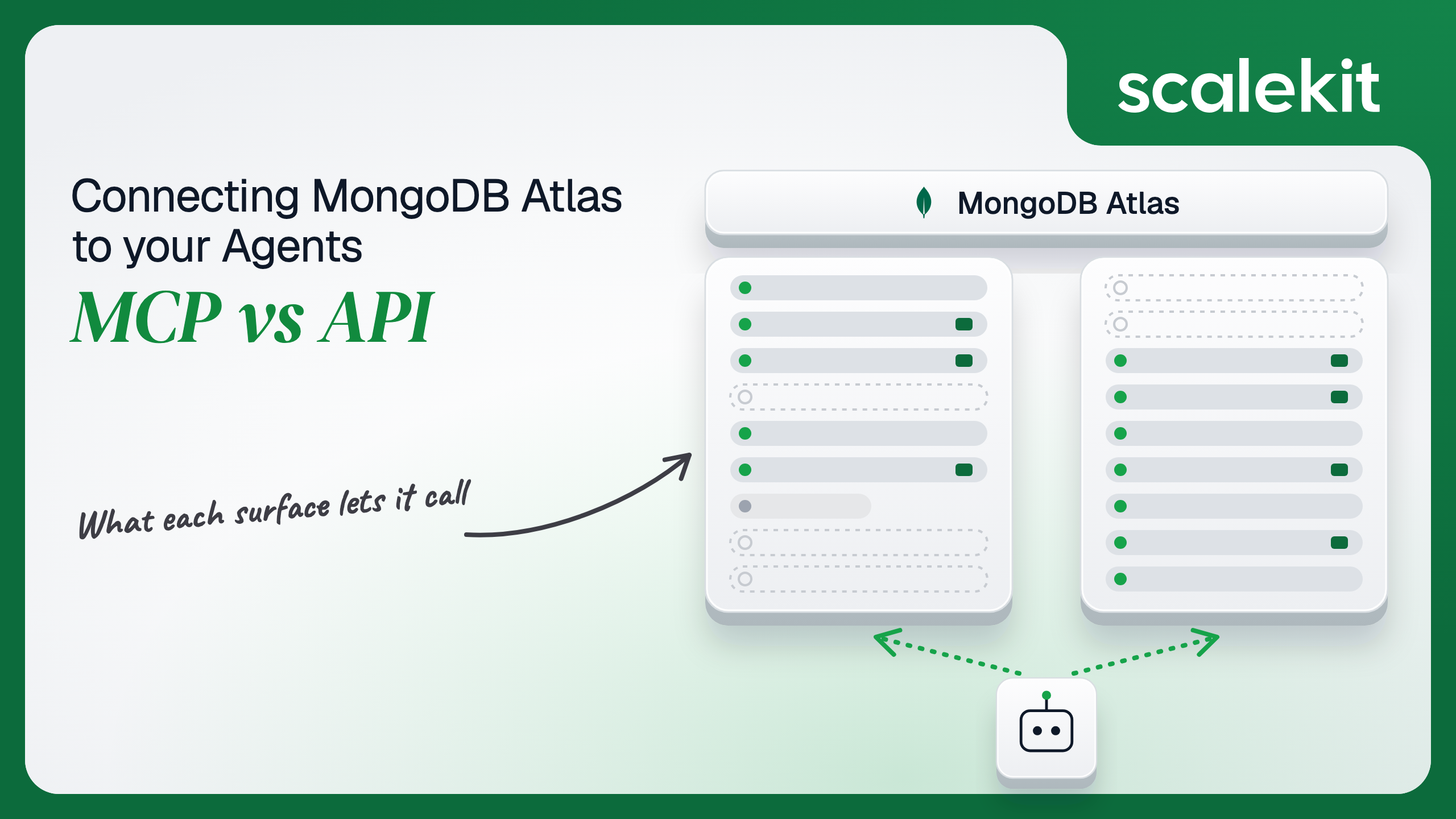


MongoDB Atlas gives an agent two very different surfaces. The MongoDB MCP server, hosted inside Atlas or run locally, reaches documents as well as clusters. The Atlas Administration API manages the platform, from metrics and backups to alerts and billing, and cannot read a single document. This guide compares what each path lets an agent do, the service accounts and OAuth grants each one puts you on, and how to run an operations agent across many customer projects in production.
Your agent needs to operate your customers' MongoDB Atlas: tell an on-call engineer why the primary's CPU spiked at 2am, list the indexes Performance Advisor wants added, take a snapshot before a schema migration, or add a CIDR block to a project's IP access list for a new office. MongoDB now hosts a Model Context Protocol (MCP) server inside Atlas, publishes the same server as an open source package you run yourself, and has a versioned REST Administration API. They overlap on clusters, database users, and Performance Advisor. They diverge on whether the agent can touch data, on backups and metrics, and on whose identity each call carries. Here's how to pick.
The MongoDB MCP Server comes in two deployment types. The MongoDB Atlas Managed MCP Server is hosted and maintained by MongoDB at https://mcp.mongodb.com, reaches Atlas clusters only, and was announced GA on August 13, 2026. In Claude Code, setup is /plugin install mongodb-atlas@claude-plugins-official followed by an Atlas OAuth sign-in. The Local MCP is the open source mongodb-js/mongodb-mcp-server, started with npx -y mongodb-mcp-server@latest over stdio (default) or HTTP on 127.0.0.1:3000. Its release notes show v3.0.0 on September 17, 2026 and v3.0.5 on October 1, 2026.
The tools reference splits the surface into Atlas tools (organizations, projects, clusters, access lists, database users, alerts, Performance Advisor, Stream Processing), database tools (find, aggregate, count, explain, collection-schema, insert-many, update-many, delete-many, create-index, drop-collection, drop-database), local Atlas deployment tools that need Docker, and two assistant tools that search MongoDB's documentation. Not every tool exists on both deployment types: remote-atlas-connect is the managed server's connection tool, the atlas-local-* tools are local only, and Voyage AI embedding generation needs a key configured on the local server.
The Atlas Administration API is REST at https://cloud.mongodb.com/api/atlas/v2, versioned by date in the Accept header (for example application/vnd.atlas.2023-02-01+json). It manages organizations, projects, clusters and Flex clusters, database users and custom roles, IP access lists, alerts and alert configurations, process metrics, Performance Advisor, Atlas Search indexes, cloud backups and restores, Online Archive, activity feed events, and invoices. MongoDB is direct about the boundary: the Admin API "doesn't provide access to the data stored in your clusters."
There are two ways to authenticate:
The MCP server is the only path in this comparison that reaches documents. It is built for a developer who wants to explore data, write queries, and fix a slow collection with a model watching the schema. The Admin API is built for operating Atlas: it is the only path to metrics, backups, restore jobs, alert acknowledgement, and the activity feed. Stream Processing goes the other way: the MCP server has atlas-streams-build and atlas-streams-manage, and Scalekit's connector has no Stream Processing tools.
"Why is the orders collection slow" on the raw Admin API means listing projects, listing clusters, listing processes to find the primary's hostname:port, pulling slow query log lines, and then pulling suggested indexes for the cluster. None of that shows the model what a document looks like. On the MCP server, collection-schema samples the collection, explain returns the winning plan, and atlas-get-performance-advisor returns slow queries and suggested indexes in one call, so the model can reason about the query and the data together. Writing the schema is the hard part. Not the API call.
The MCP server also carries guardrails the API leaves to you. Read-only mode (--readOnly locally, an organization access mode or an MCP configuration flag on the managed server) means write tools are never registered with the session. Destructive tools such as drop-database and delete-many ask for confirmation by default, and the local server rejects collection scans when indexCheck is on. Server-side JavaScript ($where, $function, $accumulator) has been off by default since v1.13.0.
The tradeoff is that MongoDB owns the surface and it is moving fast. v2.0.0 on August 4, 2026 made every database tool require an explicit connection ID, and v3.0.0 six weeks later moved to a new MCP protocol revision. An agent tuned against one tool contract can break on @latest.
On the managed MCP path, interactive, an AI client uses OAuth 2.1 Authorization Code with PKCE through Atlas App Connections. The client "acts using that user's existing Atlas permissions" and cannot exceed them. This model "works only with AI clients that MongoDB registers in advance": ChatGPT, Claude Code, Claude Desktop and Web, Codex, Cursor, Devin, fx, and Grok Build. An Organization Owner must turn it on, and it is disabled by default for existing organizations. The access mode (Read, Read and write, or Disabled) applies to the whole organization; MongoDB's limitations rule out per-user, per-cluster, or per-client controls and delegating a subset of a user's permissions. Access ends after 7 days of inactivity or 30 days from the grant. After a user revokes, the current access token stays valid for up to 10 minutes.
On the managed MCP path, programmatic, your own agent connects through an MCP configuration that an Organization Owner or Project Owner creates with the MCP Configuration API. Atlas creates a pair of service accounts: one lets the agent reach the server, the other is what audit events record, which keeps egress credentials away from the AI client. Each configuration has its own roles, an optional IP access list, and a read-only flag that Atlas preselects. The agent authenticates with Client Credentials using the configuration's client ID and a secret whose lifetime you set with secretExpiresAfterHours. Clients that can't run that flow use the mongodb-atlas-mcp-remote stdio package with MDB_MCP_API_CLIENT_ID and MDB_MCP_API_CLIENT_SECRET.
On the local MCP path, you supply credentials directly: a connection string in MDB_MCP_CONNECTION_STRING for database tools, and a service account's client ID and secret for Atlas tools. Without a connection string, atlas-connect-cluster uses the service account to create a temporary database user with a random password that expires after 4 hours, with readAnyDatabase in read-only mode or readWriteAnyDatabase otherwise. MongoDB's prerequisites note the server "does not hide or disable tools based on permissions," so a tool the account can't use fails at runtime.
On the direct API path, service accounts belong to exactly one organization and carry Atlas roles such as Project Read Only or Project Cluster Manager. The client secret is shown once. Access tokens last one hour and "you can't refresh an access token"; you request a new one. Each service account holds at most 100 active tokens, and the 101st request fails with 403 and Access Token limit reached. An agent that mints a token per worker or per request hits that ceiling while staying inside every rate limit.
The IP access list is the twist that matters for agents. Organizations created in the Atlas UI require an IP access list for the Admin API, and a request from an unlisted address gets 403. The list applies to using a token, not minting it, so a token request succeeds from anywhere and the first real call fails. Wherever your agent's calls originate, including a vendor that calls on its behalf, has to be on that list. Delegated App Connections access, including MCP clients, is exempt from API access lists, which is why MongoDB tells organizations that need every Admin API call to come from known addresses not to enable delegated access.
In a multi-tenant B2B agent, MCP gives you a credential per user and the direct API gives you a credential per user or per customer. In neither case does the path itself solve storage, rotation, or revocation; those are infrastructure problems regardless of which path you choose.
Atlas sharpens the boundary because the blast radius is infrastructure, not records. A service account with Organization Owner can delete every cluster in the organization. The convenient setup, one organization-level service account per customer, gives every user of your agent the same reach across every project. The safer setup is one service account per customer project with the narrowest role the agent role needs: Project Read Only for a triage assistant, Project Cluster Manager for one that scales clusters. That multiplies the secrets you hold, each with its own expiry date and its own API access list.
Recommended reading: access control for multi-tenant AI agents
On the MCP path, the managed server removes hosting, upgrades, and connection strings. You still own the OAuth sessions in clients you may not control, or the MCP configuration secrets for your own agents, plus their expiry dates. The managed server enforces rate limits of 2,000 requests per minute per IP and 500 per minute per user, returns 429 above them, and MongoDB says those limits "might change without prior notice." Disabling AI client access ends control-plane access immediately, but "data-plane access through artifacts that a client already created, such as database users, continues to work." Cleaning up those database users is yours.
The local server adds a process to run. MongoDB's guidance is to keep credentials in environment variables rather than arguments, scope service accounts to project roles, and chmod 600 config files. Since v3.0.0, binding the HTTP transport to anything other than loopback requires an explicit dangerousHostBinding opt-in.
On the API path, you own schemas, pagination, the token cache, and retries. Atlas rate limits with a token bucket per endpoint set and scope rather than one global quota. A 429 body reads like "Request capacity: 10. Refill rate: 5 per 60 seconds" for the organizations endpoint, and responses may carry RateLimit-Limit, RateLimit-Remaining, and Retry-After. MongoDB says not to depend on those headers being present, and recommends backing off 10, 20, then 40 seconds with jitter. GET /api/atlas/v2/rateLimits shows the buckets for a project or organization. Cluster changes are asynchronous: mongodb_cluster_update returns with stateName UPDATING, and the agent has to poll until the change reports APPLIED. The Admin API is reachable only over the public internet, not through VPC peering or private endpoints.
Use MongoDB Atlas MCP when:
Use the Atlas Administration API when:
Both paths hand you an Atlas credential. Neither hands you a vault. A multi-tenant agent serving 80 customer organizations, with one triage service account and one operator service account per customer, holds 160 client secrets. Each secret is shown once, expires on a date someone picked from a menu, and is worth whatever roles the account carries. Each has an API access list that must include wherever your calls come from. Each mints tokens that last an hour, can't be refreshed, and count against a ceiling of 100 active tokens, so a fleet of workers that each fetches its own token can lock a customer out of their own automation.
The MCP path changes the shape, not the problem. Interactive App Connections grants live in chat clients for up to 30 days and can't be narrowed below the user's role. MCP configurations for your own agents are service account pairs with secrets, exactly like the API path. The tempting shortcut on either path is one Organization Owner service account per customer: fewer secrets, larger blast radius per secret, and every audit event attributed to the same machine identity.
Scalekit's mongodb connector stores each customer's Atlas service account encrypted in the token vault and authenticates every call, so the MCP vs API decision doesn't change your auth infrastructure. Your agent passes an identifier; credentials never touch the agent runtime or the LLM context.
Recommended reading: OAuth vs API keys for AI agents
Scalekit's mongodb connector is an API-path connector built by Scalekit over the Atlas Administration API, with 82 tools: 55 read, 20 write, and 7 destructive. It covers organizations and projects, dedicated and Flex clusters, processes and metrics, Performance Advisor, alerts and alert configurations, database users and custom roles, IP access lists, Atlas Search indexes, rolling index builds, backups and restores, Online Archive, maintenance windows, activity feeds, teams, and invoices. It does not read documents, because the Admin API can't. It authenticates with a service account: each customer connects one once, and Scalekit authenticates every call with it.
The seven destructive tools are mongodb_cluster_delete, mongodb_flex_cluster_delete, mongodb_project_delete, mongodb_database_user_delete, mongodb_custom_role_delete, mongodb_access_list_entry_delete, and mongodb_search_index_delete. None of them belongs in a model's default tool set.
In the Scalekit dashboard, go to AgentKit > Connections and create a MongoDB Atlas connection. The name you give it is the connection_name your code passes, and the string must match the dashboard exactly. This is the most common integration error.
On the Atlas side, each customer creates a service account under Project Identity & Access > Create Application > Service Account with the narrowest project role the agent needs, and saves the client ID and secret. If the organization requires an API access list, the addresses Scalekit calls from must be on it; the connector page does not list them, so confirm them with Scalekit before you turn that setting on. Copy SCALEKIT_ENVIRONMENT_URL, SCALEKIT_CLIENT_ID, and SCALEKIT_CLIENT_SECRET from Developers > API Credentials into .env.
get_or_create_connected_account returns the connected account for an identifier. If it is not ACTIVE, get_authorization_link returns a link to Scalekit's Hosted Connect Widget. For a service account connection like MongoDB Atlas, the widget shows a form for the credentials the connection requires instead of an OAuth consent screen. Scalekit encrypts and stores what the customer enters; your code never receives the secret. Because a service account is a machine identity with project roles, the identifier here is your ID for the customer project and agent role, not for a person.
This is not a catalog load. The agent asks for the tools this connected account is authorized to call, then narrows them to the seven an incident triage assistant needs. Loading all 82 would put mongodb_cluster_update, mongodb_database_user_delete, and mongodb_backup_restore_job_create in front of a model whose job is to explain a CPU spike. None of the seven below changes anything in Atlas.
The loop runs until the model stops requesting tools. Every call runs with this service account's Atlas roles, so the system prompt tells the model how Atlas IDs chain together and what a 403 means.
For pipelines, skip the model. execute_tool runs one tool with a fixed input and returns data plus an execution_id you can log. This job reads Performance Advisor's suggestions for a cluster, takes an on-demand snapshot, waits for it to complete, and then builds each approved index as a rolling build so the primary is never blocked. The approval list comes from your own review step; the job never builds an index nobody signed off on. The connected account here should belong to an operator service account with Project Cluster Manager or a role that can take snapshots and build indexes.
Two details decide whether this is safe. mongodb_backup_snapshot_take requires cloud backup on the cluster, and Atlas rejects it while another on-demand snapshot is queued or running, so a retry loop must check mongodb_backup_snapshots_list before taking another. mongodb_rolling_index_create returns as soon as Atlas accepts the request and builds in the background, so a follow-up check belongs in your pipeline, not in the model's head. The MCP server has no snapshot tool, and its create-index builds directly on the collection.
The mongodb connector has 82 tools. At roughly 200 tokens each, that is about 16,400 tokens of tool definitions before the agent does any work. A model choosing among mongodb_clusters_list, mongodb_clusters_list_all, mongodb_flex_clusters_list, and mongodb_organization_projects_list picks the wrong one more often than a model holding only the one it needs. Overreach is the bigger risk in infrastructure: a triage assistant that also holds mongodb_cluster_update can pause a production cluster on a bad inference, and one that holds mongodb_cluster_delete can do worse. The fix is not better prompting. It is surface reduction. A Scalekit virtual MCP server declares exactly which tools an agent role can see, and session tokens keep each run bound to one customer's connected accounts. Docs: set up a virtual MCP server.
One server definition serves every customer. Before each run, check that the identifier's accounts are active and mint a short-lived session token scoped to them. Any MCP client that speaks Streamable HTTP can connect; this example uses langchain-mcp-adapters (pip install langchain-mcp-adapters) and passes the token as a Bearer header.
The agent sees seven tools instead of 82. The endpoint is static; the identity is per customer. Atlas's own read-only switch is all or nothing for a configuration; this server can hand one role mongodb_alert_acknowledge and nothing else that writes, and leave mongodb_backup_restore_job_create to a separate operator role that a human triggers.
Every execute_tool call returns an execution_id, and every execution is attributed to a connected account, which maps to one customer project and one agent role. When a customer asks which agent run acknowledged the 3am CPU alert or built an index on shop.orders, the answer is a lookup, not an investigation. mongodb_project_events_list returns Atlas's own activity feed for the project, filtered by cluster or event type, so you can reconcile what your execution log says the agent did against what Atlas recorded.
Attribution is also where the paths differ. On App Connections, audit events record both the Atlas user and the AI client. On MCP configurations and the Admin API, events record the service account. Atlas does not record individual tool calls on the managed MCP server, and read-only Admin API calls are not written to the audit log at all, so "which run read the access logs" exists only on your side. If one service account serves every agent role for a customer, every change in Atlas shows that one identity. Shared credentials work for a single user. They do not survive a second user.
Recommended reading: audit trails for agent auth
If your agent is a developer's assistant in Claude Code, Cursor, or ChatGPT, querying collections, inspecting schemas, and fixing slow queries with a person watching, MongoDB's Atlas Managed MCP Server is a good fit, and the local server covers deployments outside Atlas; its tool contract has changed twice this year, so pin versions. If your agent runs unattended, triages alerts, takes snapshots, builds approved indexes, rotates database users, or operates many customer projects, build against the Atlas Administration API, where you choose the credential, the tools, and the retry behavior. If your agent needs both data and operations, run both paths with separate credentials. Either way, you hold an Atlas service account per customer that can reshape production infrastructure, and that's what needs production-grade infrastructure.
Yes, in two forms. The Atlas Managed MCP Server is hosted by MongoDB, reaches Atlas clusters only and went generally available in August 2026. The open source local server runs over stdio or HTTP and also reaches Community Edition, Enterprise Advanced and local Atlas deployments. Both expose database tools next to Atlas tools.
No. MongoDB states the Administration API does not provide access to the data stored in your clusters. It manages projects, clusters, database users, access lists, alerts, metrics, backups, restores, activity feeds and invoices. Reading documents needs a driver and a database user, or the MCP server.
A service account belongs to one organization and carries Atlas roles. It exchanges a client ID and secret for a Bearer token that lasts one hour and cannot be refreshed. Each account holds at most 100 active tokens, and the IP access list applies when a token is used, so the first real call can fail even though minting succeeded.
Interactive clients use OAuth with PKCE through Atlas App Connections, only for clients MongoDB registers in advance, and act with the user's existing Atlas permissions. Your own agents use an MCP configuration that creates a pair of service accounts with their own roles, an optional IP access list and a read-only flag.
Use the API for headless alert triage, snapshots before migrations, rolling index builds for approved suggestions, maintenance windows, custom roles, connection logs, the activity feed and invoices, and when you operate many customer projects. Use MCP when a developer explores data, inspects schemas and fixes slow queries with a person watching.
Scalekit's MongoDB Atlas connector wraps the Administration API in 82 tools. Each customer connects a service account once through a hosted form, Scalekit stores it encrypted and authenticates every call, and the agent never sees the secret. You narrow the tools per agent role and serve them through a virtual MCP server.
Browse the Scalekit MongoDB Atlas connector and the MongoDB Atlas connector docs with the full tool list. See Scalekit pricing, or talk to us.