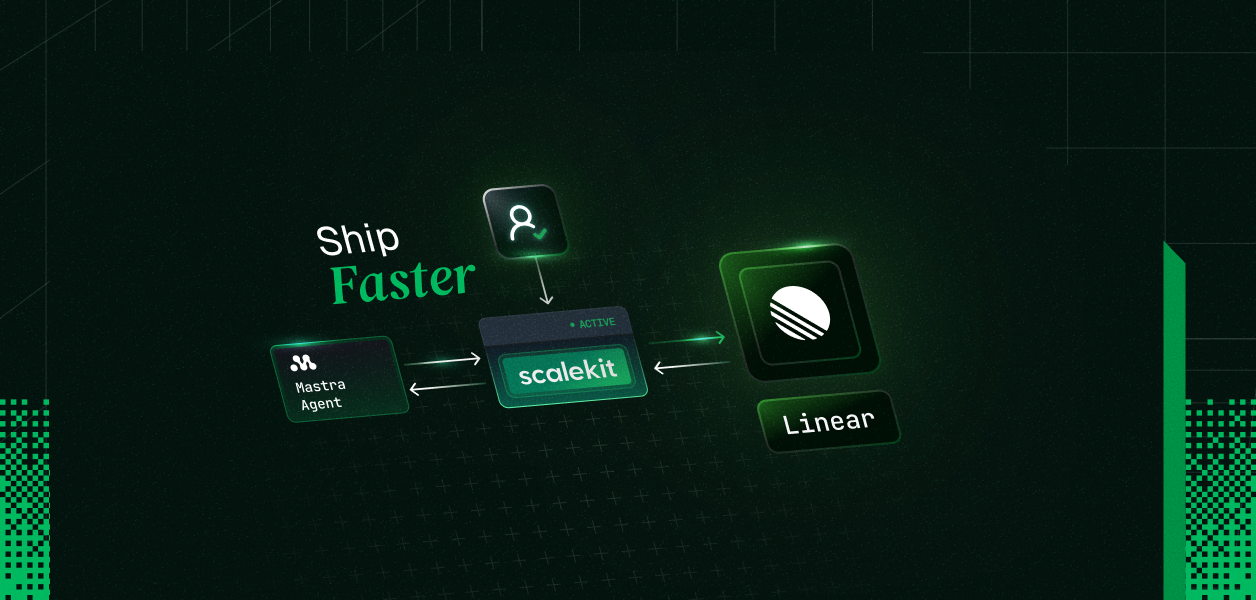
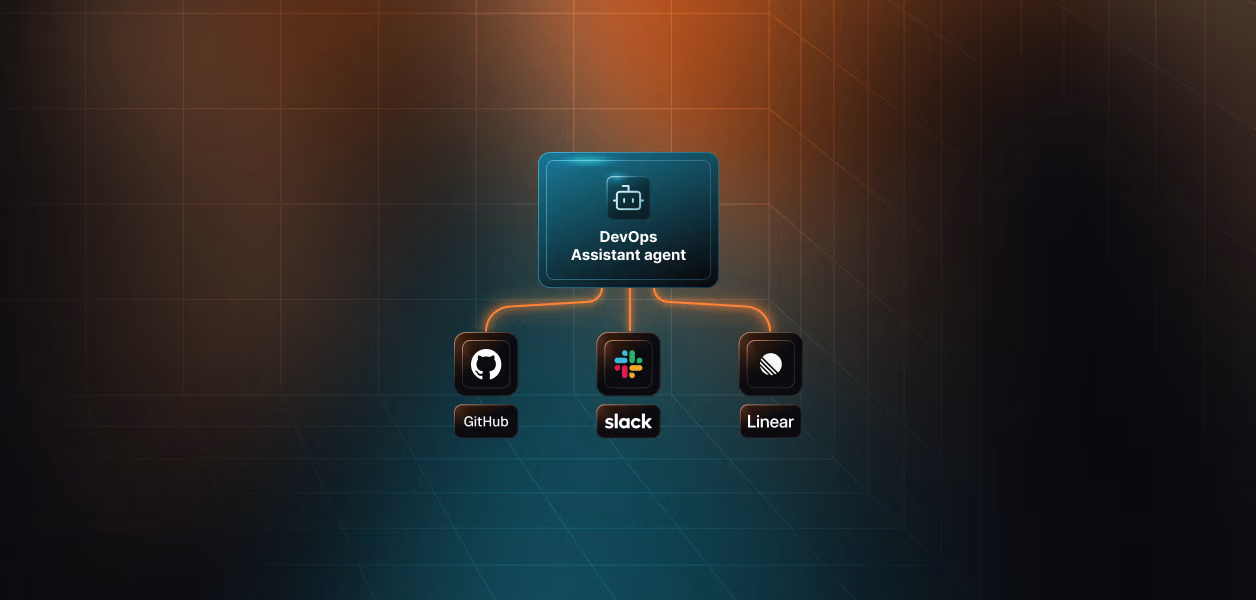
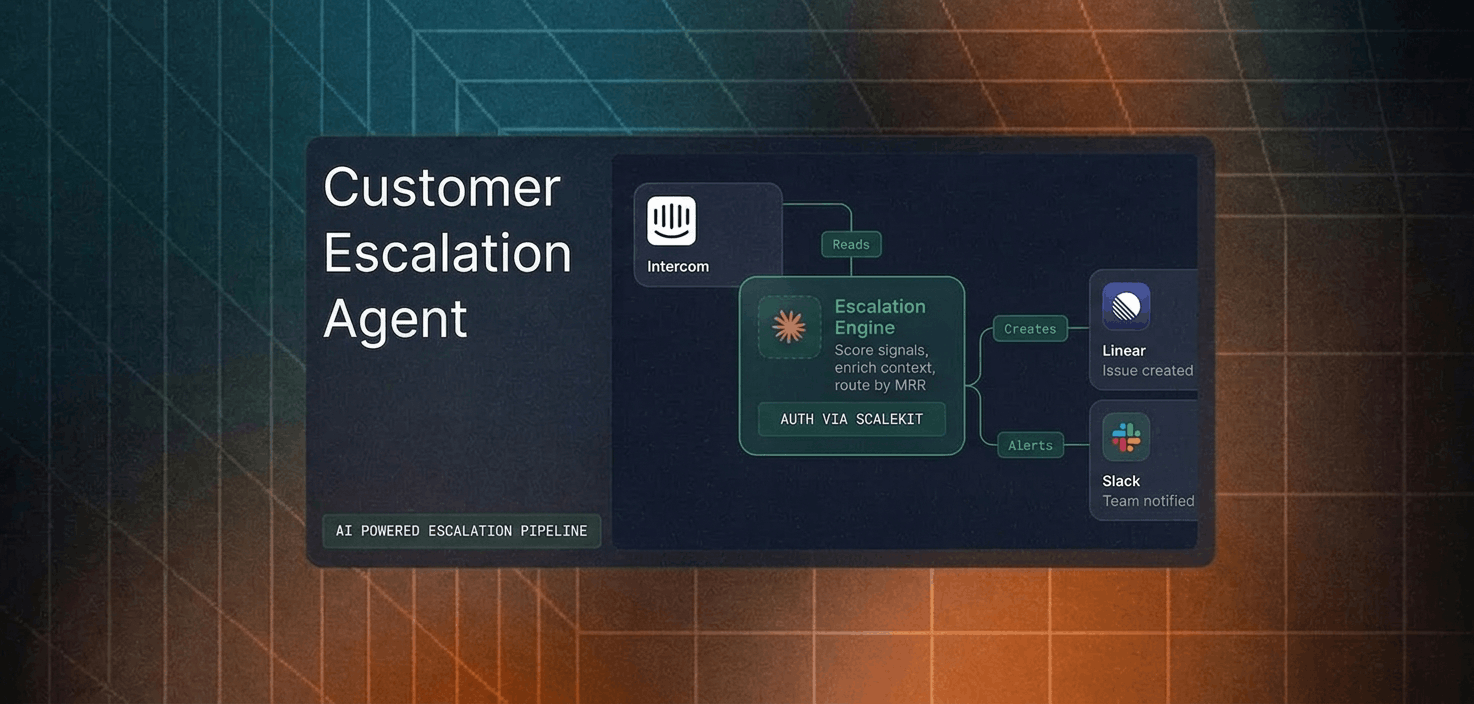
A complete TypeScript script wiring Scalekit's Linear tools into a Mastra agent — create issues, update statuses, pull project data — as individual users, no OAuth code required.
User connects Linear once via OAuth (Scalekit vaults the token)
listTools returns Linear tool definitions; a createTool loop wraps each for Mastra using z.object({}).passthrough() as the input schema
agent.generate(prompt) drives the loop; tool calls hit scalekit.tools.executeTool with the user identifier; Scalekit makes the Linear API call as that specific user
You have a Mastra agent. Now you want it to create Linear issues, update statuses, and pull project data on behalf of your users. This post shows a complete TypeScript script that wires Scalekit's authenticated Linear tools into a Mastra agent, with no OAuth implementation, no token management, no hand-written schemas.
npx tsx agent.ts "Create a high-priority bug: API returns 500 on /users when email has a plus sign"
Expected output:
Connected account for user_123 is active.
Discovered 10 tools
Created 10 Mastra tools.
Prompt: Get my user profile and list the open issues assigned to me
I found your profile: you're logged in as Saif, an Admin on the "Scalekit Agent Kit" team.
You have 3 open issues assigned to you: ...
If this is the first run for the identifier, you will see an authorization link instead. Open it, complete Linear OAuth, then re-run the script.
How It Works
Step 1: Connect your user
getOrCreateConnectedAccount checks whether this identifier already has an active Linear connection. Status '1' maps to ACTIVE in the protobuf enum. If the connection is not active, getAuthorizationLink generates a URL the user opens to complete the OAuth flow.
In production, IDENTIFIER comes from your authenticated session: after your app verifies who is making the request via session cookie, JWT, or database lookup. Never accept it from client input.
Step 2: Discover tools
listTools returns Scalekit's tool definitions for the Linear connector: names, descriptions, and input schemas. The connector value in the filter must exactly match the Connection name you created in the Scalekit dashboard. It is case-sensitive. An empty result with no error is the most common first-run problem and almost always means a name mismatch.
Step 3: Wrap as Mastra tools
The loop converts each Scalekit tool definition into a Mastra createTool call. Unlike the Anthropic SDK path, Mastra requires explicit tool registration via createTool rather than passing raw schema arrays. z.object({}).passthrough() is the input schema, permissive on purpose. Scalekit validates inputs server-side against the actual Linear API schema. If you want strict client-side validation, convert def.input_schema to a Zod schema manually.
Step 4: Run the agent
agent.generate(prompt) runs the Mastra agent loop. When the model decides to call a tool, it passes the tool name and inputs to the execute function, which calls scalekit.tools.executeTool. Scalekit makes the Linear API request using the stored token for that user. Your code never touches the token.
Available Linear Tools
Tool
Description
linear_user_get
Get details for the authenticated user or another user by ID
linear_team_get
Get a team by ID, including members and key settings
linear_issue_create
Create a new issue with title, team, description, priority, assignee, labels
linear_issue_update
Update status, priority, assignee, title, or description on an existing issue
linear_comment_create
Add a rich-text comment to an issue (supports @mentions and formatting)
linear_attachment_create
Attach a URL, file link, or external resource to an issue
linear_issue_relation_create
Link two issues with a relationship type (blocks, blocked by, duplicate, related)
Note: linear_issue_search is currently deprecated by Linear. Full list in the Linear connector docs.
Bonus: The MCP Approach
If you prefer a shorter setup, @mastra/mcp lets Mastra auto-discover tools from the Scalekit MCP server. No createTool loop needed.
Install: npm install @mastra/mcp
import { MCPClient } from '@mastra/mcp'
import { Agent } from '@mastra/core/agent'
import { openai } from '@ai-sdk/openai'
import 'dotenv/config'
// Generate this URL per user from your backend using the Scalekit SDK.
// Never expose this URL on the client side.
const mcpUrl = process.env.SCALEKIT_MCP_URL!
const mcp = new MCPClient({
servers: {
scalekit: { url: new URL(mcpUrl) },
},
})
const tools = await mcp.getTools()
const agent = new Agent({
name: 'linear-agent',
instructions: 'You are a helpful Linear assistant.',
model: openai('gpt-4o'),
tools,
})
const result = await agent.generate('List the open issues assigned to me')
console.log(result.text)
await mcp.disconnect()
Mastra fetches the tool schemas directly from the Scalekit MCP server, so you skip the discovery and wrapping steps entirely. To generate the per-user MCP URL from your backend, see the Scalekit MCP docs.
Why This Already Handles Multiple Users
The USER_IDENTIFIER env var (the IDENTIFIER constant in the script) is what makes this scale from one user to many. In production, swap it with the identifier from your authenticated session. Each user in your system gets their own identifier. When they connect Linear through the OAuth flow, Scalekit stores their token under that identifier. Every tool call runs with that specific user's permissions.
The same agent code serves every user without modification. Scalekit stores and refreshes OAuth tokens separately per identifier. Your code never sees a token directly.
For a full walkthrough of the multi-user setup, see The Right Way to GitHub OAuth in LangChain Agents Built for Multiple Users. Prefer Python? See Add Linear Tools to a Claude Agent.
Explore More
Other connectors: HubSpot, Gmail, Slack, GitHub, Notion, and more: full connector list
Other frameworks: LangChain, CrewAI, Vercel AI SDK, Google ADK: framework examples