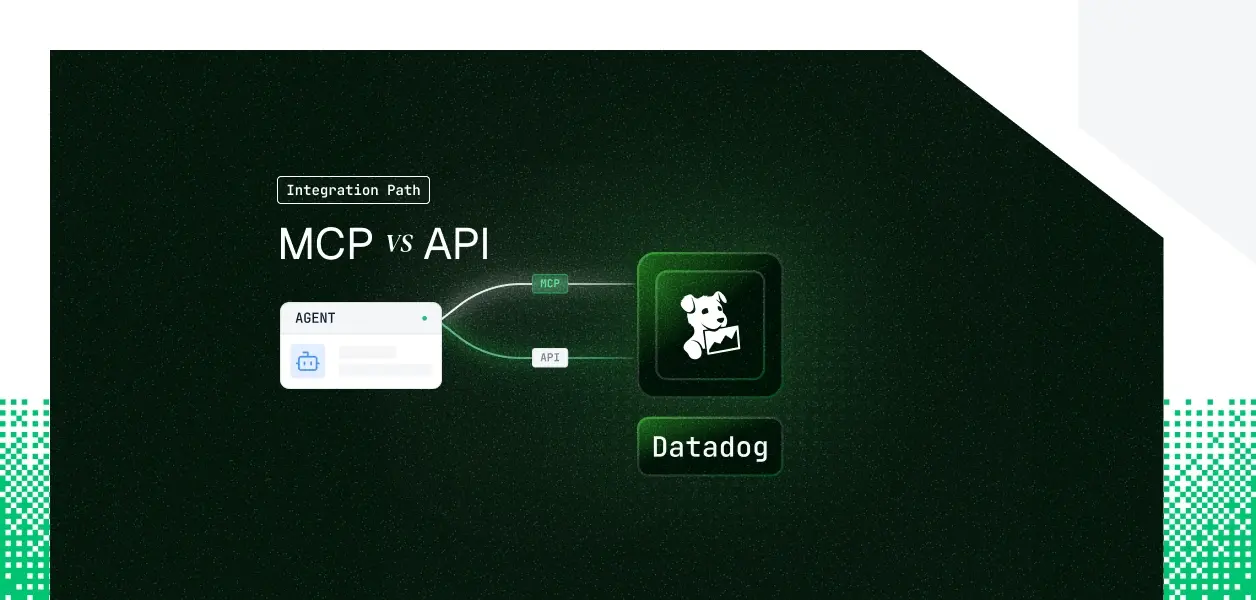


Your observability agent needs Datadog. It has to pull metrics before an incident review, search logs mid-triage, and line up a deployment with the error spike that followed it. Datadog now ships two ways in: an official remote MCP Server, generally available since March 2026, and the REST API your services have called for years. They cover overlapping ground, more than most tool pairs in this series, which is exactly why the choice is not obvious. Here is how to pick.
The Datadog MCP Server is remote, Datadog-managed, and generally available since March 2026. Transport is HTTP at mcp.datadoghq.com with regional endpoints for other Datadog sites; the stdio proxy is a fallback only, not the primary path. You connect from Claude Code, Cursor, OpenAI Codex, GitHub Copilot, VS Code, or your own agent.
Auth runs two ways: remote OAuth 2.0 over HTTP for consent-driven interactive access, or API key plus application key passed as HTTP headers for automated access. The server is HIPAA-eligible and not GovCloud compatible. Official pages: the MCP Server product page and docs.datadoghq.com/mcp_server.
The Datadog API is a REST surface covering metrics, logs, events, monitors, incidents, dashboards, hosts, users, and org management, plus the intake endpoints that submit telemetry. You have used it before, so this stays short.
Auth uses DD-API-KEY, which identifies the organization, and DD-APPLICATION-KEY, which is scoped to the user who created it and can carry authorization scopes. Datadog is moving to a scoped, identity-aware model built on Personal Access Tokens, Service Access Tokens, Workload Identity Federation, and customer-managed OAuth clients. Official reference: docs.datadoghq.com/api/latest.
The MCP surface is broad, but it is bounded. It packages read access, moderate write access, and agent-specific helpers across most Datadog products, and it stops hard at ingestion, bulk volume, and administration.
A note on maturity: the MCP tools are described by Datadog as under significant development and subject to change. The apm, code-exec, and remote-actions toolsets are in Preview, and the experiments and product-analytics toolsets are off by default.
The precise gap is easiest to read straight from the source: the MCP tool reference against the API reference. Read both ways, the asymmetry is specific, not vague.
Telemetry submission and ingestion, organization and user lifecycle administration, key management at scale, and complete endpoint coverage for config-as-code all live on the API. None of these appear as MCP toolsets. The fair-use ceiling of 50,000 tool calls per month rules out high-volume automation on the MCP path even where a matching tool exists.
The MCP exposes affordances the raw API does not hand you. An agent-authored TypeScript sandbox runs against Datadog APIs under your own identity in one call. Semantic change-story search, DDSQL discovery helpers, and widget validation ship as tools. Responses truncate with a max_tokens control, and you can trim the surface with toolset selection. Each of these is something you would otherwise build on top of the API yourself. For a broader look at the difference between MCP and APIs, that framing applies directly here.
For most tools in this series, the MCP path means browser-based OAuth and nothing else. Datadog breaks that pattern. The MCP Server accepts remote OAuth 2.0 over HTTP for interactive, consent-driven access, and it also accepts API key plus application key via headers for automated, service-style access. If your agent runs headless, the header option is available on the MCP path itself.
On the API, DD-API-KEY identifies the org and DD-APPLICATION-KEY carries the user's identity and permissions. Application keys can be scoped for least privilege. The 2026 model adds Personal Access Tokens for humans, Service Access Tokens for workloads, Workload Identity Federation, and customer-managed OAuth clients. Application keys keep working, but they become a legacy feature after Q3 2026 with no new capabilities added.
Both paths still require per-user credential isolation in a multi-tenant B2B agent. Whether the credential is an OAuth token, a Personal Access Token, or an application key, the path itself does not solve storage, rotation, or revocation. That is infrastructure you build or buy, and it is where Scalekit enters the picture — not as a pitch but as the layer that makes either path production-safe. The broader challenge of credential ownership across agent tool-calling patterns applies on both the MCP and API paths here.
Datadog manages hosting, scaling, and schemas. You live with fair-use limits of 50 requests per 10 seconds and 50,000 tool calls per month, with Preview toolsets and tools that change without a version you pin. You get native observability in return: every tool call lands in the Datadog Audit Trail with tool name, arguments, user identity, and client, and the server emits datadog.mcp.session.starts and datadog.mcp.tool.usage.
You own pagination, retry, and backoff against per-endpoint rate limits surfaced through X-RateLimit-Limit, X-RateLimit-Remaining, X-RateLimit-Reset, and X-RateLimit-Period, with a 429 on breach. You pin an API version and migrate on your own schedule. You own the adapter code, the schema handling, the error models, and the token lifecycle.
Both paths hand you a per-user credential and nothing else. There is no encrypted store, no rotation logic, no revocation flow. In a multi-tenant agent serving many engineers across several Datadog orgs, that is N credentials to store, refresh, and revoke, plus cross-org isolation you enforce yourself. A shared API key looks fine in a demo. In production, every query is attributed to the service account, org-level scope collapses, and the audit trail points at a bot. The problem of secure token management for AI agents at scale does not go away just because Datadog provides the tooling layer.
Scalekit's Datadog connector resolves the per-user credential on every tool call, so queries run under the right identity with a full audit trail rather than a shared service account. The same auth infrastructure works whether you took the MCP path or the direct API path. The path decision does not change what you need at the credential layer.
Connector page: scalekit.com/connectors/datadog.
Connector docs: docs.scalekit.com/agentkit/connectors/datadog.
The Scalekit Datadog connector exposes 40-plus tools. At roughly 200 tokens each, that is about 8,000 tokens of tool definitions before the agent does any work, and a model choosing from 40 tools selects worse than a model choosing from 8. list_scoped_tools returns only the tools the current user's connected account is authorized to call, filtered to the subset you allow. Scope from 40 tools to 5 or 10 and you cut the token overhead and improve selection at the same time. The fix is not better prompting. It is surface reduction. This is the same principle that makes tool calling auth patterns so important to get right in production.
The connector acts as the user who authorized it. What that user cannot do in Datadog, the agent cannot do, because the resolved application key carries the user's permissions. Cross-org access is denied by default: a metric or log query only reaches the organization the authorizing user's key belongs to, and a multi-org setup uses a separate connected account per org.
Discovery first, then execution. connectionNames must match the connection name configured in your Scalekit dashboard exactly, which is the most common integration error.
The same discovery-then-execution flow, with the connection name flagged the same way.
If you are targeting a framework not shown here, the connector also ships OpenAI and Google ADK samples that follow the same discovery-then-execution pattern. If your framework has no adapter yet, request one through the Slack community or a call with Scalekit's engineers.
For MCP-client setups, point the client at a Scalekit-hosted Virtual MCP endpoint instead of wiring either Datadog path yourself. One server definition serves all users, and each run gets a short-lived token scoped to that user's connected account.
Datadog's own MCP usage lands in its Audit Trail with per-call attribution. Scalekit's agent-auth logs record who authorized, which agent, which tool, what scope, and what came back — with 90-day retention and export to Datadog, Splunk, or any SIEM. For a multi-tenant agent that is the difference between "a service account did something" and "user A's connected account ran this exact tool under this scope." This is why audit trails for agent auth matter at every layer of the stack.
Every new connector inherits the same vault, scope enforcement, and audit chain, so adding Datadog, then PagerDuty, then Slack does not multiply your auth code. One pattern: per-user identity, cross-tenant isolation enforced at the vault layer. The result is a monitoring agent whose every action ties back to a real human, across every tool it touches. Teams building multi-tenant tool calling agents will find the same pattern applies regardless of which connector is in play.
If your agent is an interactive investigator living in an IDE, build on the Datadog MCP Server. The toolset breadth and the native Audit Trail are already there, and you skip the REST adapter work. If your agent ingests telemetry, runs high-volume automation, administers the org, or needs a capability outside the MCP toolsets, build on the API directly, where versioning and rate-limit control are yours to set. Most production observability agents will use both: the interactive assistant on MCP, the pipeline on the API. The credential management problem is identical either way, and that is the layer that needs production-grade infrastructure regardless of path.
Need a Datadog tool the connector does not expose yet, or a framework adapter that is not listed? Ask in the Slack community, talk to the team, or talk to Scalekit's engineers.
Browse the Scalekit Datadog connector: scalekit.com/connectors/datadog









