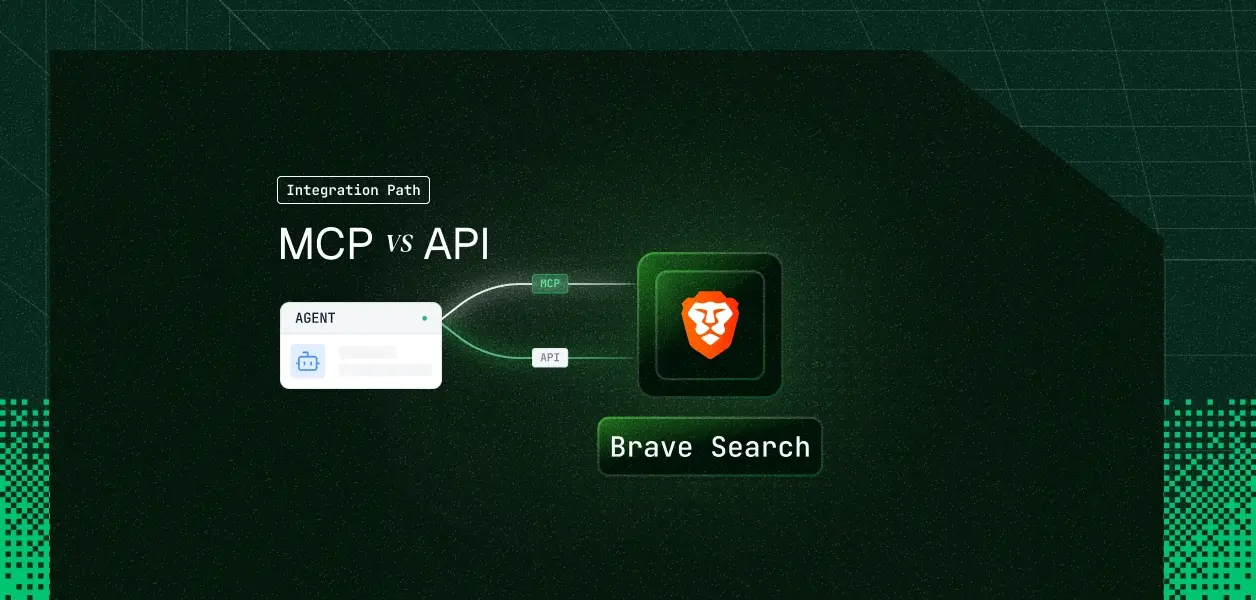


Your agent needs live web results. Brave ships an official MCP server and a REST API over the same independent index, and at first glance the choice looks like a packaging preference. It isn't. The MCP server is self-hosted, not a Brave-operated endpoint; it exposes 8 of the API's endpoints; and its HTTP transport ships with no authentication layer of its own. Here's how to pick.
These are two access layers over the same index, but they are packaged very differently. One is a program you run; the other is an endpoint you call.
The official Brave Search MCP server is a TypeScript implementation maintained by Brave, distributed on npm as @brave/brave-search-mcp-server and as a Docker image. Version 2.x defaults to STDIO transport; HTTP requires setting BRAVE_MCP_TRANSPORT=http or passing --transport http.
Auth is a single process-level credential: BRAVE_API_KEY, or BRAVE_API_KEY_FILE pointing at a mounted secret. There is no OAuth flow, no consent screen, and no per-request credential. Tool exposure is controlled by BRAVE_MCP_ENABLED_TOOLS and BRAVE_MCP_DISABLED_TOOLS, both process-wide.
The Brave Search API is a REST interface rooted at https://api.search.brave.com/res/v1. It covers web, news, image, video, and place search, plus LLM Context, the Summarizer family, Suggest, Spellcheck, and an OpenAI-compatible Answers endpoint at /res/v1/chat/completions.
Every call carries the same X-Subscription-Token header. Brave publishes full parameter and response references in the Brave Search API documentation, and the service is SOC 2 Type II attested with Zero Data Retention available on Enterprise terms.
Four dimensions decide this: what the agent can call, how it authenticates, what breaks in production, and what each path costs you in throughput.
The MCP server covers the retrieval core well. The gaps sit at the two ends of the pipeline: query preparation and answer synthesis.
The most consequential absence is Answers. An agent that wants a cited, grounded answer rather than a ranked link list has to call /res/v1/chat/completions directly, because no MCP tool wraps it. That is the endpoint most research agents converge on after their first week.
The second is the two-step local enrichment flow. A web search returns location IDs; the API lets you batch up to 20 of them into /res/v1/local/pois for hours, ratings, and contact data. The MCP server has no tool for that second call, so a local-discovery agent gets stranded halfway.
Suggest and Spellcheck are smaller but real. Both are query-preparation endpoints, and agents that build queries from noisy user input benefit from them before spending a billed search. Understanding the difference between MCP and APIs is foundational before choosing a path.
Both paths take the same credential: a Brave Search API key sent as X-Subscription-Token. This is the structural fact that separates Brave from every other tool in this series. The key identifies a paying account, not a person, so neither path can tell you which user triggered which query.
For a multi-tenant B2B agent, that inverts the usual problem. You are not managing N OAuth tokens with N permission sets; you are managing one credential that every tenant's agent shares by default. Quota, cost, and blast radius all collapse onto that single key unless you deliberately partition them.
Brave's README is explicit about this, and it deserves quoting precisely rather than dramatising. The server binds to 127.0.0.1 by default; exposing it means setting BRAVE_MCP_HOST=0.0.0.0, which the README says to do only on a trusted network "since the HTTP endpoint is unauthenticated."
Brave does ship defence in depth: BRAVE_MCP_ALLOWED_ORIGINS rejects unexpected Origin headers with HTTP 403 to guard against DNS rebinding, and BRAVE_MCP_ALLOWED_HOSTS adds opt-in Host validation. Neither is an authentication layer. Anything that can reach the port can spend your search quota.
The practical consequence is that a shared MCP server for multiple agents or tenants needs an authenticating proxy in front of it. That proxy is yours to build, operate, and audit. The risks here mirror the broader MCP security risks in the enterprise that IT teams are still working through.
On the MCP path, Brave maintains the tool schemas and the mapping to endpoint paths. You own the process: container, patching, transport configuration, network exposure, and the credential injected at startup.
Tool restriction exists but is coarse. BRAVE_MCP_ENABLED_TOOLS is a process-level whitelist, so scoping a summariser agent to brave_web_search while a research agent gets the full set means running two processes with two configs. There is no per-user negotiation on a single instance.
On the API path you own everything: endpoint selection, retry and backoff, the two-step summarizer and POI flows, and the fact that offset caps at 9 across search endpoints. In exchange you get the full surface immediately, with no wait for a tool to be added upstream.
Brave's published plans put a hard number on agent throughput, and the number that surprises teams is on the plan they want most.
Search and Answers both include $5 in free credits every month. One useful detail from Brave's docs: summarizer requests are not billed separately, only the initial web search that produced the key counts against your plan.
The 2 queries per second on Answers is the constraint to design around. A research agent that fans out five grounded questions in parallel is already over budget, and neither the MCP server nor the API adds queueing for you.
Use Brave Search MCP when:
Use the Brave Search API directly when:
Brave gives you a key. It does not give you a vault, a quota partition, or an audit trail. That gap is identical whether you launched an MCP process or wrote an HTTP client.
A single Brave key in a .env file works perfectly in a demo. In production it means one tenant's crawl-heavy research run drains the shared rate limit and every other tenant starts seeing throttling they did not cause. There is no field in the response that tells you which customer spent the quota.
Offboarding shows the same shape. Disabling an engineer in Okta does nothing to a Brave key sitting in a claude_desktop_config.json on their laptop, because that key was never tied to their identity. Rotating it revokes access for everyone at once. This is exactly the scenario described in when an employee leaves and who revokes their AI agent's access.
Storage: the key needs to live encrypted and outside agent runtime, never in prompts or LLM context. Partitioning: each tenant needs its own key and its own quota so exhaustion is contained. Attribution: every tool call needs a record of which user triggered it, which tool ran, and what came back.
Scalekit's Brave Search connector handles key storage, per-tenant isolation, and tool-call attribution for both paths, so the MCP versus API decision doesn't change your auth infrastructure.
Scalekit ships one Brave Search connector with 17 tools, covering the full API surface including the Answers endpoint and the enrichment calls that Brave's MCP server omits. Everything below assumes a connection created in the dashboard under AgentKit > Connections.
One thing to get right before any code runs: the connection_name you pass in code must match the connection name configured in your Scalekit dashboard exactly. This is the single most common integration error on API-key connectors, because there is no OAuth redirect to fail loudly when the name is wrong.
Brave uses API key auth, so there is no authorization link and no redirect. You create the connected account with the tenant's own key and it is immediately usable.
Each tenant's key lands in its own vault namespace. Acme's search quota is Acme's problem, and Globex keeps running.
Before showing the agent loop, it is worth naming what the next call does. get_tools does not hand the model a connector catalog; it returns the tools this user's connected account is authorized to call, filtered further by the names you allow. Seventeen tools at roughly 200 tokens each is 3,400 tokens of context before the agent does any work, and a model choosing among seventeen near-synonymous search tools picks wrong more often than one choosing among three.
Surface reduction is the lever here. Model upgrades help; they are not the lever. For a deeper look at how tool calling auth works in practice, see LangChain tool calling: how it works, where it stops, and how Scalekit completes it.
Some Brave parameters are worth reaching for directly, and Goggles is the clearest example. The proxied request path injects the tenant's key server-side, so your agent runtime never holds it.
The same pattern reaches /res/v1/chat/completions for grounded answers, which Brave's MCP server does not expose as a tool at all.
Brave's MCP server has one key and one process-wide tool list. Virtual MCP servers invert that: one server definition per agent role, a static URL, and a short-lived session token minted per user before each run.
Setup happens once per agent role. Runtime is a token mint. The endpoint is static; the identity is not, and there is no MCP process to deploy, patch, or firewall. This pattern is explored further in building production-ready agent workflows with remote MCP servers.
The attribution gap is where a shared Brave key hurts most in a compliance review. Scalekit logs every tool call with the user who authorized it, the tool that ran, and the result, retained for 90 days and exportable to your SIEM.
That turns "which tenant burned 40,000 searches last Tuesday" from a forensic exercise into a query. It also means a revoked connection fails closed on the next call for that user, without touching anyone else's access. This is the same audit trail discipline for agent auth in B2B SaaS that compliance teams require.
If your agent is a developer-facing assistant running on one machine with one key, run Brave's MCP server over STDIO and stop there. The tool schemas are maintained for you and the operational surface is a single process you already trust.
If your agent needs grounded answers, enrichment by location ID, or query preparation, or if it serves more than one customer, build against the API. The MCP server's 8-tool surface and single process-level credential are architectural facts, not configuration options you can tune around.
Most production research agents end up using both: MCP locally for developer tooling, the API in the product. The credential problem is identical either way, and on Brave it is a partitioning problem rather than a per-user consent problem. That is what needs production-grade infrastructure.
Browse the Scalekit Brave Search connector or read the connector docs.
Building something with Brave Search and hitting quota, attribution, or scoping questions? Join the Scalekit Slack community, or talk to an engineer if you need an answer today.