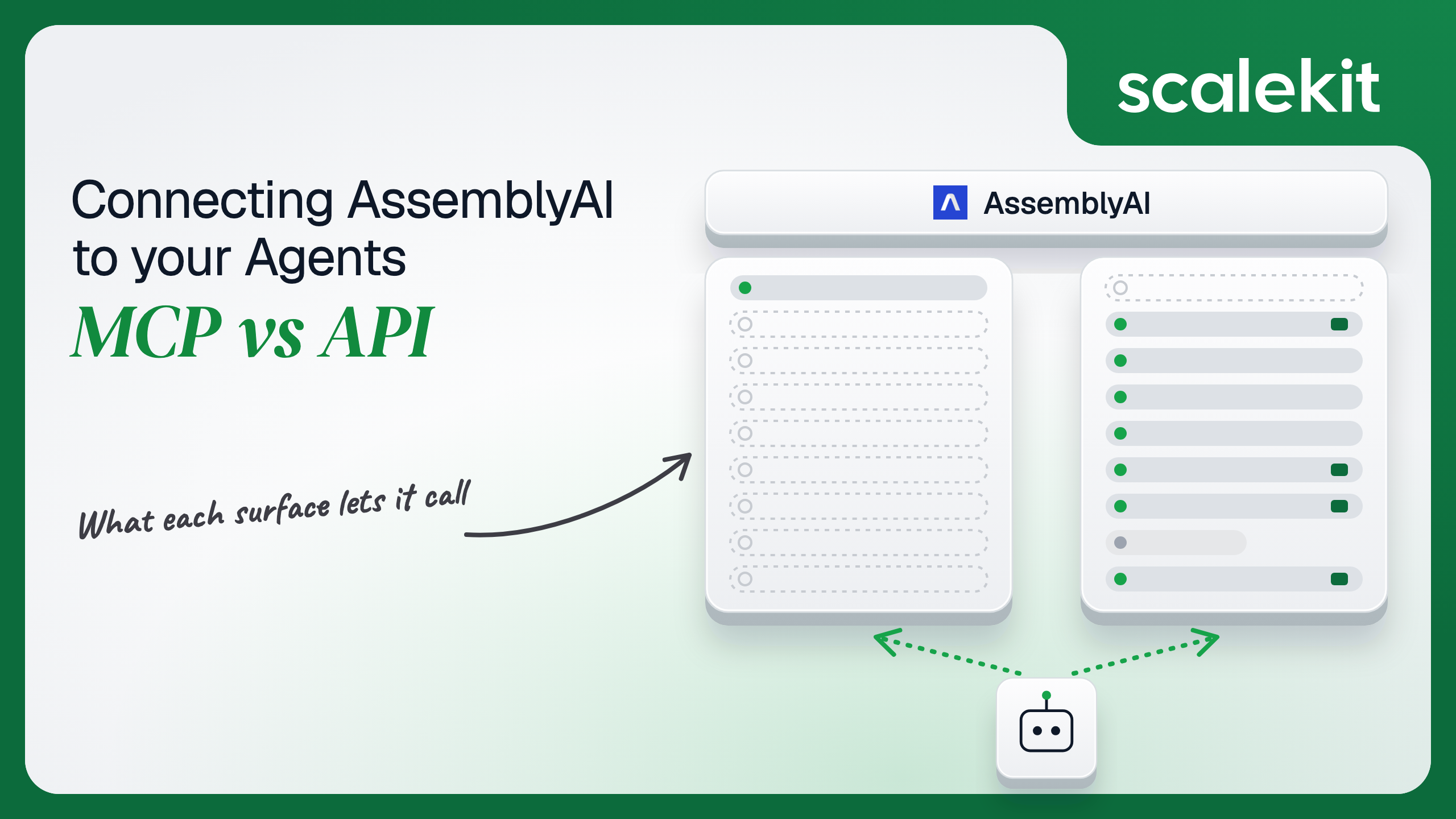


AssemblyAI's official MCP server is a documentation server, not a transcription server. Its tools search and read public docs and OpenAPI specs; none of them submit audio or fetch a transcript. Every runtime action an agent takes goes through the REST API, which authenticates with an account key that carries the account's full power, concurrency and billing. This guide compares what each path lets an agent do, why that makes per-customer credential isolation more important rather than less, and how to run a transcription agent across many customers and regions in production.
Your agent needs to turn customer audio into something it can reason over: a sales call, a support recording, a podcast episode. AssemblyAI is the transcription provider, and when you look for an AssemblyAI Model Context Protocol (MCP) server, you find one in their docs. It installs in one command. Then you notice its tools search documentation; none of them transcribe anything. The real question is not which path is better. It is which path your production agent can actually run on, and what you own once it does.
AssemblyAI publishes a hosted MCP server for its documentation, served over HTTP and versioned 1.0.0. It exposes three tools: search_assembly_ai searches the AssemblyAI knowledge base and returns content with links, query_docs_filesystem_assembly_ai runs read-only shell-style commands (rg, cat, head, tree) against a virtualized copy of the docs and OpenAPI specs, and submit_feedback reports documentation problems. It also exposes a skill resource covering speech-to-text, streaming, speech understanding, guardrails, and LLM Gateway work.
AssemblyAI positions it for coding agents. Its "Build with an AI coding agent" guide adds it to Claude Code with claude mcp add assemblyai-docs --transport http https://assemblyai.com/docs/mcp, and to Cursor through .cursor/mcp.json. The docs do not describe an auth requirement; the server reads published content only. Community-built AssemblyAI MCP servers that wrap transcription exist in public directories, but AssemblyAI does not maintain them. Docs: AssemblyAI MCP server and Build with an AI coding agent.
The REST API covers pre-recorded transcription (asynchronous, 99 languages), synchronous transcription for short audio, Streaming Speech-to-Text over WebSocket (wss://streaming.assemblyai.com/v3/ws), Speech Understanding tasks on completed transcripts (translation, speaker identification, summarization, custom formatting), and the LLM Gateway (https://llm-gateway.assemblyai.com/v1/chat/completions), which gives unified access to frontier models. Transcript endpoints include retrieval, listing, sentences, paragraphs, word search, SRT and WebVTT subtitles, redacted audio, and deletion. AssemblyAI publishes a migration guide for teams moving from LeMUR to the LLM Gateway.
Auth is an API key sent in the authorization header. Streaming also accepts a temporary token minted from your server. Every surface has a US default and an EU endpoint. Docs: AssemblyAI API reference and temporary streaming tokens.
The gap is total, and it is by design. The MCP server helps an engineer write AssemblyAI integration code. The API is what the integration code, or the agent, calls.
For the build phase, the docs server solves a real problem. Speech models, parameter names, and endpoint versions change faster than any model's training data. A coding agent connected to query_docs_filesystem_assembly_ai can grep the current OpenAPI spec before writing a POST /v2/transcript body, instead of inventing a parameter that was renamed.
What it does not do is give a runtime agent a schema. assemblyai_create_transcript alone takes one required field (audio_url) and more than 30 optional ones, with dependencies the model has to respect: redact_pii_audio requires redact_pii, which requires format_text; speakers_expected and speaker_options both require speaker_labels and cannot be combined. On the API path, someone writes that schema and keeps it current.
Writing the schema is the hard part. Not the API call.
The docs server reads public content. It never touches an AssemblyAI account, so there is nothing to consent to and nothing to store. That is also why it cannot act: an MCP server with no credential has no account to act on.
The REST API takes the API key directly in the authorization header. There is no OAuth flow, no scope list, and no per-user grant. A key can submit audio, read every transcript on the account from the last 30 days, call the LLM Gateway, and permanently delete transcripts. Usage under that key is billed to the account.
Streaming adds one more credential type. Your server calls https://streaming.assemblyai.com/v3/token with the API key and receives a temporary token with expires_in_seconds between 1 and 600 and an optional max_session_duration_seconds between 60 and 10,800. The client passes it as a token query parameter on the WebSocket URL. AssemblyAI's docs note a temporary token is not single-use: it can start multiple sessions, including concurrent ones, until it expires, and every session is billed to the key that minted it. Their guidance is a new token per session with a short expiry.
This is the blast radius point. With no scopes, least privilege on AssemblyAI cannot be expressed in the credential. It has to be expressed in which tools the agent is allowed to call. A transcription agent that only needs assemblyai_create_transcript and assemblyai_get_transcript still holds a key that can call assemblyai_delete_transcript on every transcript in the account.
In a multi-tenant B2B agent, an OAuth-based MCP server would give you a token per user, and the direct API gives you a key per user or per customer account. AssemblyAI only offers the second. In neither case does the path itself solve storage, rotation, or revocation; those are infrastructure problems regardless of which path you choose.
AssemblyAI adds two wrinkles. Concurrency limits apply per account, and every key on the account inherits them: the free tier allows 5 parallel transcriptions, paid accounts start at 200. And data residency is per endpoint: audio and transcripts are stored in the region you call. Your credential store has to bind each key to its user, its customer, and its region, or an EU customer's audio ends up processed in the US.
Recommended reading: OAuth vs API keys for AI agents
Nothing breaks in production, because nothing runs in production. The docs server is a build-time dependency for your engineers' coding agents. If AssemblyAI changes its tools, the cost is a slightly different research experience in Claude Code, not a failed customer job.
You own everything: schemas, retries, polling, regional routing, and the key lifecycle. AssemblyAI publishes specific limits:
Async transcription also changes the agent loop. assemblyai_create_transcript returns a transcript ID with a queued status; the result arrives minutes later. Every agent that transcribes has to either poll inside the 60-per-minute limit or hand off to a webhook and resume.
Retention is a production concern too. Transcripts are kept for 30 days by default and then deleted automatically; customers can shorten the TTL to 1, 3, or 7 days on the Data Controls page, and BAA customers default to 3 days. An agent that stores a transcript ID and comes back on day 31 gets nothing. Deletion through DELETE /v2/transcript/{id} cannot be undone.
Pre-recorded transcription is on /v2, streaming on /v3, and the LLM Gateway on /v1. Speech model names change with releases: the current speech_models options are universal-3-5-pro and universal-2, and parameters such as prompt and temperature only apply to universal-3-5-pro. An agent schema hardcoded against last year's model names will send fields the API ignores or rejects. This is exactly the drift the docs MCP server helps engineers catch at build time, and exactly what a runtime tool layer has to absorb.
AssemblyAI's MCP server sidesteps credentials by not acting. The moment your agent acts, you are on the API path with raw API keys. In a multi-tenant agent, 50 customers with their own AssemblyAI accounts is 50 keys at minimum, more if teams use separate projects. Each key must be stored encrypted, bound to its tenant and its data region, kept out of logs and out of LLM context, and revoked when a customer churns or an engineer who created it leaves.
The tempting shortcut is one AssemblyAI key owned by your company for every customer. That collapses 50 keys into one, and also collapses 50 customers' audio into one account: one concurrency limit shared by everyone, one bill, one GET /v2/transcript list where any customer's agent can read any other customer's transcripts by ID. Shared credentials are a single-user solution. They do not survive a second user.
Scalekit's AssemblyAI connector stores each user's API key in the token vault and sends it with every call, so the MCP vs API decision doesn't change your auth infrastructure. Your agent passes an identifier; the key never enters the agent runtime or the LLM context.
Recommended reading: why a token vault matters for AI agent workflows
Scalekit's assemblyai connector is an API-path connector with 12 tools (9 read, 2 write, 1 destructive). It authenticates with an API key: each user enters their own AssemblyAI key once on a Scalekit-hosted page, and Scalekit stores it as that user's connected account credential.
Create an AssemblyAI connection in AgentKit > Connections in the Scalekit dashboard. The name you give it is the connection_name your code passes, and the string must match the dashboard exactly. This is the most common integration error. Copy SCALEKIT_ENVIRONMENT_URL, SCALEKIT_CLIENT_ID, and SCALEKIT_CLIENT_SECRET from Developers > API Credentials into .env.
get_or_create_connected_account returns the user's connected account. If it is not ACTIVE, get_authorization_link returns a link to the page where the user enters their AssemblyAI API key. The agent never sees the key.
This is not a catalog load. The agent asks for the tools this user's connected account is authorized to call, and narrows them to the five a call-analysis agent needs. Because AssemblyAI keys have no scopes, this list is where least privilege lives: assemblyai_delete_transcript is not in it, so the model cannot call it.
The loop runs until the model stops requesting tools. Every tool call executes with this user's AssemblyAI key, against this user's transcripts.
Transcription is asynchronous, so a pipeline is a better fit than a reasoning loop for the submit step. execute_tool runs one tool with a fixed input and returns data plus an execution_id you can log. The polling interval below stays well under AssemblyAI's 60 requests per minute per transcript.
Streaming is not part of the connector's tool surface; a WebSocket session is not a request and response. For a voice agent, keep the streaming client in your own service and mint temporary tokens server-side, and use the connector for everything that happens after the audio becomes a transcript.
AssemblyAI does not ship a runtime MCP server, and a self-hosted community server still leaves you running infrastructure and handling every customer's key. A Scalekit virtual MCP server gives you the runtime MCP endpoint without either. It declares exactly which tools an agent role can see, and session tokens keep each run bound to one user's connected accounts. Docs: set up a virtual MCP server.
The fix for an unscoped key is not better prompting. It is surface reduction. A call-summary agent that sees four tools cannot delete a transcript it was never shown.
One server definition serves every user. Before each run, check that the user's accounts are active and mint a short-lived session token scoped to them. Any MCP client that speaks streamable HTTP can connect; this example uses langchain-mcp-adapters (pip install langchain-mcp-adapters) and passes the token as a Bearer header.
The agent sees four tools. The endpoint is static; the identity is per-user.
Every execute_tool call returns an execution_id, and every execution is attributed to a connected account, which maps to one of your users and one customer tenant. When a customer's compliance team asks which agent run submitted a recording with PII redaction off, or who deleted a transcript before its TTL, the answer is a lookup, not an investigation.
A shared company key breaks this. AssemblyAI sees one account making every request, so its usage dashboard and its throttling emails cannot tell you which customer's agent caused a spike or filled the concurrency queue. Per-user keys give you attribution on both sides: AssemblyAI bills and throttles the right account, and your logs tie every call to the user who triggered it.
Recommended reading: audit trails for agent auth
If your engineers are building an AssemblyAI integration in a coding agent, connect the AssemblyAI docs MCP server; it keeps parameter names and model versions current while code gets written. If your agent transcribes, analyzes, redacts, or deletes customer audio, it runs on the API, because that is the only path that acts. There is no MCP-vs-API tradeoff at runtime for AssemblyAI today, only a decision about how you wrap the API.
That decision is mostly about credentials. AssemblyAI keys carry no scopes, carry the account's concurrency and billing, and are bound to a data region. The teams that store one key per customer, bind it to that customer's region, and limit each agent role to the tools it needs will not be the ones explaining a cross-tenant transcript read later.
Yes, but it is a documentation server. It is hosted over HTTP with three tools that search the knowledge base, run read-only commands against a virtual copy of the docs and OpenAPI specs, and submit documentation feedback. It needs no credential and cannot submit audio, fetch a transcript or call the LLM Gateway. Community servers that wrap transcription exist but are not maintained by AssemblyAI.
With an account API key sent in the authorization header. There is no OAuth flow, no scope list and no per-user grant, so a key can submit audio, read every transcript on the account from the last 30 days, call the LLM Gateway and permanently delete transcripts. Streaming adds temporary tokens, valid from one second to ten minutes, that a server mints so browser clients never hold the key.
The overall limit is 20,000 requests per five minutes, and exceeding it returns 403 rather than 429. Polling a single transcript allows 60 requests per minute per key and transcript, with a retry delay on 429. Concurrency applies per account, 5 parallel transcriptions on the free tier and 200 to start on paid accounts, with jobs above the limit queued rather than failed.
Thirty days by default, after which they are deleted automatically. Customers can shorten retention to one, three or seven days on the data controls page, and BAA customers default to three days. Deletion through the API cannot be undone, and an agent that stores a transcript ID and returns on day 31 gets nothing.
Whenever it acts: a post-call pipeline that transcribes recorded sales calls and extracts action items, a regulated workflow that redacts PII and deletes transcripts on a schedule, an interactive meeting assistant that searches a transcript and prompts an LLM over it, or any volume workload that must respect per-account concurrency, the polling limit and EU routing. The MCP server is for the build phase only.
The AssemblyAI connector exposes 12 tools over the REST API. Each user enters their own API key once on a hosted page, Scalekit stores it in the token vault and sends it with every call, a virtual MCP server gives you the runtime MCP endpoint AssemblyAI does not ship and keeps the delete tool away from a call-summary agent, and every execution is attributed to that user and customer.
Browse the Scalekit AssemblyAI connector and the AssemblyAI connector docs with the full tool list. See Scalekit pricing, or talk to us.