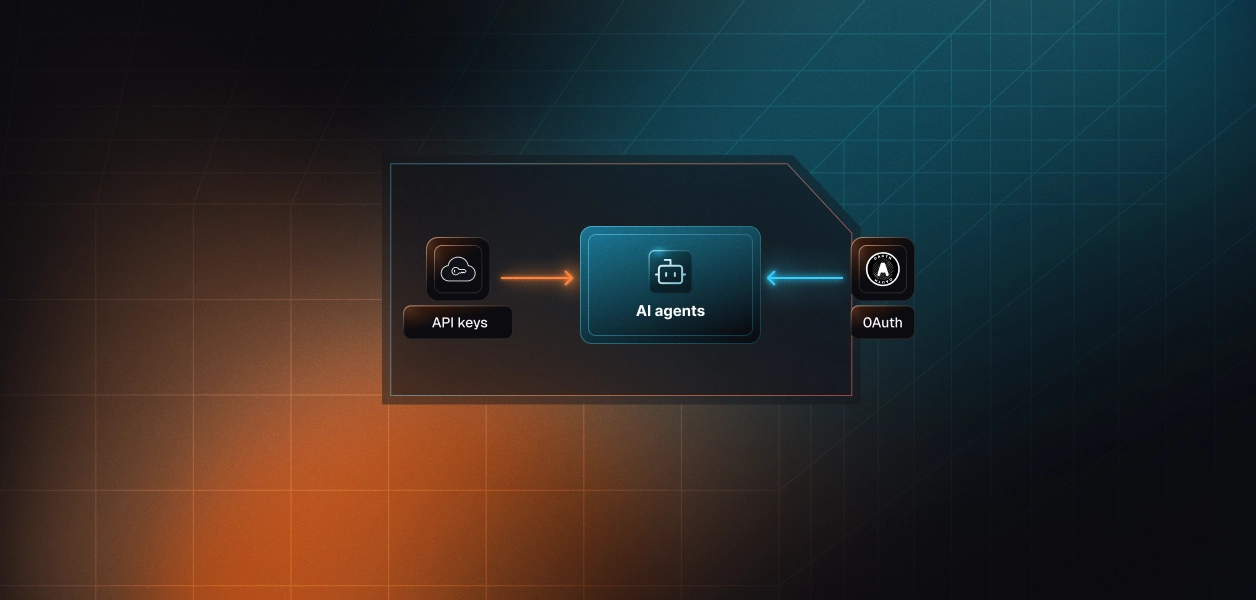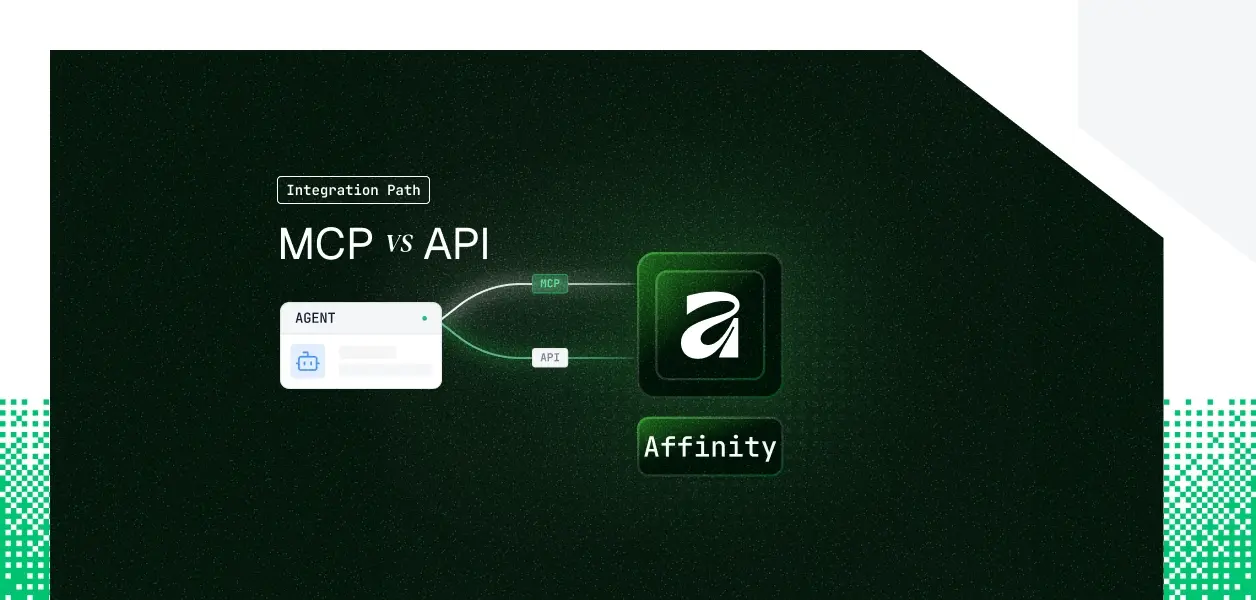


Your agent needs to read and write Affinity: deal flow, relationship intelligence, pipeline signals. Affinity ships a hosted MCP server at mcp.affinity.co/mcp and a REST API at api.affinity.co. They are not the same thing: different capability coverage, different auth paths, different operational surface area in production.
There is also a twist worth knowing before you start. With most tools, the direct API is the flexible auth path and MCP is the OAuth-locked one. Affinity reverses that. Here is how to pick.
Affinity's hosted MCP server lives at https://mcp.affinity.co/mcp and is maintained by Affinity directly. A local STDIO server also exists for self-hosting. The hosted server was built for LLM clients: it accepts OAuth from Claude (Desktop, Web, and Code), Notion, and ChatGPT, or an Affinity API key passed as a Bearer token.
MCP access is plan-gated to Scale, Advanced, and Enterprise. Workspace admins approve and disable connected OAuth clients organization-wide from Settings, which means your agent's access is subject to workspace governance by default.
The Affinity API has two live versions. The v2 REST API uses base URL https://api.affinity.co with paths under /v2 and a current stable version of 2024-01-01. The legacy v1 API at api-docs.affinity.co is still live and still ahead of v2 on coverage; Affinity states plainly that v2 is not yet at feature parity with v1.
Auth is an API key with Bearer authentication; v1 also accepts HTTP Basic with the key as the password. There is no OAuth on the developer API. A separate surface, Data Share, feeds bulk data into Snowflake or Databricks for warehouse-scale reads.
The MCP tool surface is unusually complete for a CRM. In several areas (reminders CRUD, transcripts, semantic search, relationship strengths) the MCP server reaches parity with v2 endpoints that are still in BETA. The honest gaps sit elsewhere: real-time events, warehouse-scale reads, entity merges, and granular field-selection control.
The MCP server's coverage of search, relationship intelligence, notes, and pipeline reads and writes is solid for an interactive agent. The gaps are architectural, not features shipping next month. Anything event-driven (react to a stage change, a new note, a deleted company) lives in v1 webhooks, which the MCP server and v2 do not expose. Anything warehouse-scale lives in Data Share, not in tool calls. Entity merges and the full v1-only surface have no MCP equivalent.
Much of the v2 write and search surface, notes, reminders, field-value upserts, semantic search, person and company search, is marked BETA. BETA endpoints can change without notice or versioning. The MCP server already wraps many of these, so for write-heavy interactive work the MCP path can be steadier than calling the BETA v2 endpoints yourself. For a deterministic pipeline, neither a BETA endpoint nor an unversioned MCP schema is a contract you want to depend on.
MCP: OAuth or API key
The hosted MCP server accepts OAuth or an API key. OAuth runs a browser consent flow; the consent screen requests read and write by default, and the user can uncheck write for read-only access. This is the only consent flow anywhere in Affinity's developer surface. If a client cannot do OAuth, the same server accepts an Affinity API key as a Bearer token, which is what makes background use on MCP viable.
API: API key only
The developer API supports API keys with Bearer auth, and nothing else. No OAuth, no JWT bearer grant, no client-credentials flow, no app-installation token. The v1 API additionally accepts HTTP Basic with the key as the password. Every key is personal: its actions are attributed to the user it belongs to, and the API respects that user's in-product sharing and role-based permissions.
Both paths still hand you one credential per user. MCP-OAuth gives a per-user token; the API gives a per-user key. Neither path stores, rotates, or revokes that credential for you. Affinity sharpens this more than most tools: it allows one active API key per user, and deactivating a user auto-revokes their key. Good security posture, but it means a vaulted key dies the moment a user is offboarded, and the agent keeps trying the dead key until the next 401. The solution on both paths is the same: per-user credential isolation, managed at the infrastructure layer.
On the MCP path
Affinity owns hosting, tool schemas, endpoint normalization, and the OAuth flow if you use it. You still own per-user token or key storage, refresh or re-prompt, revocation handling, and tenant isolation. You also own a rate-limit fact that surprises teams: MCP tool calls count against the same request pool as REST calls, because the MCP server reaches Affinity through the same API.
On the API path
You own the full surface: endpoint selection, request construction, error handling, retries, pagination, and token lifecycle. You also choose v1 versus v2 per capability and stitch Data Share in separately. The upside is contract control. The v2 API is date-versioned at 2024-01-01, so you pin a version and migrate on your schedule. MCP tool schemas are unversioned and shift when Affinity updates the server.
Affinity caps requests at 900 per user per minute, with a monthly account ceiling of 100k on Scale and Advanced and unlimited on Enterprise. Concurrent requests are capped at the account level, and a breach returns 429. Both API versions and MCP tool calls draw from one shared pool. Agentic workflows fan out into many sequential calls per user action, so the monthly cap arrives faster than a traditional integration. Monitor the x-ratelimit-* response headers from day one.
Use Affinity MCP when:
Use the Affinity API when:
Both paths produce one credential per user. MCP-OAuth gives you a per-user token; the API gives you a per-user key. Neither gives you a vault, rotation logic, or a revocation flow.
Affinity allows one active API key per user, and the key is auto-revoked when the user is deactivated. In a multi-tenant agent that is N keys to store encrypted, isolated per tenant, plus a guaranteed silent-failure mode at offboarding: Okta or SCIM disables the user, the agent keeps calling with the dead key, and nothing throws until the request returns a 401.
A single shared Affinity key looks fine in a demo. In production, every note, every opportunity edit, every list change then shows one service identity. Per-user attribution breaks. Affinity's in-product sharing permissions stop meaning anything for the agent, because every call runs as the same key rather than as the user who triggered it.
Scalekit's Affinity connector vaults the per-user key, resolves it server-side on every tool call, and ties every action to the user who authorized it, so the MCP vs API decision does not change your credential infrastructure.
The Scalekit Affinity connector uses Bearer Token auth: Scalekit vaults each user's Affinity API key, AES-256 encrypted and namespaced per tenant, resolves it server-side in roughly 40ms on each call, and never exposes it to the agent or the LLM context. This answers Affinity's "one key per user, dead on deactivation" problem directly: rotation and revocation become a dashboard action instead of a 3am incident.
Before any tool runs, the agent loads only the tools the current user's connected account is authorized to call, not the full connector catalog. Scope is a function of the user's identity, not a flat tool list. The call below makes a first authenticated request with the verified tool name affinity_list_lists.
One note that prevents the most common integration error: the connector (connection name) string must match the connection configured in your Scalekit dashboard exactly.
Scalekit's connector ships 13 tools grouped by job.
Read and search: affinity_list_lists, affinity_list_opportunities, affinity_list_notes, affinity_search_persons, affinity_search_organizations, affinity_get_person, affinity_get_organization, affinity_get_opportunity, affinity_get_relationship_strength.
Write: affinity_create_note, affinity_create_opportunity, affinity_update_opportunity, affinity_add_to_list.
Handing the model this scoped surface, or a smaller whitelist of it, beats handing it the full server: LLMs select the wrong tool when the decision space is large, and every tool in context burns tokens before the agent does any work. Surface reduction is the lever, not better prompting.
If you want any MCP-compatible framework to reach Affinity without writing a tool-calling loop, Scalekit's Virtual MCP Server gives every agent a scoped, per-user MCP endpoint with no server to deploy or host.
The model has two objects: you call create_config once to declare the affinity connection and the exact tool whitelist, then ensure_instance per user to mint a pre-authenticated MCP URL scoped to that user's credentials. The agent sees only the tools you allowed, acting with the credentials of the user who authorized them. The per-user URL looks like https://companyName.scalekit.com/mcp/v3/servers/<scalekit-id>.
Setup is one-time; runtime is a token mint.
Setup references. Get started with the setup in the vMCP quickstart, the configure and connect guide, and an end-to-end Claude managed agent example.
Every Affinity tool call is logged: who triggered it, which record was touched, and what came back, with 90 days of SIEM-ready history attributed to the authorizing user rather than a shared key.
That is the audit trail Affinity's own API cannot produce when a shared key is in play.
The same pattern scales across tools: when one agent spans Affinity plus Slack plus a CRM, a single vault and a single audit chain cover all of them, and revoking one user's Affinity access fails that user closed while leaving every other tenant untouched.
Most production Affinity agents will use both: the interactive assistant on MCP, the event and bulk pipelines on the API. The path changes the credential type, never the credential problem. One active key per user, dead on deactivation, N of them across your tenants. That is the part that needs production-grade infrastructure regardless of which path you are on.
Browse the Scalekit Affinity connector.