TL;DR
- Tally's hosted MCP server is in beta and covers form creation, form editing, browsing, and reading submissions. It cannot delete forms or submissions, has no webhook surface, and exposes no workspace or organization administration. Those live only in the REST API.
- Tally MCP is unusual: it accepts an API key as well as OAuth. So the headless blocker that stops most MCP servers does not stop this one. The real ceiling for background agents is capability, not auth.
- The documented REST auth is a user-scoped API key (tly-xxxx) that inherits the user's permissions and stops working when that user leaves the organization. Tally also runs an OAuth 2.0 flow, the one the MCP server uses, though self-serve OAuth client registration is not in the developer docs today.
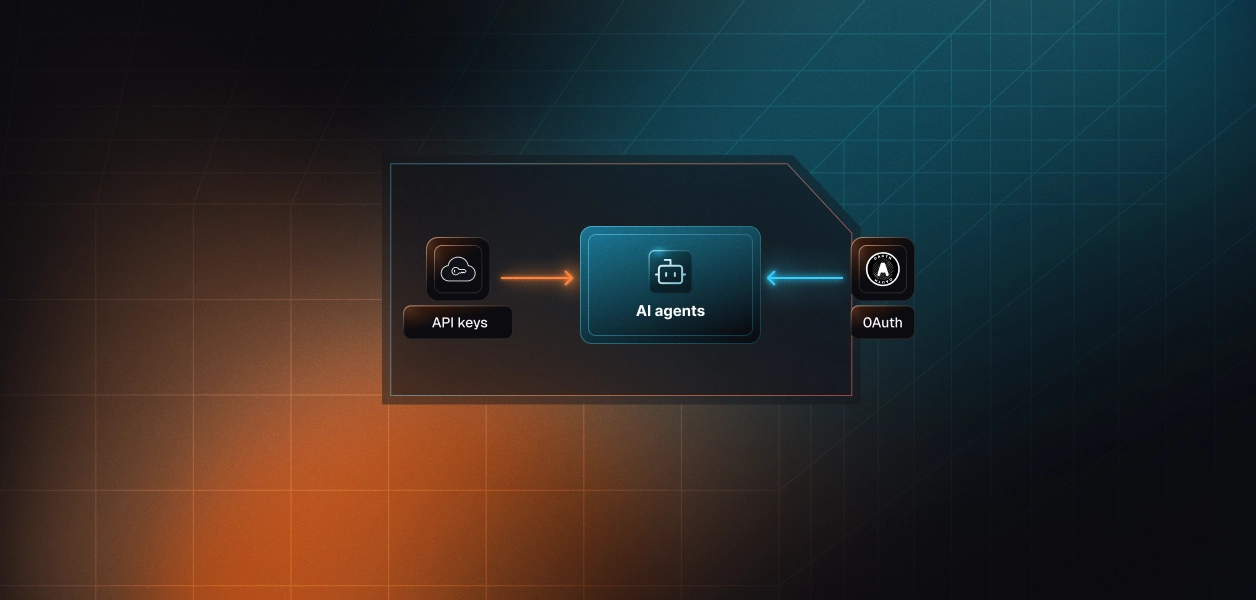
- For multi-tenant B2B agents, both paths hand you one credential per user. Neither stores, refreshes, or revokes it for you. That is infrastructure you own regardless of the path.
- Scalekit ships a prebuilt Tally MCP connector (tallymcp) that wraps Tally's MCP server with 25 scoped tools. It inherits the same ceiling, no deletion and no webhooks, while Scalekit's Token Vault handles per-user storage, refresh, revocation, scoping, and audit.
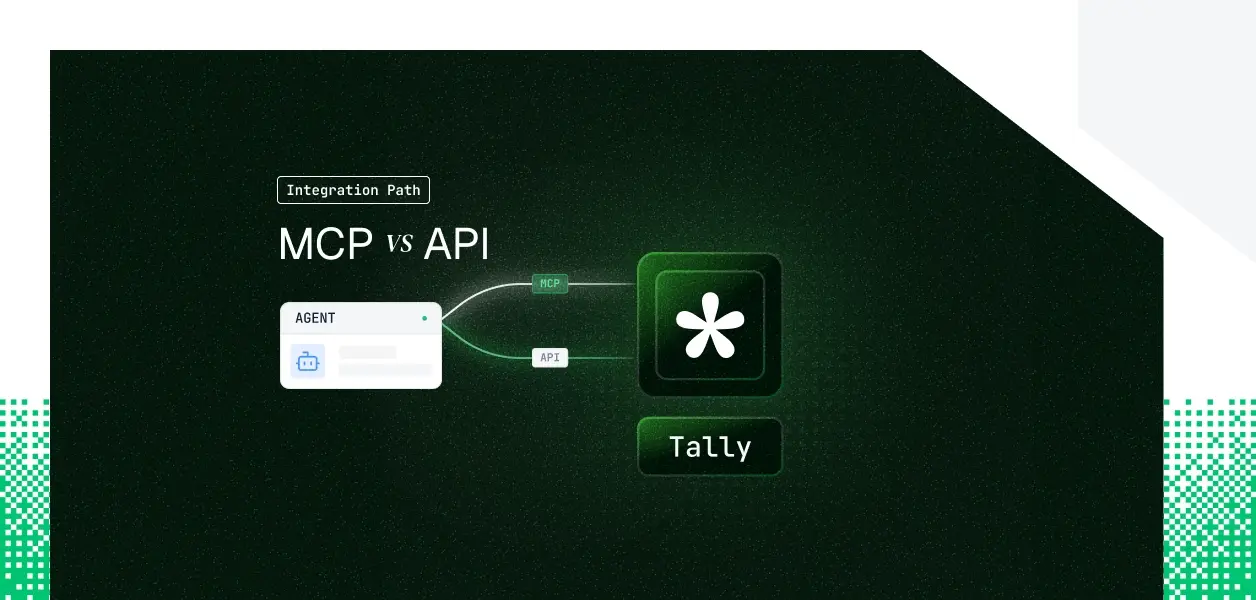
Your agent needs to build forms, read submissions, and react when someone hits submit. Tally ships two ways in: a hosted MCP server at https://api.tally.so/mcp and a REST API at https://api.tally.so. They are not the same object. They cover overlapping but different surfaces, they put you on different auth paths, and one of them quietly cannot do things your background agent will need. Here is how to pick.
What Tally MCP and Tally API actually are
Tally MCP
Tally's hosted MCP server is maintained by Tally and reachable at https://api.tally.so/mcp over Streamable HTTP. The official docs mark it as beta and subject to change. It connects to any MCP-compatible client, including Claude, Claude Code, ChatGPT, and Cursor. Authentication accepts either an OAuth browser flow (recommended) or an API key passed in the Authorization header. It is free on every Tally plan.
Recommended: Official Tally MCP Server docs.
Tally API
The Tally REST API is the broader surface and the one most teams have already used. The base URL is https://api.tally.so, requests carry a Bearer token, and the API is date-versioned in the style of Stripe. It exposes forms, questions, submissions, webhooks, workspaces, organization users and invites, and the current-user endpoint. It is also free for all users.
Recommended: Official Tally API docs.
What each path exposes, from the official docs
This series usually skips a formal source list, but Tally's two surfaces diverge enough that it is worth grounding the gap in primary documentation rather than inference.
What the MCP server is documented to do
- Tally's MCP server can create forms from a description, edit existing forms by adding, removing, or updating fields and settings, browse and search a workspace, and fetch submissions for analysis.
- The assistant can edit and create forms, but it cannot delete forms or individual submissions.
What the REST API is documented to do
The REST changelog and endpoint index enumerate the full surface.
- Forms support create, list, fetch, update, and delete, plus a questions listing.
- Submissions support list, fetch, and delete.
- Webhooks support create, list, update, delete, event listing, and retry.
- Workspaces support create, list, fetch, update, and delete.
- Organizations expose user listing and removal plus invite create, list, and cancel. There is also a current-user endpoint.
Put the two Tally MCP Server vs API lists side by side and the pattern is clean. The MCP server is the conversational form-authoring and submission-reading layer. The REST API is that plus deletion, real-time events, and account administration. The next table makes the agent-relevant slice concrete.
What your agent can actually do
The MCP server covers authoring and read analysis well. The REST API owns everything destructive, event-driven, or administrative.
Update a form's blocks and settings
List, browse, and search forms
Yes (GET /forms/{id}/questions)
List and fetch submissions
Yes (GET /forms/{id}/submissions)
Yes (DELETE .../submissions/{id})
Webhooks for new-submission events
Yes (full CRUD, events, retry)
Create, update, or delete workspaces
Yes (create, update, delete)
Manage organization users and invites
Pin to a specific API version
Yes (tally-version header)
Where the MCP ceiling sits
The most consequential gap for agents is the webhook surface. If your agent has to react when a form is submitted, route a lead, score a response, open a ticket, that requires the REST webhook endpoints. The MCP server has no event subscription. Polling submissions through MCP is the only alternative, and it is the pattern Tally's own docs tell you to avoid.
The two smaller gaps that still bite
Deletion is absent from MCP by design, so any cleanup, retention, or teardown workflow needs REST. Administration is also absent: creating workspaces, inviting users, and removing users are REST-only. An agent that provisions form workspaces per customer cannot do that job through the MCP server at all.
The auth path each one puts you on
This is where Tally breaks the usual MCP-versus-API script, so it deserves precision.
Tally MCP accepts both OAuth and an API key
Most hosted MCP servers force OAuth and therefore force an interactive browser flow. Tally does not. The MCP server accepts the OAuth flow, recommended for interactive clients, or an API key in the Authorization header. Because an API key works, a headless agent with a stored key can call the MCP server without a user present.
The REST API uses a user-scoped API key
The documented REST auth is an API key in the format tly-xxxx, created per user in Tally settings. The docs are direct about its properties: the key inherits the user's permissions, there are no fine-grained scopes today, and it stops working the moment that user is removed from the organization.
Tally also operates an OAuth 2.0 authorization-code flow with refresh tokens, the same one the MCP server and partner integrations use, though self-serve OAuth client registration is not part of the public developer docs.
What this means for multi-tenant agents
For a B2B agent serving 40 users across 8 customer organizations, both paths land you in the same place: one credential per user.
MCP-over-OAuth gives a token per user, MCP-over-API-key gives a key per user, and the REST API gives a key per user. The user-scoped key that dies on offboarding is a lifecycle hazard you have to detect and handle, not a setting either path manages for you.
What you own in production
On the MCP path
- Tally manages the server, the tool schemas, and the request normalization.
- You still own credential storage per user, refresh or re-prompt when a key or token stops working, and tenant isolation.
- You also inherit beta risk: the docs warn the server is subject to change, so a tool schema you depend on today can shift without a version you control.
On the REST API path
- You own the full stack: endpoint selection, request construction, pagination, error handling, retries against the 100-requests-per-minute limit, and the credential lifecycle.
- You get explicit date-based versioning. You pin a tally-version and migrate on your own schedule, which is the safer dependency for a deterministic pipeline where an unannounced schema change is an incident.
The rate limit is a shared production constraint
Tally caps the API at 100 requests per minute and tells you to use webhooks rather than poll, because webhook deliveries do not count against the limit.
An agentic workflow that issues several sequential calls per user action burns that budget faster than a traditional integration, so the event-driven path is not just cleaner, it is cheaper on quota.
When to use Tally MCP, and when to use the Tally API
Use Tally MCP when:
- Your agent is interactive and form-authoring is the job: a builder inside Claude, Claude Code, or Cursor where a person is describing the form they want.
- The work is ad-hoc submission analysis: pulling a slice of responses to summarize, chart, or run sentiment over inside the conversation.
- You are prototyping a Tally agent and want a working surface without writing REST adapters.
- You want a stored API key to drive a simple headless authoring or read job, which Tally MCP uniquely allows.
Use the Tally REST API when:
- Your agent must react to submissions in real time; webhooks exist only here.
- Your agent deletes forms or submissions, or manages workspaces, users, or invites; none of that is on the MCP surface.
- You are running a deterministic pipeline and need to pin and migrate API versions deliberately.
- You are embedding Tally inside another product or automating at volume, where you want full control over pagination, retries, and the rate-limit budget.
The credential problem that exists on both paths
Both paths give you a token or key per user. Neither gives you a vault, a refresh loop, or a revocation flow. In a multi-tenant agent, that is N credentials to store encrypted, isolated per tenant, and invalidated on offboarding.
Why Tally makes this sharper than most
Tally's API key is user-scoped and inherits that user's permissions, and it stops working when the user leaves the organization. So your agent can fail not because anything was misconfigured, but because a person changed jobs. Detecting that, surfacing it, and re-prompting is on you, on both the MCP and the REST path.
What the path never solves
Storage, rotation, and revocation are identical problems whether the credential is an OAuth token from the MCP flow or a tly-xxxx key from settings. The token type differs; the infrastructure required does not. This is the part that needs a production-grade answer rather than a database column and a cron job.
Connecting Tally through Scalekit
Scalekit ships a prebuilt Tally MCP connector. It authorizes over OAuth 2.1 with Dynamic Client Registration, and it exposes 25 scoped tools over Tally's MCP server.
What the connector wraps
Because the connector sits on Tally's MCP server, it inherits that surface's shape. You get form creation (tallymcp_create_new_form), block and question editing, repositioning, styling and custom CSS, conditional logic (tallymcp_apply_logic), settings, workspace listing, submission fetching (tallymcp_fetch_submissions), and form analytics through tallymcp_fetch_insights. You do not get form or submission deletion, and you do not get webhooks, because Tally's MCP server does not expose them. For event-driven or destructive work, you still call Tally's REST API directly.
What the Token Vault gives you here
Every user authorizes once and Scalekit stores their Tally credential in an AES-256 vault namespaced per tenant. Refresh is automatic, revocation is a single dashboard action, and the credential never appears in a prompt, a log, or the model's context. That is the storage, rotation, and revocation problem above, solved at the infrastructure layer instead of inside your agent.
Step one: install, initialize, and authorize
Install the SDK and point it at the tallymcp connection. The connection name must match the connector configured in your Scalekit dashboard; this is the single most common integration error.
import os
from scalekit.client import ScalekitClient
from dotenv import load_dotenv
load_dotenv()
scalekit_client = ScalekitClient(
env_url=os.getenv("SCALEKIT_ENV_URL"),
client_id=os.getenv("SCALEKIT_CLIENT_ID"),
client_secret=os.getenv("SCALEKIT_CLIENT_SECRET"),
)
actions = scalekit_client.actions
connection_name = "tallymcp"
identifier = "user_123" # your system's unique user ID
# Generate an authorization link for the user
link_response = actions.get_authorization_link(
connection_name=connection_name,
identifier=identifier,
)
print("Authorize Tally:", link_response.link)
import { ScalekitClient } from '@scalekit-sdk/node';
import 'dotenv/config';
const scalekit = new ScalekitClient(
process.env.SCALEKIT_ENV_URL,
process.env.SCALEKIT_CLIENT_ID,
process.env.SCALEKIT_CLIENT_SECRET,
);
const actions = scalekit.actions;
const connector = 'tallymcp';
const identifier = 'user_123';
// Generate an authorization link for the user
const { link } = await actions.getAuthorizationLink({ connectionName: connector, identifier });
console.log('Authorize Tally:', link);
Step two: call Tally tools with Claude
Discovery comes before execution. list_scoped_tools returns the tallymcp_* tools this user's connected account is authorized to call, not a flat catalog. Run the standard Claude loop and route each tool_use block through execute_tool.
import anthropic
from google.protobuf.json_format import MessageToDict
client = anthropic.Anthropic()
# Retrieve the tools authorized for this user's connected account
scoped_response, _ = actions.tools.list_scoped_tools(
identifier=identifier,
filter={"connection_names": [connection_name]},
page_size=100, # fetch beyond the default page so no tools are missed
)
llm_tools = [
{
"name": MessageToDict(t.tool).get("definition", {}).get("name"),
"description": MessageToDict(t.tool).get("definition", {}).get("description", ""),
"input_schema": MessageToDict(t.tool).get("definition", {}).get("input_schema", {}),
}
for t in scoped_response.tools
]
messages = [{"role": "user", "content": "Create a workshop registration form, then show this month's submissions"}]
while True:
response = client.messages.create(
model="claude-sonnet-4-6",
max_tokens=1024,
tools=llm_tools,
messages=messages,
)
if response.stop_reason == "end_turn":
print(response.content[0].text)
break
tool_results = []
for block in response.content:
if block.type == "tool_use":
# block.name is a real connector tool, e.g. tallymcp_create_new_form or tallymcp_fetch_submissions
result = actions.execute_tool(
tool_name=block.name,
connection_name=connection_name,
identifier=identifier,
tool_input=block.input,
)
tool_results.append({
"type": "tool_result",
"tool_use_id": block.id,
"content": str(result.data),
})
messages.append({"role": "assistant", "content": response.content})
messages.append({"role": "user", "content": tool_results})
The same connection, inside LangChain
If your stack is LangChain, Scalekit returns native StructuredTool objects, so there is no schema reshaping. Scope to the tallymcp connection and run the normal tool-calling loop.
from langchain_openai import ChatOpenAI
from langchain_core.messages import HumanMessage, ToolMessage
tools = actions.langchain.get_tools(
identifier=identifier,
connection_names=["tallymcp"],
page_size=100,
)
tool_map = {t.name: t for t in tools}
llm = ChatOpenAI(model="gpt-4o").bind_tools(tools)
messages = [HumanMessage("Summarize the feedback submitted to my product survey this month")]
while True:
response = llm.invoke(messages)
messages.append(response)
if not response.tool_calls:
print(response.content)
break
for tc in response.tool_calls:
result = tool_map[tc["name"]].invoke(tc["args"])
messages.append(ToolMessage(content=str(result), tool_call_id=tc["id"]))
Why this matters downstream for multi-tool, multi-tenant agents
The payoff is not the single Tally call; it is what happens when Tally is one of ten connectors.
- Every tool call resolves the specific user's credential, so a submission read or a form edit is attributed to that user, never a shared service account.
- Every call is scope-checked per connector and per tenant before it reaches Tally.
- Every delegation is written to an audit log that records who authorized, which agent, which tool, which scope, and the result, exportable to your SIEM.
Adding the eleventh connector adds no new auth code.
When you still bypass the connector
The connector wraps Tally's MCP server, so deletion, webhooks, and organization administration are not in its tool list.
For those, call Tally's REST API directly. You can keep that REST path under the same credential model by adding it as a custom connector, so the tallymcp_* tools and your REST calls resolve the same per-user identity and land in the same audit trail.
Which one to build against
- If your Tally agent is interactive and its job is authoring forms and reading submissions in natural language, the hosted Tally MCP server is the faster path, and its API-key option even lets a simple headless job run on the same surface.
- If your agent reacts to submissions in real time, deletes records, manages workspaces or users, or runs a versioned pipeline at volume, build against the Tally REST API; those capabilities exist nowhere else.
Most production Tally agents will end up using both. Either way, the credential management problem is identical, and that is the part that needs production-grade infrastructure.
Browse the Scalekit Tally MCP connector, Scalekit's Tally connector docs.
Stuck at integrating the Tally connector into a multi-tenant agent quickly? Talk to a Scalekit engineer.