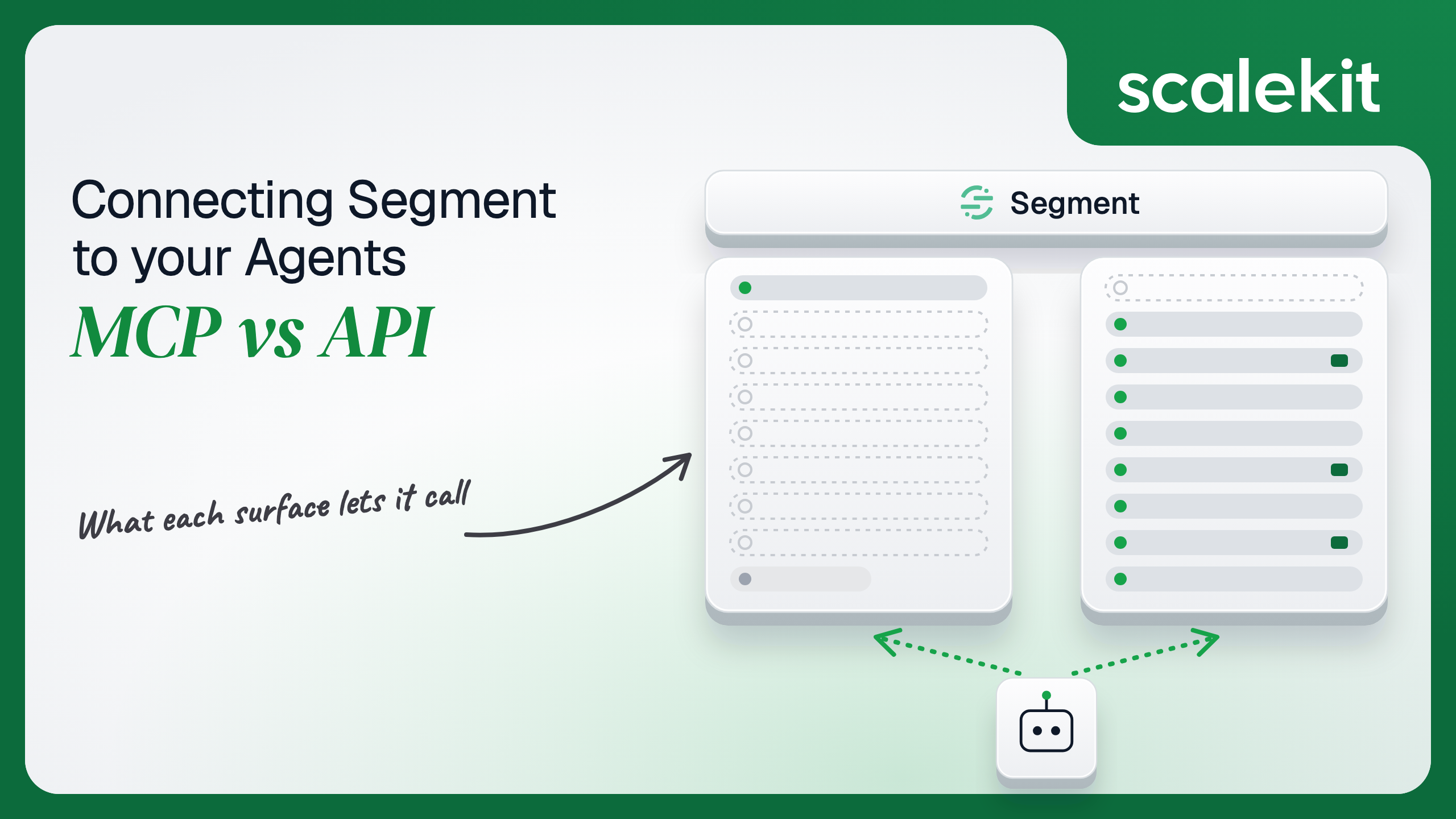


Twilio has not shipped a first-party MCP server that reads or writes a Segment workspace. Its hosted MCP server searches documentation; every Segment MCP that touches workspace data is a community or third-party wrapper around the same Segment APIs. Those APIs are three surfaces with three credential types and separate US and EU hosts. This guide compares what each path lets an agent do, the credential each one puts you on, and how to run a workspace agent across many customers and regions in production.
Your agent needs to work with your customers' Segment workspaces: audit what changed, check which destinations a source feeds, look up an Audience, or flag events that violate a tracking plan. You search for a Segment MCP server and find a dozen, none of them from Segment. Twilio's own MCP server answers questions about the docs, not about the workspace. So the real choice is not "official MCP vs official API." It is a third-party MCP wrapper running on a credential you hand it, against the Segment APIs your agent could call directly. Here's how to pick.
Twilio runs a hosted Model Context Protocol (MCP) server at https://mcp.twilio.com/docs. It indexes public API specs and documentation across more than 1,800 endpoints in 30+ Twilio products, including Segment docs, and exposes two tools: twilio__search returns ranked API operations and docs articles, and twilio__retrieve returns full parameter and response schemas. It requires no Twilio account and no API key, it never calls an API, and it is in Public Beta, which Twilio notes is not covered by its Support Terms or SLA. Twilio says execute-ready, OAuth-authenticated tools are planned but not yet available. Docs: Twilio MCP server.
For workspace data, the options are community and third-party. Open-source servers such as the segment-mcp-server package run locally and read your own Segment API token from the environment; hosted integration platforms also publish Segment MCP endpoints. None are maintained by Twilio, and their tool coverage, auth model, and update cadence vary server by server.
Segment splits its API by job. The Public API (api.segmentapis.com for US workspaces, eu1.api.segmentapis.com for EU) manages the workspace: Sources, Destinations, Destination Filters, Warehouses, Functions, Reverse ETL, Tracking Plans, Transformations, Spaces, Audiences, Computed Traits, IAM users, groups and roles, Audit Trail, Deletion and Suppression, and usage. It is server-side only and available on Team and Business tiers. The Tracking API (HTTP API at api.segment.io/v1/) ingests identify, track, page, screen, group, alias, and batch calls. The Profile API (profiles.segment.com, or profiles.euw1.segment.com in the EU) reads Unify profiles: traits, events, external IDs, links, and metadata.
Each surface authenticates differently: a Public API Bearer token, a source write key, and a Profile API access token. Docs: Public API, HTTP Tracking API, Profile API, and the Public API reference.
The pattern is simple. The only first-party MCP server is a documentation tool, useful for a coding agent writing Segment integration code and useless for an agent that needs to see a workspace. Everything that touches workspace state goes through the Segment APIs, either directly or through a third-party wrapper that you now depend on.
A community MCP server hands the host model ready-made tool schemas, and that is real work saved. The Public API has more than 30 resource groups, cursor pagination on list endpoints, and per-endpoint versioning where stable, beta, and alpha versions can coexist. Turning that into LLM-ready tool definitions means deciding which fields the model sees and explaining IDs, cursors, and version headers well enough that the model uses them correctly.
Writing the schema is the hard part. Not the API call.
The tradeoff is ownership. When a community server's schemas drift from Segment's API, or it exposes a destructive tool you did not expect, you find out in production.
The Twilio docs MCP has no auth because it has no account data. Community Segment servers are where the auth story actually lives, and the common pattern is one Segment Public API token read from an environment variable on the machine running the server. That works for one developer on one workspace. It is a single-user solution.
Public API tokens are minted in Settings > Workspace settings > Access Management > Tokens, and only a user with the Workspace Owner role can create one. Each token is assigned Workspace Owner or Workspace Member access at creation. In practice, the token that ends up in an MCP config is often an Owner token, because that is what makes every tool work. That token can create and delete sources, change destination filters, and edit IAM, for whoever is talking to the agent.
The Public API Bearer token is the workspace control plane: Authorization: Bearer <token>, server-side only, never from a browser. Segment scans public GitHub repositories for exposed tokens and automatically revokes valid ones on Team and Business plans, which is a useful safety net and not a rotation strategy.
The Tracking API write key identifies a source, not a person. You send it in the request body or as HTTP Basic auth with the write key as the username and an empty password (abc123: base64-encoded). The HTTP API also accepts an OAuth Bearer access token alongside the writeKey. A leaked write key lets anyone send events into that source, polluting downstream destinations.
The Profile API access token is created under Unify > Unify settings > API access, shown once, and sent as HTTP Basic auth with a blank password. Segment's docs state that it "carries access to all of your customer data." For an agent, that means one credential that can read any customer's traits and 14 days of event history in that space.
What the user can't do, the agent can't do. Segment's model makes that hard to honor, because none of these three credentials is issued per end user through a consent flow. The closest you get is a Public API token created for a specific purpose, with the narrowest access the workspace owner will assign, and stored per user and per workspace on your side.
In a multi-tenant B2B agent, MCP gives you a credential per user and the direct API gives you a credential per user. In neither case does the path itself solve storage, rotation, or revocation; those are infrastructure problems regardless of which path you choose.
Segment adds a regional wrinkle. A US token sent to eu1.api.segmentapis.com, or an EU workspace's events sent to api.segment.io, fails or silently disappears; Segment's docs warn that EU workspaces using the default host may never see events in the app. Your credential store has to bind every token to its user, its workspace, and its region.
Recommended reading: OAuth vs API keys for AI agents
With the Twilio docs MCP, you own nothing; it holds no credentials and touches no data. With a community server, you own more than you would with the API. You run and patch the server, you own the token it reads, and you depend on a maintainer outside Twilio to track Public API version changes. If the server is hosted by a third party, your customers' Segment tokens now live in that party's infrastructure, which their security team will ask about.
You own schemas, pagination, retries, region routing, and the token lifecycle. The Public API calculates rate limits from the sender IP, the auth token, and the complexity of each request, and returns X-RateLimit-Consumed, X-RateLimit-Remaining, and X-RateLimit-Reset on successful responses. A 429 at the endpoint level includes data.remainingPoints; a token-level 429 omits it and always carries Retry-After. Segment's guidance is to honor Retry-After over your own schedule, which matters when several agent runs share one token.
The Tracking API recommends at most 1,000 requests per second per workspace, caps a single request at 32 KB and a batch at 500 KB, and returns 200 even for some events it later rejects, so a successful response is not proof of delivery. The Profile API defaults to 100 requests per second per space, and Segment recommends exponential backoff on 429. An agent that enriches every inbound support ticket with profile traits will find that ceiling quickly.
Each Public API endpoint can have multiple versions, and stable versions can coexist with beta and alpha ones. That is good for API consumers who pin versions and bad for anyone relying on someone else's MCP schemas to keep up. On the direct path, you choose when to adopt a new version. On the community MCP path, the maintainer chooses for you.
Both paths hand you a credential per user. Neither hands you a vault. In a multi-tenant agent, 50 customers with 4 Segment users each is 200 Public API tokens, spread across US and EU regions, and some agents also need a Profile API token per space. Each one must be stored encrypted, bound to its user, workspace, and region, rotated when an owner regenerates it, and revoked when an employee leaves or a customer churns.
The token type does not change much between paths, because the community MCP servers run on the same Public API token you would use directly. The infrastructure does not change at all. The tempting shortcut, one Owner token per customer shared by every user of the agent, collapses 200 credentials into 50 and turns each of those 50 into a key that can rewrite that customer's data pipeline. Fewer secrets, larger blast radius per secret.
Scalekit's Segment connector stores each user's Segment access token in the token vault and sends it with every call, so the MCP vs API decision doesn't change your auth infrastructure. Your agent passes an identifier; the token never enters the agent runtime or the LLM context.
Recommended reading: why a token vault matters for AI agent workflows
Scalekit's segment connector is an API-path connector with 104 Public API tools (60 read, 30 write, 14 destructive). It authenticates with an access token: each user connects their own Segment token once through a Scalekit-hosted page, and Scalekit stores it as that user's connected account credential. Ask workspace owners to create a dedicated token for your agent with Workspace Member access when the agent only needs to read.
Create a Segment connection in AgentKit > Connections in the Scalekit dashboard. The name you give it is the connection_name your code passes, and the string must match the dashboard exactly. This is the most common integration error. Copy SCALEKIT_ENVIRONMENT_URL, SCALEKIT_CLIENT_ID, and SCALEKIT_CLIENT_SECRET from Developers > API Credentials into .env.
get_or_create_connected_account returns the user's connected account. If it is not ACTIVE, get_authorization_link returns a link to the page where the user enters their Segment token. The agent never sees the token.
This is not a catalog load. The agent asks for the tools this user's connected account is authorized to call, and narrows them to the five a pipeline-audit agent needs. Loading all 104 Segment tools would put 14 destructive tools in front of a model whose job is to read.
The loop runs until the model stops requesting tools. Every tool call executes with this user's Segment credential.
For pipelines, skip the model. execute_tool runs one tool with a fixed input and returns data plus an execution_id you can log. This governance check pulls the last 24 hours of Audit Trail events for one resource type.
Engage tools take a Space ID. segment_audiences_list requires space_id, which comes from segment_spaces_list, and supports search_query with search_type set to NAME, KEY, or DEFINITION.
The connector covers the Public API. If your agent also needs the Profile API or the Tracking API, register a custom connector for that surface and make proxied calls through actions.request(), keeping the same connected account and vault model with a separate credential per surface.
The segment connector has 104 tools. At roughly 200 tokens per tool definition, that is about 20,800 tokens of context before the agent does any work, and the model is choosing from a decision space that includes deleting sources and destinations. The fix is not better prompting. It is surface reduction. A Scalekit virtual MCP server declares exactly which tools an agent role can see, and session tokens keep each run bound to one user's connected accounts. Docs: set up a virtual MCP server.
One server definition serves every user. Before each run, check that the user's accounts are active and mint a short-lived session token scoped to them. Any MCP client that speaks streamable HTTP can connect; this example uses langchain-mcp-adapters (pip install langchain-mcp-adapters) and passes the token as a Bearer header.
The agent sees four tools. The endpoint is static; the identity is per-user.
Every execute_tool call returns an execution_id, and every execution is attributed to a connected account, which maps to one of your users and one customer workspace. When a customer asks which agent run created a destination filter or changed a warehouse config, the answer is a lookup, not an investigation. Segment's own Audit Trail records the change on its side; your execution log records which user and which run asked for it.
A shared token breaks the second half. If every user of your agent runs on one Owner token, Segment's Audit Trail attributes every change to that token, and your side can only prove that the shared credential did it. Shared credentials are a single-user solution. They do not survive a second user.
Recommended reading: audit trails for agent auth
If your agent is a coding assistant that needs Segment's endpoint schemas, use the Twilio docs MCP; it needs no credential and touches no data. If your agent reads or changes workspace state, you are on the Segment API either way, directly or through a third-party MCP wrapper, and the direct path gives you version pinning, region routing, and rate-limit handling you control. Choose a community MCP server only for single-user, interactive use where one person's token is the whole security model.
Either way, the credential problem is the same, and that's what needs production-grade infrastructure. When Twilio ships the OAuth-authenticated execution tools it has said are planned, the token type will change. The need to store, scope, and revoke one credential per user, per workspace, per region will not.
Not one that touches a workspace. Twilio runs a hosted MCP server that indexes public API specs and documentation across its products, including Segment, with two tools that search and retrieve schemas. It needs no account, never calls an API, and is in public beta. Twilio says execute-ready, OAuth-authenticated tools are planned but not yet available.
Three. The Public API manages the workspace: sources, destinations, filters, warehouses, functions, Reverse ETL, tracking plans, Engage audiences, IAM and the Audit Trail, with a Bearer token. The Tracking API ingests events with a source write key. The Profile API reads Unify profiles with a per-space access token over basic auth. Each has US and EU hosts.
Only a user with the Workspace Owner role, and each token is assigned Workspace Owner or Workspace Member access at creation. In practice the token that ends up in a community MCP config is often an Owner token, because that is what makes every tool work, and it can create and delete sources, change destination filters and edit IAM for whoever is talking to the agent.
The Public API calculates limits from the sender IP, the token and the complexity of each request, and returns consumed, remaining and reset headers. A 429 at the endpoint level includes remaining points; a token-level 429 always carries a retry delay to honor. The Tracking API recommends at most 1,000 requests per second per workspace and the Profile API defaults to 100 per second per space.
When it runs headless, such as a nightly governance job that pulls Audit Trail events and flags unexpected destination changes; when it checks new events against tracking plans before a release; when it needs the Profile or Tracking API with their own credentials stored separately; or when it must respect token-level throttling, route EU workspaces to the EU host and paginate with cursors.
The Segment connector exposes 104 Public API tools. Each user connects their own Segment token once through a hosted page, Scalekit stores it in the token vault and sends it with every call, a virtual MCP server narrows a pipeline-audit agent to read tools so the 14 destructive tools never reach the model, and every execution is attributed to that user and workspace.
Browse the Scalekit Segment connector and the Segment connector docs with the full tool list. See Scalekit pricing, or talk to us.