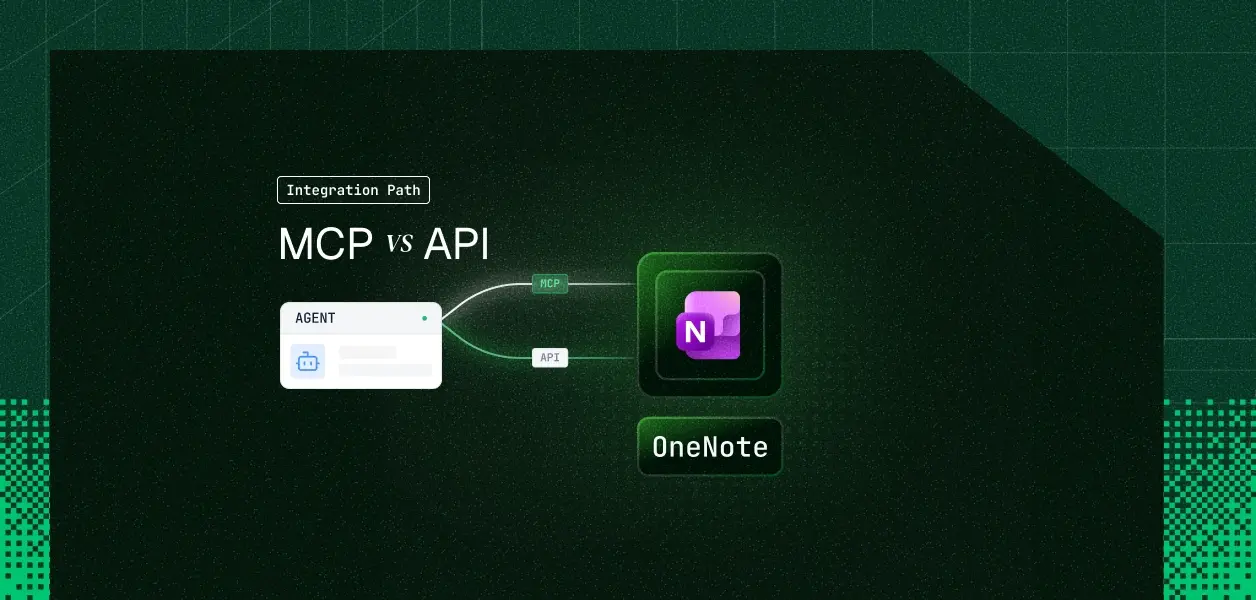


Your agent needs to read and write OneNote. You went looking for the official OneNote MCP server the way you found the official Slack and Notion ones, and it isn't there. Microsoft ships first-party MCP servers for Mail, Calendar, Teams, Word, OneDrive, and SharePoint; OneNote is not in the catalog. That absence, plus a 2025 auth change that most teams discover the hard way, is what actually decides your architecture here. Here's how to pick.
The two objects being compared here are not symmetric. One is a documented, versioned Microsoft service; the other is a category of third-party software that sits in front of it.
Microsoft's official MCP server catalog lists Microsoft 365 Mail, Calendar, User, Copilot Chat, Teams, Word, OneDrive and SharePoint, and SharePoint Lists. The Work IQ MCP catalog under Agent 365 covers the same productivity workloads. OneNote appears in neither, and Microsoft has not published a roadmap entry for one.
What exists instead is a set of third-party MCP servers, each a wrapper that authenticates against Microsoft Graph and re-exposes a subset of the OneNote endpoints as tools. They inherit every Graph constraint discussed below, and they add supply-chain and maintenance surface of their own.
OneNote lives in Graph at https://graph.microsoft.com/{version}/{location}/onenote/, where location resolves to a user, a Microsoft 365 group, or a SharePoint site. The resource model is notebooks, section groups, sections, and pages, with page bodies represented as a constrained subset of HTML rather than structured blocks.
Authentication is delegated only. The OneNote API overview and the REST API reference both state that app-only authentication is not supported.
Because there is no first-party MCP server, the honest comparison is between Microsoft's official MCP surface, which omits OneNote entirely, and the Graph API that every path eventually calls.
A wrapper changes the ergonomics, not the ceiling. It gives your agent LLM-ready tool descriptions and a stable tool-call interface, which is real value when the agent is interactive and the user is present for consent.
What it does not change: the delegated-only auth model, the throttling budget, the absence of webhooks, and the fact that page bodies are HTML. It also collapses the interesting part of the API. Most wrappers expose list and read tools plus a create-page tool, and drop the PATCH content command surface entirely.
Both paths land on the same credential: a delegated Microsoft Entra access token scoped to Notes.Read, Notes.Create, Notes.ReadWrite, or their .All variants, obtained through the Authorization Code flow with offline_access for refresh.
There is no second option. There is no OneNote equivalent of a GitHub App installation token, a Salesforce JWT Bearer grant, or a Slack bot token. The identity your agent acts as is always a specific human who clicked through a browser consent screen.
This is the fact most teams find in production rather than in planning. Effective March 31, 2025, Microsoft retired application-permission tokens for the Graph OneNote APIs; requests using them return 401.
The trap is that the per-operation permission tables in Graph reference docs still list Notes.Read.All and Notes.ReadWrite.All under Application, and Microsoft Entra will happily let an admin grant them. Consent succeeds. The call fails. The service-level statement in the API overview is the one that governs.
A nightly OneNote sync cannot run on a service account. It must run on a stored refresh token belonging to a real user, obtained during an interactive session that may have happened months earlier.
That inverts the usual build order. For most connectors you prototype with a static credential and add per-user OAuth later; for OneNote, per-user delegated credential infrastructure is a day-one requirement even for a single-tenant internal tool.
The documented OneNote limits are 120 requests per minute and 400 per hour per app per user, with five concurrent requests. OneNote resources do not return a Retry-After header on 429, so your backoff has to be self-managed against two windows at once.
Two error codes matter for real workspaces. Code 20266 fires when a request spans too many sections, which is why the best practices guide tells you to fetch pages one section at a time rather than calling /me/onenote/pages. Code 10008 fires when a document library holds more than 5,000 OneNote items, and it makes that library unqueryable through the API.
OneNote resources appear nowhere in the Graph change notifications supported-resources table, and nowhere in the delta query resource list. There is no push signal and no incremental cursor.
The nearest available substitute is a driveItem subscription on the drive that hosts the notebook. That tells you a file underneath the notebook changed; it does not tell you which page or what changed inside it. Everything else is polling lastModifiedDateTime per section, against a 400-per-hour ceiling.
The documented query options for the OneNote page collection are $filter, $orderby, $select, $expand, $top, $skip, and $count. Full-text search across page bodies is not among them, and the Microsoft Search API exposes no OneNote page entity type.
An agent that answers "find the meeting note where we locked the launch date" has to enumerate sections, list pages, fetch each page body, and index it yourself. Budget the request count accordingly: page listings default to 20 results with a $top maximum of 100.
Use an MCP wrapper when:
Use the Graph OneNote API directly when:
Both paths hand you exactly one thing: a delegated OAuth token per user. Neither hands you a vault, a rotation policy, or a revocation flow.
A support agent serving 60 people across 12 customer tenants holds 60 refresh tokens. Each one is encrypted at rest or it isn't. Each one is isolated per tenant or it isn't. Each one is revocable when that person leaves or it isn't.
OneNote makes this worse than average, because the app-only escape hatch that lets teams defer this work on other connectors does not exist here. There is no version of a OneNote agent that runs on one shared credential. This is the credential ownership problem at its most constrained.
A refresh token can be revoked by the user or an admin at any time, and the first signal your agent receives is a 401 mid-run. Detecting that, pausing the affected workflow, and re-prompting the right user is infrastructure you build or buy.
Scalekit's OneNote connector handles the delegated OAuth flow, encrypted token storage, and automatic refresh for both paths, so the MCP versus API decision doesn't change your auth infrastructure.
The setup below uses Python with the Anthropic SDK. The same calls exist in the Node.js SDK, and a Node example follows in the proxy section.
In the Scalekit dashboard, go to AgentKit > Connections > Create Connection, search for OneNote, and copy the redirect URI. Register a Microsoft Entra app at portal.azure.com with Accounts in any organizational directory and personal Microsoft accounts, paste the redirect URI, then bring the client ID, client secret, and scopes such as Notes.ReadWrite, User.Read, and offline_access back into Scalekit.
The connection name you create in the dashboard is the string you pass in code. It must match exactly; a mismatch here is the single most common integration error.
Connected account status is the gate for everything downstream. The values you handle are ACTIVE, EXPIRED, PENDING_AUTH, PENDING_VERIFICATION, and DISCONNECTED.
Before the agent sees a single tool, decide whose permissions define that surface. list_scoped_tools returns the tools the current user's connected account is authorized to call, not a connector catalog, which is why a 60-user agent does not need 60 tool configurations.
The OneNote connector page lists tools including onenote_notebooks_list, onenote_notebook_get, onenote_sections_list, onenote_pages_list, onenote_page_get, and onenote_page_create. Read the exact names from list_scoped_tools rather than hardcoding them, since the catalog moves.
If you are on LangChain, actions.langchain.get_tools(identifier=IDENTIFIER, connection_names=[CONNECTION_NAME], page_size=100) returns native LangChain tool objects with no schema reshaping. Google ADK has the same adapter shape.
The interesting half of the OneNote API is element-level editing, and that is what you build as a custom tool in API Proxy mode. actions.request forwards your path to Graph and injects the user's credentials; the agent never touches a token.
target accepts body, title, a generated id, or a #data-id you set when the page was created. Page creation posts the input HTML directly, which is why it needs an explicit content type:
Setting data-id at creation time is what makes the page editable later without a read-modify-write cycle over the whole body.
Fetching per section rather than calling /me/onenote/pages is what keeps you clear of error 20266 in workspaces with many sections.
A OneNote agent is rarely only a OneNote agent. It reads notes, checks a calendar, and posts a summary somewhere, which means three connectors and three credential lifecycles per user.
Virtual MCP servers give you a scoped MCP endpoint that declares exactly which connections and tools an agent role can see. You create it once per role, not once per user, and the endpoint stays static while the identity changes per run.
Two things fall out of this for OneNote specifically. The pre-flight status check is where you catch a revoked Microsoft consent before the agent burns a run on a 401, and the tool whitelist is where a summarizer agent gets read tools without inheriting onenote_page_create. See Set up and connect a Virtual MCP server for the full lifecycle.
When a compliance reviewer asks which agent read which customer's notebook and under whose authorization, the answer has to come from somewhere other than application logs. This is why agent tool observability matters as much as the auth layer itself.
Auth logs in the Scalekit dashboard record every authorization event with a status of Initiated, Pending, Success, or Failure, filterable by time range, user email, status, and organization. For OneNote that is the record of which human granted which scopes, when, and from where.
Because OneNote runs on delegated identity by force rather than by choice, this log is also your tenant isolation evidence. Every downstream Graph call resolves back to a connected account tied to one authorization event.
Subscribe to connected_account.status_updated to catch a user disconnecting or an admin revoking consent, and to connected_account.token_refresh_failed to catch refresh failures before the next scheduled run does. No polling, no stale state.
That matters more here than on most connectors. A OneNote background job has no service-account fallback, so a single revoked user consent silently ends that user's sync until something notices. For a deeper look at handling token refresh for AI agents, the same patterns apply across any delegated connector.
If your agent is interactive, read-mostly, and single-user, a third-party MCP wrapper is a legitimate shortcut and you should treat the wrapper as a dependency in your credential path, not as infrastructure.
If your agent edits pages, runs on a schedule, or serves more than one customer, call Graph directly. Element-level PATCH, per-section pagination, and explicit throttle accounting are not available above the API, and no wrapper can add them.
Either way the credential model is fixed for you. OneNote gives you exactly one option, a delegated token per user, and that is the part that needs production-grade infrastructure regardless of which path you're on. The shift from single-tenant to multi-tenant tool calling is where this constraint hits hardest, and where per-user token infrastructure stops being optional.
Browse the Scalekit OneNote connector or read the OneNote connector docs.
Building on OneNote and hitting the delegated-auth wall? Join the Scalekit Slack community, or talk to us for help on a specific architecture.









