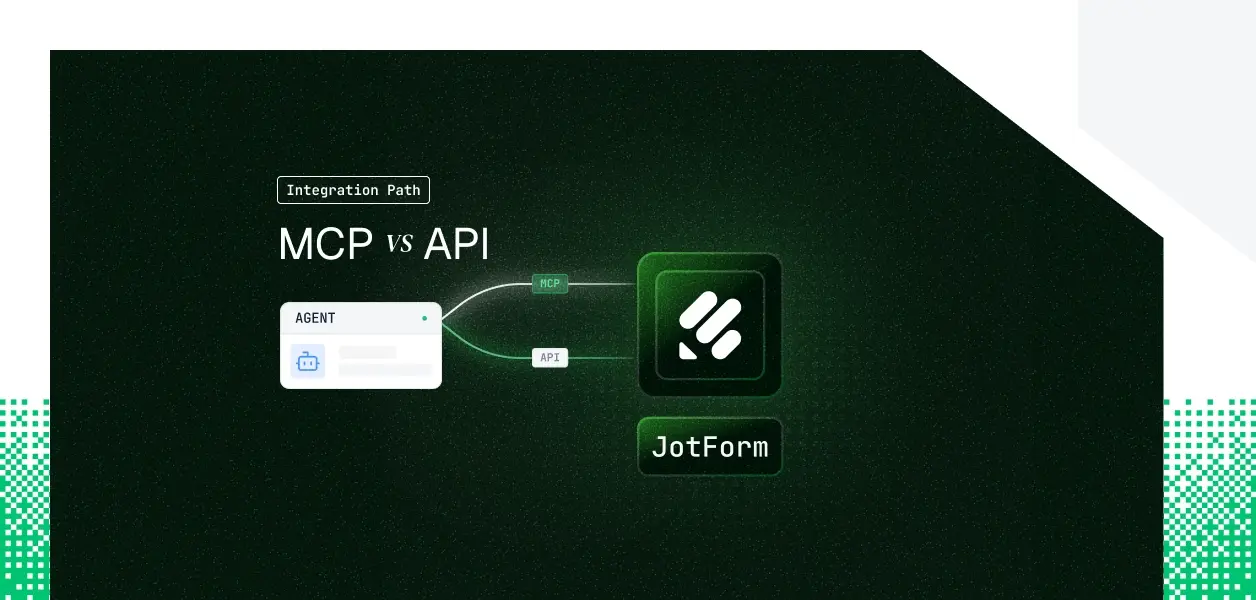


Your agent needs to read and write Jotform forms. Jotform now ships a hosted MCP server at mcp.jotform.com and a long-standing REST API at api.jotform.com. They are not the same object: different capability coverage, different auth models, different operational surface in production.
The choice between Jotform MCP vs Jotform API for agent development also isn't obvious, because Jotform inverts the pattern most tool vendors set. Here is the decision framework for which one your production agent should build against.
https://mcp.jotform.com, built on the open Model Context Protocol so any MCP-compatible client can connect.https://mcp.jotform.com/mcp-app, layers a sandboxed UI on top of the same tools for clients like Claude and ChatGPT.https://api.jotform.com is the decade-old interface that powers integrations like Zapier.APIKEY HTTP header.The MCP server is built for form-centric, natural-language interactions: listing forms, creating and editing forms, and creating or listing submissions. The base server ships five tools. The REST API covers everything operational that sits around forms, and that is where the gap opens up.
The base MCP toolset is deliberately small. The interactive MCP-App adds search, fetch, assign, and submission analysis, but it does not add the operational surface.
The most consequential gap is webhooks. If your agent needs to react when a form is submitted, that event stream lives only in the REST API; the MCP server has no event-subscription surface. The second gap is governance: user, sub-user, and per-form permission management are API-only, which matters the moment your agent operates across a team rather than a single account.
One API caveat worth flagging early: submissions created through the API do not trigger Jotform's own email notifications or downstream integrations. If your workflow depends on those firing, you handle the notification yourself or register a webhook.
Here Jotform inverts the pattern most vendors set, so read this section carefully even if you have built against other MCP servers.
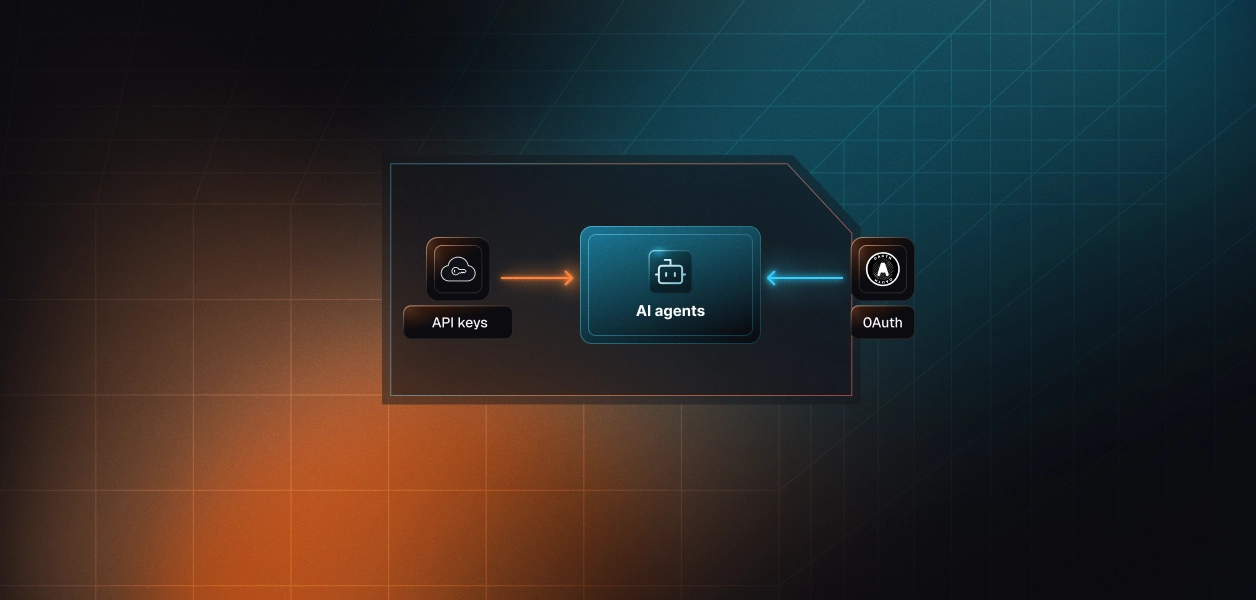
The MCP path: OAuth, per user. The MCP server is OAuth 2.0 only. Every user who connects completes a browser-based consent flow, and the resulting token is scoped to that user's Jotform permissions. There is no API-key option on the MCP path, and only a workspace admin can install the MCP app in the first place. This is the path that gives you a genuine per-user delegated identity.
The API path: key only, account-scoped. The REST API is the opposite. It supports only an API key, passed as a query parameter or HTTP header. There is no OAuth flow, no client credentials, no token exchange. The key is tied to the account, and the only scoping available is the sub-user model, where a sub-user is granted full or read-only access per form. The JavaScript SDK's login flow does not change this; it simply retrieves the user's existing API key for you to store.
In a multi-tenant B2B agent,
Neither path manages storage, rotation, or revocation for you. That remains your infrastructure problem regardless of which path you pick. This is the same credential ownership challenge that surfaces across every tool-calling pattern.
The MCP server manages tool schemas, endpoint normalization, and response shaping. Jotform updates the tools when it ships server changes, so your agent picks up new capabilities without a redeploy. What you still own on the MCP path: OAuth token storage per user, refresh and revocation handling, and the workspace-admin install dependency that gates onboarding.
On the API path you own the full stack: endpoint selection, request construction, pagination, retries, and the API-key lifecycle. The maintenance surface is larger, but the contract is more stable and entirely under your control.
API limits are plan-based: 1,000 calls per day on the starter tier, scaling to 100,000 on gold, with Jotform Enterprise removing the daily cap. The MCP server inherits your plan's limits, and Enterprise raises MCP throughput to 600 requests per minute. Agentic workflows issue several sequential calls per user action, so the math moves faster than a traditional integration; monitor consumption from day one on either path.
MCP tool schemas are unversioned and can shift when Jotform updates the hosted server. The REST API surface has been stable for years. For deterministic pipelines where an unexpected schema change is an incident, the API is the more predictable dependency. Understanding how MCP and APIs differ at the protocol level helps frame this tradeoff.
Use Jotform MCP when:
Use the Jotform API directly when:
Both paths leave you holding a credential per principal. The MCP OAuth flow gives you a token per user; the API key gives you a key per account. In neither case does the path provide a vault, rotation logic, or a revocation flow.
In a multi-tenant agent, which is the B2B norm, that is N credentials to store encrypted, isolate per tenant, refresh or rotate, and revoke when a user or customer leaves. The MCP token can be revoked by the user inside Jotform's Connected Apps panel at any time, and your agent has no built-in way to detect that until a call fails. The API key persists until someone rotates it, which is its own offboarding hazard.
The problem is structurally identical whether you chose MCP or the API; only the credential type differs. This is the same token vault challenge that every multi-tenant agent faces. Scalekit's Jotform connector handles the OAuth flow, token storage, and per-user isolation for the MCP path, so the path decision doesn't change what you build for auth.
Scalekit's Jotform connector is built on the MCP path and uses OAuth 2.1 with dynamic client registration. The credential the user authorizes lives in Scalekit's token vault, encrypted at rest and isolated per tenant, and is resolved on each tool call. Credentials never touch the agent runtime or the model's context. What the user can't do in Jotform, the agent can't do either; scope is a function of the user's authorization, not a shared key.
Authentication runs in three steps: generate an authorization link for the user, let them authorize once, then call tools by name. The example below uses the Python SDK. The connection_name value must match the connection configured in your Scalekit dashboard exactly; a mismatch here is the most common integration error.
The Scalekit Jotform connector exposes a scoped, named toolset your agent calls with execute_tool. The current tools, drawn from the connector documentation, are:
Before the agent runs, you retrieve the tools authorized for the current connected account rather than loading a flat catalog, so each user's agent sees only the surface their authorization allows. That scoping is what keeps tool selection accurate and tenant boundaries intact as you add more users.
Every authorization, token event, and tool call is recorded in Scalekit's auth logs, giving you an audit trail tied to the user who authorized the action; the observability that multi-tool, multi-tenant agents need before a security review, not after.
If you would rather expose Jotform to your agent as an MCP endpoint, Scalekit's Virtual MCP Server gives you one server definition with per-user credential isolation and least-privilege tool access. You declare which connections and which tools the server exposes once per agent role; the agent sees only the tools you allow, not everything the connector surfaces.
Before each run, a short-lived session token is minted scoped to that specific user's connected account, so one static endpoint serves all users while the identity stays per-user. A Scalekit Virtual MCP server URL looks like https://companyName.scalekit.com/mcp/v3/servers/<server-id>. There is no MCP server for you to deploy, host, or maintain.
Setup references. Get started with the setup in the vMCP quickstart, the configure and connect guide, and an end-to-end Claude managed agent example.
Scalekit's Jotform connector follows the MCP path, so the webhook-driven and account-management operations that live only in the REST API are not exposed today. If you need a Jotform tool that isn't available yet, request it through the Scalekit Slack community or talk to the team.
Most production Jotform agents will end up using both: the interactive assistant on MCP, the background processor on the API. Either way, the credential management problem is the same, and that is what needs production-grade infrastructure.
Browse the Scalekit Jotform connector.


.webp)