
Build your own MCP servers when your agent needs a few apps, you control the users, and you have engineers to run OAuth for each app over time. Use a managed platform when many end users bring their own accounts across many apps, because most of the work is outside the MCP server: an OAuth app per provider, each provider's verification process, and a store of every user's tokens that refreshes and revokes them. First-party MCP servers from vendors such as GitHub and Notion help a person connect their own account from an MCP client, but they do not hold your users' tokens for you. For how agents reach SaaS apps through MCP servers, see our guide to MCP integrations. For the general build-vs-buy question across agent integrations, see build vs buy agent integrations.
The number of apps and users decides this more than the MCP work does. Adding token validation to one MCP server is a bounded job with the official SDKs, and it does not grow much as you add users. What does change is the per-app work around it. Each new app means another OAuth app to register, sometimes a security review that takes weeks, another rate-limit policy, and another refresh behavior to get right for every user. A team with two internal apps and its own employees as users can build this and keep it running. A product where customers each connect ten SaaS tools has to run per-app OAuth, reviews and token refresh for every customer. That is the work a managed platform replaces.
Many SaaS vendors now run an official remote MCP server. They are a good choice for a person connecting their own account. Their auth options, as documented in October 2026:
Most of these are designed around a single user who signs in from an MCP client. Linear and Stripe document ways for a product to act for many accounts, and the mechanisms differ. Linear accepts each user's token from your own Linear OAuth app, so your product obtains, stores and refreshes those tokens. Stripe lets a Connect platform use one agent API key and pass the Stripe-Account header for each connected account. Each server covers only its own app. If your agent runs inside your product and acts for your customers, you still need something that holds each customer's credentials for each app.
Building a multi-user MCP setup yourself covers four areas. The first is about MCP; the other three are about the apps behind it.
1. The MCP server's own auth. Under the current MCP authorization spec, a protected server MUST publish protected resource metadata (RFC 9728), MUST accept only tokens issued for it, and MUST NOT pass a client's token to upstream APIs (security considerations). Clients register through a pre-registered ID, a Client ID Metadata Document, or the now-deprecated Dynamic Client Registration. You need an authorization server for this, or a service that acts as one. The Python SDK handles the resource-server side and does not issue tokens; FastMCP adds token verifiers and an OAuth proxy for providers such as GitHub and Google. Our MCP authorization guide covers this part step by step.
2. An OAuth app for every provider, and its review. To act for users in Google, Slack or Microsoft 365 from your own product, you register an app with each provider and pass its checks:
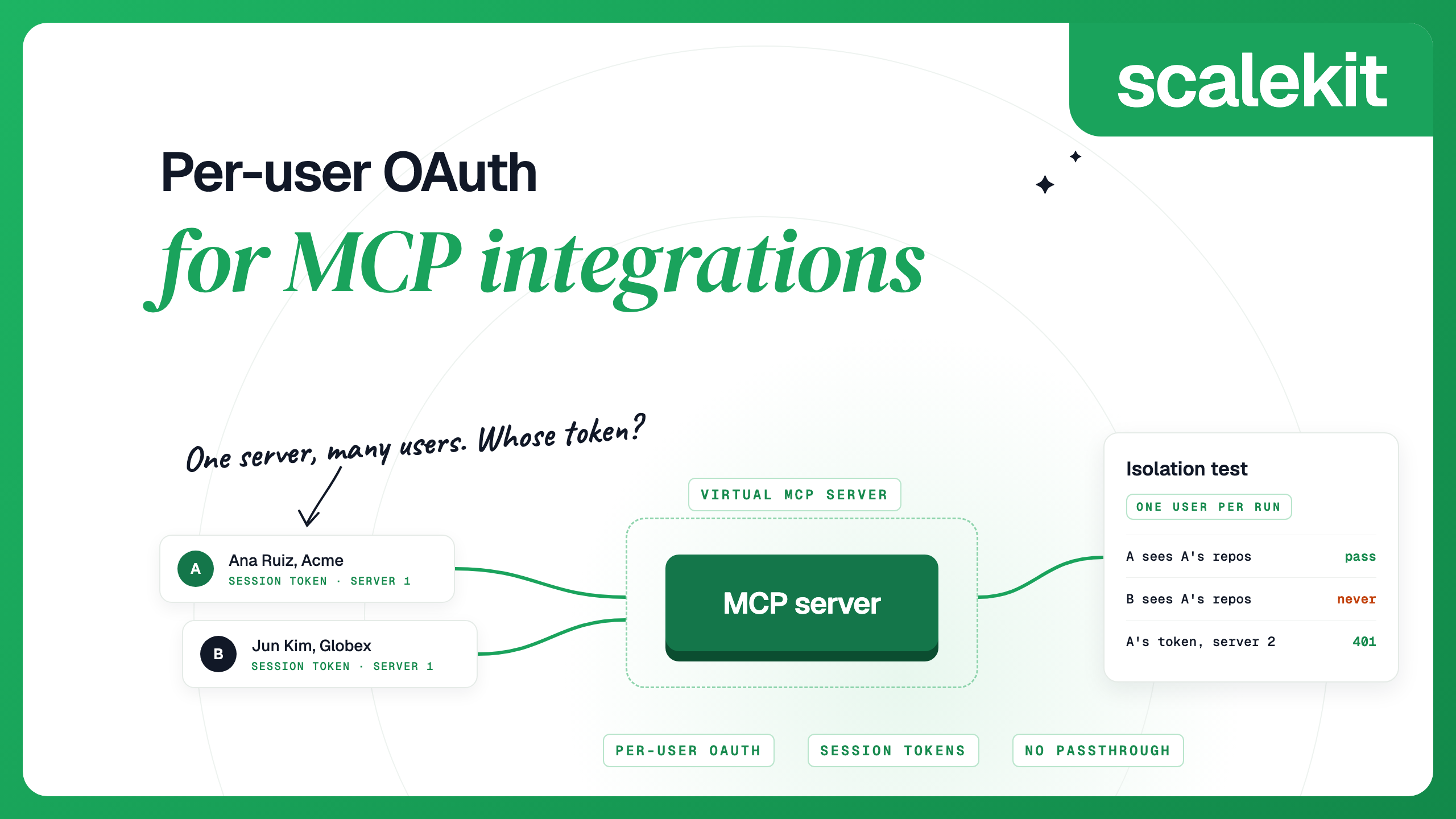
3. A store of every user's tokens. Each user authorizes each app once. You encrypt and store the tokens per user and per app, refresh them before they expire, notice when a refresh fails, send the user a new link, and delete the tokens when the user disconnects. FastMCP's OAuth proxy stores and refreshes tokens for the one provider your users sign in with. The MCP SDKs are not built to manage tokens for several downstream apps per user, which is what an agent that touches Gmail, Slack and Salesforce needs. Per-user OAuth for MCP integrations describes the full flow and an isolation test for it.
4. Running it. Rate limits, retries and error mapping for each API, changes when providers update their APIs or scopes, and a per-action audit trail tied to the real user.
To estimate the effort for your case, list the apps your agent needs and the review each provider requires, then map them onto these four rows.
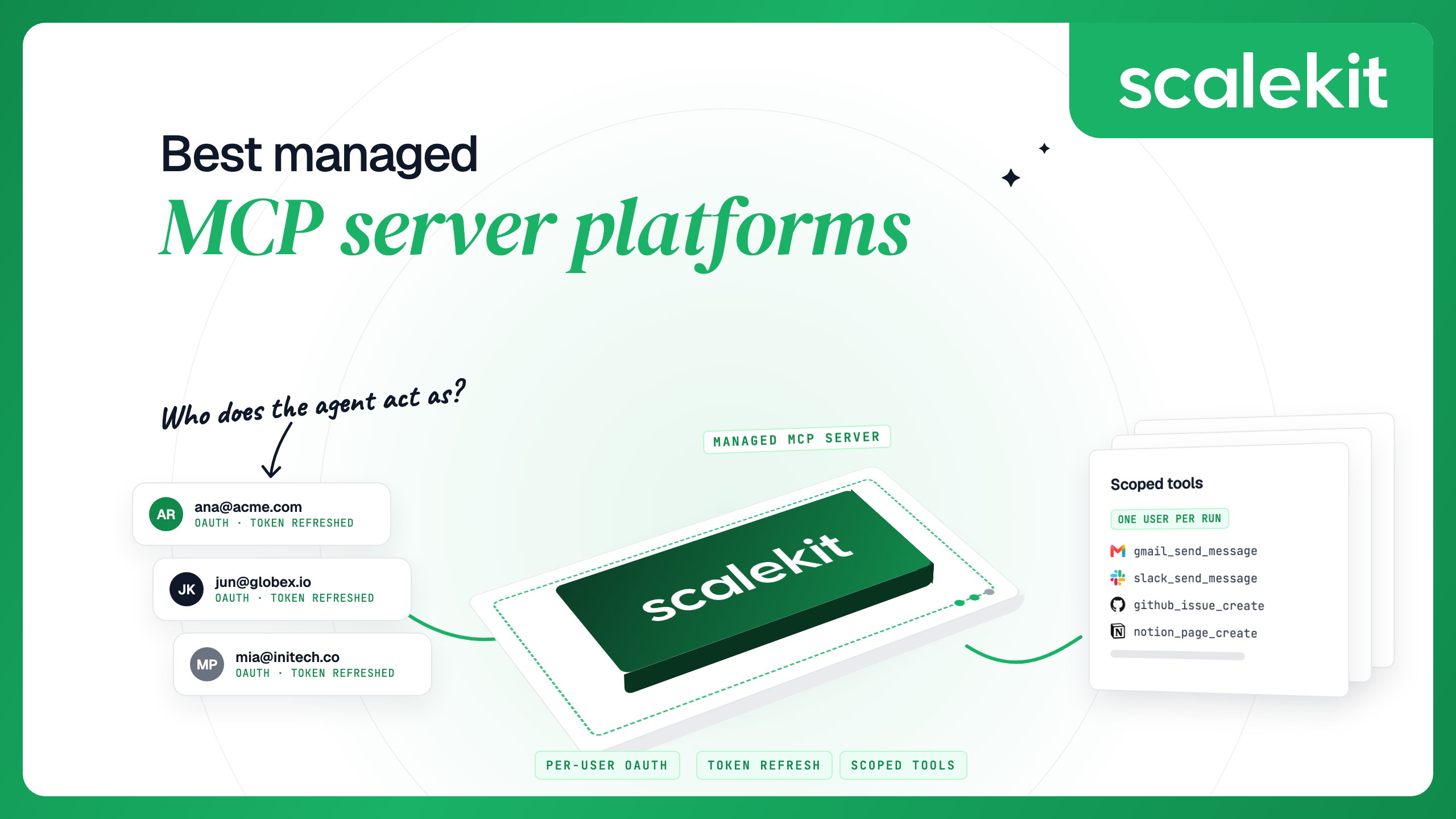
Scalekit AgentKit is a managed option for the rows that point to buying. Your agent calls tools, and Scalekit holds each user's credentials for each app.
Buying does not remove all the work. You still choose which tools each agent gets, decide which scopes to request, and own what your agent does with the data. For a vendor-by-vendor comparison, see best managed MCP server platforms.
The build vs buy page has the full list of 19 questions and a questionnaire. For the inbound side, adding auth to an MCP server you publish, see MCP authentication: build or buy.
Build when you need a few apps, your users are people you control, and you can own OAuth for each app over time. Use a managed platform when many end users connect their own accounts across many apps, since per-app OAuth review, token storage and refresh grow with every app and user.
Most are designed for a person signing in from an MCP client such as Claude or Cursor. Some document ways to act for many accounts. Linear accepts each user's token from your own Linear OAuth app, which your product then stores and refreshes. Stripe lets a Connect platform use one agent API key with a Stripe-Account header. Each server covers only its own app, so a multi-user product usually still needs its own credential layer.
The per-app work: registering and verifying an OAuth app with each provider, storing and refreshing every user's tokens, and handling each API's rate limits and errors.
A first-party MCP server is run by a SaaS vendor for its own app, and each person signs in to it from an MCP client. A managed platform runs connectors for many apps and stores each of your users' tokens, so your product can act for those users across apps.
Google says verification for restricted scopes can take several weeks, and apps whose data passes through third-party servers also need an annual independent security assessment. Unverified apps are limited to 100 new users.
Not always. Platforms such as Scalekit can use their own OAuth apps, and you can switch to yours so consent screens show your name. If you use your own app, completing each provider's verification is still your responsibility.