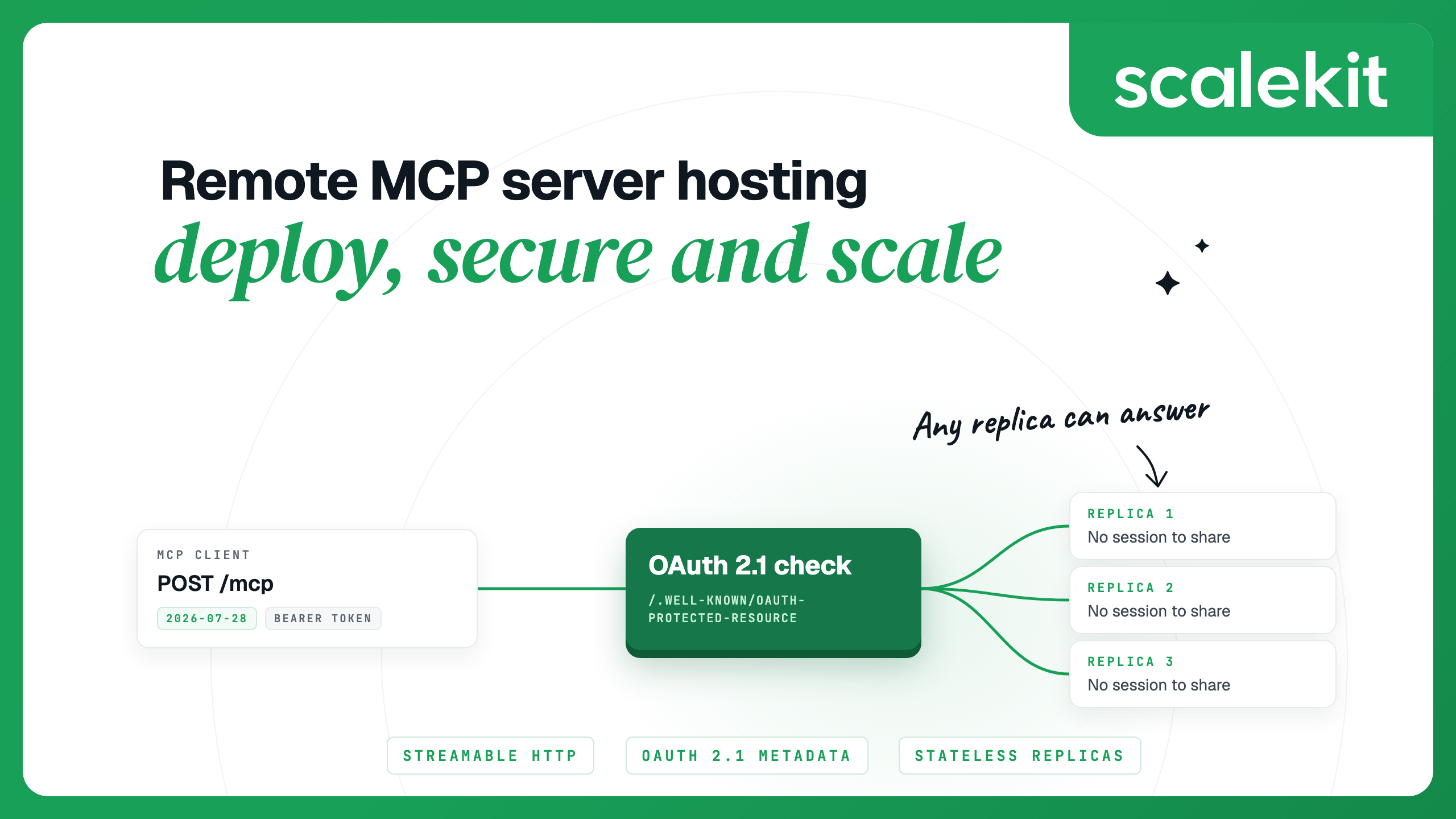


To host a remote MCP server, you run it as an ordinary HTTPS service that speaks the Streamable HTTP transport at one endpoint, such as https://mcp.example.com/mcp, and put OAuth 2.1 in front of it so each request acts as the user who signed in. Under the current 2026-07-28 MCP spec every request stands alone, so the server can run on Cloudflare Workers, Vercel Functions or a container platform behind a plain load balancer. Older clients that still open sessions are the main thing to plan for.
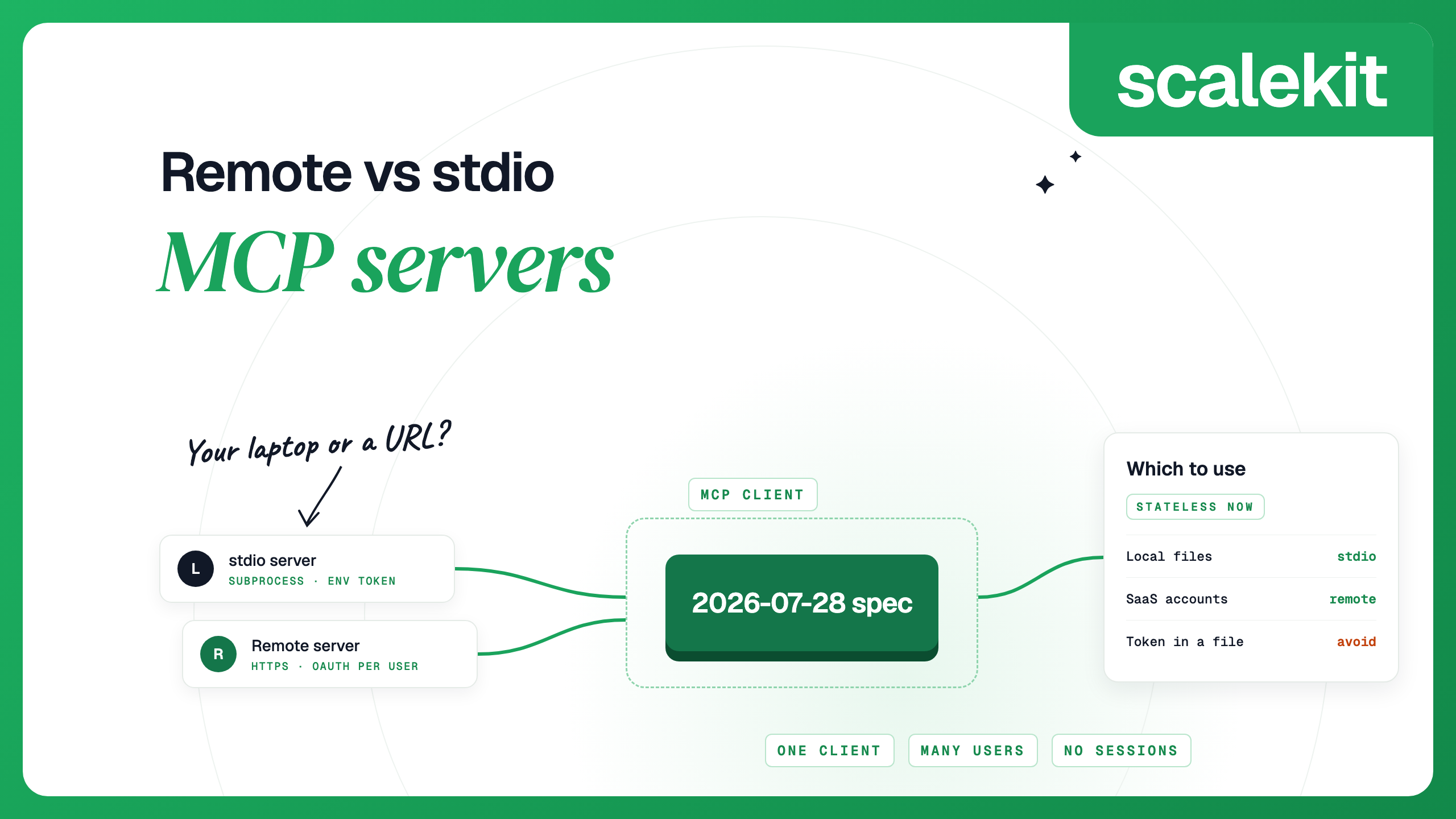
Hosting your own server is one way to run MCP integrations, and the right one when the tools are yours. If you are still deciding whether a server should be local or remote, remote vs stdio MCP servers compares the two transports.
Whatever platform you pick, a production server has the same five parts:
Each platform below has its own MCP hosting guide. The table summarises what each guide covers.
Cloudflare's remote MCP server guide covers local testing with the MCP Inspector, deployment with Wrangler and GitHub OAuth. For new servers Cloudflare recommends createMcpHandler, which it lists as stateless with legacy compatibility. The older McpAgent class, which kept session state in a Durable Object, is deprecated and feature-frozen. The guide's quick-deploy templates are built on McpAgent, so Cloudflare points new servers to its mcp-worker example as the starting point. For auth, wrap the handler in the Workers OAuth Provider with apiRoute: "/mcp", or put Cloudflare Access in front when your users already sign in through an identity provider Access supports.
Vercel's MCP deployment guide uses mcp-handler in a Next.js App Router route, and the server runs on Vercel Functions with Fluid compute, which Vercel positions for the long idle periods and short bursts typical of MCP traffic. Version 2 of the package is built on the v2 TypeScript SDK (@modelcontextprotocol/server), serves 2026-07-28 natively and answers 2025-era clients statelessly from the same handler. It removed the HTTP+SSE transport and the Redis option from 1.x. For auth, withMcpAuth calls your token check and returns 401 for a missing or invalid token and 403 for a missing scope, and protectedResourceHandler serves the metadata document. The package does not issue tokens, so you still need an authorization server.
Google's Cloud Run MCP guide supports Streamable HTTP servers and not stdio servers. You deploy an image with gcloud run deploy --image or build from source with gcloud run deploy --source ., which uses your Dockerfile when one is present. Cloud Run checks the IAM invoker role on every request by default. That is a good fit for internal agents running on Google Cloud, but it does not work for clients such as Claude's custom connectors, which connect from Anthropic's cloud and need a server reachable over the public internet. For those, disable the invoker check and let OAuth do the gating, as the deploy step below does.
The example uses version 2 of the official MCP Python SDK. In v2 the high-level FastMCP class is called MCPServer, and the old mcp.server.fastmcp import path raises an error, so v1 code starts by changing that import; the SDK's migration guide lists the other renames. The server exposes one tool and a health route:
Two settings matter for hosting:
Run it locally and call the tool from the MCP Inspector CLI, once as a modern client and once as an older one:
Both calls return shipped. The Inspector negotiates the older protocol unless you pass --protocol-era modern, so set the era explicitly when you test. In the modern result, _meta also carries io.modelcontextprotocol/serverInfo, which is how a 2026-07-28 server identifies itself now that there is no initialize handshake.
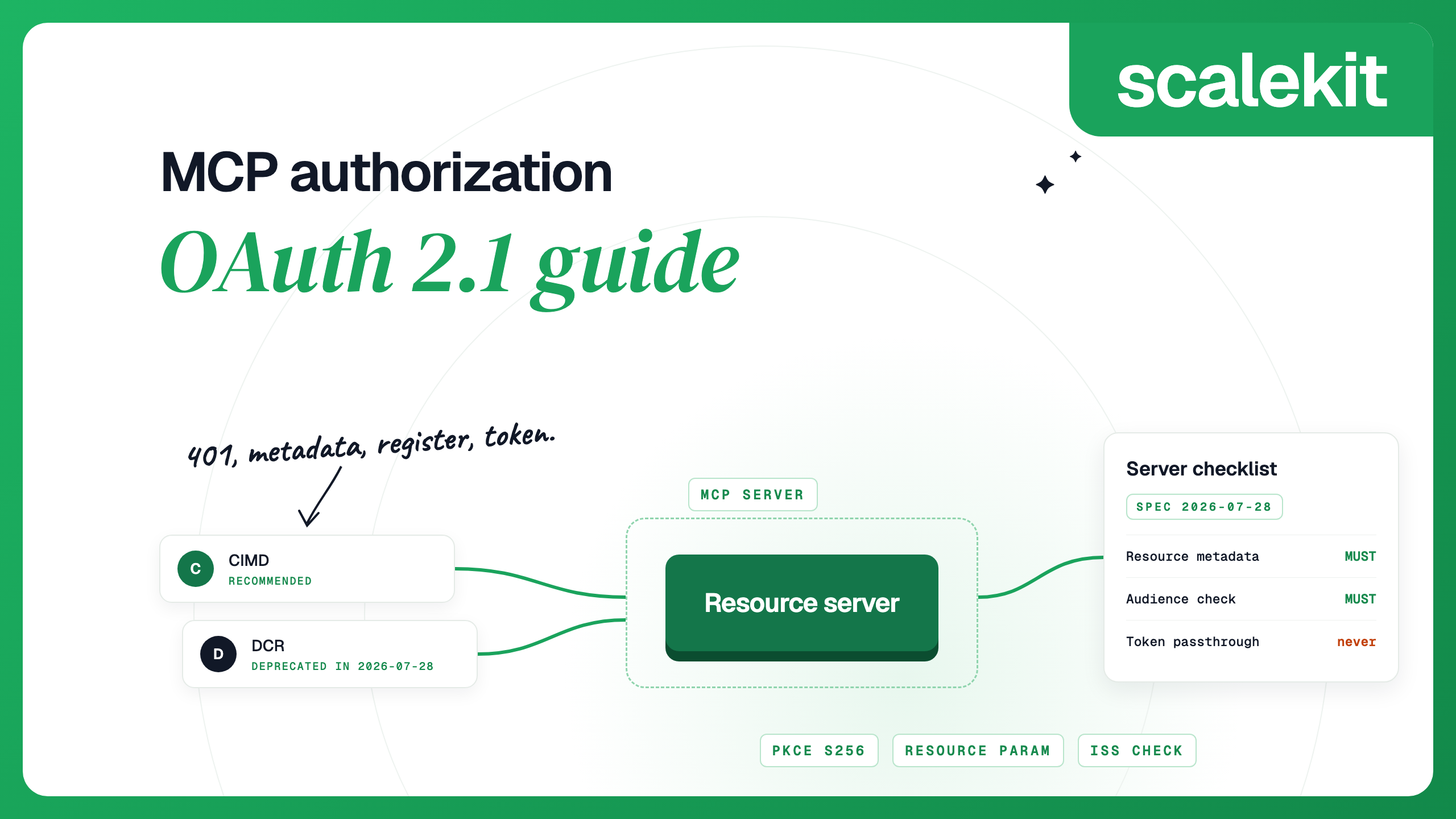
Authorization is optional in MCP, but the authorization spec says servers using HTTP should follow it, and a server that acts on user data needs it. As a resource server, your MCP server has three jobs:
The authorization server does the sign-in, consent and client registration. The 2026-07-28 spec says clients and authorization servers SHOULD support Client ID Metadata Documents and marks Dynamic Client Registration as deprecated, kept for authorization servers without CIMD. With Scalekit MCP Auth, you register the server under MCP servers in the dashboard and can turn on both CIMD and DCR. Scalekit recommends keeping both on for servers that public clients such as Claude, Cursor and VS Code will connect to: clients that support CIMD use it, and the rest fall back to DCR. Each registered server gets its own issuer, <environment URL>/resources/<resource ID>, and its tokens carry the resource ID as an audience.
In the Python SDK you plug in a TokenVerifier and describe the resource with AuthSettings. The SDK then serves the metadata at /.well-known/oauth-protected-resource/mcp and answers requests without a valid token with a 401 whose WWW-Authenticate header points to it:
validate_token_resource=False is deliberate. That SDK option compares the token to the server URL, while Scalekit tokens always carry the resource ID as an audience, so the verifier checks the audience itself, which is the pattern the SDK's authorization page describes for authorization servers that use their own audience identifiers. Inside any tool, get_access_token() returns who is calling and with which scopes, so you can refuse a write when the token lacks the scope for it. For agents that call the server without a user, Scalekit issues machine-to-machine clients for the same MCP server, which get tokens with the client credentials flow. The MCP authorization guide walks through the full client flow, and shipping a secure MCP server covers scope design. If you build on the standalone FastMCP framework instead of the SDK, the Scalekit FastMCP quickstart wires the same checks through its auth provider.
Cloud Run terminates TLS and forwards plain HTTP to your container on the port in $PORT (8080 by default). Tell uvicorn to trust the forwarded headers; otherwise a redirect the app issues points to http:// and the Python client refuses to follow it from an HTTPS endpoint. Save the auth version as server.py, list mcp==2.3.0, uvicorn and scalekit-sdk-python in requirements.txt, and add a Dockerfile:
When the service name is short enough, Cloud Run also assigns a deterministic URL in the form https://SERVICE-PROJECT_NUMBER.REGION.run.app, so you can register that URL in Scalekit before the first deploy. Store the client secret in Secret Manager as scalekit-client-secret, give the service's runtime service account the Secret Manager Secret Accessor role, and deploy with the invoker check disabled, since OAuth now decides who gets in:
Then add it to a client. In Claude Code:
Run /mcp inside Claude Code to sign in. Cursor, Codex and VS Code take the same URL in their MCP config files, and the remote vs stdio comparison shows each format.
The 2026-07-28 spec removed protocol sessions, the Mcp-Session-Id header and the initialize handshake. Each request carries its protocol version and client capabilities, so a load balancer can send any request to any instance. What changed with stateless MCP covers the rest of the release. Four details still need attention when you run more than one instance.
The spec's compatibility matrix says a legacy client against a server that only speaks 2026-07-28 fails, and legacy clients have no way to move forward on their own. A dual-era server answers initialize and serves that client under the older revision, scoped to a session. The Python SDK, Cloudflare's createMcpHandler and Vercel's mcp-handler are all dual-era. In the Python SDK the session lives in one process's memory, so a follow-up request that lands on another worker gets 404 Session not found. Remove stateless_http=True from the example, run it under uvicorn --workers 4, and modern clients succeed every time while most legacy connections fail. Put the flag back and both succeed.
The flag has a cost on the legacy path: it removes the channel the server uses to send requests to the client, so elicitation, sampling and roots requests raise an error and notifications are dropped. If your tools never call back into the client, take the flag. If they do, keep sessions for older clients and route them to one instance. On Cloud Run, session affinity uses a cookie and is best effort: it breaks when an instance shuts down or reaches its concurrency limit, so do not rely on it for correctness.
Under 2026-07-28 a tool that needs input from the user returns an InputRequiredResult and the client retries the call with the answer. The Python SDK seals the state between the two rounds with a key it generates per process, so a retry that reaches a different replica fails with Invalid or expired requestState. Give every instance the same key with RequestStateSecurity(keys=[...]) and the same server name, because the name is part of what the seal checks.
Clients that want list-change or resource-update notifications open a subscriptions/listen stream, which stays pinned to the replica that accepted it. A tool on another replica can only reach that stream through a shared bus. The Python SDK's built-in bus works within one process; across replicas you implement its two-method SubscriptionBus interface over Redis, NATS or whatever pub/sub you already run.
A tool call holds its HTTP request open until it finishes, so check the platform timeout against your slowest tool. Cloud Run's default is 5 minutes and the maximum is 60. Every POST now carries Mcp-Method and, for tool calls, Mcp-Name headers, which the spec added so load balancers, gateways and observability tools can route and inspect requests without parsing the body.
Host your own server when the tools are yours: internal systems, your product's API, data only you can reach. The remote MCP servers for agent workflows post shows that pattern for internal automation. If the tools are wrappers around SaaS APIs such as Gmail, Salesforce or Linear, a managed MCP gateway saves you from hosting one server per app and storing every user's tokens. Scalekit AgentKit covers 500+ connectors. You create a Virtual MCP server with only the tools an agent needs, all users share its URL, and before each run you mint a session token bound to one user and one server. The token lasts one hour by default, can be set from 60 seconds to 24 hours, and is minted again for the next run instead of being refreshed. Hosted MCP servers compared covers the other managed options and when each one fits better.
A remote MCP server is an MCP server that runs as a web service and is reached at a URL over the Streamable HTTP transport, instead of being launched on your machine as a subprocess. Many clients and users can share one deployment, and each request usually carries an OAuth access token that names the user.
Build the server with an official SDK, serve it over Streamable HTTP at one endpoint such as /mcp, and deploy it like any other HTTPS service: Cloudflare Workers with createMcpHandler, a Next.js route on Vercel with mcp-handler, or a container on Cloud Run. Then add OAuth 2.1 by publishing protected resource metadata and validating every token.
Not for clients on the 2026-07-28 spec, because the spec removed protocol sessions and every request stands alone. Older clients still open a session with initialize. In the Python SDK, stateless_http=True serves those clients without sessions at the cost of server-to-client requests; otherwise their traffic needs sticky routing.
No. The HTTP+SSE transport from 2024 has been deprecated since the 2025-03-26 spec, which says new implementations should not adopt it. Vercel's mcp-handler 2.x removed it, and Cloudflare keeps it only for existing McpAgent deployments while they migrate, so serve Streamable HTTP at a single endpoint such as /mcp.
Authorization is optional in the MCP spec, but servers using HTTP should follow its OAuth 2.1 rules when they protect anything. A server that acts on user data should publish protected resource metadata, accept only tokens issued for it, and answer missing or invalid tokens with 401.
The Python SDK enables DNS rebinding protection by default and only accepts Host headers for localhost. Behind a real hostname every request fails with 421 until you pass TransportSecuritySettings with your public hostname in allowed_hosts.
Details checked October 2026.